ScanLeaf: Scan to PDF & OCR
Document Scanner, Sign & Merge
Designed for iPhone
In-app purchases
- Age rating4+
- CategoryBusiness
- DeveloperATA DOGMAZ
- LanguagesGerman+ 5 more
- Size15.5 MB
Links to the official App Store page
Download.org hosts no file of ScanLeaf: Scan to PDF & OCR. The button opens its official App Store page, published by ATA DOGMAZ. Listing last checked on Nov 8, 2026.
Screenshots


About
Scan. Edit. Share. Done.
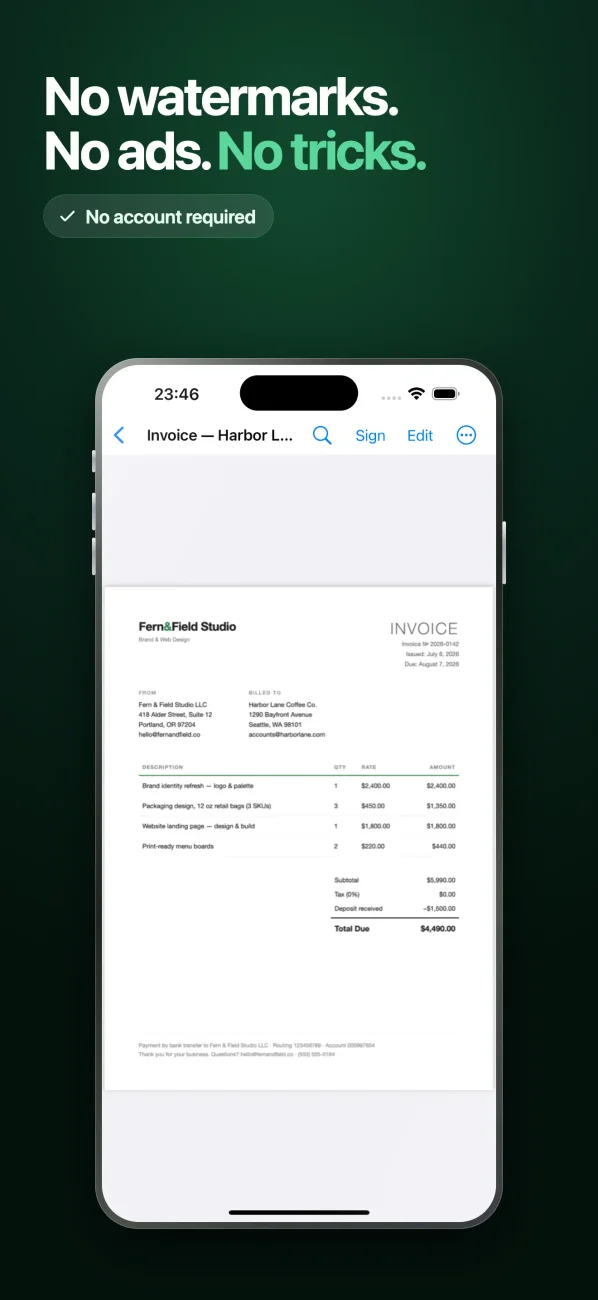
Turn paperwork into sharp PDFs in seconds. Sign a form, arrange its pages, and share it from your iPhone.
ScanLeaf helps you get documents ready to send: capture receipts and contracts, crop scans, combine PDFs, and copy the text you need. Keep everything organised in folders and find your documents again without digging through paperwork.
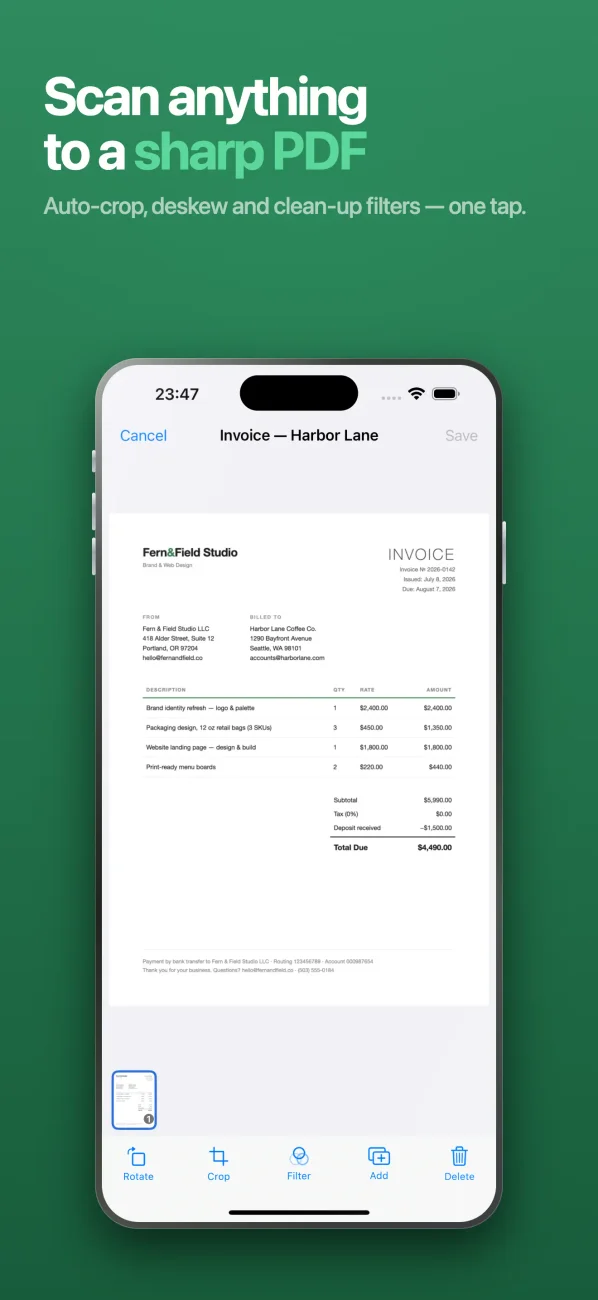
SCAN
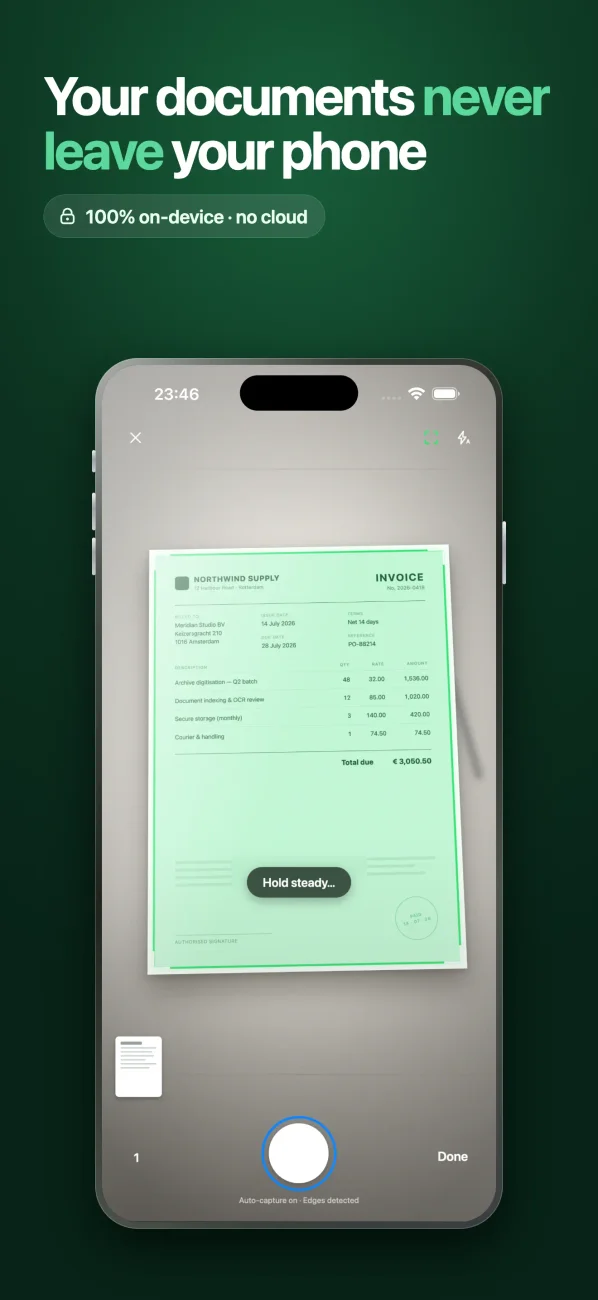
Automatic edge detection with auto-capture, or take the shot yourself. Scan
page after page in one session, review and re-crop before you save, and pick
the look with colour, greyscale and black & white filters.
CONVERT
Turn photos from your library into a multi-page PDF, or export any PDF back
out as JPG images.
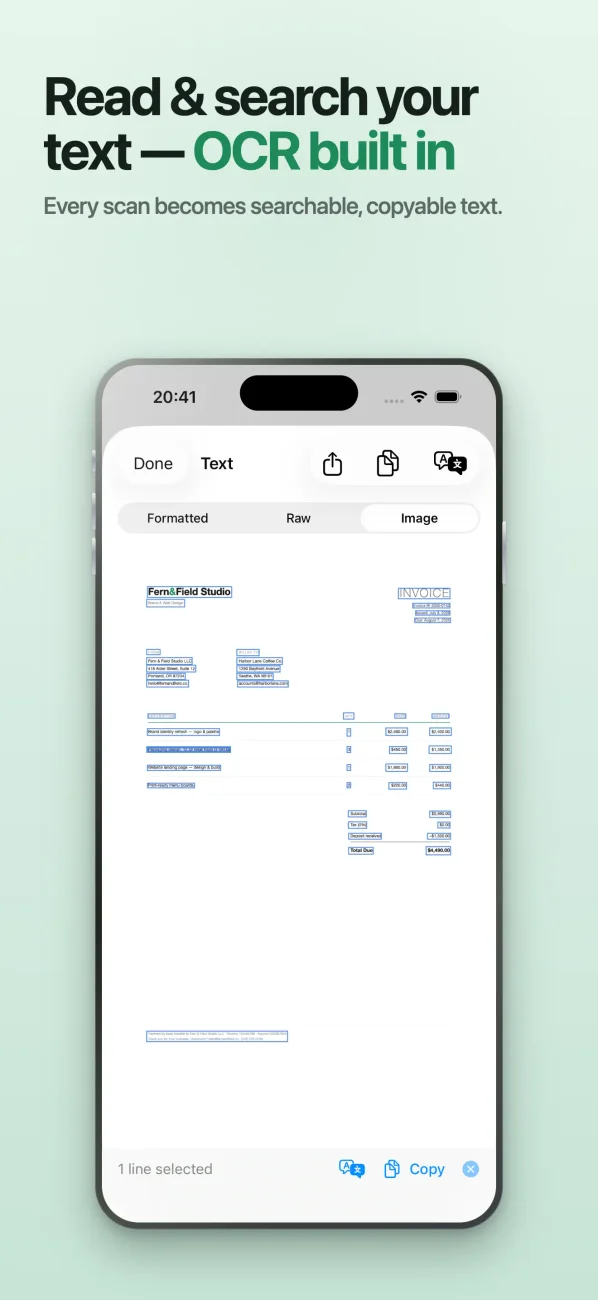
TEXT RECOGNITION (OCR)
Pull the text out of a scan and copy it, or export a searchable PDF you can
find words in later. Works across many languages, and reads embedded text
from digital PDFs verbatim instead of guessing at it.
SIGN
Draw your signature once, save it, then place and resize it on any page.
Signatures stay removable while you work; the copy you share is flattened.
ORGANISE
Folders, renaming, page reordering, and full-text search across everything
you have scanned.
PDF TOOLS
Merge, split, duplicate and compress — with an honest size check that refuses
the change when it would not actually make the file smaller.
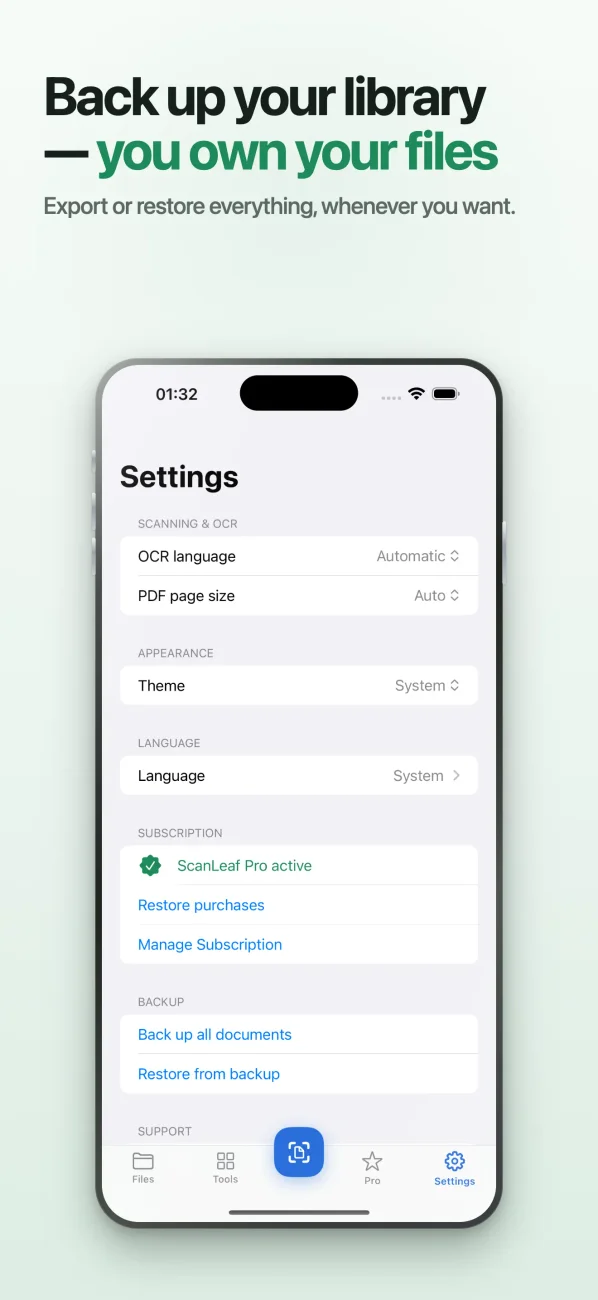
BACKUP
Export your whole library as a single archive and restore it on another
device. It is your file, saved where you choose — we never receive a copy.
WHAT'S FREE
Scanning, page editing, signatures, folders, and the PDF tools — merge, split,
compress, convert to JPG — with no watermarks, no ads and no trial countdown.
Text extraction is included too, up to 5 pages a day.
WHAT PRO ADDS
Unlimited text extraction, searchable PDF export, and merging 3 or more files
at once.
SMART SUGGESTIONS WITH PRO
Turn important document details into useful actions. Review suggestions for reminders, calendar events, contacts, and payment details before acting. Requires a supported device with iOS 26 or later, Apple Intelligence enabled, and the on-device model available. Suggestions may not be available for every document.
YOUR DOCUMENTS, YOUR CONTROL
Scanning, text recognition, and PDF creation run on your device. No account, ads, or watermarks.
ScanLeaf Pro is an auto-renewing subscription.
• Plans: Monthly and Annual, with a free trial (3 days monthly, 7 days annual).
• Payment is charged to your Apple ID at confirmation of purchase.
• Your subscription renews automatically unless auto-renew is turned off at
least 24 hours before the end of the current period.
• Manage or cancel anytime in your Apple ID account settings.
Terms of Use: https://scanleaf-legal.pages.dev/scanleaf/terms/
Privacy Policy: https://scanleaf-legal.pages.dev/scanleaf/privacy/
What’s new
Version 1.0.5 · Oct 15, 2026
Bug fixes and improvements.
App privacy
What ATA DOGMAZ declares on the App Store about how this app handles data.
-
Data not linked to you
May be collected but is not linked to your identity.
- Purchases
- Identifiers
- Usage data
Privacy practices may vary, for example with the features you use or your age.
Information
- Seller
- ATA DOGMAZ
- Category
- Business
- Version
- 1.0.5
- Updated
- Oct 15, 2026
- Released
- Aug 11, 2026
- Size
- 15.5 MB
- Requires
- iOS 17.0 or later
- Age rating
- 4+
- In-app purchases
- Yes
- Languages
- German, English, Dutch, Portuguese, Swedish, Spanish
- Copyright
- © Ata Doğmaz
You might also like
-
 Scanry: PDF Scanner & OCRCompress scans. Share easily.
-
 Skan: PDF & Document ScannerScan paper to searchable PDFs
-
 PDF Scanner: Scan Docs - LumiAuto Scan to PDF · OCR · ID
-
 Scanr Lens — Document ScannerAdfree tiny document scanner
-
 Bonstructer: Meals & HouseholdWeek plan, list, offers
-
 Garage ConnectYour Network Is Your Net Worth
-
 OnlyScans: PDF & Doc ScannerOn-Device OCR, Sign & Organize
-
 OCR Scanner - Paper to TextGrab Text,Document,Receipt,PDF
-
 Signature Scanner: SignoSignature Maker & PDF Signer
-
 Pexa PartnerPexa Partner