
Scanner App - PDF Scan Pro
Document Scan, Sign, Edit, OCR
Designed for iPhone, iPod touch
Free · In-app purchases
- Age rating4+
- CategoryBusiness
- DeveloperDigitap Inc.
- LanguagesEnglish+ 1 more
- Size115.8 MB
Links to the official App Store page
Download.org hosts no file of Scanner App - PDF Scan Pro. The button opens its official App Store page, published by Digitap Inc. Listing last checked on Nov 24, 2026.
Screenshots

About
Scanner App turns your iPhone into a powerful pocket scanner and help you increase productivity at work. With scanner app, you can scan any paper document into clear PDF or PNG, and sign, enhance, organize and share it to email, iCloud, Dropbox, Box......
SCANNER APP FEATURES
Scan:
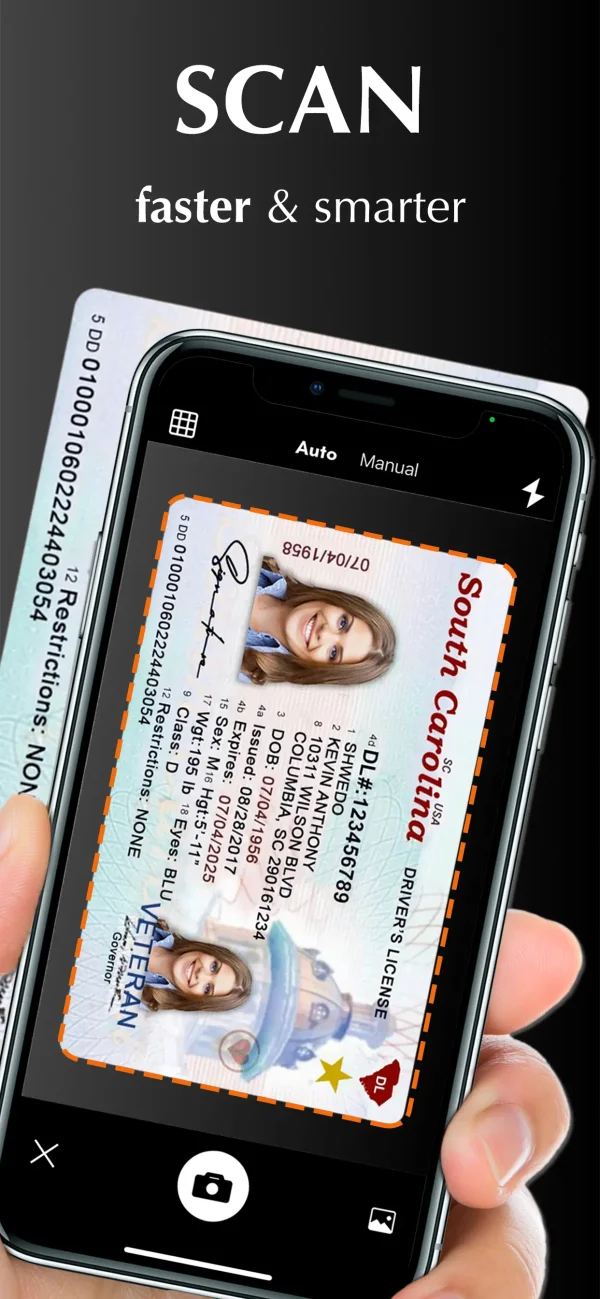
√ Accurately detect edges of documents.
√ Automatically scan without tapping.
√ Scan multiple pages of files into one single PDF or long image.
√ Unlimited scan business documents, receipts, ID cards, written notes, agreements, paper sketches, books, printed photos, rentals, or any other printed documents...
√ Add pictures for scanning from camera roll.
√ Batch scanning mode automates multiple pages scanning tasks.
Edit:
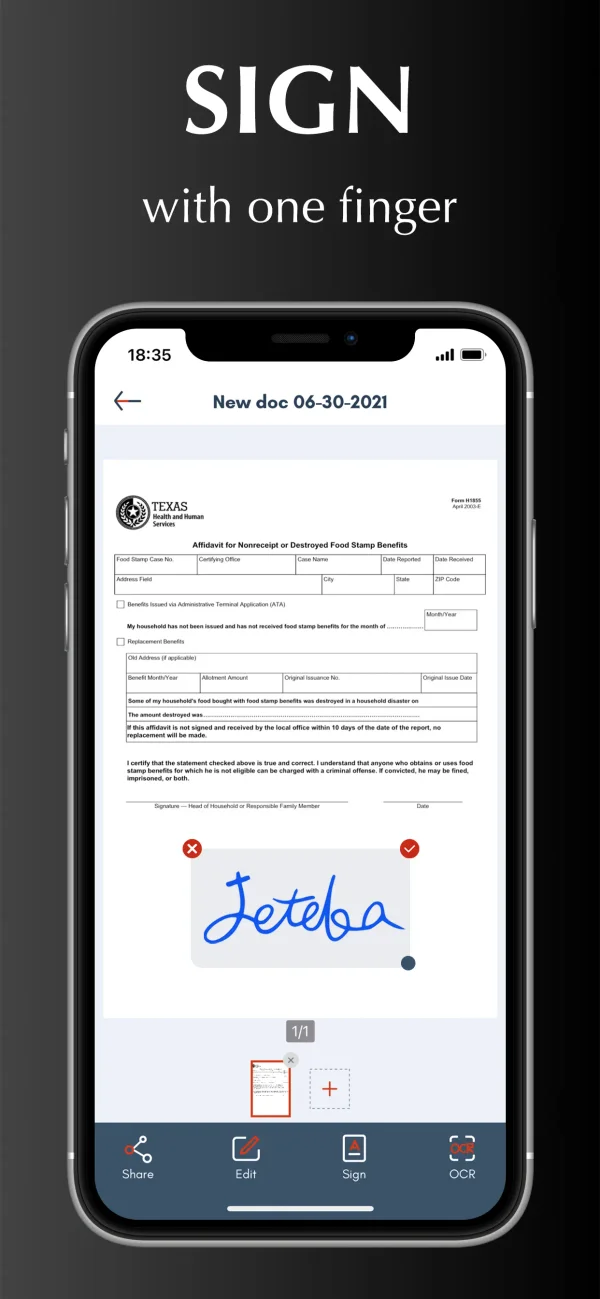
√ Create and add signature to electronic documents.
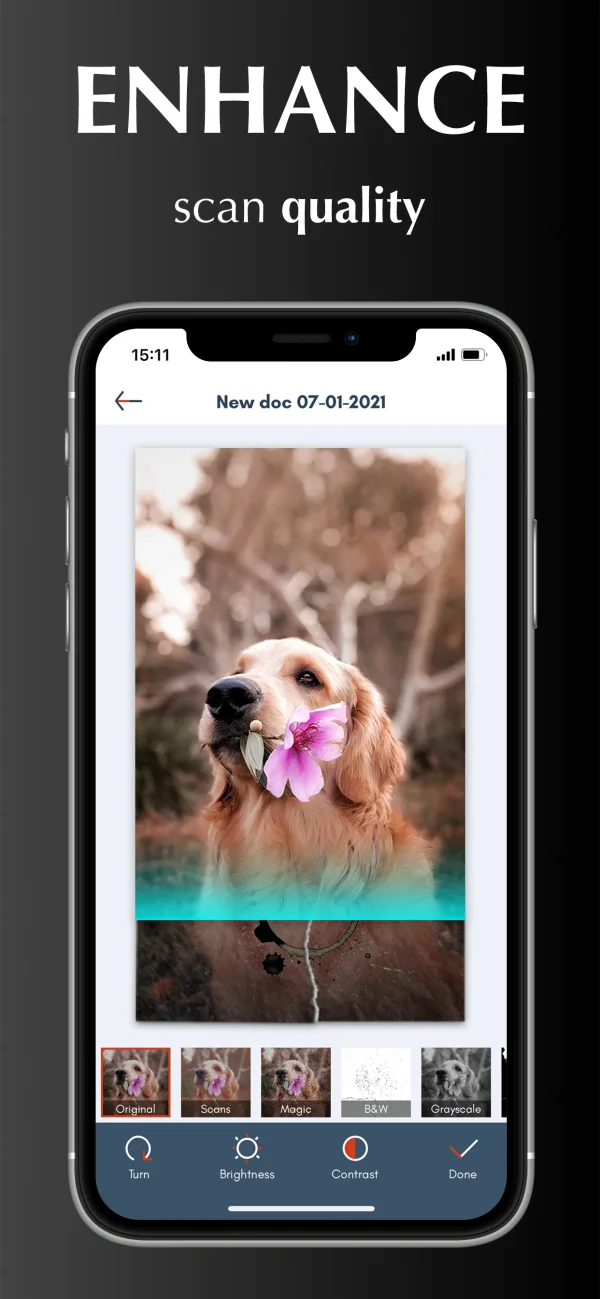
√ Apply magic color effect to scanned files, or change filter to grayscale, black & white, threshold.
√ Adjust contrast or brightness to enhance scan quality.
√ Convert PDF document to PNG, JPG, TXT.
Share:
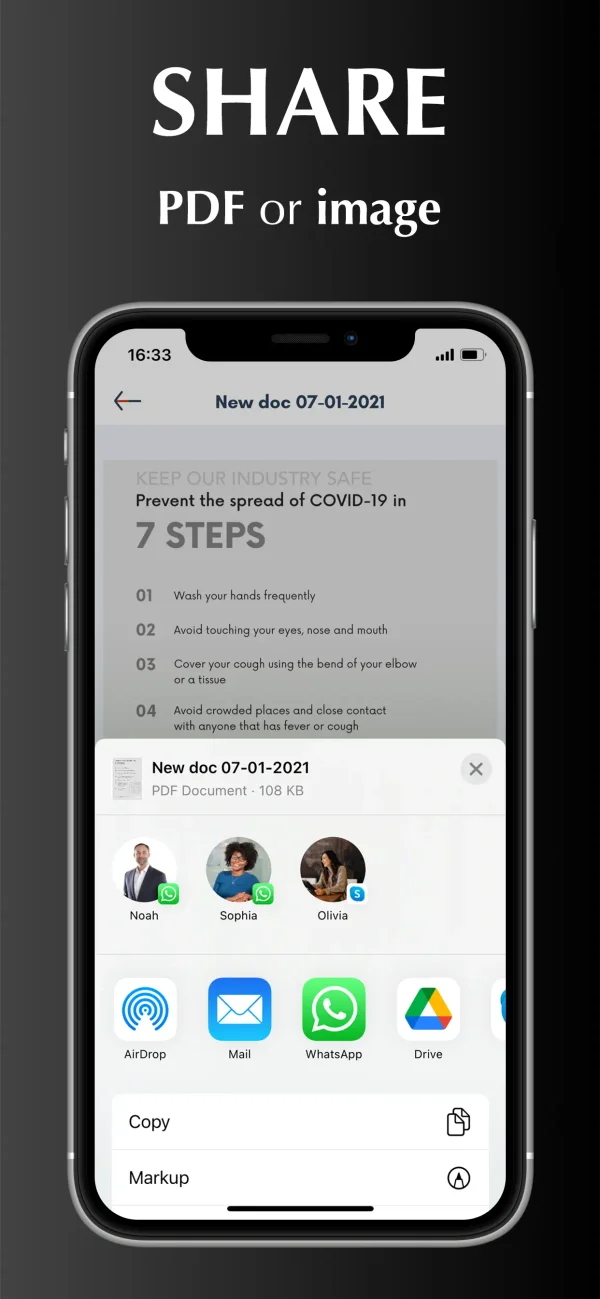
√ Share through Text, Email, WhatsApp, Facebook, LinkedIn, Messenger……
√ Save scanned files to cloud services (including OneDrive, Google Drive, Dropbox, Box, iCloud) in one tap.
OCR:
√ Use text recognition to extract or grab texts from scanned image.
√ Select, copy, cut, edit and share text.
√ Support 10+ languages.
Translate:
√ Translate Text to different languages.
Organize:
√ Import files from iPhone or cloud services.
√ Create, move and manage files and folders.
√ Rename and share files with friends or colleagues.
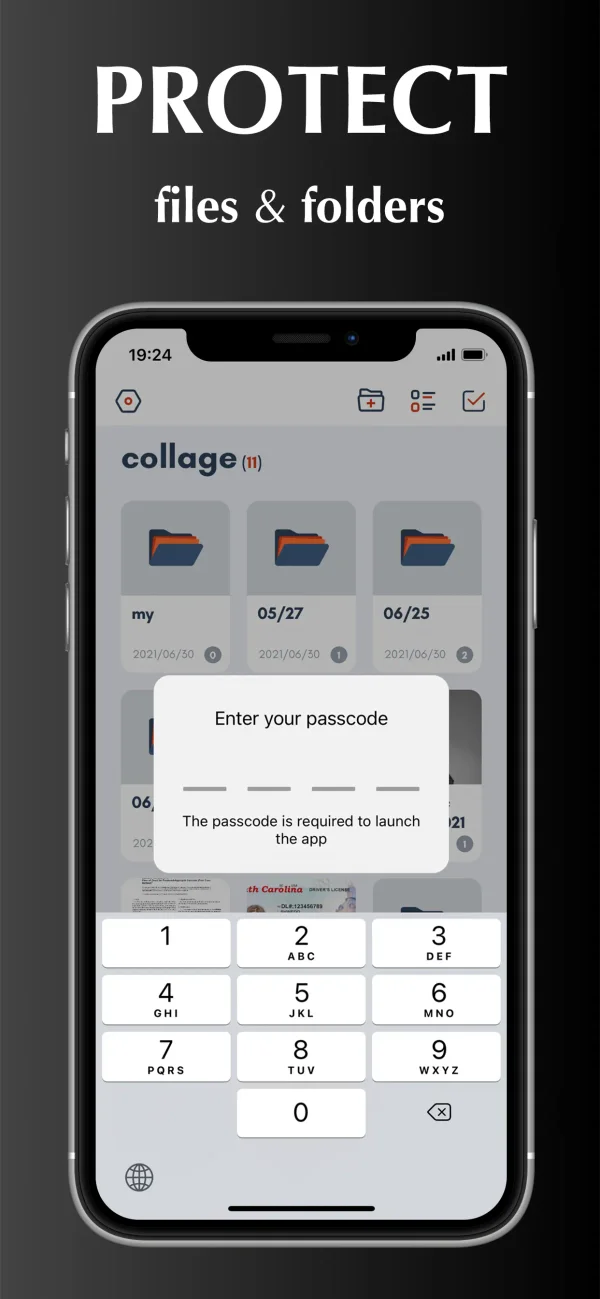
√ Protect everything with a Password.
Sync:
√ Sync and access your files from cloud space in seconds.
√ Sync files across multiple devices.
HOW TO USE
Open your scanner app. Place your document in view of the camera. Tap the Camera button. If your scanner app is in Auto mode, your document will automatically scan. Tap “Manual” if you need manually capture a scan. Then drag the corners to adjust the scan to fit the page, then tap the Camera button. Tap “continue” and “done” to save your scans.
UNLIMITED ACCESS MEMBERSHIP SUBSCRIPTION
- You can subscribe for premium account with all premium features and no ads and watermark
- Subscription is from $9.99 monthly, $4.99 weekly, $39.99 yearly
- Subscription automatically renews for the same price and duration period as the original "one week"/"one month"/"one year" package unless auto-renew is turned off at least 24-hours before the end of the current period
- Payment will be charged to iTunes Account at confirmation of purchase
- Subscriptions may be managed by the user and auto-renewal may be turned off by going to the user's Account Settings after purchase
- Any unused portion of a free trial period, if offered, will be forfeited when the user purchases a subscription to that publication, where applicable
Privacy Policy: https://scannerocr.com/privacy.html
Terms of Use: https://scannerocr.com/terms.html
What’s new
Version 4.2.0 · Oct 10, 2025
1.optimize performance
2.fix bugs
App privacy
What Digitap Inc. declares on the App Store about how this app handles data.
-
Data used to track you
May be used to track you across apps and websites owned by other companies.
- Identifiers
- Usage data
-
Data not linked to you
May be collected but is not linked to your identity.
- Purchases
- User content
- Identifiers
- Usage data
- Diagnostics
Privacy practices may vary, for example with the features you use or your age.
Information
- Seller
- Digitap Inc.
- Category
- Business
- Version
- 4.2.0
- Updated
- Oct 10, 2025
- Released
- Aug 26, 2020
- Size
- 115.8 MB
- Requires
- iOS 15.0 or later
- Age rating
- 4+
- Price
- Free
- In-app purchases
- Yes
- Languages
- English, Portuguese
- Copyright
- © Scanner 360
You might also like
-
 Scanner HD - PDF Scanner AppPDF Scan, Sign, Edit & Share
-
 PDF Scanner App, OCR: DocutainDocument scanner, scan to PDF
-
 ScanMe - PDF Scanner Appscan documents
-
 PDF Scanner・Document ScannerScan ID Card, Sign, OCR & Edit
-
 PDF Converter - PDF Editor・Scan, Convert to PDF Photo
-
 PDF Scanner App: TapScannerScan Documents, Sign & Edit
-
 Simple Scanner - PDF Doc Scanprofessional pdf documents
-
 Scanner App. JPG, Photo to PDFConvert on iPhone, Documents
-
 Scanner PDF – scan documentStamp, docscan & convert pdf
-
 iScanner: PDF Document ScannerScan Photos, Papers with OCR