Simple Scanner - PDF Doc Scan
professional pdf documents
Designed for iPhone, iPad, iPod touch
Free · In-app purchases
- Age rating4+
- CategoryBusiness
- DeveloperTongSoft Information Co., Ltd.
- LanguagesEnglish+ 30 more
- Size195.9 MB
Links to the official App Store page
Download.org hosts no file of Simple Scanner - PDF Doc Scan. The button opens its official App Store page, published by TongSoft Information Co., Ltd. Listing last checked on Nov 16, 2026.
Screenshots

About
Want a moving scanner?
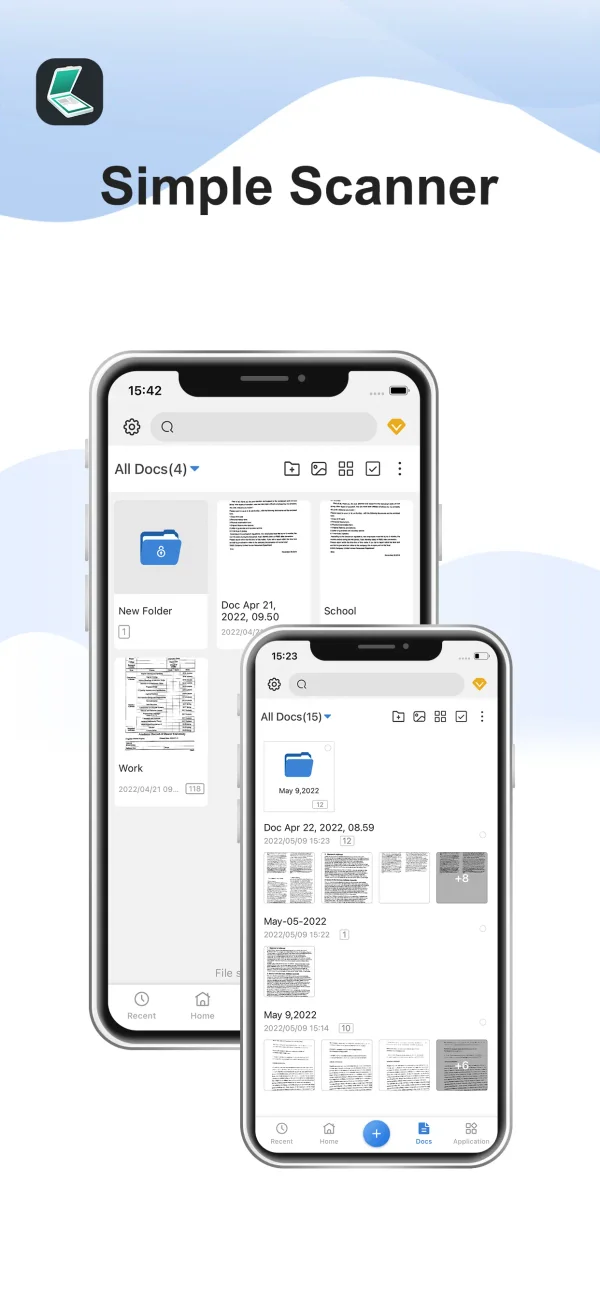
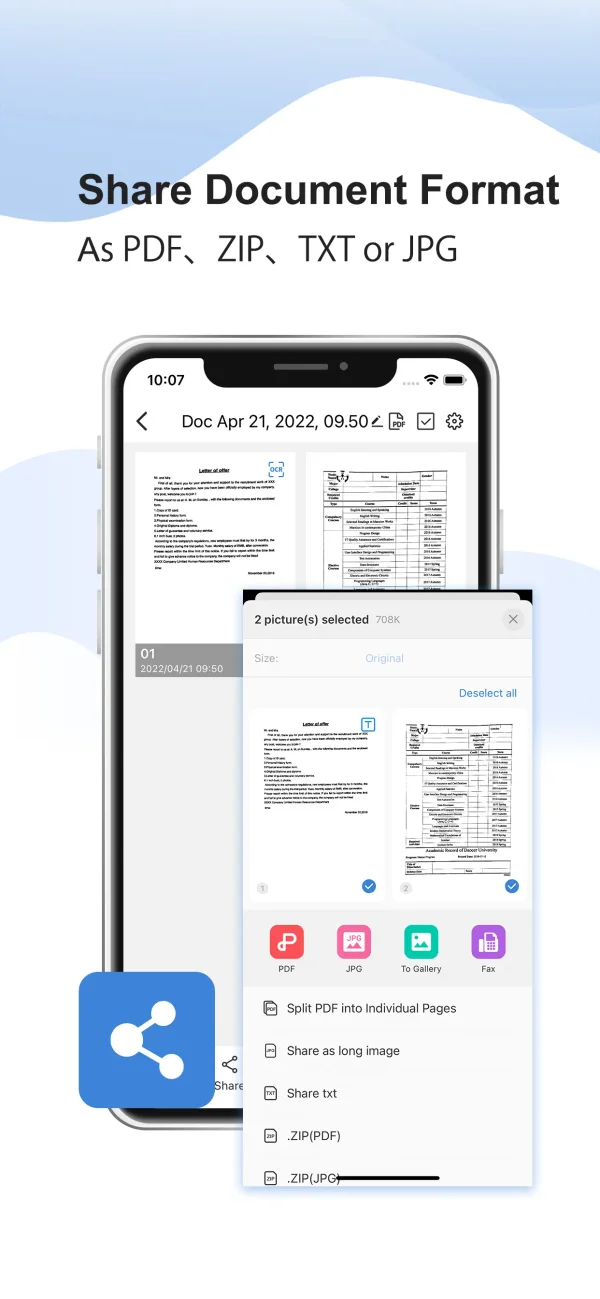
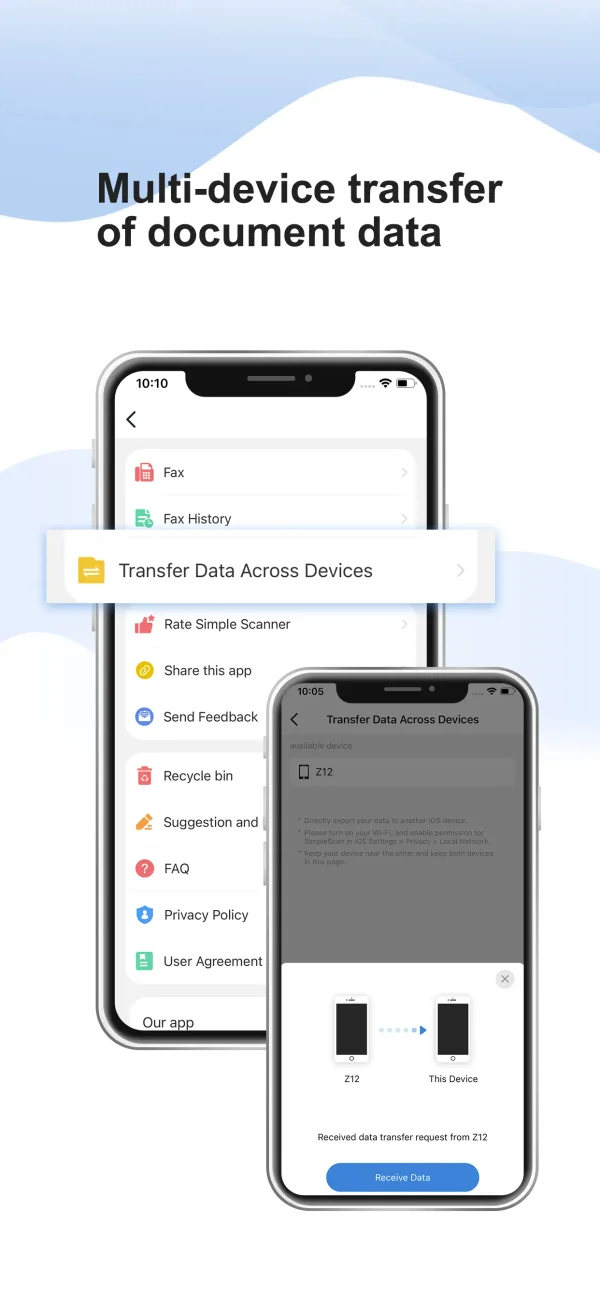
The Simple Scanner is a PDF document scanner application that turns your phone into a portable scanner. you can scan documents, photos, receipts, reports, or just about anything. The scan will be saved to the device in image or PDF format. Name and organize your scan to a folder, or share it in the following ways:
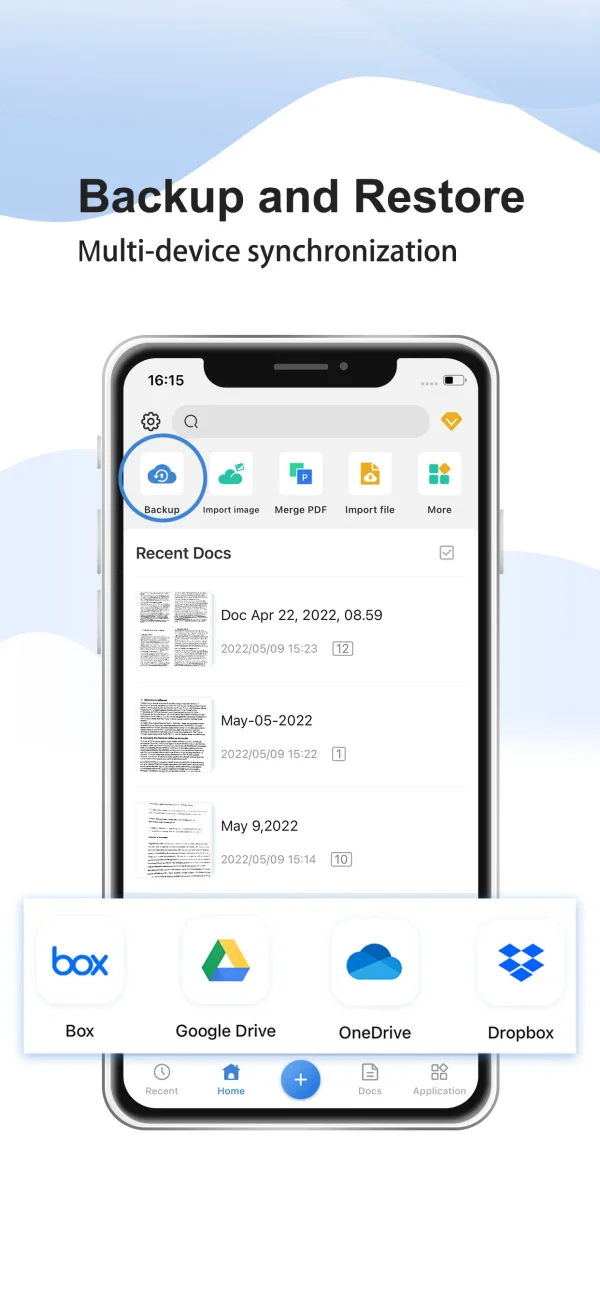
-Automatically upload JPG and PDF files to the cloud disk
-Backup and restore synchronization files between multiple devices
- E-mail, print, Fax
- Dropbox, Evernote, Google Drive, WhatsApp, or more
- Wifi connects directly to your computer
- Support importing PDF files into JPG.
- Support for adding tags for quick file search.
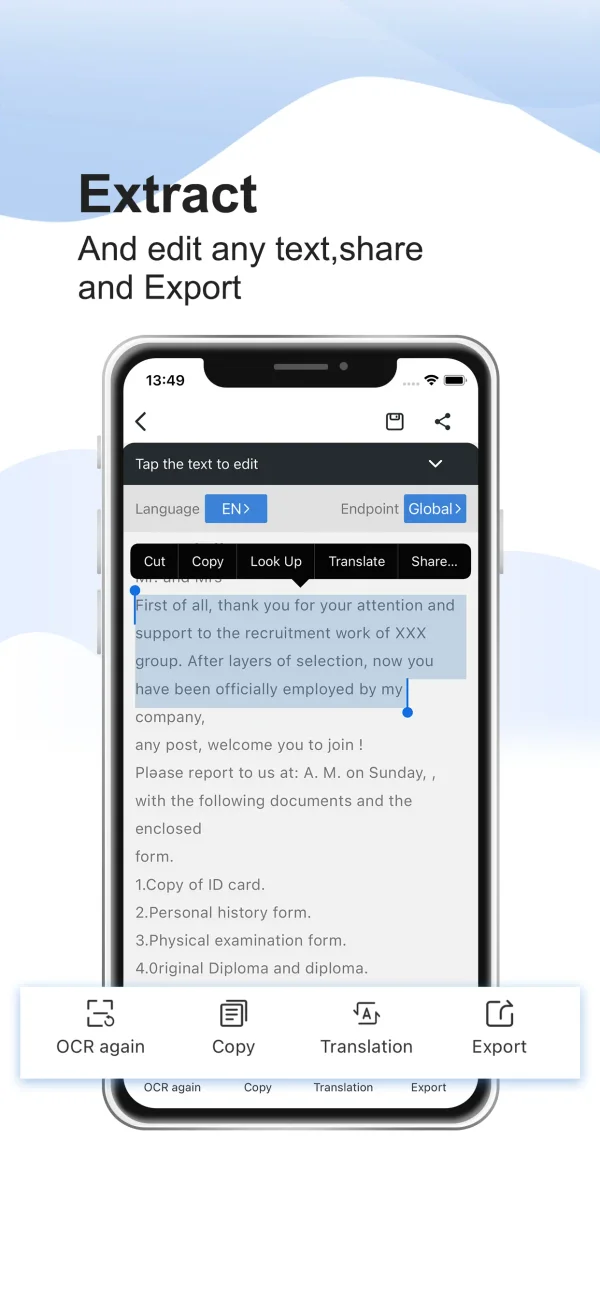
- Support OCR text recognition, export text.
The Document Scanner application has all the features you need:
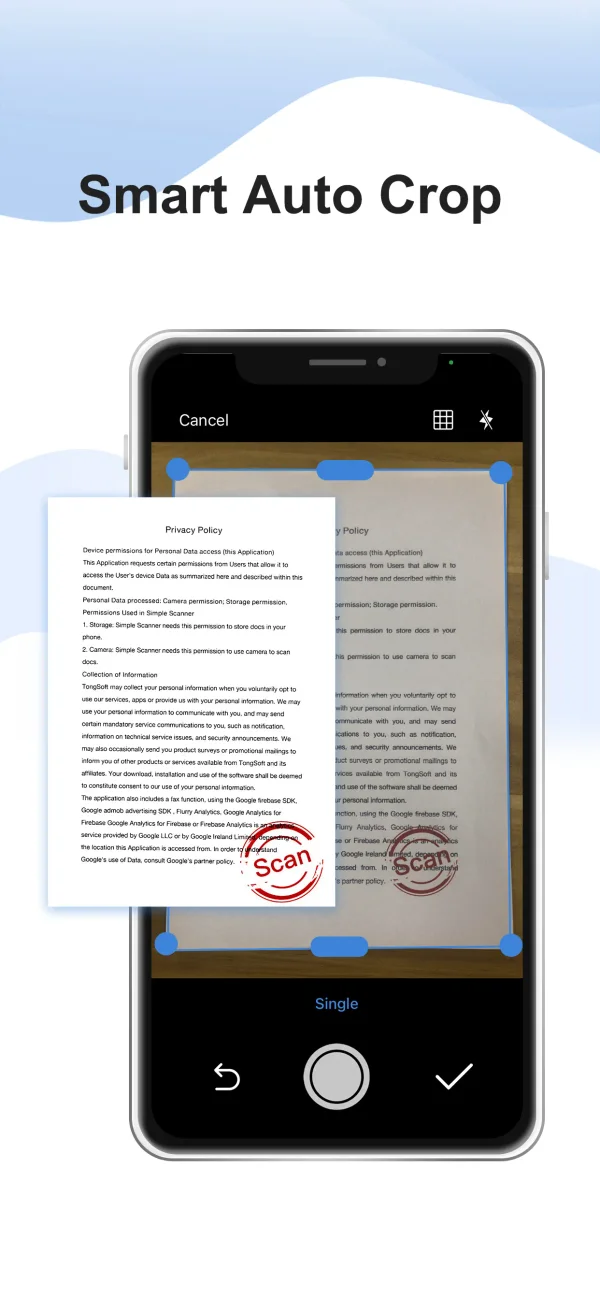
- Mobile phone document, automatically remove the clutter background, generate high-definition JPEG pictures or PDF files.
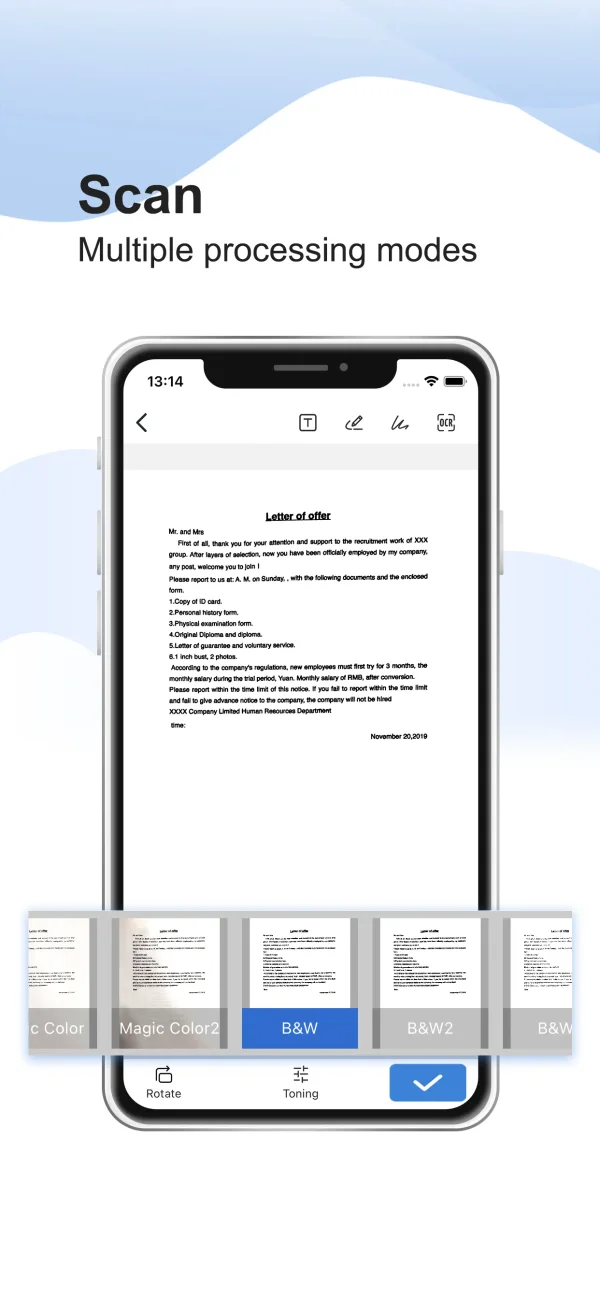
- A variety of image processing mode, you can manually adjust the image parameters, with a mobile phone can be paper documents, quickly turned into a clear electronic draft.
- Scan color, grayscale, or black and white
- Can be used in office, school, home and any place you want
- Automatically detects page edges
- 5 levels of contrast for clear monochrome text
- Set the PDF page size (Letter, Legal, A4, etc.)
- Thumbnail or list view, sorted by date or title
- Simple scanner are optimized to run very fast.
- Quick search by document title
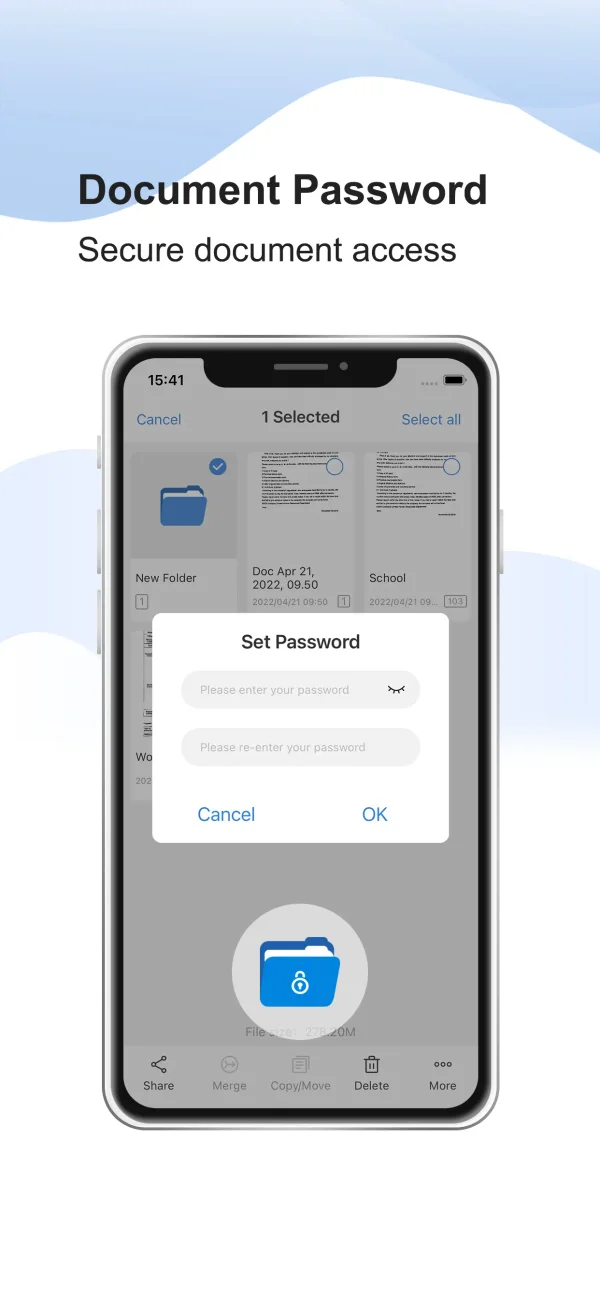
- Use a password to protect your documents
- General - A single application that works on your phone!
By agreeing to use the app, you agree to the following Privacy Policy and User Terms.
Privacy Policy: https://www.tongsoftinfo.com/Simple-Scanner/Privacy-Policy.html
Terms of Use: https://www.tongsoftinfo.com/Termsofuse.html
If you like simple scanner or have any other comments, please take a moment to write us a comment, or simply email us at simple.scanner@tongsoftinfo.com, which will help us improve our products and give you a better experience.
What’s new
Version 2.9.7 · Aug 27, 2025
===2.9.7===
—bug fix
App privacy
What TongSoft Information Co., Ltd. declares on the App Store about how this app handles data.
-
Data used to track you
May be used to track you across apps and websites owned by other companies.
- Identifiers
-
Data not linked to you
May be collected but is not linked to your identity.
- Identifiers
- Usage data
- Diagnostics
- Other data
Privacy practices may vary, for example with the features you use or your age.
Information
- Seller
- TongSoft Information Co., Ltd.
- Category
- Business
- Version
- 2.9.7
- Updated
- Aug 27, 2025
- Released
- Sep 12, 2020
- Size
- 195.9 MB
- Requires
- iOS 13.0 or later
- Age rating
- 4+
- Price
- Free
- In-app purchases
- Yes
- Languages
- English, Arabic, Czech, Danish, Dutch, Finnish, French, German, Greek, Hebrew, Hindi, Hungarian + 19 more
- Copyright
- © @TongSoft 2023
You might also like
-
 Scanner App - PDF Scan ProDocument Scan, Sign, Edit, OCR
-
 Simple Scan • Quick ScannerDocuments to PDF in seconds
-
 Scanner HD - PDF Scanner AppPDF Scan, Sign, Edit & Share
-
 PDF Scanner App: TapScannerScan Documents, Sign & Edit
-
 PDF Scanner・Document ScannerScan ID Card, Sign, OCR & Edit
-
 Scan Hero: PDF ScannerFor Documents, Photos & Text
-
 PDF Scanner App, OCR: DocutainDocument scanner, scan to PDF
-
 Scanner – Scan PDF, ID & DocsEdit, Sign, Convert Documents
-
 Document Scanner · Scan to PDFFast Scan, Sign & OCR Docs
-
 My Scans, best PDF Scanner AppScan, Sign, FAX, Print, Email