ScanPro: PDF Scanner & OCR
Scan documents, sign, search
Designed for iPhone, iPad
Free · In-app purchases
- Age rating4+
- CategoryBusiness
- DeveloperCHINAR MAHMUDOVA KORUK
- LanguagesEnglish+ 44 more
- Size73.4 MB
Links to the official App Store page
Download.org hosts no file of ScanPro: PDF Scanner & OCR. The button opens its official App Store page, published by CHINAR MAHMUDOVA KORUK. Listing last checked on Nov 24, 2026.
Screenshots

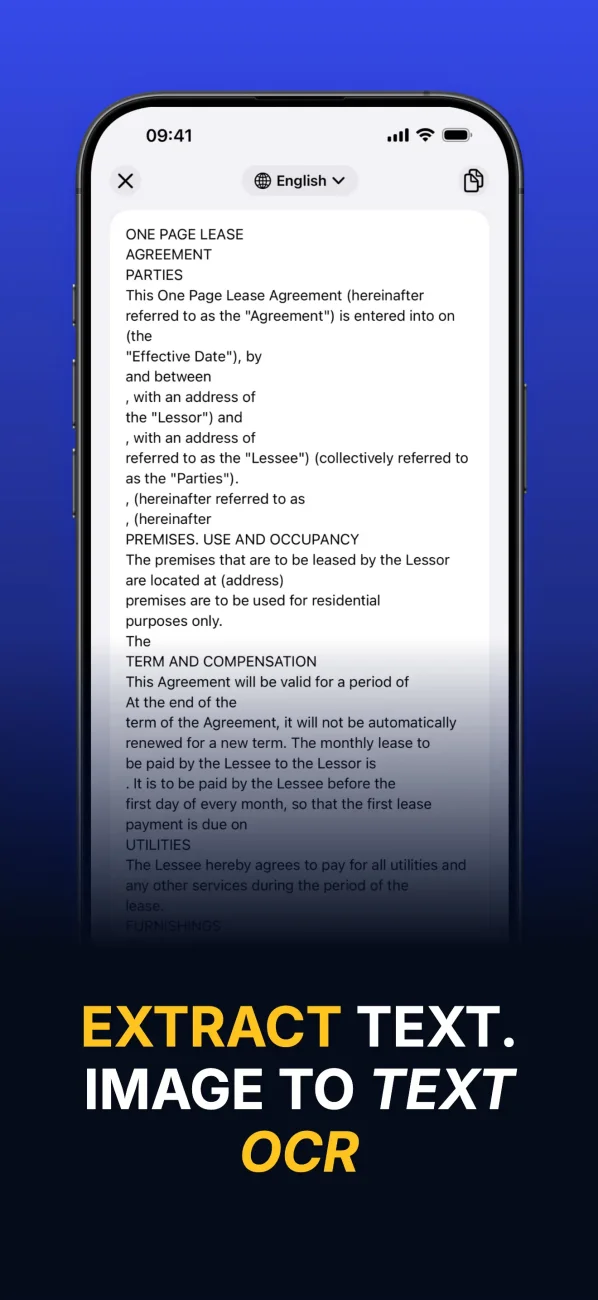
About
Your iPhone already has a scanner in it. ScanPro turns it into one that makes clean, sharp PDFs — of a contract, a receipt, a passport, your ID, or the whole stack of paper on your desk.
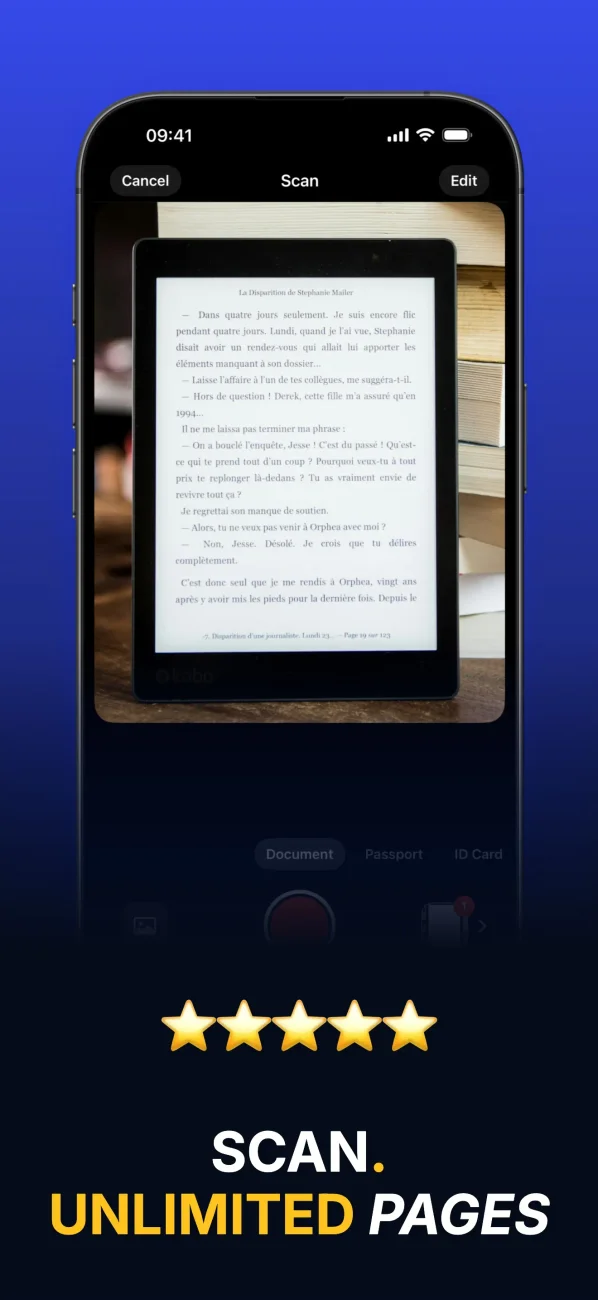
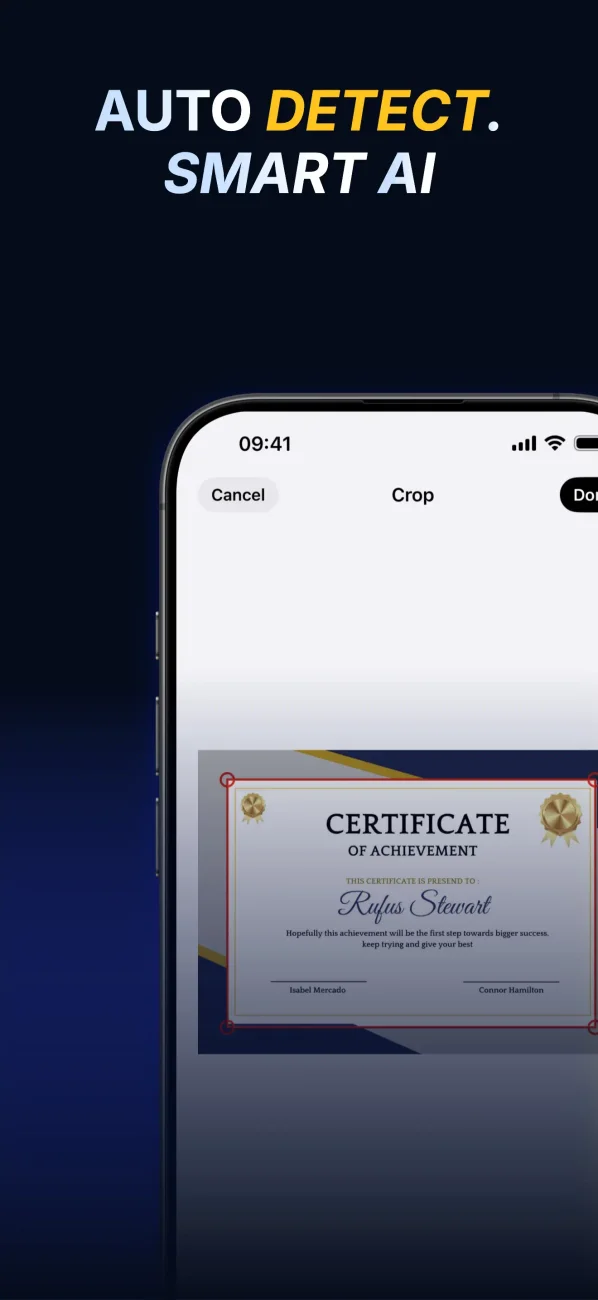
Hold the camera over the page and wait — ScanPro takes the shot itself, finds the edges, straightens it and turns it into a PDF you can sign, rename, find by the words on it and send — in seconds, without a computer.
-----
◆◆◆ WHY YOU'LL LOVE IT ◆◆◆
• Real scans, not photos: edges detected, perspective corrected, colours cleaned up
• Hands-free: the shutter fires by itself once the page is held still
• Sign with your finger and drag the signature exactly where it belongs
• Pull the text out of any scan and paste it wherever you need it
• Everything stays on your device — nothing is ever uploaded
• Find any document by the words printed on it, even months later
-----
SCAN
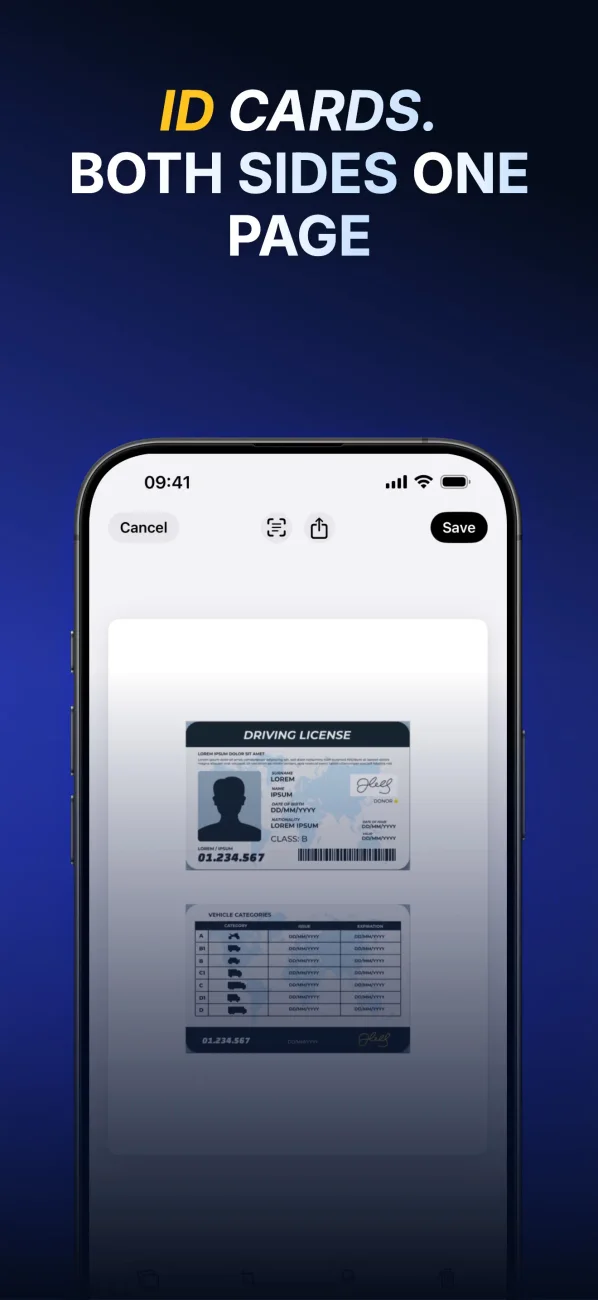
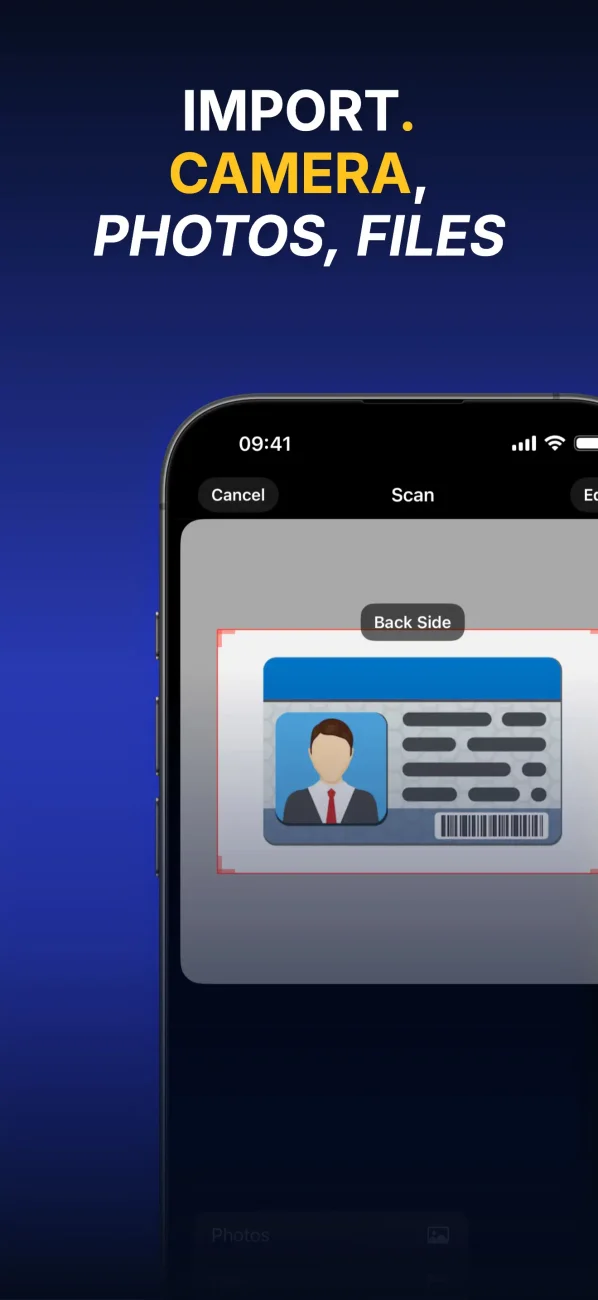
– Documents, passports and ID cards, front and back on one page
– Automatic edge detection and cropping, or set the corners yourself
– Add pages from the camera, your photo library, or a PDF in Files
– Auto capture: hold the phone still over a page and it scans itself, sheet after sheet
EDIT
– Drag pages to reorder them, delete the ones you don't want
– Crop, rotate and pick from nine looks: colour, greyscale and high-contrast black & white
– Nothing is destroyed — the original photo stays untouched, so you can always change your mind
SIGN
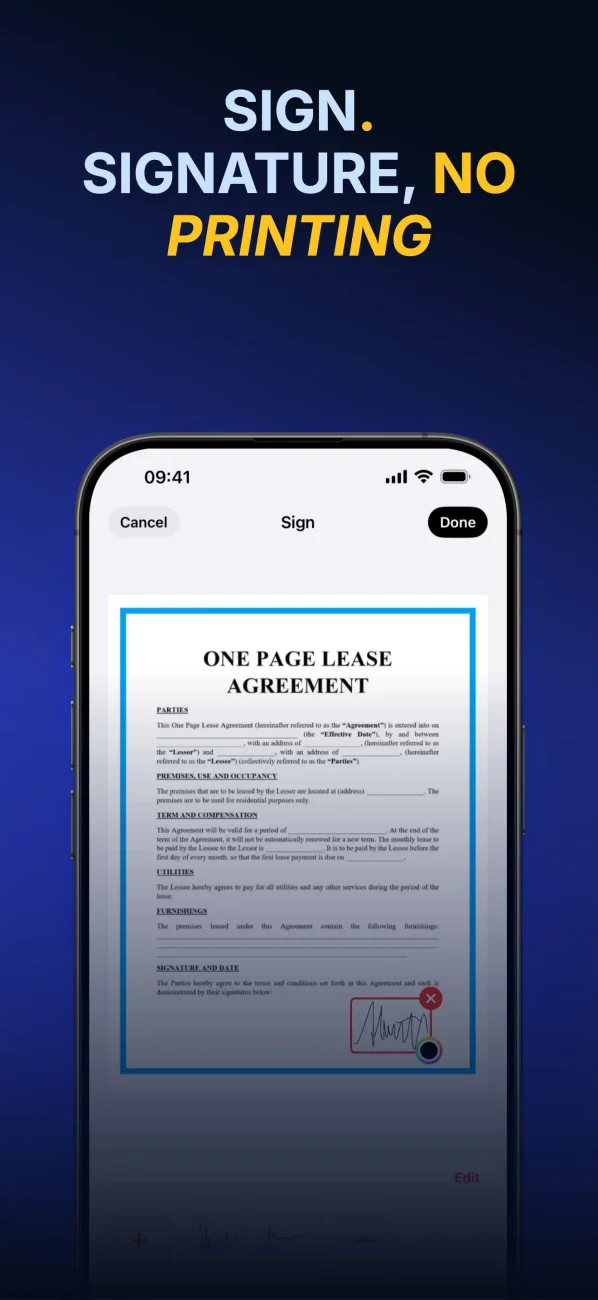
– Draw your signature once and reuse it on any document
– Move it, resize it, recolour it, and place one on every page that needs it
EXTRACT TEXT
– Turn a scan into text you can copy, edit and send
– Dozens of recognition languages
– Edit the result before you use it
ORGANIZE & SHARE
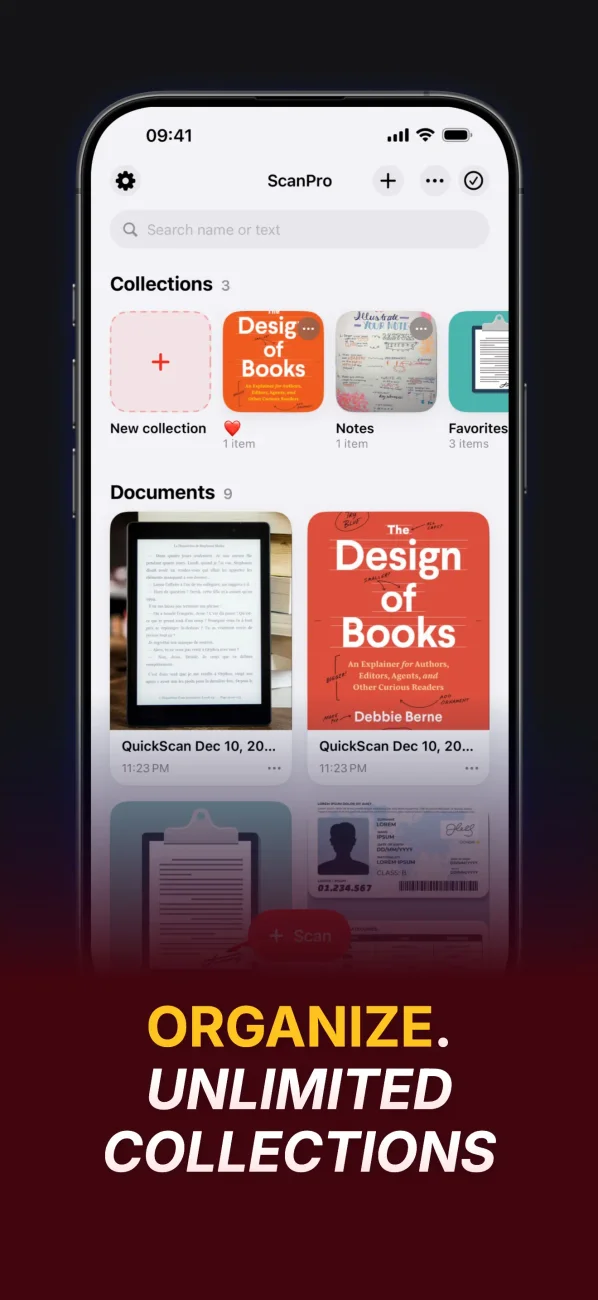
– Collections keep contracts, receipts and school papers apart
– Search your whole library by name or by the text on the pages
– Grid or list view, sorted by name, date or size
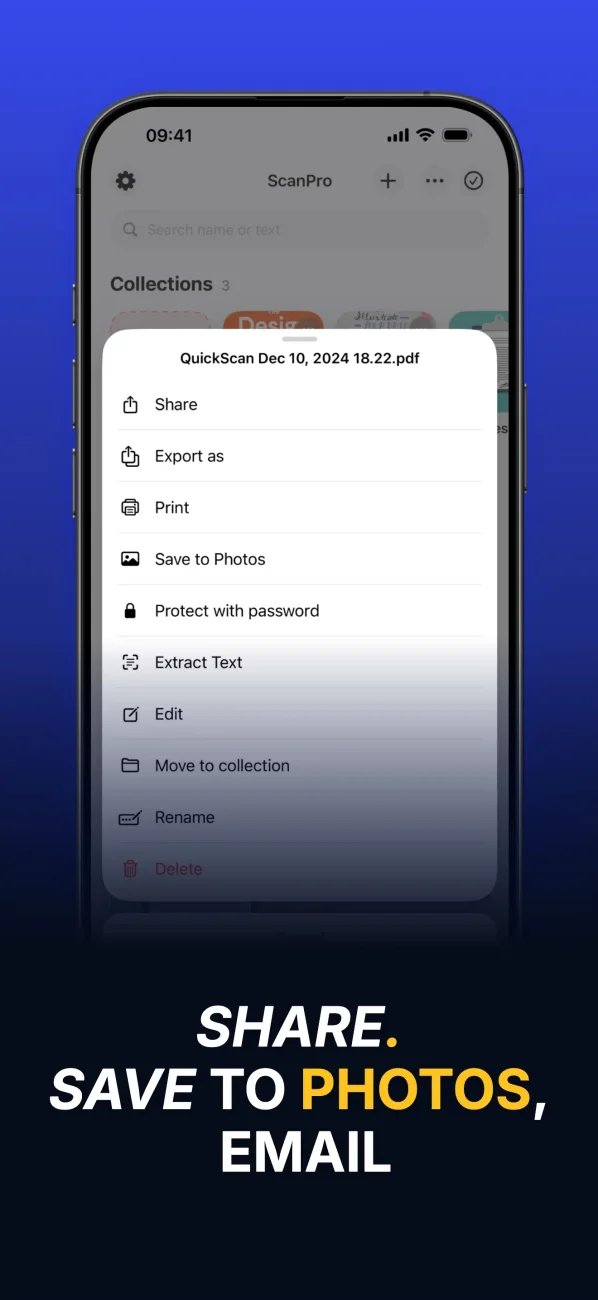
– Share by AirDrop, Messages, email or any other app — or send a copy locked with a password
– Save pages to Photos as images
– New scans name themselves after the title on the first page
– Merge several documents into a single PDF
– Lock the app with Face ID, Touch ID or your passcode
-----
SCANPRO PRO
Scanning, cropping, filters, rotating and sharing are free. PRO adds unlimited pages per document, ID card scanning, signatures, editing saved documents, drafts, saving to Photos, password-protected sharing, extra collections, text extraction from the whole document and App Lock. Pay only for as long as you need PRO.
-----
Support
Contact: leadingappdeveloper@gmail.com
Terms of Use: https://akoruk.github.io/apps/scanner/terms.html
Privacy Policy: https://akoruk.github.io/apps/scanner/privacy.html
What’s new
Version 2.0.1 · Sep 13, 2026
Thanks for using the app! This update brings:
• Faster, smoother performance throughout the app
• A cleaner, easier-to-use interface
• Fixes for the issues you reported
App privacy
What CHINAR MAHMUDOVA KORUK declares on the App Store about how this app handles data.
-
Data not linked to you
May be collected but is not linked to your identity.
- Diagnostics
Privacy practices may vary, for example with the features you use or your age.
Information
- Seller
- CHINAR MAHMUDOVA KORUK
- Category
- Business
- Version
- 2.0.1
- Updated
- Sep 13, 2026
- Released
- Dec 13, 2024
- Size
- 73.4 MB
- Requires
- iOS 17.0 or later
- Age rating
- 4+
- Price
- Free
- In-app purchases
- Yes
- Languages
- English, Arabic, Bengali, Catalan, Croatian, Czech, Danish, Dutch, Finnish, French, German, Greek + 33 more
- Copyright
- © 2026, NARS GAMES
You might also like
-
 TwiBlockRemove ads
-
 Business Card Organizer & ScanCamera to CSV or Excel export
-
 SnapNote ProMulti-page notes with images
-
 TranscriptorReal-time voice transcription
-
 AI Image TranslatorPhoto Translator
-
 ScanBigGive storage a fresh start
-
 PDFAI Scan - Document ScannerPDF Converter, OCR, DOCX, PPTX
-
 CaptainScanner: PDF ScannerScan, Edit, Sign & Share
-
 QR Barcode Scanner - ScanfulScan, Generate & Code history
-
 Blip NotesEffortless, time-limited notes