
Shotup AI
AI Agent for Your Screenshots
Designed for iPhone, iPad
Free · In-app purchases
- Age rating17+
- CategoryProductivity
- DeveloperPBD LLC
- LanguagesEnglish
- Size15.9 MB
Links to the official App Store page
Download.org hosts no file of Shotup AI. The button opens its official App Store page, published by PBD LLC. Listing last checked on Nov 23, 2026.
Screenshots

About
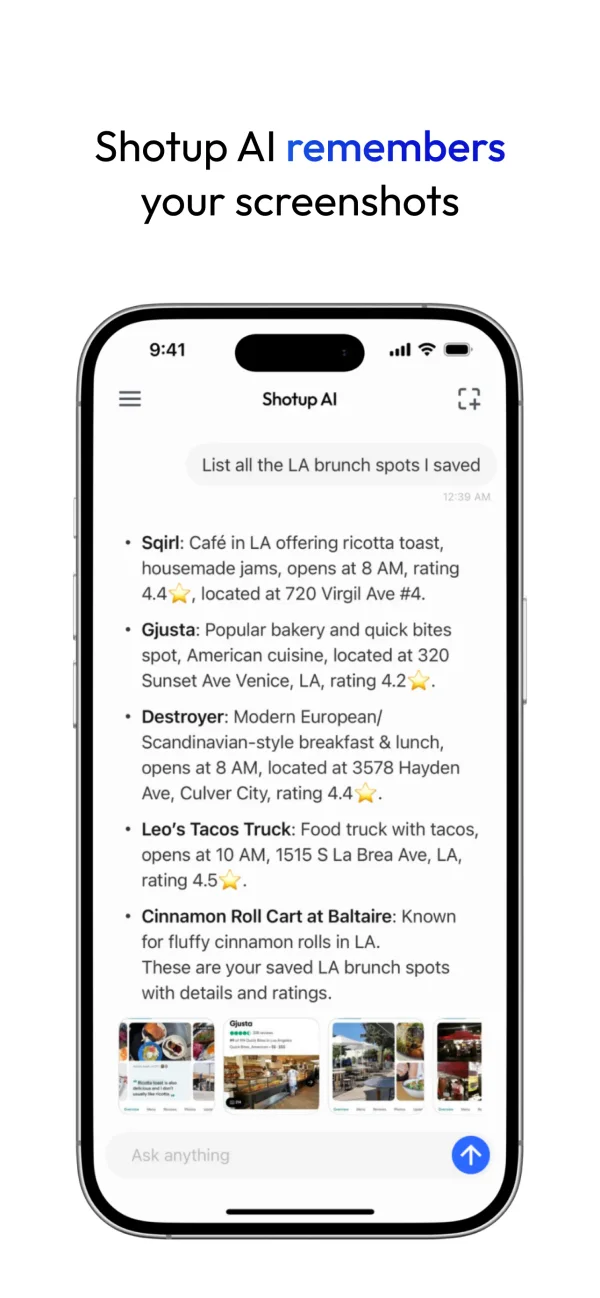
Shotup AI learns and remembers your screenshots.
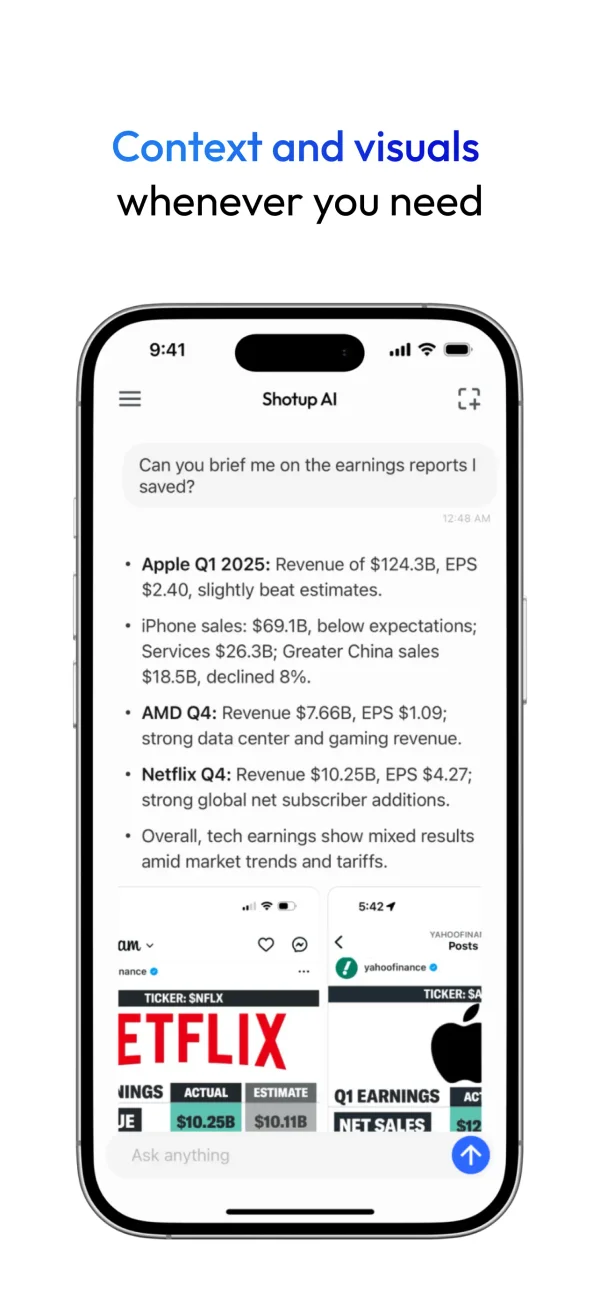
It understands the context and visuals of your shots, and answers any questions about them in chat.
We all take screenshots — of posts, articles, restaurants, maps, design inspiration - things we considered important to save and revisit later. However, many of them end up forgotten, buried deep in our photo album. Rarely do we scroll through hundreds of images to find the one we need. What if you had a second brain — a photographic memory - that could remember not just the image but the entire context of every screenshot you’ve ever taken?
We are introducing Shotup AI. It doesn’t just store your screenshots — it learns from them. Whether you’re trying to recall an article or a social media post with tips, life hacks, or restaurant recommendations, Shotup AI gives you the references and insights you need based on the stored screenshot knowledge. It’s more than a chatting AI. It’s your backup memory.
How it works:
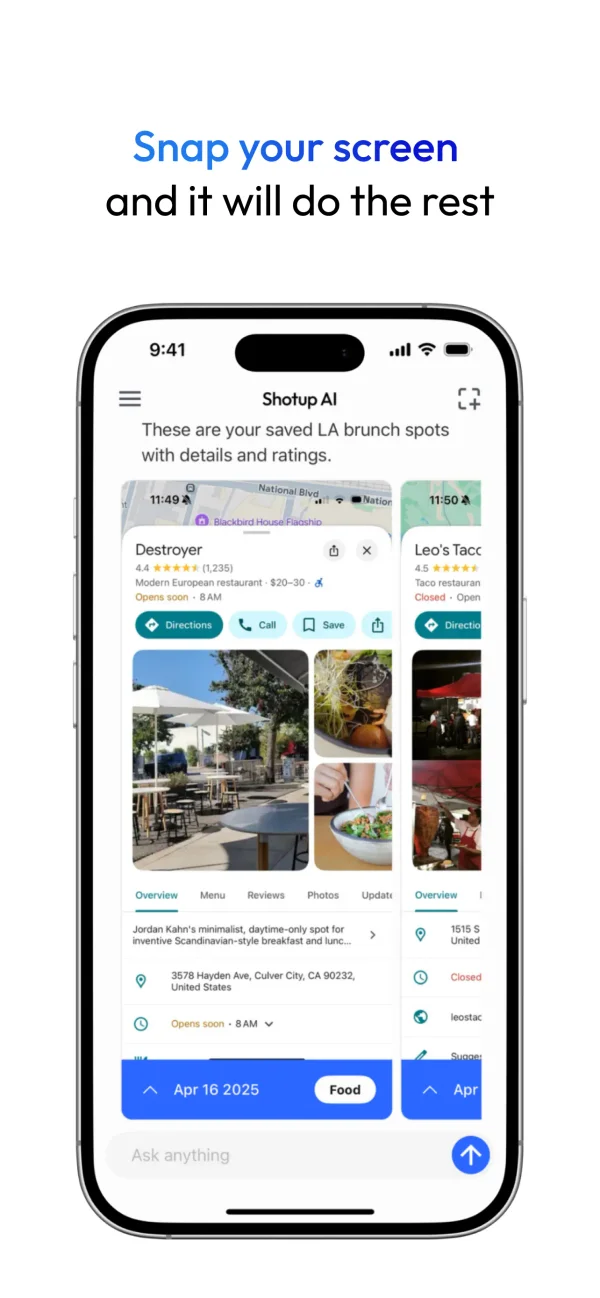
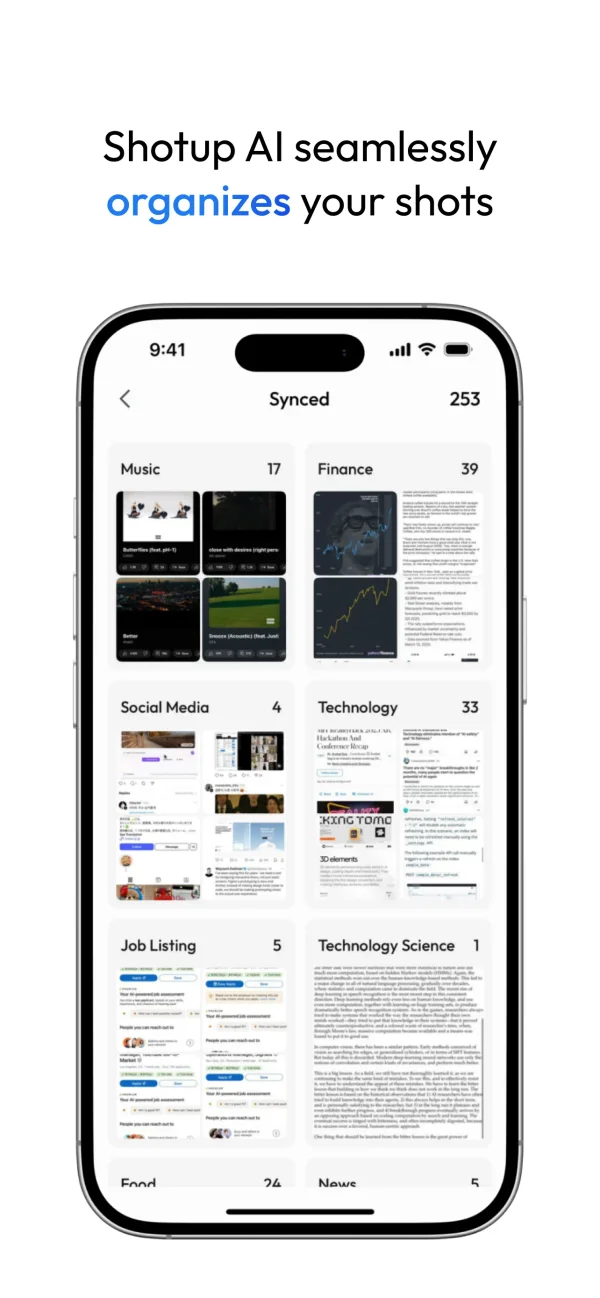
1. Select and sync screenshots you want the AI to remember.
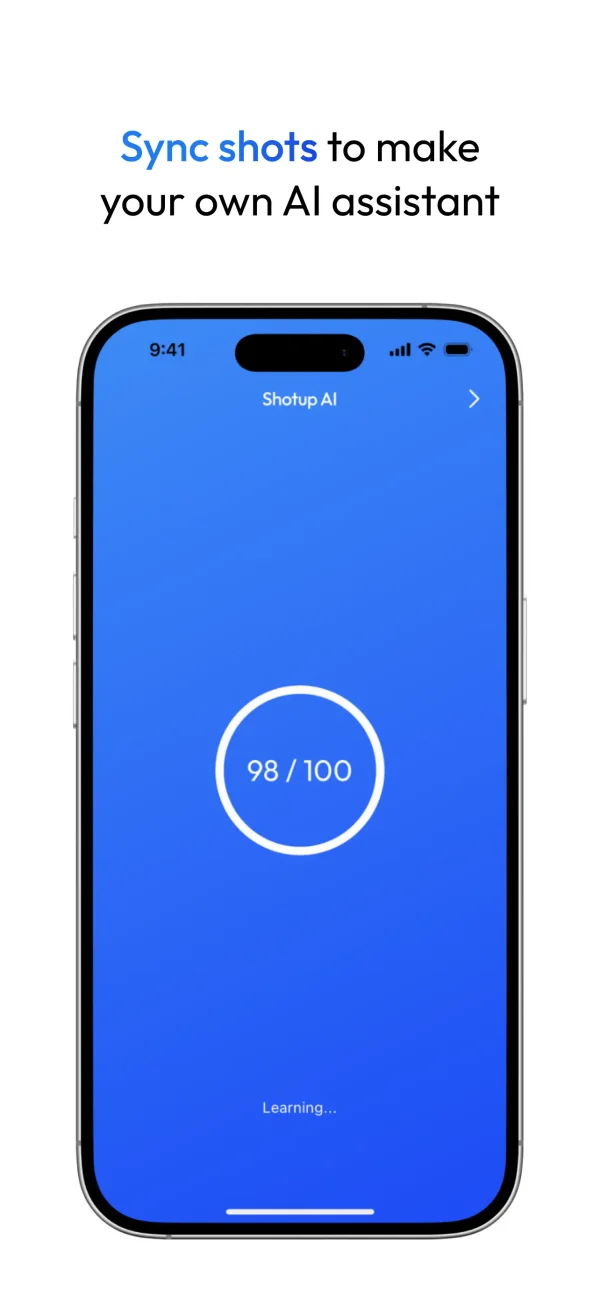
2. The AI learns the context and visuals of the selected screenshots, and organizes key information.
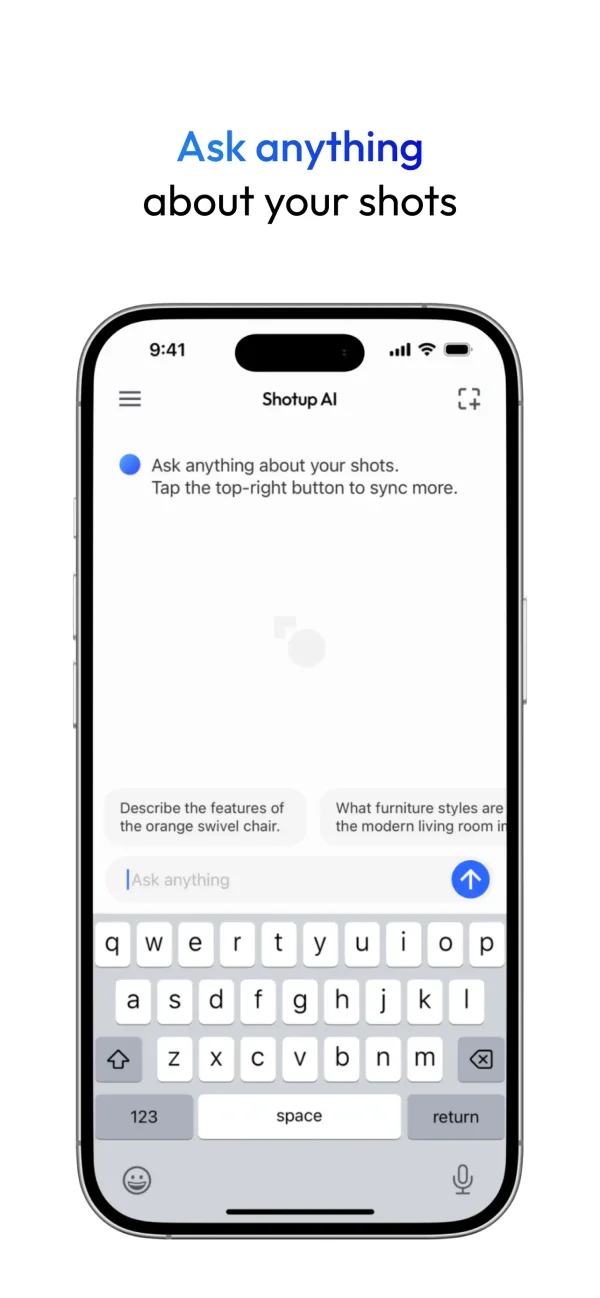
3. Ask anything about the synced shots. Shotup AI will answer based on the relevant knowledge it learned from your screenshots.
4. You can also pick from 'Suggested Questions,' the question options Shotup AI generated based on the screenshot information it learned.
For shoppers: Take screenshots of nice jacket or shoes you saw on Amazon, the brand websites or even on the instagram ads. Shotup AI will organize and list down all the items you took from different sites.
For students: Take screenshots of your note, online articles, life hacks or tips so Shotup AI can give you reminders and summarize relevant information whenever you need.
For designers: Take screenshots of design references, art pieces, mood board, fonts, color codes and more. Shotup AI will suggest relevant shots you took when you need inspiration from your past savings. You can ask - "Show me the warm cozy interior design references I saved." and it will find the right screenshots from you synced list.
For everyone: Take screenshots of nice restaurants on Google Map, so it can suggest nice restaurants around there when you ask later. You can also take screenshots of your Whatsapp chat so it remembers your meeting schedule, time and location.
Support & Feedback: hello@shotup.ai
---
Terms of Use: https://www.apple.com/legal/internet-services/itunes/dev/stdeula/
Privacy Policy: https://www.shotup.ai/termsandprivacy
What’s new
Version 3.1 · Nov 18, 2026
Minor bug fix
App privacy
What PBD LLC declares on the App Store about how this app handles data.
-
Data not linked to you
May be collected but is not linked to your identity.
- Contact info
- Contacts
- User content
- Search history
- Browsing history
- Identifiers
- Usage data
- Diagnostics
Privacy practices may vary, for example with the features you use or your age.
Information
- Seller
- PBD LLC
- Category
- Productivity
- Version
- 3.1
- Updated
- Nov 18, 2026
- Released
- Jan 7, 2025
- Size
- 15.9 MB
- Requires
- iOS 17.0 or later
- Age rating
- 17+
- Price
- Free
- In-app purchases
- Yes
- Languages
- English
- Copyright
- © Shotup AI 2026
You might also like
-
 Screenshot AI: Gallery CleanerFree space with smart search
-
 Stupid NotesNotes without nonsense
-
 Kiro - Screenshot AIProductivity
-
 camp - organize screenshotssupercharge your screenshots
-
 SnapStash - AI Screenshot orgScreenshot AI Organizer Search
-
 Captureist – screenshot toolAI Powered Screenshots manager
-
 Stash: AI Screenshot OrganizerAuto-Sort, Search, Clean Up
-
 Screenshot Organizer - VisuelPhoto Cleaner, Sorter, Deleter
-
 Eyeball: Links Log & RemindersTrack every click worth saving
-
 01 LightProductivity