
Smart Presentation Slides
Turn Any Doc Into Slides
Designed for iPhone, iPad, iPod touch
Free · In-app purchases
- Age rating4+
- CategoryBusiness
- DeveloperCLOUD VERTEX LLC
- LanguagesEnglish
- Size19.4 MB
Links to the official App Store page
Download.org hosts no file of Smart Presentation Slides. The button opens its official App Store page, published by CLOUD VERTEX LLC. Listing last checked on Nov 17, 2026.
Screenshots
About
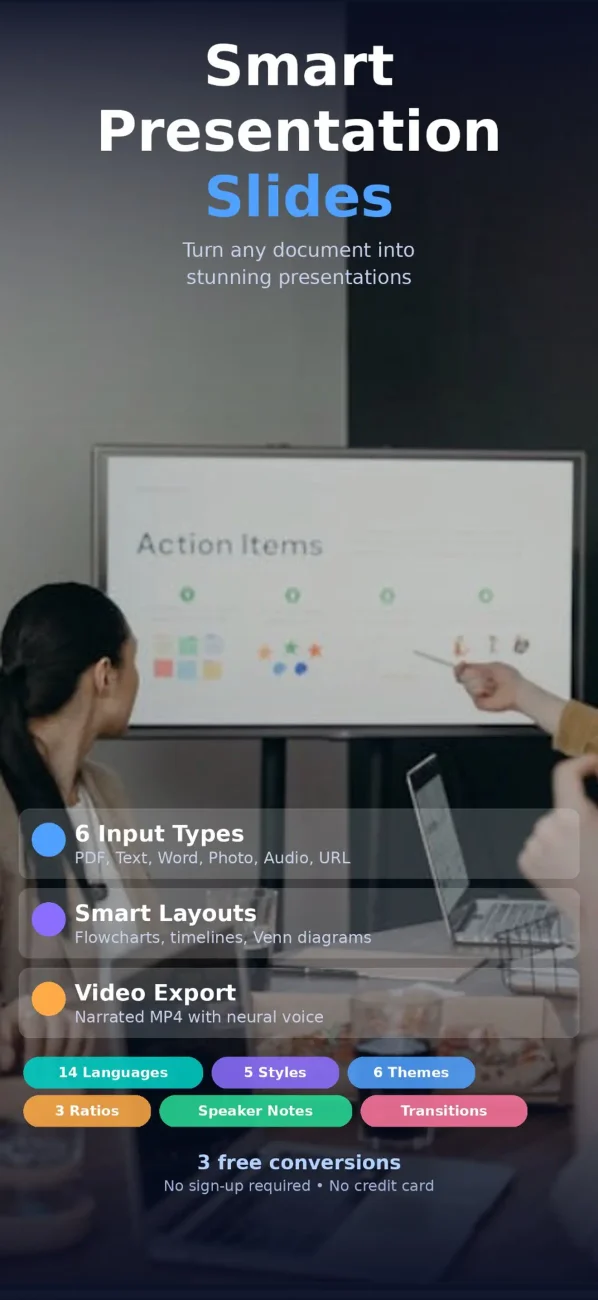
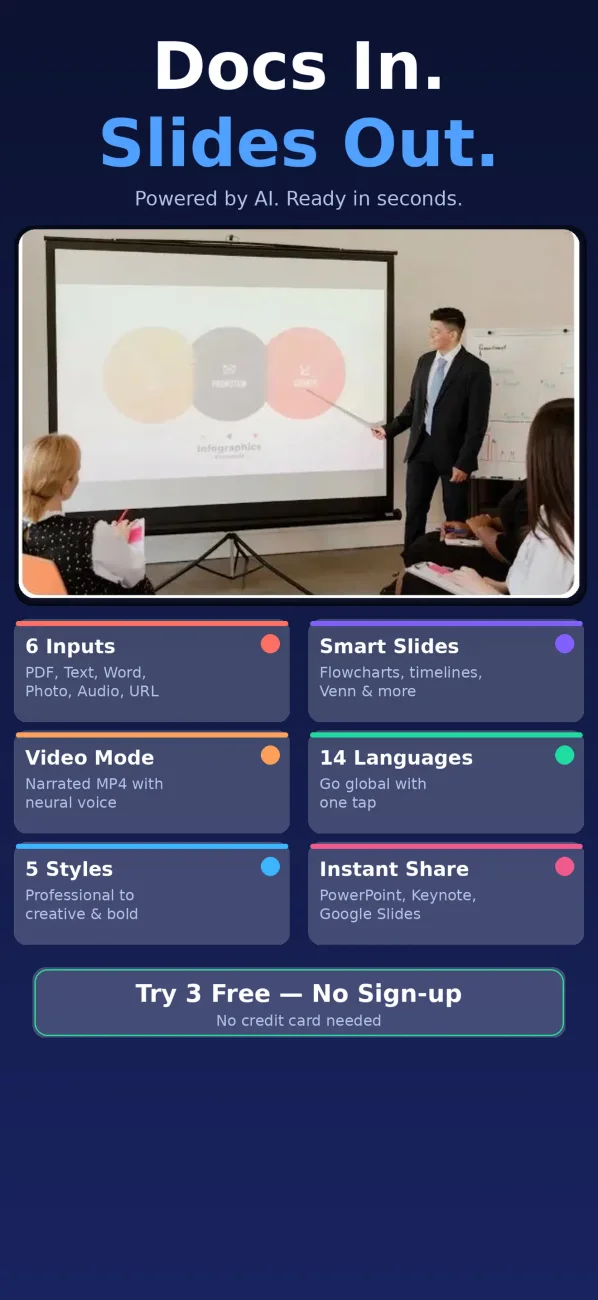
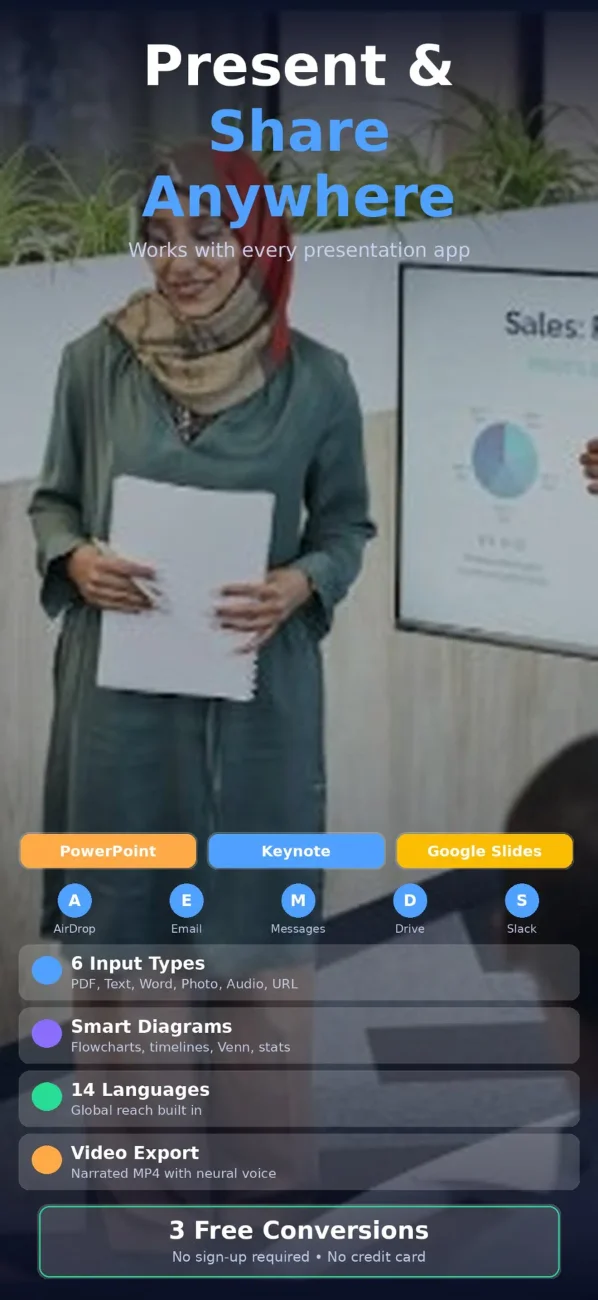
Turn any document into a professional presentation in seconds. Smart Presentation Slides reads your content, extracts key insights, and generates beautiful slides with smart diagrams — ready for any presentation app.
6 INPUT TYPES
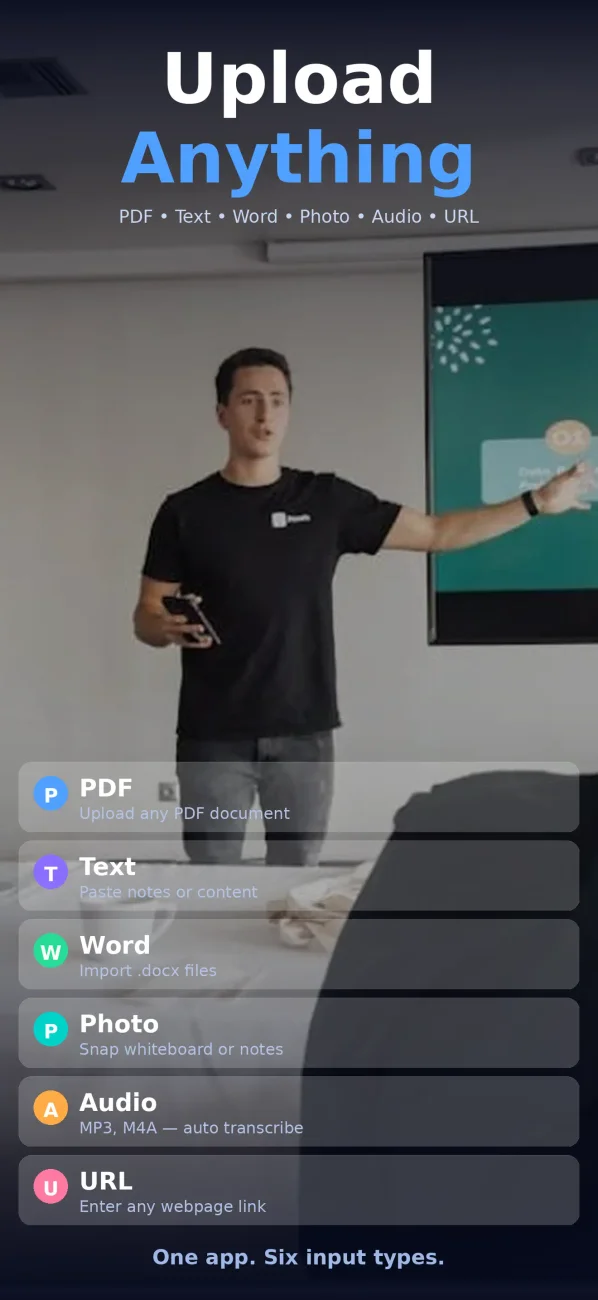
Upload a PDF, paste text, import a Word doc, snap a whiteboard photo, record audio, or enter a webpage URL. We handle the rest.
SMART SLIDE LAYOUTS
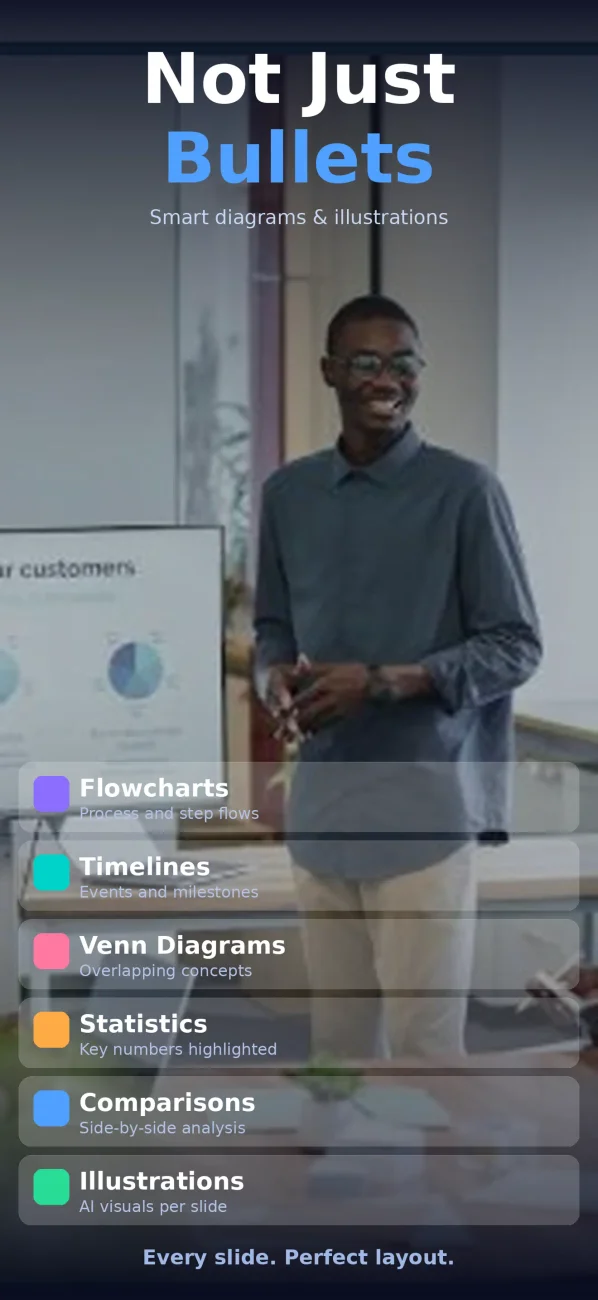
Content is automatically matched to the best layout — bullet points, flowcharts, timelines, Venn diagrams, comparison tables, and stat cards. Every slide is purposeful, not just bullet points.
NARRATED VIDEO EXPORT
Generate MP4 videos with neural voice narration. Perfect for sharing presentations without presenting live. Up to 10 slides per video.
ILLUSTRATIONS
Each slide gets contextually relevant illustrations that reinforce the message — not generic clipart.
WORKS EVERYWHERE
Export standard .pptx files that open perfectly in PowerPoint, Keynote, and Google Slides. Every element is fully editable.
KEY FEATURES
- 6 input types: PDF, text, Word, image, audio, URL
- Smart diagrams: flowcharts, timelines, Venn diagrams, comparisons, stat cards
- Narrated MP4 video export with neural voice
- AI-generated illustrations
- 14 output languages
- Multiple aspect ratios (16:9, 4:3, 1:1)
- 5 professional styles and 6 color themes
- Custom PPTX template support
- Focus topic guidance for targeted content
- Slide transitions (fade, push, wipe, dissolve, and more)
- Speaker notes included
- Fully editable output
3 free conversions included. Subscribe for unlimited access.
Terms of Use: https://www.apple.com/legal/internet-services/itunes/dev/stdeula/
Privacy Policy: https://www.chargedapi.com/privacy.html
What’s new
Version 3.0 · Apr 9, 2026
- Redesigned 3-step generator: Upload → Customize → Generate
- New options: Tone, Content Density, Aspect Ratio, Transitions, Focus Topic
- Share slides to Keynote, PowerPoint, or Google Slides
- Free tier: 3 conversions, 5 slides per export
- Premium unlocks unlimited conversions, 10+ slides, illustrations, MP4 video
- Bug fixes and performance improvements
App privacy
What CLOUD VERTEX LLC declares on the App Store about how this app handles data.
-
Data not collected
The developer does not collect any data from this app.
Privacy practices may vary, for example with the features you use or your age.
Information
- Seller
- CLOUD VERTEX LLC
- Category
- Business
- Version
- 3.0
- Updated
- Apr 9, 2026
- Released
- Apr 6, 2026
- Size
- 19.4 MB
- Requires
- iOS 13.0 or later
- Age rating
- 4+
- Price
- Free
- In-app purchases
- Yes
- Languages
- English
- Copyright
- © 2026 ChargedAPI
You might also like
-
 PPT.AI: AI Presentation MakerAI Presentation Generator
-
 Evoke: Elevate Your SlidesCreate presentations fast
-
 topoAreaProductivity
-
 recaid – AI Meeting RecorderTranscribe, Summarize & Notes
-
 PBA Federal Credit UnionFinance
-
 Cv Maker · Templates LibraryCv Maker for job Applications
-
 AI Presentation Maker: SlidePPT, Slides & Decks with AI
-
 Slide AI: Presentation MakerPitch Deck, PPTX & PDF Export
-
 AI Presentation Maker – SlidesCreate PPT, Decks & Slides
-
 HintApp - Cue Cards & NotesFor a Speech or Presentation