Smart Printer App: iPrint Scan
For HP, Canon, Epson, Brother
Designed for iPhone, iPad, Mac
Free · In-app purchases
- Age rating4+
- CategoryBusiness
- DeveloperSidra Hussain
- LanguagesEnglish+ 32 more
- Size13.6 MB
Links to the official App Store page
Download.org hosts no file of Smart Printer App: iPrint Scan. The button opens its official App Store page, published by Sidra Hussain. Listing last checked on Nov 12, 2026.
Screenshots
About
Smart Printer App – The Ultimate Printing Solution
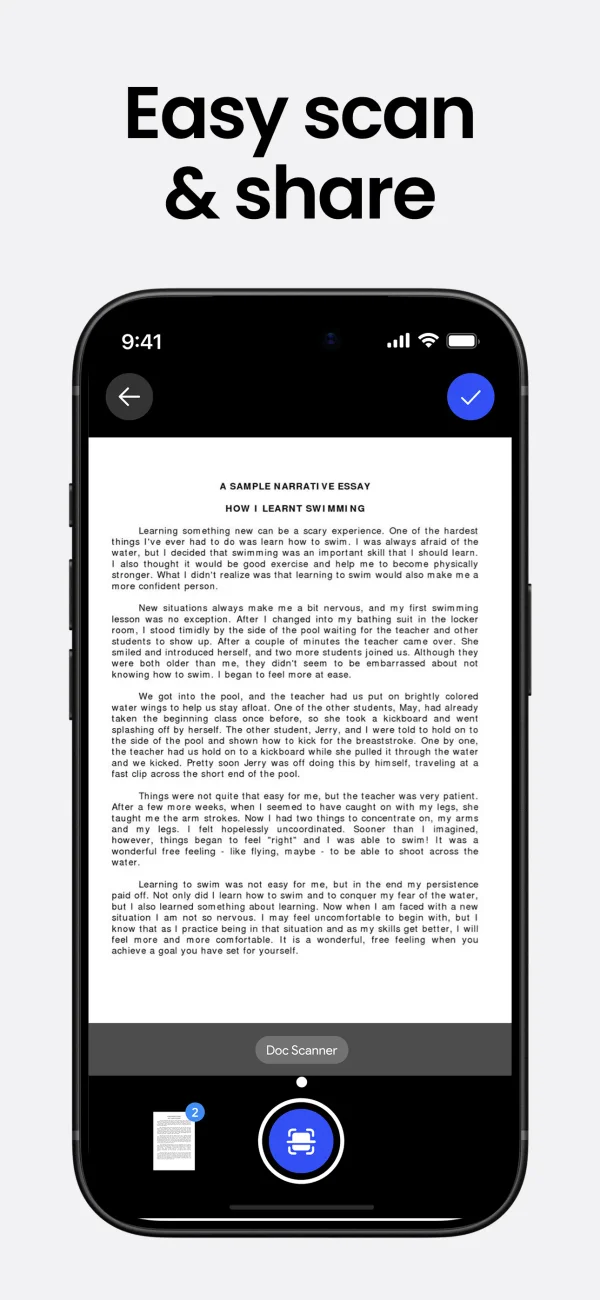
Printing and scanning have never been this easy! Object Printer App is a powerful all-in-one solution designed to streamline document printing, scanning, and management on your device.
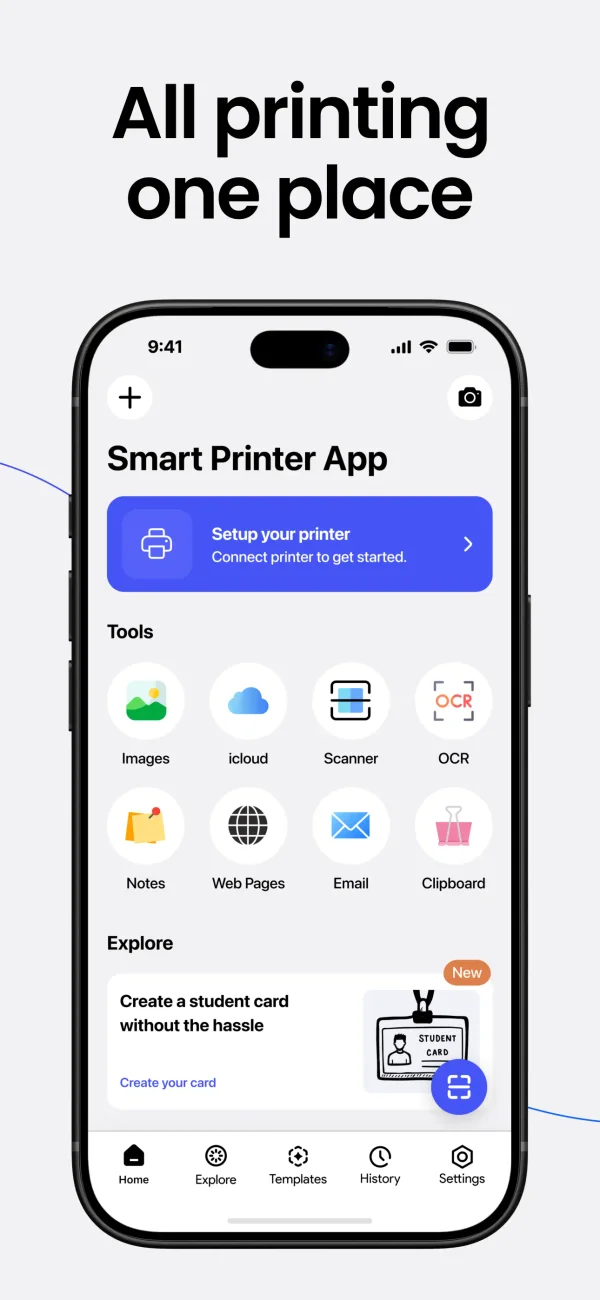
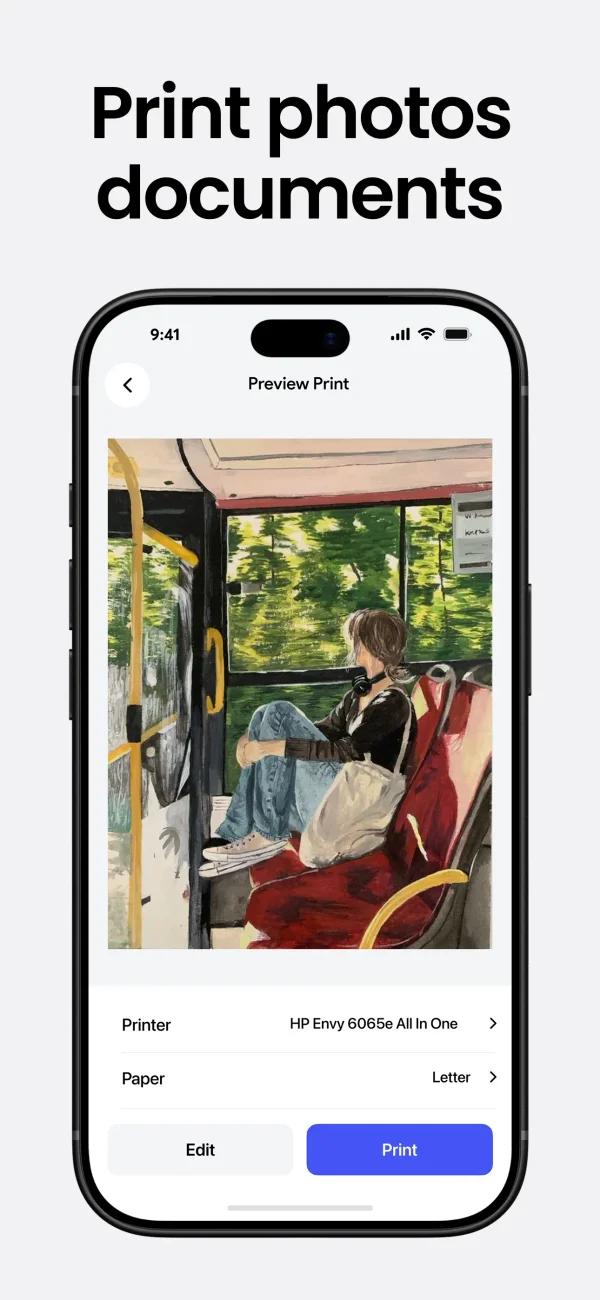
You can instantly iPrint and scan files directly from the app no need for extra downloads or printing tools. It seamlessly supports almost any WiFi, Bluetooth, or USB printer, enabling you to print photos, images, web pages, PDFs, and documents anytime, anywhere.
Key Features of Smart Object Printer
App:
• Print on WiFi, Bluetooth, or USB-OTG-connected printers.
• iPrint and scan directly from your device to almost any inkjet, laser, or thermal printer.
• Print websites (HTML pages) accessed through the built-in web browser.
• Print photos and images in JPG, PNG, GIF, and WEBP formats.
• Print multiple images per sheet.
• Print files, PDFs, and documents.
Effortless Setup and Connection:
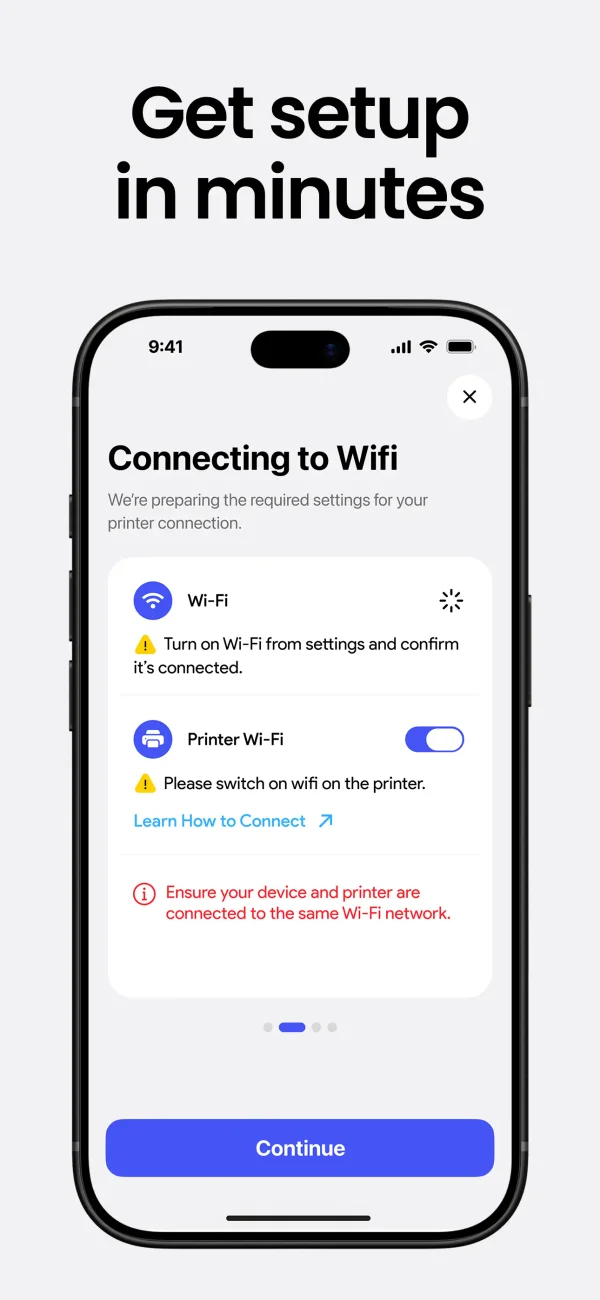
Setting up your printer is simple with the printer app. Just connect your printer to the same Wi-Fi network as your device, and the app will automatically detect and configure it for instant use.
One-Click Wireless Printing:
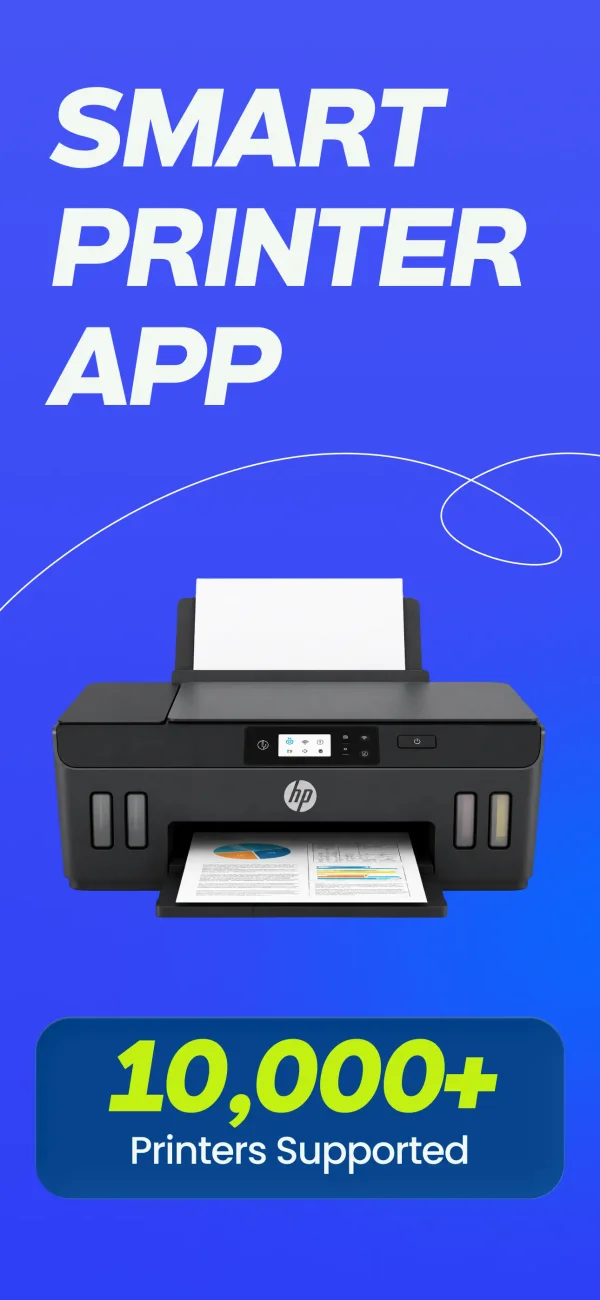
Connect to any AirPrint-enabled printer wirelessly. Supports over 1,200+ printer models (Canon, HP, Epson, Brother, Xerox, and more).
Multiple Devices:
Easily share your printer with family, friends, or colleagues. The iPrint and scan app lets multiple devices connect and print to the same printer, making it perfect for home and office settings where several users need access.
Print Forms, Labels & Posters:
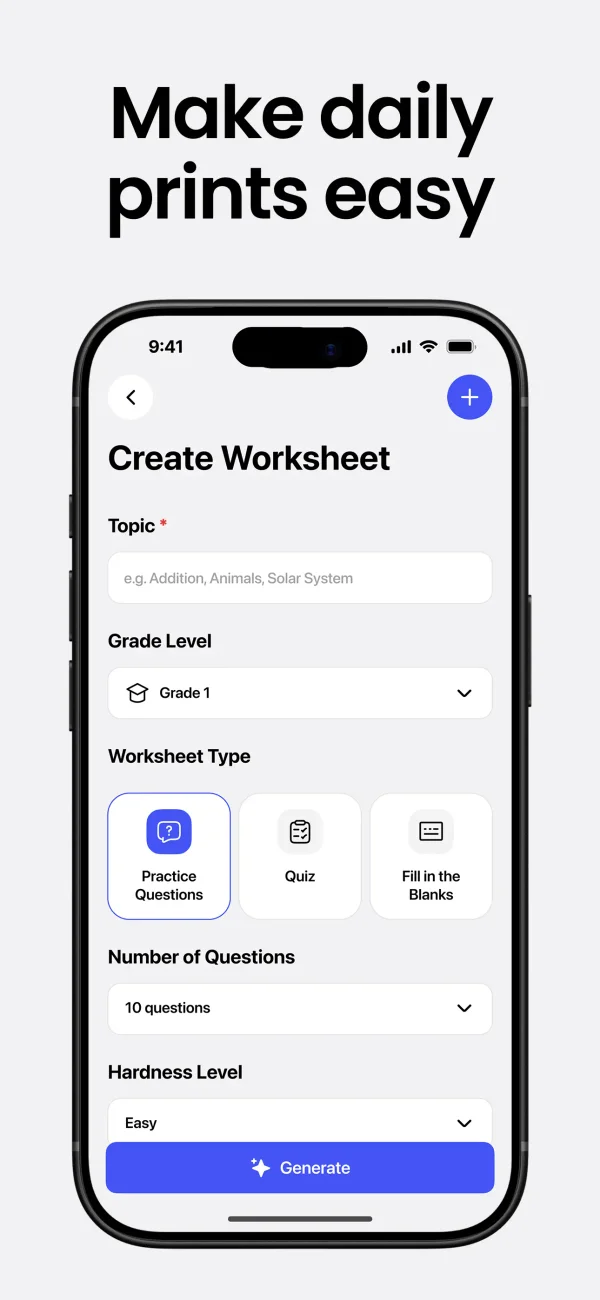
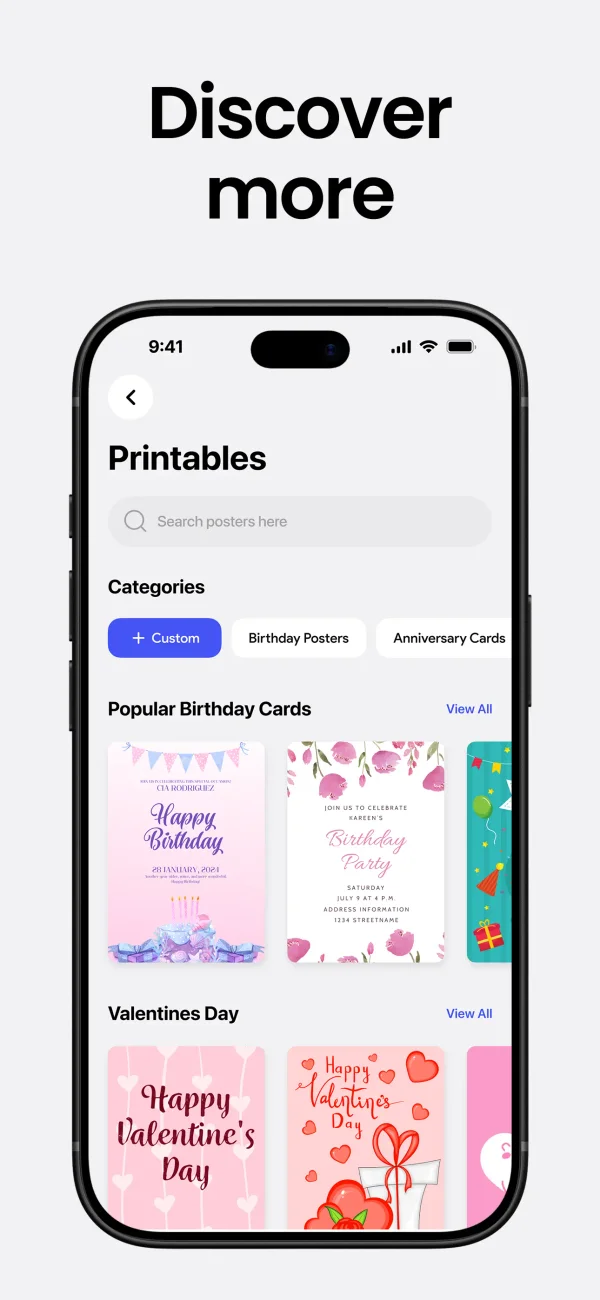
Access ready-to-print templates for business, planners, and greeting cards. Print large posters by splitting a single image into multiple sheets.
Safe Printing:
Security is our top concern. The printer app ensures that your documents are securely sent to the printer, safeguarding your sensitive information from unauthorized access.
Why Choose Smart Print & Scan?
- Fast, reliable, and easy-to-use with an intuitive phone interface.
- Supports all major file formats including PDF, DOCX, PNG, and JPEG.
- Optimized for efficiency perfect for students, professionals, and home users.
Additional Purchases Required
Smart Printer App uses a freemium model. Users can access up to three free print attempts before being prompted to start a 3-day free trial or subscribe to a premium plan. During the free trial, all premium features are available without restrictions. Once the trial period ends, the subscription will automatically renew and the applicable fee will be charged unless it is cancelled before the trial expires.
Users may choose from weekly, weekly promo, monthly, yearly or yearly promo subscription plans to gain full access for the duration of their subscription:
Subscription Plans:
Weekly Plan: $4.99
Weekly Promo Plan: $9.99
Monthly Plan: $9.99 with 3 days free trial
Yearly Plan: $24.99
Yearly Promo Plan: $39.99
Lifetime Plan: $49.99
Your iTunes account will be billed once your purchase is confirmed. The subscription renews automatically at the chosen plan and price unless auto-renewal is disabled at least 24 hours before the current billing cycle ends. While your subscription is active, it cannot be cancelled, but you can manage it or turn off automatic renewal anytime through your Apple Account Settings after purchasing. Premium members enjoy quicker results, unlimited access, and an ad-free, uninterrupted experience.
Download Smart Print & Scan today and experience hassle-free printing with Phone!
Privacy Policy: https://sites.google.com/view/smart-object-printer/privacy-policy
Terms of Use: https://sites.google.com/view/smart-object-printer/terms-of-use
EULA: https://sites.google.com/view/smart-object-printer/eula
What’s new
Version 1.9 · Oct 16, 2026
- Minor bug fixes
App privacy
What Sidra Hussain declares on the App Store about how this app handles data.
-
Data not collected
The developer does not collect any data from this app.
Privacy practices may vary, for example with the features you use or your age.
Information
- Seller
- Sidra Hussain
- Category
- Business
- Version
- 1.9
- Updated
- Oct 16, 2026
- Released
- May 7, 2025
- Size
- 13.6 MB
- Requires
- iOS 16.0 or later
- Age rating
- 4+
- Price
- Free
- In-app purchases
- Yes
- Languages
- English, Arabic, Catalan, Croatian, Czech, Danish, Dutch, Finnish, French, German, Greek, Hebrew + 21 more
- Copyright
- © All rights reserved by Sidra Hussain
You might also like
-
 Smart Printer App for HP ℠For HP, Canon, Epson, Brother
-
 Smart Printer | Scanner AppPrint Wireless Document,Photos
-
 iPrint: Smart Printer AppPrint Photos, ePrint, Scanner
-
 Smart Printer - Print AppScan, Print Photos & Documents
-
 Printer App: Smart WiFi PrintFax, Scan, Photo & Document
-
 Smart Printer App : Scan DocsPhotos, Documents & PDF Files
-
 HP Smart Printer Free AppSmart Printer For HP & iPrint
-
 Smart Printer App & iPrintPrint Documents Photo & Files
-
 iPrint: Smart Air Printer AppFast Print Epson, Brother, HP
-
 Smart Printer App- iPrint ScanFor Canon, HP, Epson, Brother