Smart Printer - Print App
Scan, Print Photos & Documents
Designed for iPhone, iPad, Mac, iPod touch
Free · In-app purchases
- Age rating4+
- CategoryBusiness
- DeveloperAsad Ahsan
- LanguagesEnglish+ 70 more
- Size44.4 MB
Links to the official App Store page
Download.org hosts no file of Smart Printer - Print App. The button opens its official App Store page, published by Asad Ahsan. Listing last checked on Nov 12, 2026.
Screenshots

About
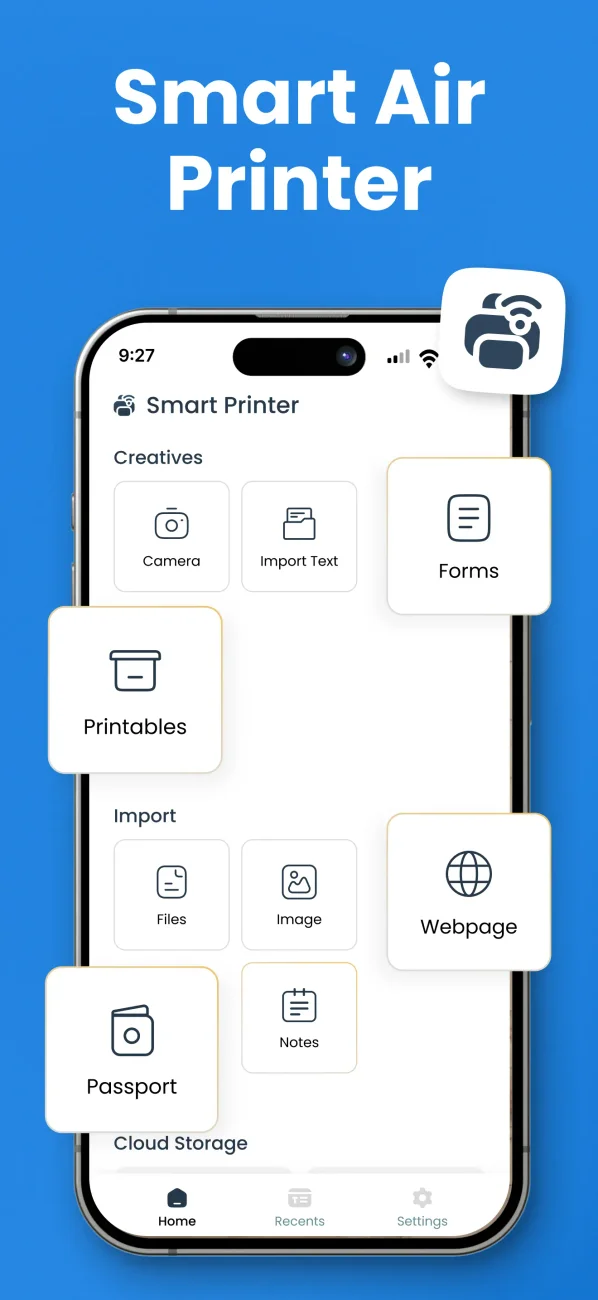
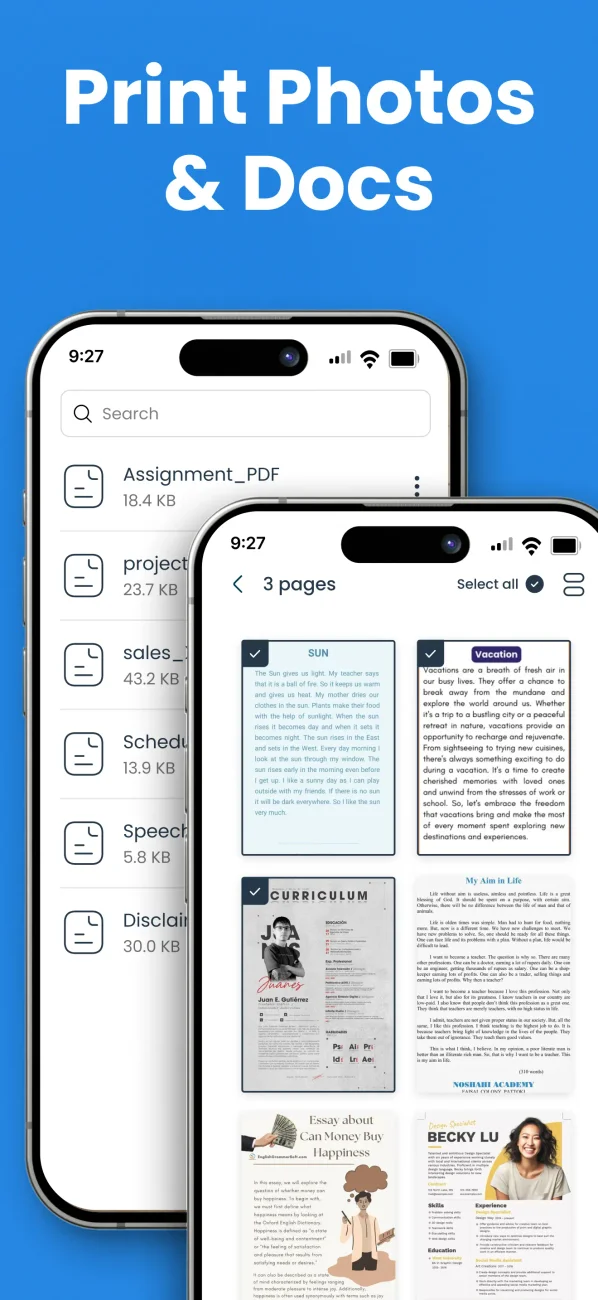
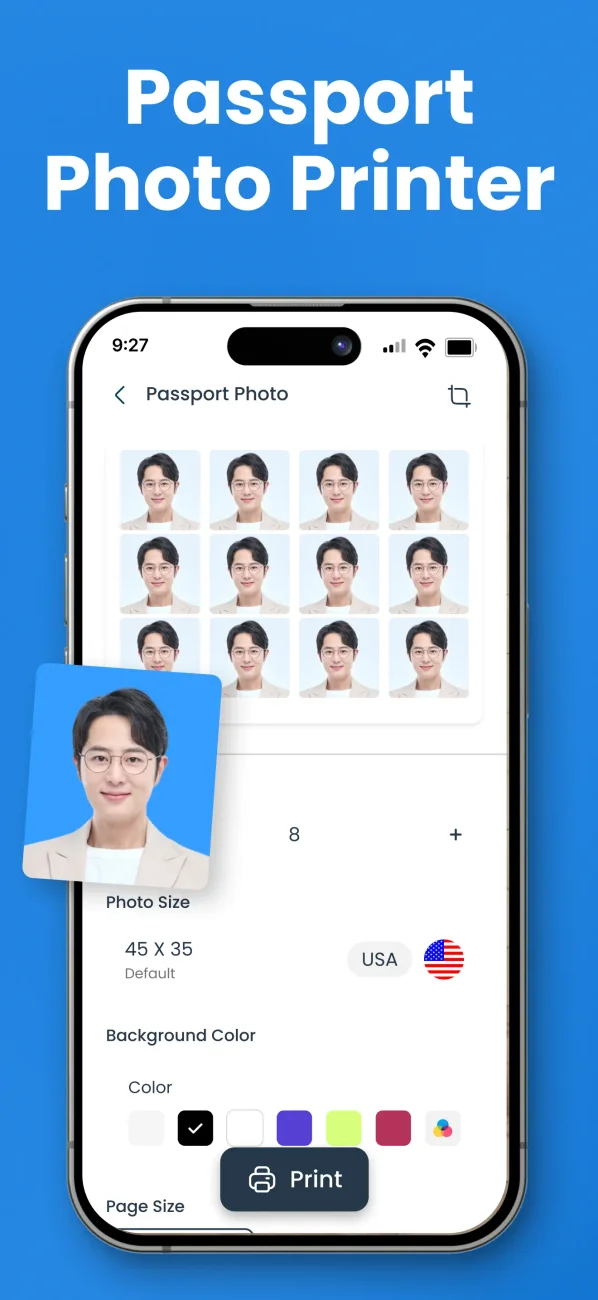
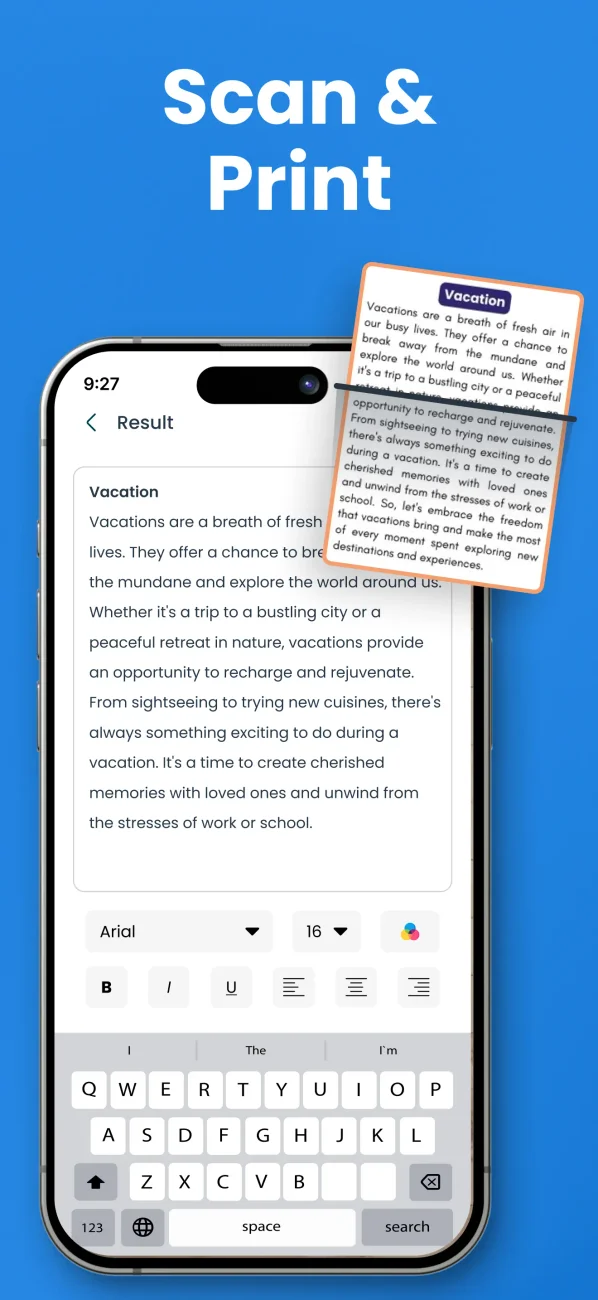
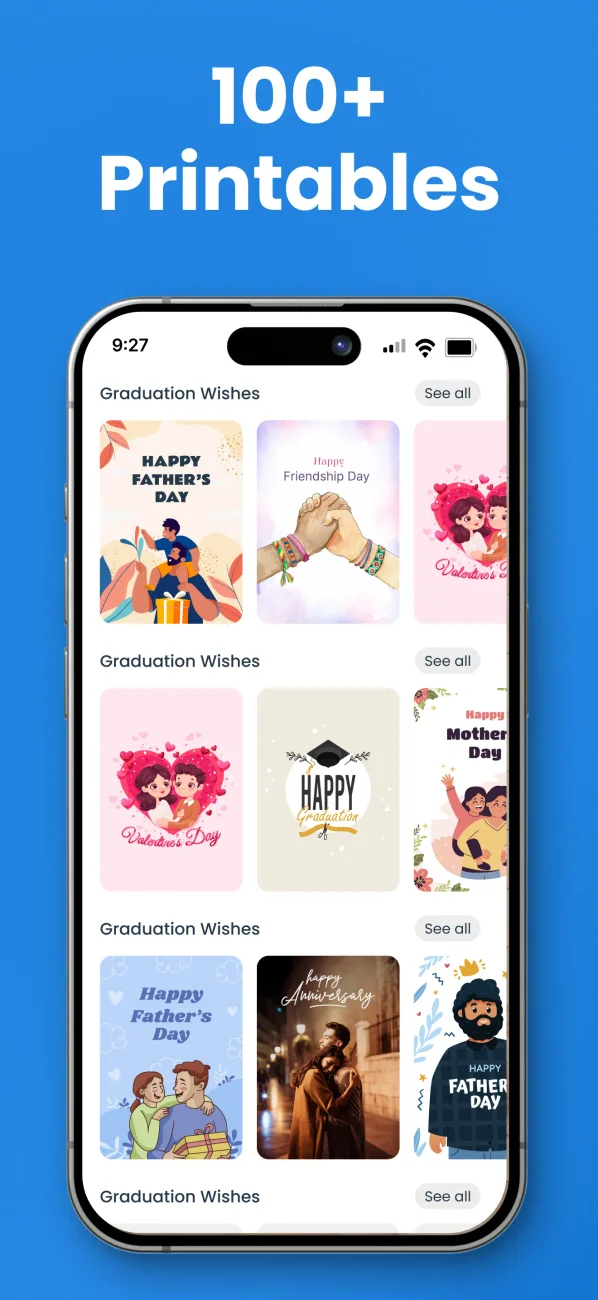
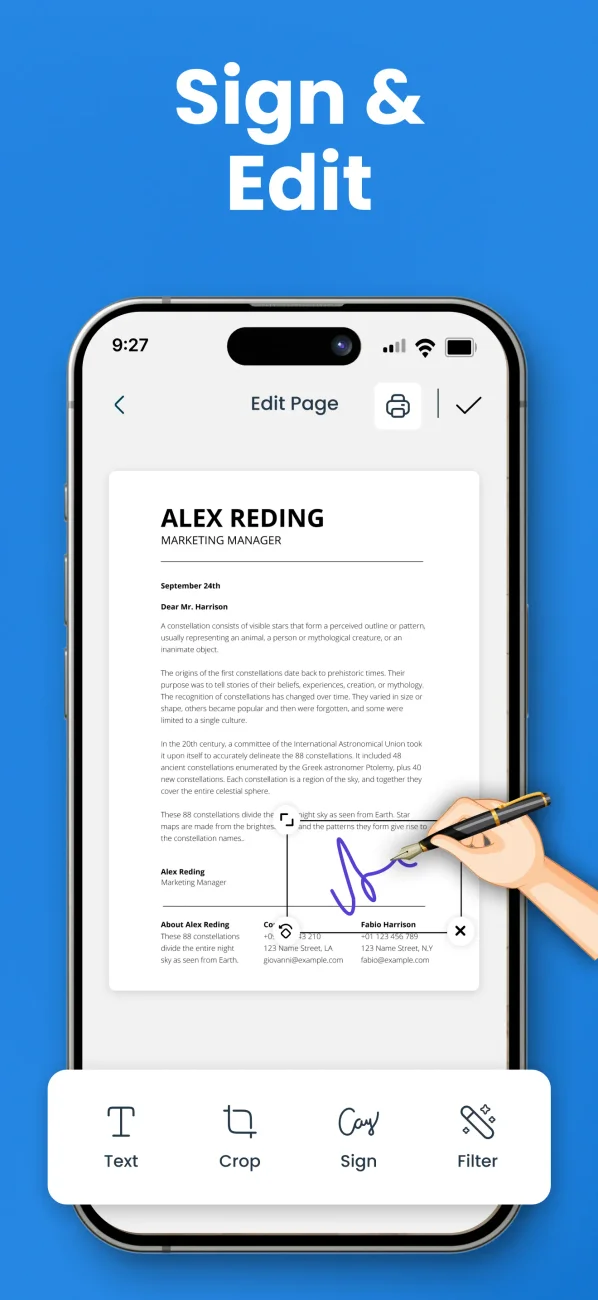
This smart printer app helps you to print your documents, photos and webpages easily. Scan a new document or annotate it, select your printer and scan your document within seconds. Print photos and share them with family and friends.
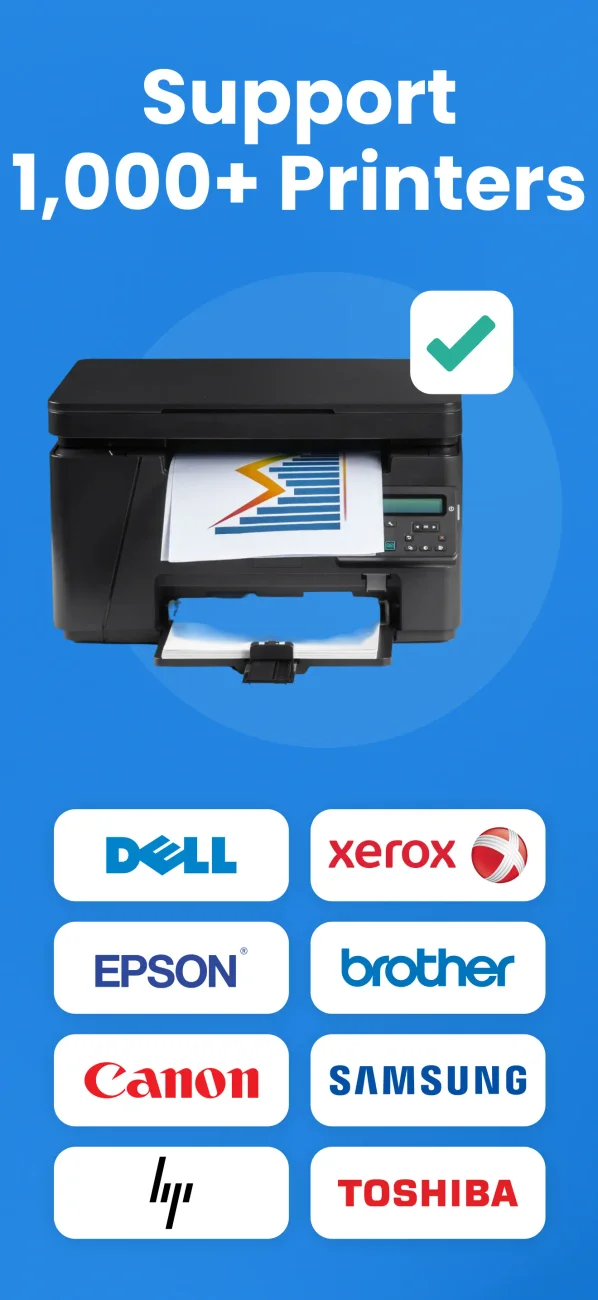
For Wireless Printers app, you can now instantly iprint and scan your files directly from your printer app. No need to download any additional apps or printing tools. It works seamlessly with almost any WiFi, Bluetooth, or USB printer, allowing you to print photos, images, web pages, PDFs, and documents anytime, anywhere.
Key Features of Smart Printer app:
• iPrint and scan directly from your device to almost any inkjet, laser, or thermal printer.
• Print photos and images in JPG, PNG, GIF, and WEBP formats.
• Print files, PDF and documents.
• Print multiple images per sheet.
• Print websites (HTML pages) accessed through the built-in web browser.
• Print on WiFi, Bluetooth, or USB-OTG-connected printers.
Easy Setup and Connection:
Setting up your printer is straightforward with printer app. Simply connect your printer to the same Wi-Fi network as your device, and app will automatically detect and configure it for immediate use. This quick and easy setup process ensures you can start printing without unnecessary delays, making your experience smooth and efficient.
Versatile Printing Options:
Whether you need to iprint and scan documents, photos, or web pages, printer app has you covered. It supports multiple file formats, including PDF, JPEG, PNG, and more. This versatility ensures that you can handle a variety of printing tasks with ease.
Bluetooth Printing:
Prefer a direct connection? Printer app supports Bluetooth printing, allowing you to print files from your device without relying on a Wi-Fi network. This is perfect for quick and convenient printing on the go, providing flexibility and ease of use when you need it most.
Print from Multiple Devices:
Share your printer with family, friends, or colleagues. iPrint and scan app allows multiple devices to connect and print to the same printer, making it ideal for home and office environments where multiple users need access.
Secure Printing:
Security is a priority. Printer app ensures that your documents are transmitted securely to the printer, protecting your sensitive information from unauthorized access. Enjoy peace of mind knowing that your data is safe and your printing tasks are handled securely.
Intuitive User Interface:
Designed with user experience in mind, Smart printer app features an intuitive interface that makes printing simple and straightforward. Whether you’re a tech enthusiast or a beginner, you’ll find navigating through the app and managing your print jobs easy and efficient.
Why Choose Printer App?
Printer app is crafted to meet diverse printing needs with precision and ease. Its robust features and intuitive design make it the ideal solution for anyone looking to enhance their printing experience.
Privacy policy
https://www.itspdf.com/policy
Terms of Services
https://www.itspdf.com/termsandconditions
What’s new
Version 1.0.16 · Aug 14, 2026
- Homescreen Improvements
- Bugs Fixing and Performance Enhancement
App privacy
What Asad Ahsan declares on the App Store about how this app handles data.
-
Data used to track you
May be used to track you across apps and websites owned by other companies.
- Location
-
Data linked to you
May be collected and linked to your identity.
- Location
Privacy practices may vary, for example with the features you use or your age.
Information
- Seller
- Asad Ahsan
- Category
- Business
- Version
- 1.0.16
- Updated
- Aug 14, 2026
- Released
- Aug 29, 2024
- Size
- 44.4 MB
- Requires
- iOS 15.6 or later
- Age rating
- 4+
- Price
- Free
- In-app purchases
- Yes
- Languages
- English, Afrikaans, Albanian, Amharic, Arabic, Armenian, Azerbaijani, Basque, Belarusian, Bengali, Bosnian, Bulgarian + 59 more
- Copyright
- © 2026 Eclix Tech
You might also like
-
 Air Printer: Scan & Print PDFMobile Printing, Smart Scanner
-
 print photos .printer app smart printer scan
-
 Air Printer App: Smart PDFScan Photos, Docs & AirPrint
-
 iPrint: Smart Printer AppPrint Photos, ePrint, Scanner
-
 Smart Printer App & iPrintPrint Documents Photo & Files
-
 Printer App: Print & ScanPhotos, PDF, ID Photo, Collage
-
 Printer Pro: Smart Printer AppSmart Air Print & Scan PDF
-
 Air Printer - Smart Print&ScanFor Dell,Pantum,Sharp,Konica..
-
 Smart Air Printer App, ScannerPrint PDF, Photo, Web, Scanner
-
 Smart Printer App: iPrint ScanFor HP, Canon, Epson, Brother