Smart Printer App- iPrint Scan
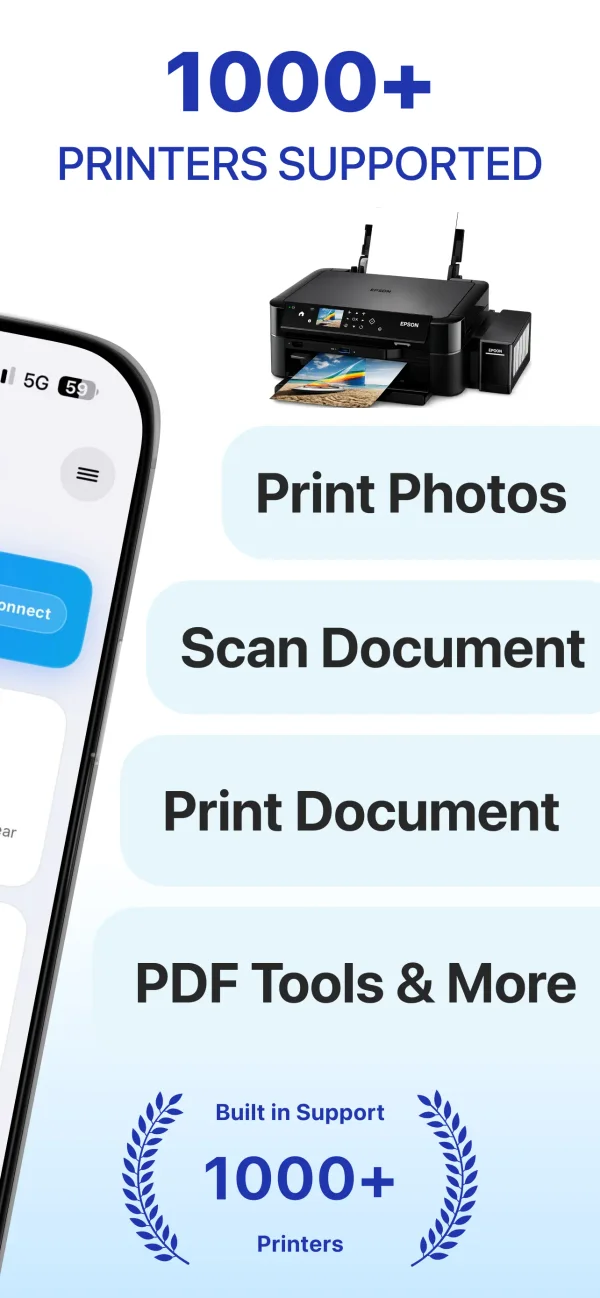
For Canon, HP, Epson, Brother
Designed for iPhone, iPad, Mac
Free · In-app purchases
- Age rating9+
- CategoryBusiness
- DeveloperAli Haider Khan
- LanguagesEnglish
- Size9.5 MB
Links to the official App Store page
Download.org hosts no file of Smart Printer App- iPrint Scan. The button opens its official App Store page, published by Ali Haider Khan. Listing last checked on Nov 12, 2026.
Screenshots
About
Smart Printer App & Scanner PDF Docs and Images.
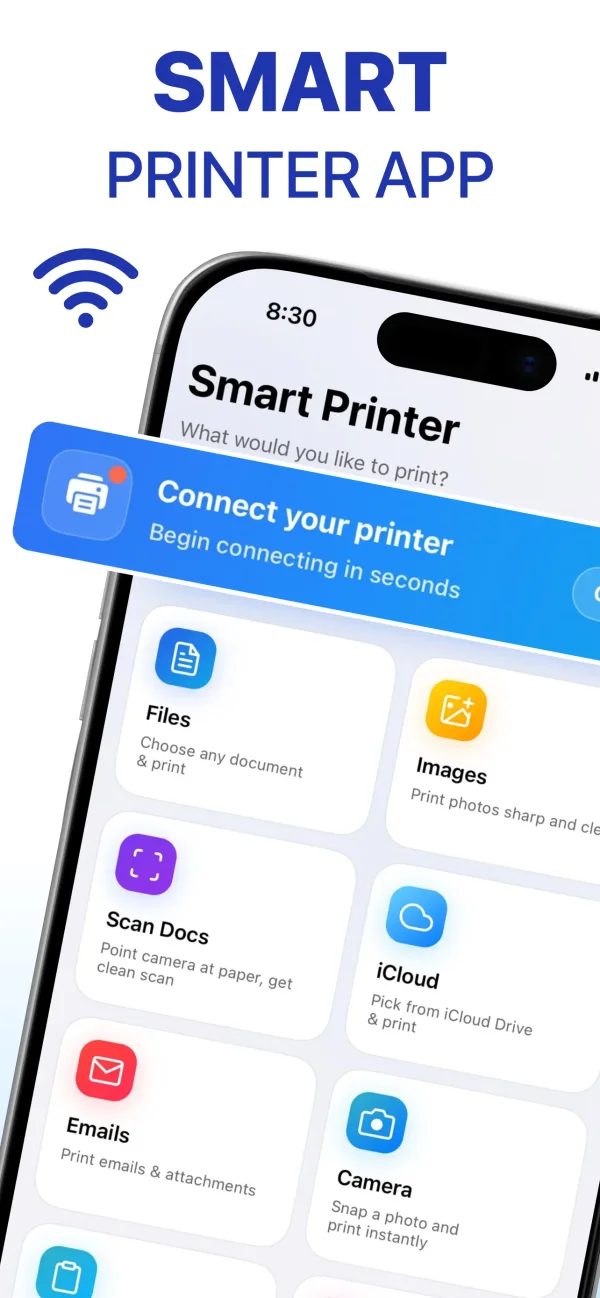
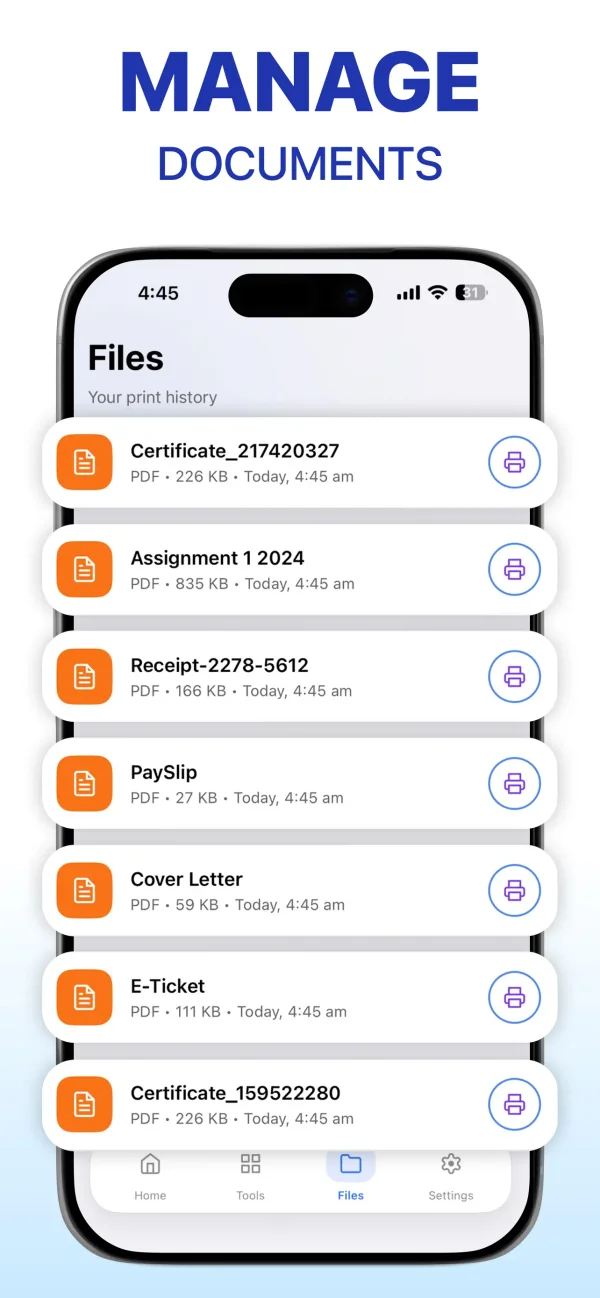
Smart Printer App that makes printing, PDF editing, document signing, and file management simple on your iPhone and iPad. Print documents, photos, webpages, emails, and more in just a few taps all from one powerful app.
Whether you're at home, in the office, or on the go, Printer App gives you the tools to print and manage documents quickly and effortlessly.
Smart Printing Made Easy
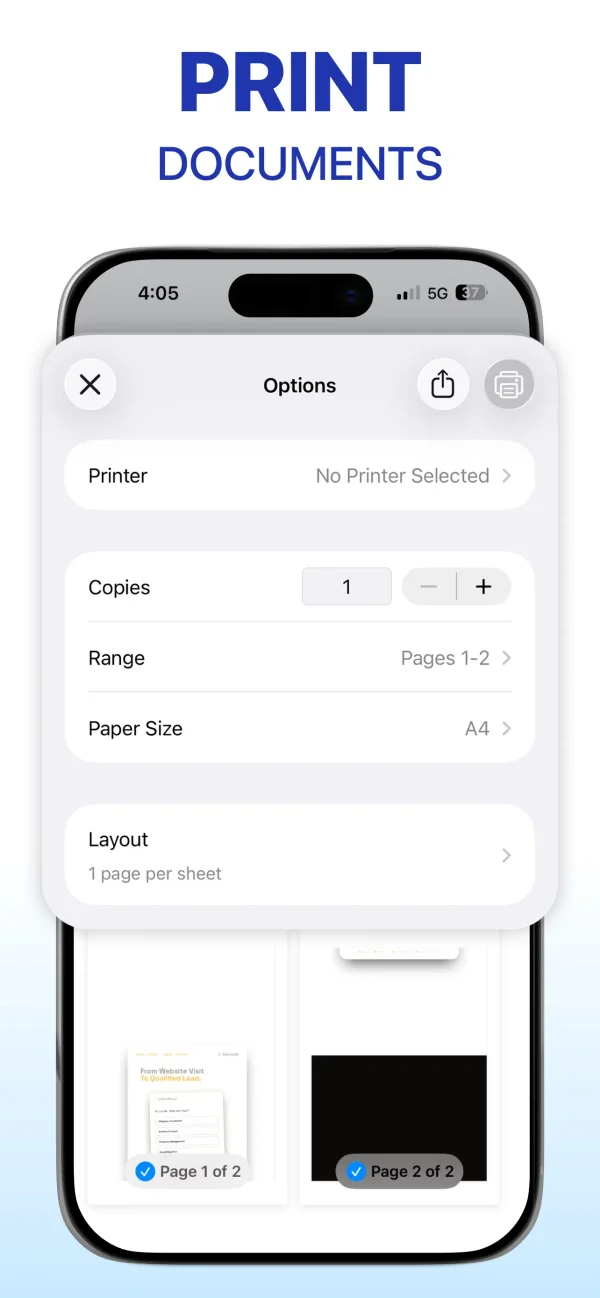
Print PDF documents
Print photos and images
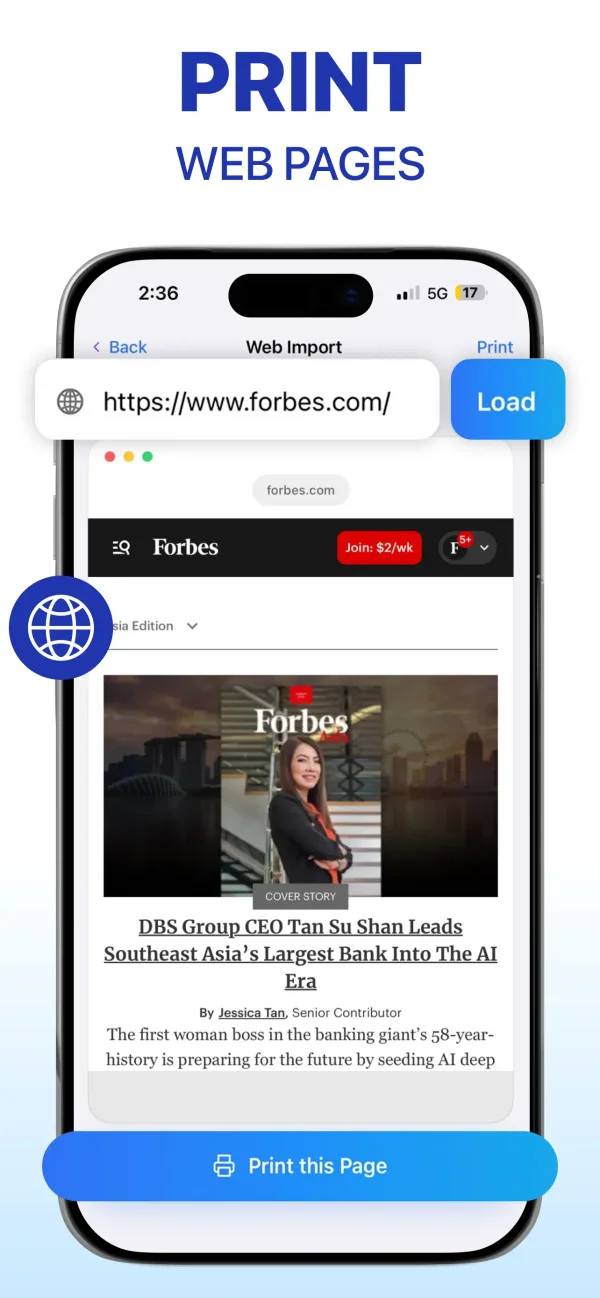
Print webpages from any URL
Print notes and text files
Print directly from iCloud Drive
Customize paper size, orientation, layout, and copy count
Works seamlessly with AirPrint-compatible printers for fast and reliable printing.
Powerful PDF Editor
Manage your PDF files with professional tools:
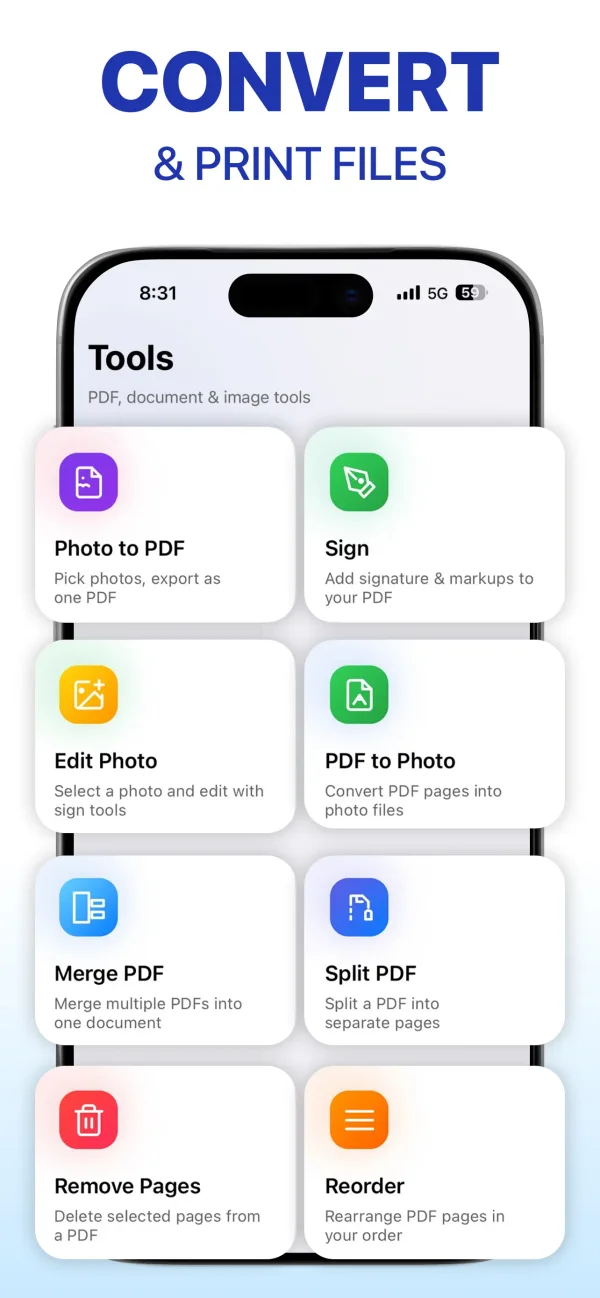
Merge PDF files
Split PDF documents
Rearrange and delete pages
Convert images to PDF
Export PDF pages as images
Password-protect PDFs
Unlock PDFs when authorized
Sign PDF Documents
Add your digital signature to contracts, forms, invoices, and agreements. Sign and share documents without printing or scanning.
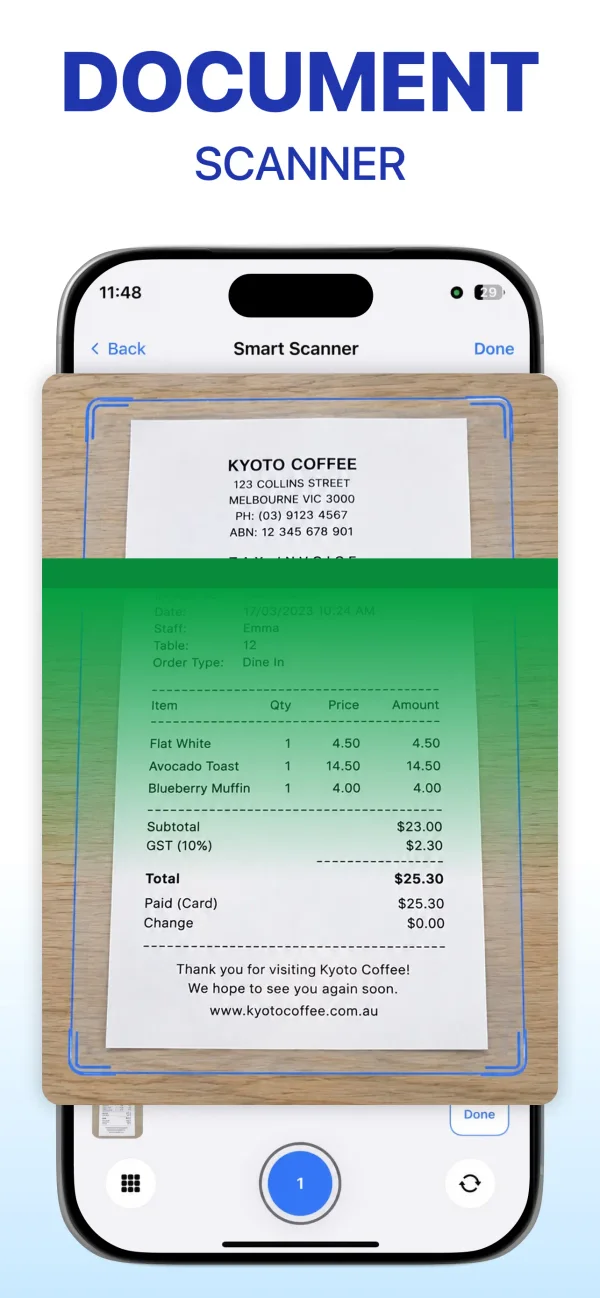
OCR Text Recognition
Extract editable text from:
Receipts
Printed documents
Handwritten notes
Business cards
Photos and screenshots
Edit, copy, save, or print recognized text with built-in OCR technology.
More Printing Features
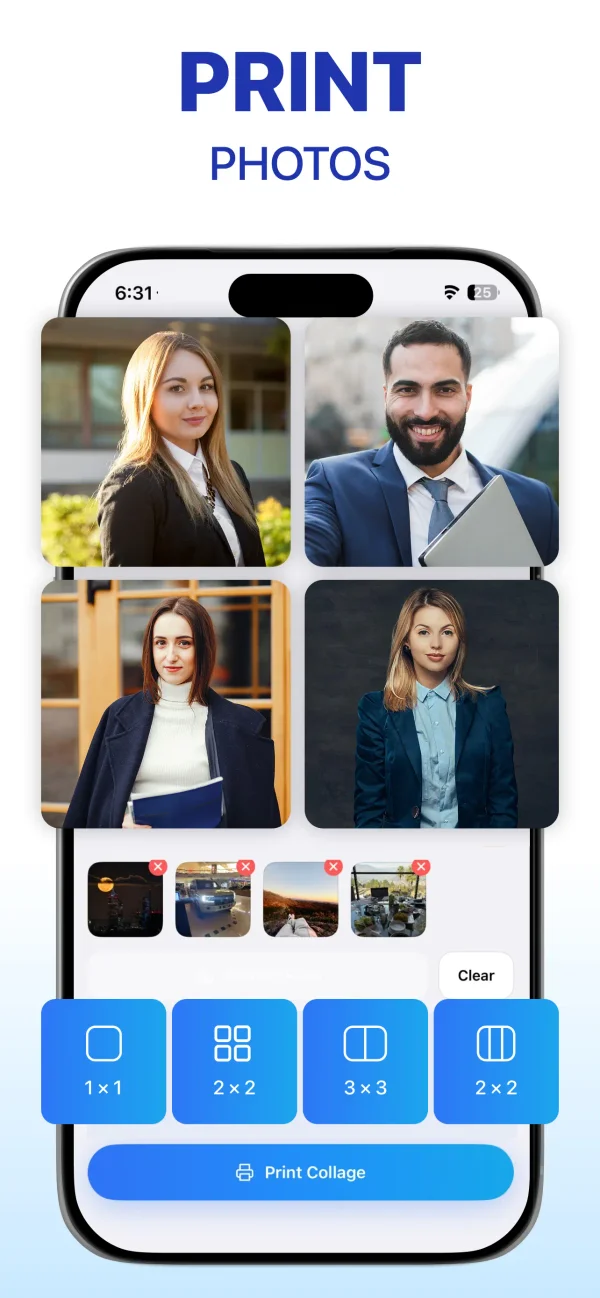
Photo collage printing
Label printing
Mirror image printing
Print webpages
Print plain text
Print files from iCloud Drive
Why Choose Smart Printer?
Smart Printer App for iPhone and iPad
Fast, simple, and intuitive
Powerful PDF editor
Digital document signing
OCR text recognition
Secure PDF management
Ideal for students, professionals, businesses, and families
Whether you're printing school assignments, signing contracts, organizing documents, or editing PDFs, Prynto helps you get the job done quickly and efficiently.
Download Smart Printer today and experience a smarter way to print, edit PDFs, sign documents, and manage your files all in one Smart Printer App.
Subscription Information
Payment will be charged to your Apple Account when your purchase is confirmed.
Your subscription renews automatically unless auto-renew is turned off at least 24 hours before the end of the current billing period. Your account will be charged for renewal within 24 hours before the current subscription period ends.
You can manage your subscription or turn off auto-renew at any time by going to Settings > Apple ID > Subscriptions after purchase.
For more information, please review our Terms of Service and Privacy Policy.
Privacy Policy
https://sites.google.com/view/printoraa/privacy-policy
Terms of Service
https://sites.google.com/view/printoraa/terms-conditions
What’s new
Version 1.2 · Aug 17, 2026
- Major Bug fixes
- Printing Process Improvement
- Improve Conversion Tools
App privacy
What Ali Haider Khan declares on the App Store about how this app handles data.
-
Data not collected
The developer does not collect any data from this app.
Privacy practices may vary, for example with the features you use or your age.
Information
- Seller
- Ali Haider Khan
- Category
- Business
- Version
- 1.2
- Updated
- Aug 17, 2026
- Released
- Aug 6, 2026
- Size
- 9.5 MB
- Requires
- iOS 18.0 or later
- Age rating
- 9+
- Price
- Free
- In-app purchases
- Yes
- Languages
- English
- Copyright
- © 2026 Smart App
You might also like
-
 iPrint for Epsom Printer AppFor Epson, Canon and HPSmart
-
 Smart Printer : iPrint Scan ´Print Documents, Photos & Scan
-
 Printer Wireless PrintingiPrint - Smart Mobile Print
-
 App for Epson PrinterCompatible for HP,Canon,Epson
-
 Smart Printer : iPrint ScanFor Epson Printer & Brother
-
 Air Print Go・Smart Printer AppScan & Print Documents, Photos
-
 Smart Printer | Scanner AppPrint Wireless Document,Photos
-
 Smart Printer・Setup & PrintMobile Wireless Air Printing
-
 HP Smart Printer Free AppSmart Printer For HP & iPrint
-
 Smart Printer App: iPrint ScanFor HP, Canon, Epson, Brother