
SnapFile: AI Document Scanner
Scan, File & Track Expenses
Designed for iPhone, iPad
Free · In-app purchases
- Age rating4+
- CategoryProductivity
- DeveloperBlueCrest Group, LLC
- LanguagesEnglish
- Size70.0 MB
Links to the official App Store page
Download.org hosts no file of SnapFile: AI Document Scanner. The button opens its official App Store page, published by BlueCrest Group, LLC. Listing last checked on Nov 16, 2026.
Screenshots

About
Scan any document. AI files it for you: automatically.
SnapFile uses artificial intelligence to scan, classify, and organize your receipts, invoices, contracts, medical records, and tax forms into the right folder across Google Drive, OneDrive, Dropbox, and iCloud Drive.
NO MORE MANUAL ORGANIZING
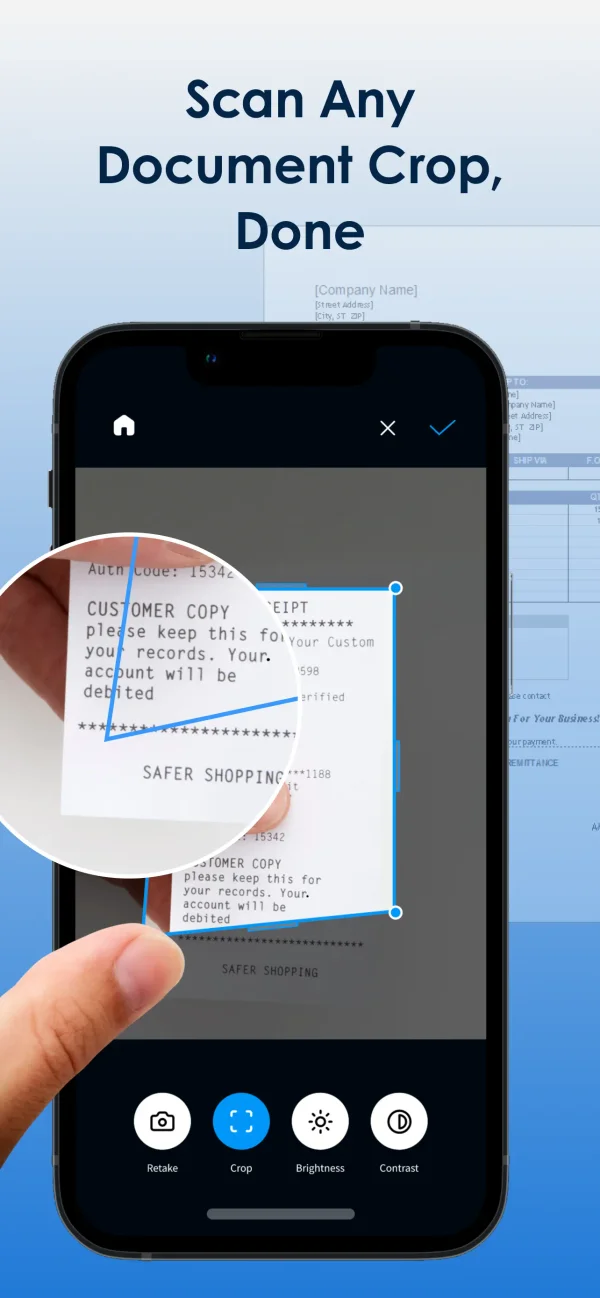
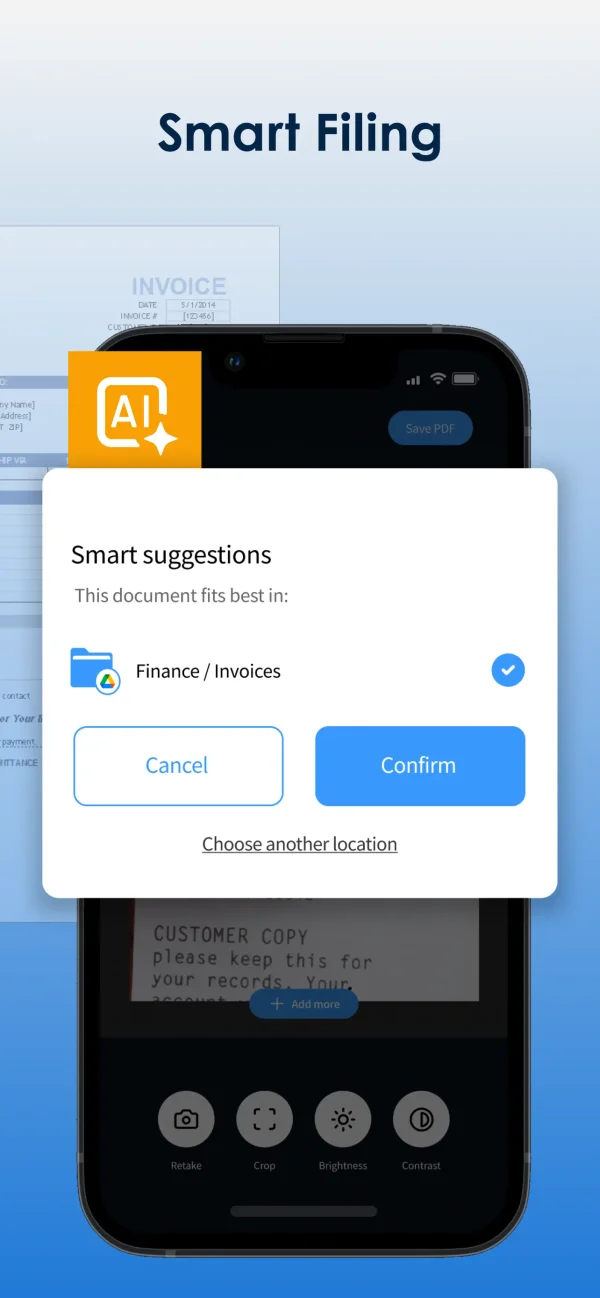
Point your camera at any document. SnapFile captures a clean scan, reads what it is, and files it exactly where it belongs based on your existing folder structure. Medical bill from Dr. Chen? Filed under Medical/Dr. Chen/2025. Office supply receipt? Expenses/2025/Office Supplies. One tap. Done.
BUILT-IN EXPENSE TRACKING
Connect QuickBooks, Xero, or Sage. Scan a receipt, and SnapFile extracts the vendor, amount, date, and category, then syncs it directly to your accounting software with the receipt attached. No manual data entry. No shoebox at tax time. Freelancers and small business owners save hours every month.
FIND ANY DOCUMENT INSTANTLY
Search by content, vendor, date, amount, document type, or custom tag. SnapFile indexes every scan, so nothing stays lost.
WHAT SNAPFILE DOES
• Classifies receipts, invoices, contracts, tax forms, medical records, warranties, insurance docs, and more
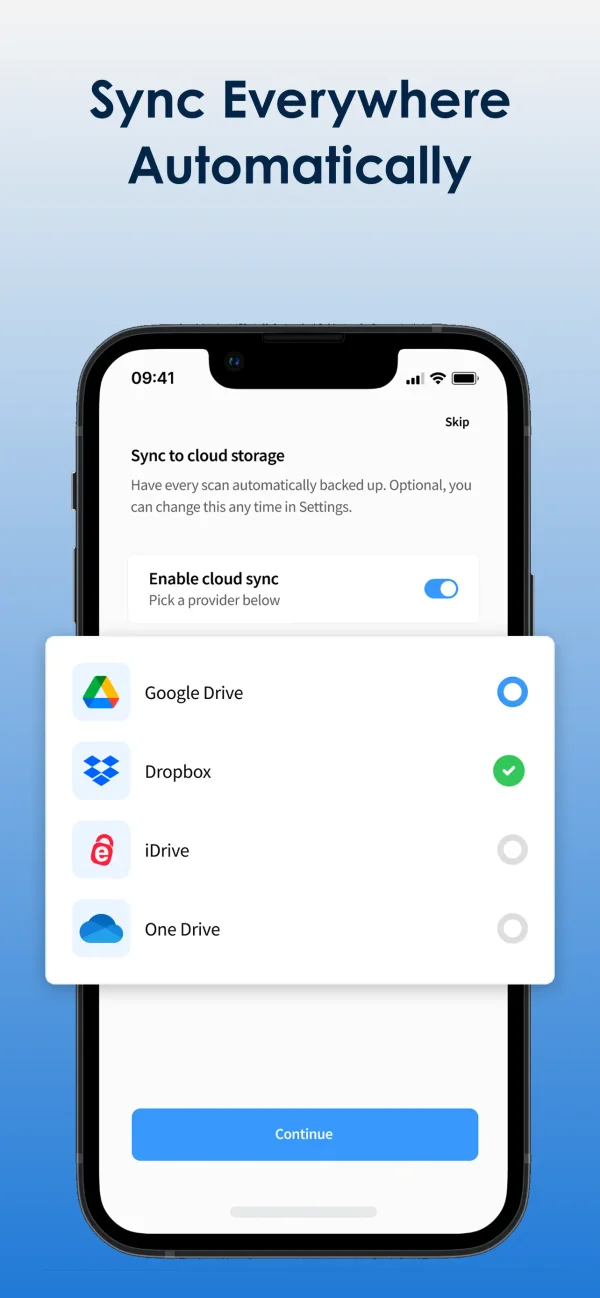
• Files to Google Drive, OneDrive, Dropbox, and iCloud Drive simultaneously
• Syncs expenses to QuickBooks, Xero, and Sage automatically
• Scans offline and uploads when you reconnect
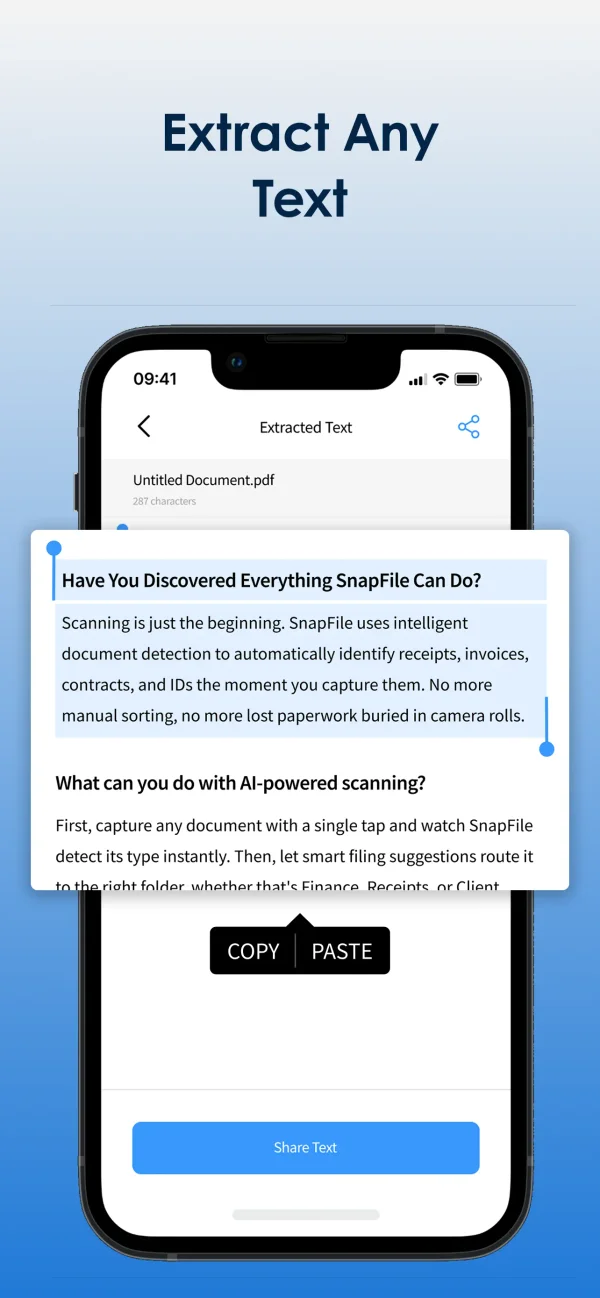
• Exports searchable PDFs with full text layer
• Detects duplicates before they pile up
• Authenticates via secure OAuth: your passwords are never stored
YOUR DATA STAYS YOURS
Documents go directly to your cloud storage. SnapFile never stores your files on our servers. All scans go directly to your chosen cloud storage provider (Google Drive, OneDrive, Dropbox, or iCloud Drive). We collect only the minimum account data required to manage your subscription: your email address and subscription status. Document content, filenames, and extracted text are processed on-device or passed directly to your cloud provider and are never retained by SnapFile. Camera and storage access are used solely to capture and file your documents. We do not sell, share, or monetize your data in any form.
Full details are available in our Privacy Policy: https://snapfileapp.com/privacy
Support: https://snapfileapp.com/support; support@snapfileapp.com
Terms: https://snapfileapp.com/terms
FREE TO START
20 free scans per month. Upgrade to Premium for unlimited scanning, accounting sync, and priority support. $9.99 monthly or $79.99 annually.
SUBSCRIPTION TERMS
SnapFile Premium is available as a monthly or annual auto-renewing subscription. Payment is charged to your Apple ID account at confirmation of purchase. Your subscription automatically renews unless cancelled at least 24 hours before the end of the current billing period. You can manage or cancel your subscription at any time in your iPhone Settings under Subscriptions. No cancellation of the current active subscription period is permitted. Free trial will convert to a paid subscription unless cancelled before the trial ends.
What’s new
Version 2.3.2 · Aug 25, 2026
Improved scanning flow, better bookkeeping and accounting sync, and removal of Sage.
App privacy
What BlueCrest Group, LLC declares on the App Store about how this app handles data.
-
Data used to track you
May be used to track you across apps and websites owned by other companies.
- Contact info
- Identifiers
- Usage data
-
Data linked to you
May be collected and linked to your identity.
- Financial info
- Contact info
- Identifiers
-
Data not linked to you
May be collected but is not linked to your identity.
- User content
- Identifiers
- Usage data
- Diagnostics
Privacy practices may vary, for example with the features you use or your age.
Information
- Seller
- BlueCrest Group, LLC
- Category
- Productivity
- Version
- 2.3.2
- Updated
- Aug 25, 2026
- Released
- Apr 1, 2026
- Size
- 70.0 MB
- Requires
- iOS 16.0 or later
- Age rating
- 4+
- Price
- Free
- In-app purchases
- Yes
- Languages
- English
- Copyright
- © 2026 BlueCrest Group
You might also like
-
 Brief AI: Voice Notes & AudioMeeting Transcribe & Summary
-
 Surface AssistProductivity
-
 QuickSign: Sign PDF & eSignStamp, Sign & Share Documents
-
 DocScan AI: PDF ScannerOn-Device OCR & Field Capture
-
 ScanFree - Scanner PDFProductivity
-
 Screenshot ScannerScan schedules from screenshot
-
 Inktoss: Print & Mail DocsNo printer? We print & mail it
-
 Compress Image: PhotosReduce, convert and save
-
 Photo to JPEGFit Any Upload Limit
-
 PDF Scanner: Scan PDF EditorDocument Converter, Sign & OCR