
- Age rating4+
- CategoryProductivity
- DeveloperMason Garcera
- LanguagesEnglish
- Size2.8 MB
Links to the official App Store page
Download.org hosts no file of Sphere: Sky Schedule. The button opens its official App Store page, published by Mason Garcera. Listing last checked on Nov 13, 2026.
Screenshots

About
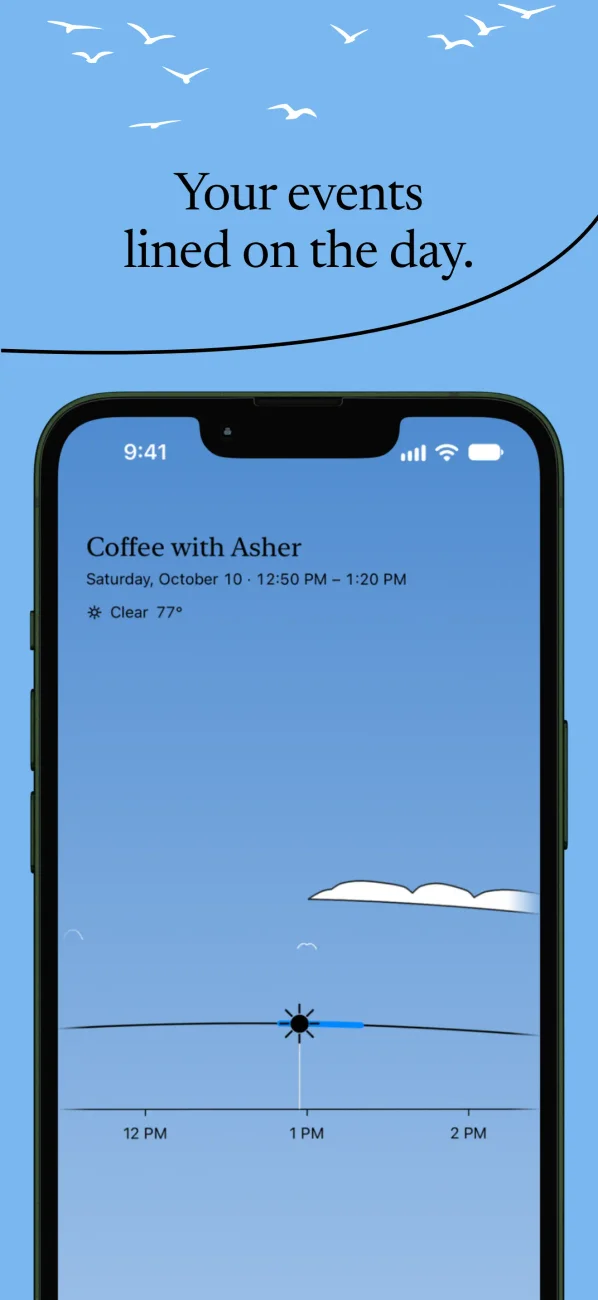
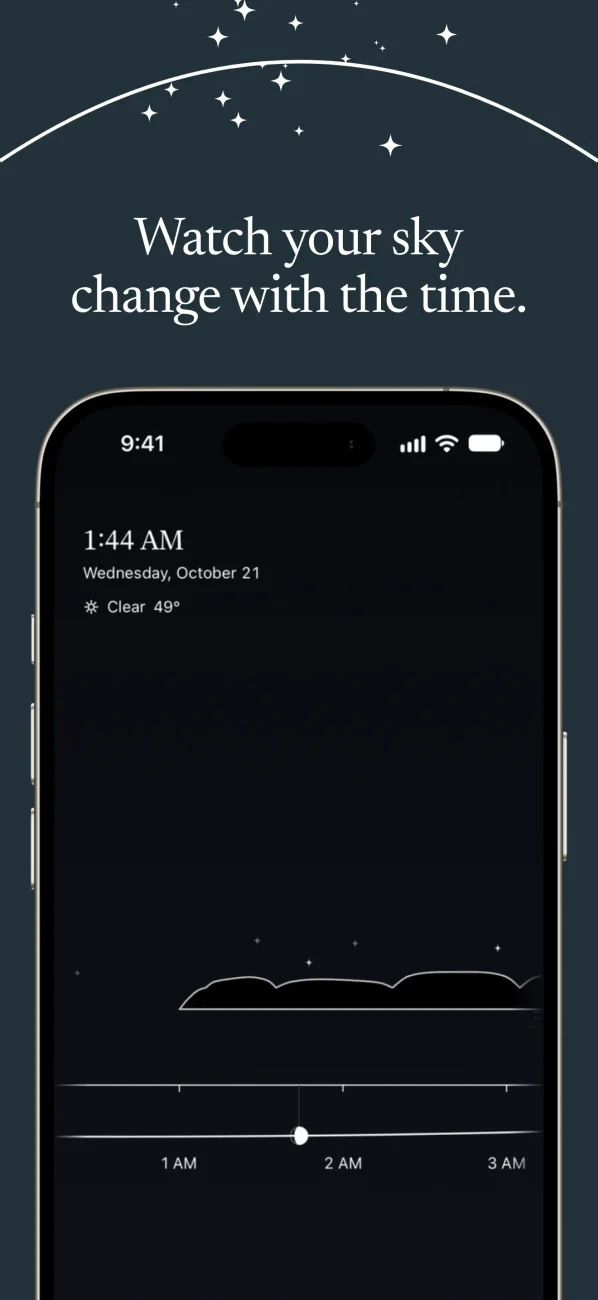
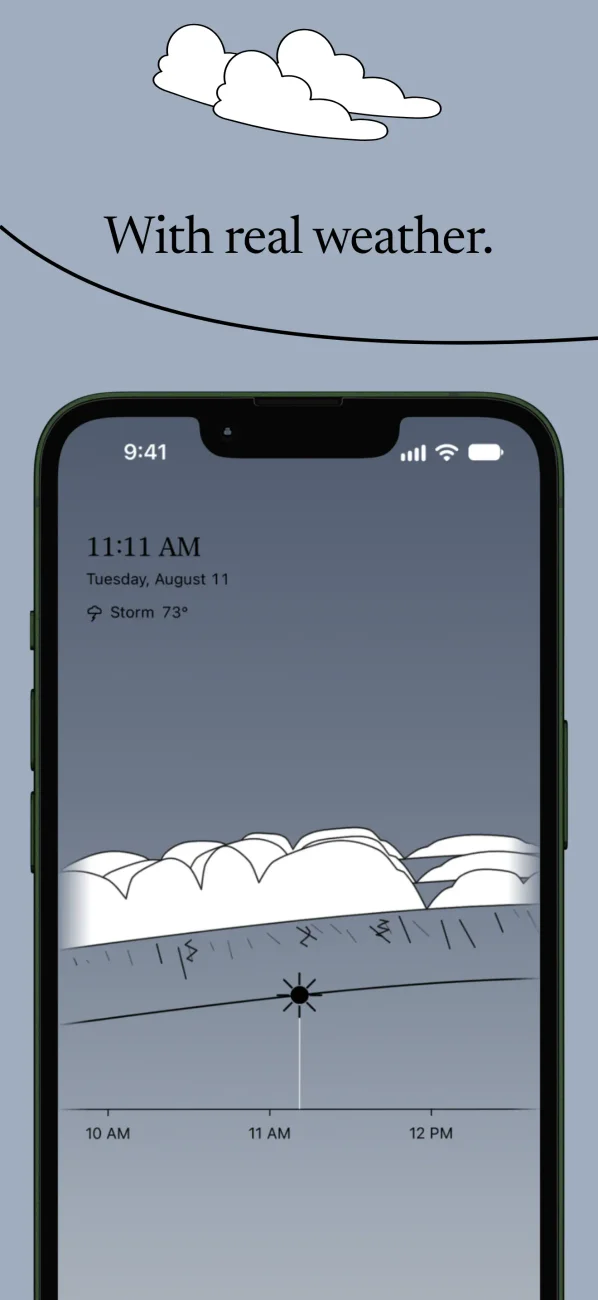
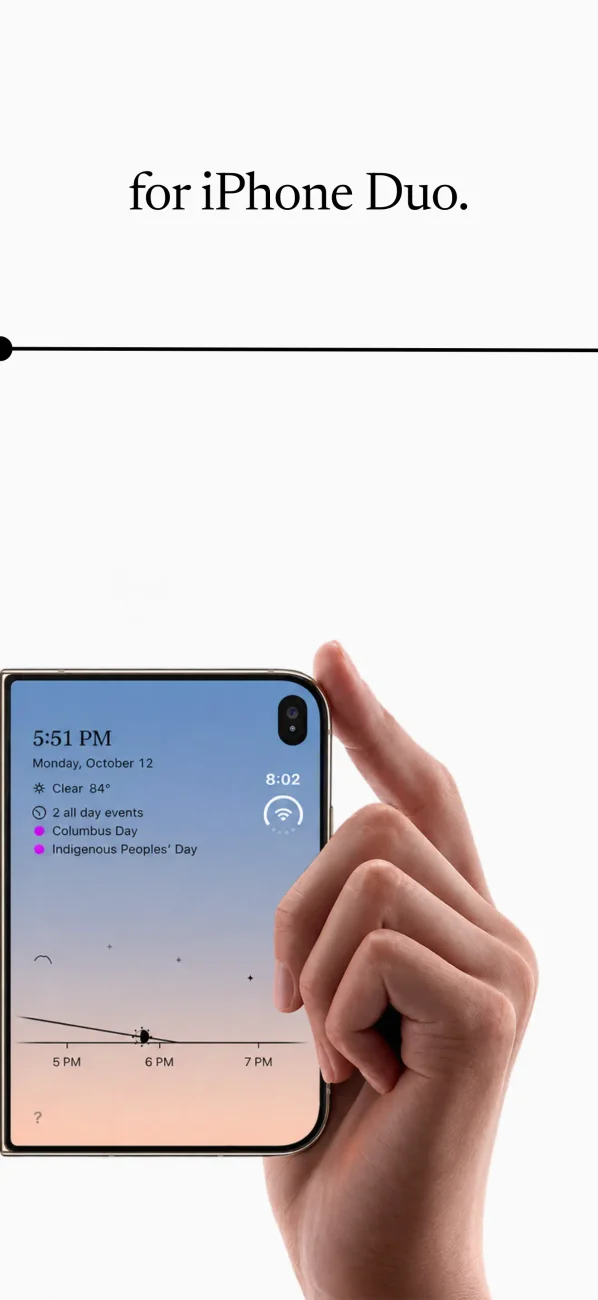
Sphere shows your schedule and weather in the sky. It's designed to have atmosphere. Each of your events is a capsule on the arc, running from start to end in the color of the calendar it came from. Clouds stack by altitude (modeled after cirrus and cumulus clouds), and you'll see rain, storms, lightning, and more. For clear hours, you'll see birds in the day and twinkling stars at night.
The arc:
- Drag it to move through the day.
- Pinch to zoom.
- Tap to make an event, open one, or pick a different date.
- Tap the left or right edge to go to the previous or next event.
- Press and hold to open the menu, or the gesture guide.
- Scrub away from the present and the bottom left corner shows how far, like "+4 hours". Tap it to come back to now.
- The menu mark in the bottom right corner opens the menu, or the gesture guide.
- Events open in Apple's native calendar, so editing, deleting and replying to an invitation work exactly the way you're used to.
- All-day events are under the date, where they can be read without taking room on the arc.
The menu:
- Today's arc with sunrise, midday and sunset.
- Tonight's moon and the temperature right now.
- Appearance; Natural Sky means the app is light by day and dark at night, and dark makes it dark all the time.
- Calendar toggles.
Outside the app:
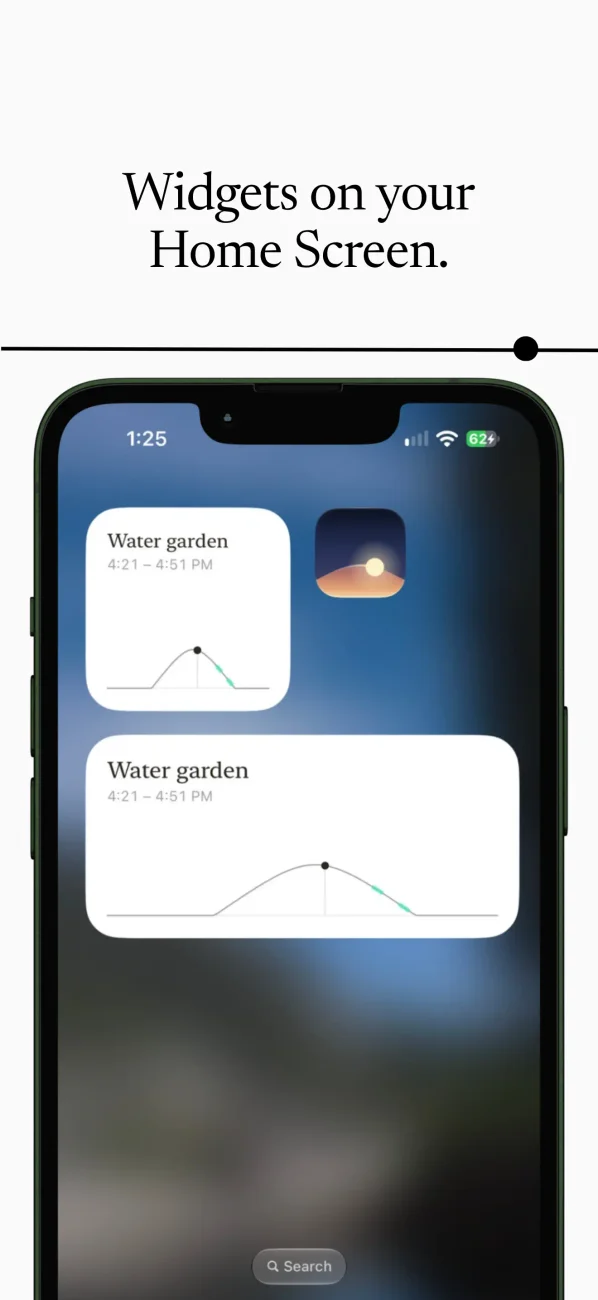
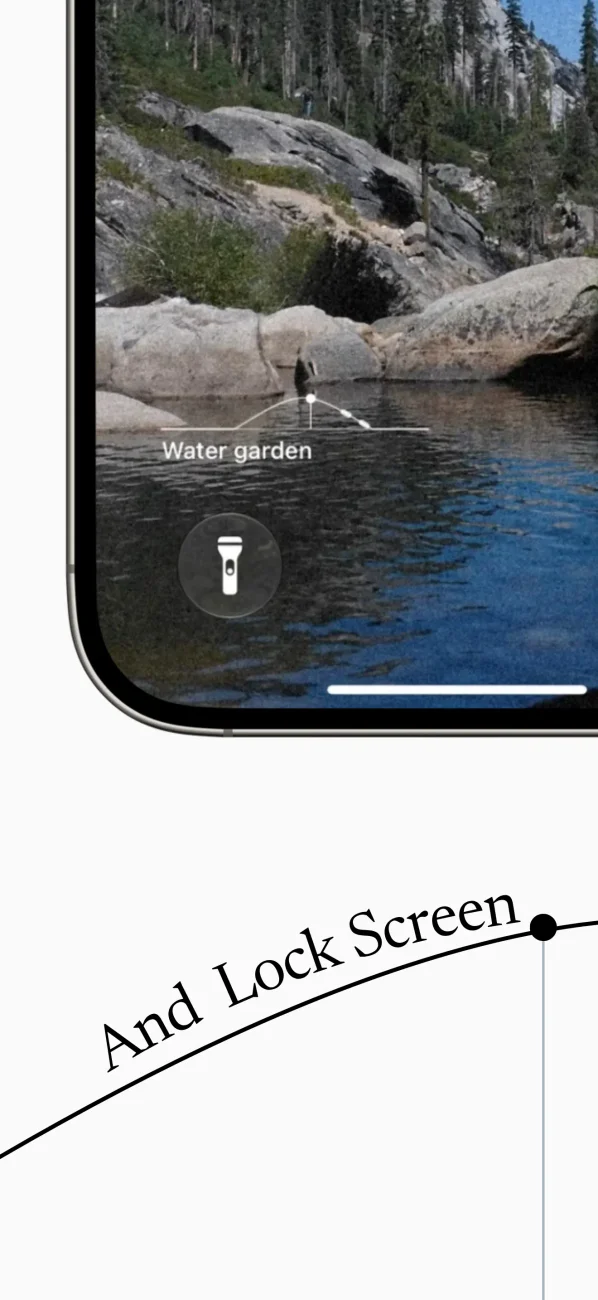
- Home Screen: the sky curve with your events on it, in small and medium.
- Lock Screen: where the sun is and your next calendar event.
Sphere is free. No account, no subscription, no ads, no analytics, no tracking.
Privacy: https://smidgecraft.com/sphere/privacy
Support: https://smidgecraft.com/sphere/support
Questions, ideas, or feedback? mason@smidgecraft.com
What’s new
Version 2.4.1 · Oct 29, 2026
Thanks
- Leave a review popup appears once you've been using it a while.
Thank you for using Sphere! Feedback: mason@smidgecraft.com
App privacy
What Mason Garcera declares on the App Store about how this app handles data.
-
Data not linked to you
May be collected but is not linked to your identity.
- Location
- Contact info
- User content
Privacy practices may vary, for example with the features you use or your age.
Information
- Seller
- Mason Garcera
- Category
- Productivity
- Version
- 2.4.1
- Updated
- Oct 29, 2026
- Released
- Sep 16, 2026
- Size
- 2.8 MB
- Requires
- iOS 26.0 or later
- Age rating
- 4+
- Languages
- English
- Copyright
- © Mason Garcera
You might also like
-
 CraftPassAISnap any card to Smart wallets
-
 PathDay: Personal ProductivityTasks, Habits, Focus & Mantras
-
 FreshDo - To Do List & PlannerFocus Timer & GTD Todo List
-
 SPARK - 2 Minute StarterBeat task paralysis in 2 min
-
 iWorkUntil: ADHD Visual TimerTime blocks · focus sessions
-
 Set · ADHD Task ManagerPlan your day, keep it moving.
-
 Reporter OpenScape FMProductivity
-
 FocusDeep: Cozy Focus TimerStudy Buddy & Productivity
-
 Pocket Mac LabYour Mac on iPhone and iPad
-
 Note - ConniePadJournal - Writing - Sync