
Split Screen Web Browser
Two Websites at Once
Designed for iPhone, iPad
Free · In-app purchases
- Age rating17+
- CategoryUtilities
- DeveloperMANUEL MATAS GALEOTE
- LanguagesEnglish+ 14 more
- Size15.0 MB
Links to the official App Store page
Download.org hosts no file of Split Screen Web Browser. The button opens its official App Store page, published by MANUEL MATAS GALEOTE. Listing last checked on Nov 13, 2026.
Screenshots

About
Split Screen Browser: Dual View Multitasking
Maximize your productivity with Split Screen Browser, the ultimate tool for viewing two websites simultaneously on your iPhone or iPad. Whether you are researching while watching a video, comparing products, or following news feeds, our app transforms your browsing experience.
EFFICIENCY REDEFINED
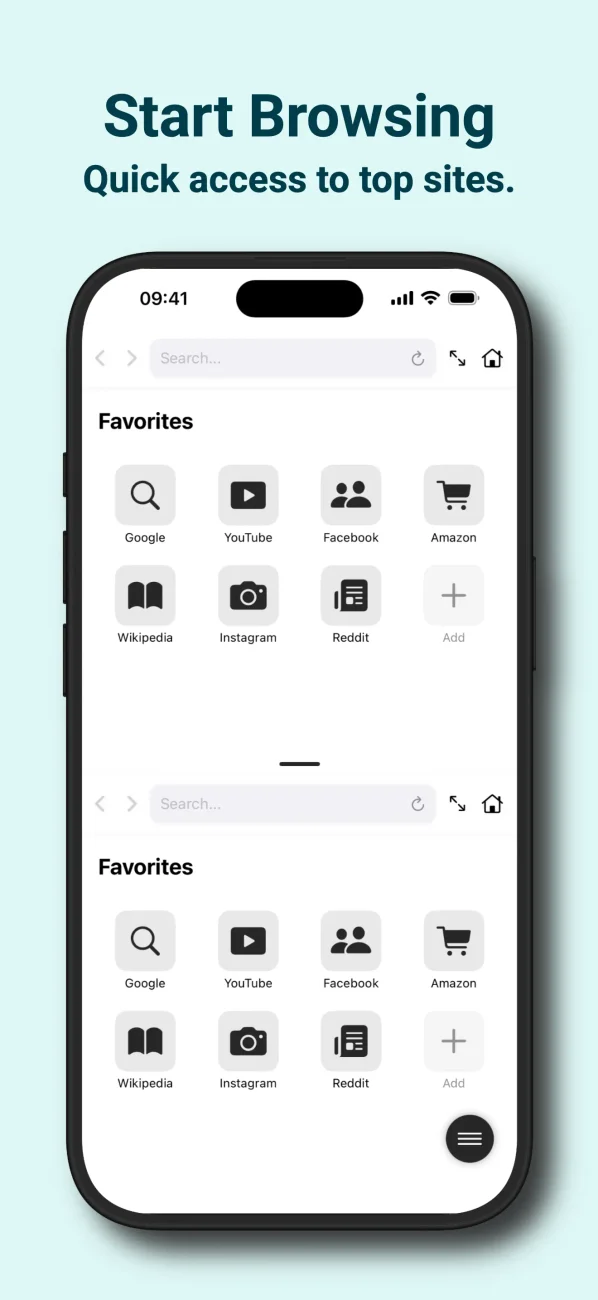
Browse the web with true multitasking capabilities. Open two separate browser windows at once and interact with them independently. Optimized for both iPhone and iPad, the interface adapts seamlessly to your device, offering a powerful side-by-side view on larger screens and a vertical split on iPhones.
SMART NAVIGATION
Access your favorite content instantly with our designated Start Page. The app intelligently handles web addresses, distinguishing between search queries and direct URLs to get you to your destination faster.
COMBINED BOOKMARKS
Save time by creating "Combos"—pairs of websites that you frequently use together. Load your favorite news site alongside the stock market, or your email next to your calendar, with just a single tap.
FULL SCREEN FOCUS MODE
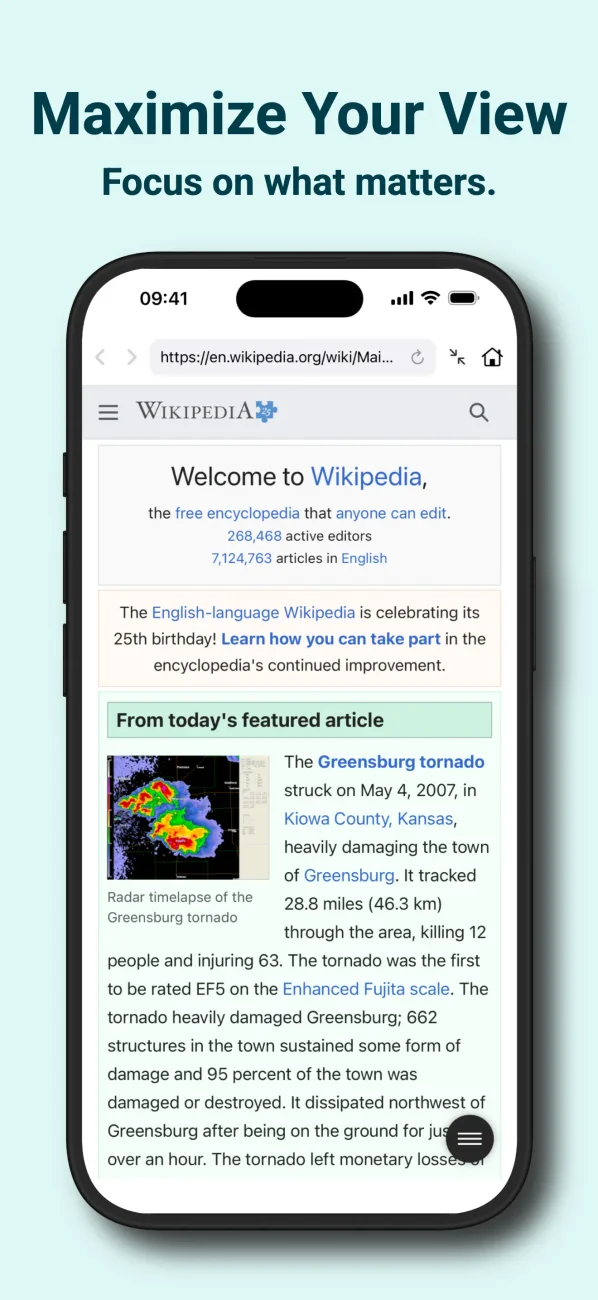
Need to focus on one task? Easily maximize any browser window to full screen for an immersive reading or viewing experience, then switch back to split view instantly when you are ready to multitask again.
PRIVACY AND SECURITY
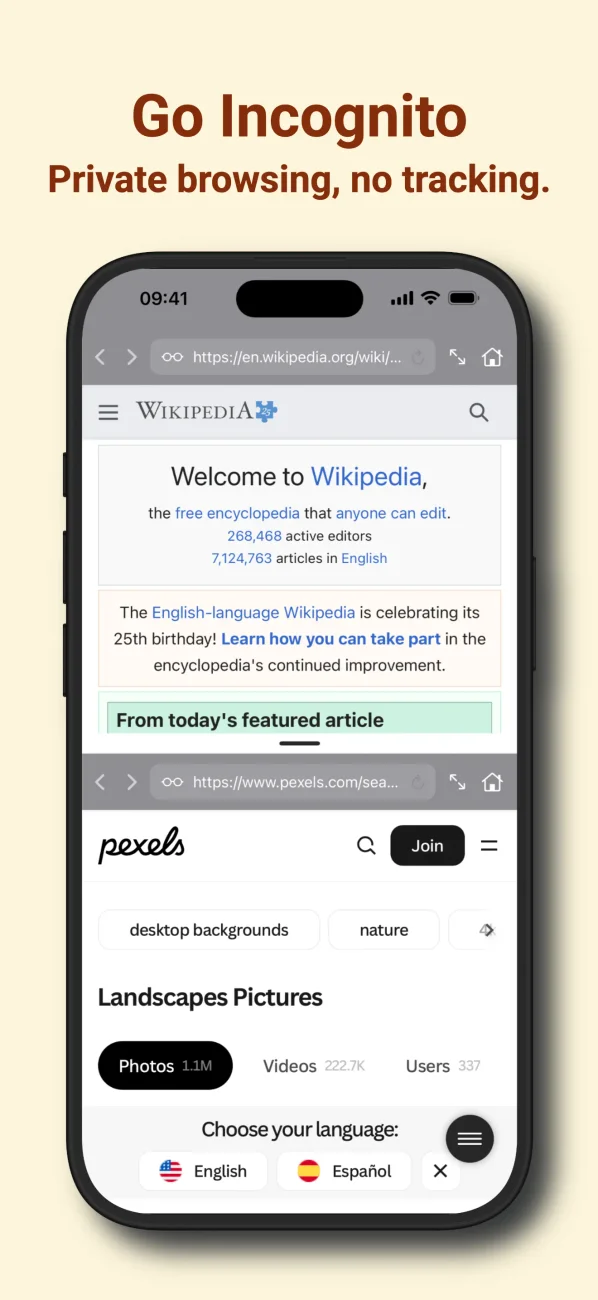
Browse with confidence using our built-in Incognito mode. Your session data is not stored, ensuring your privacy is respected. Typically, browser history is kept local to your device, giving you control over your digital footprint.
HISTORY MANAGEMENT
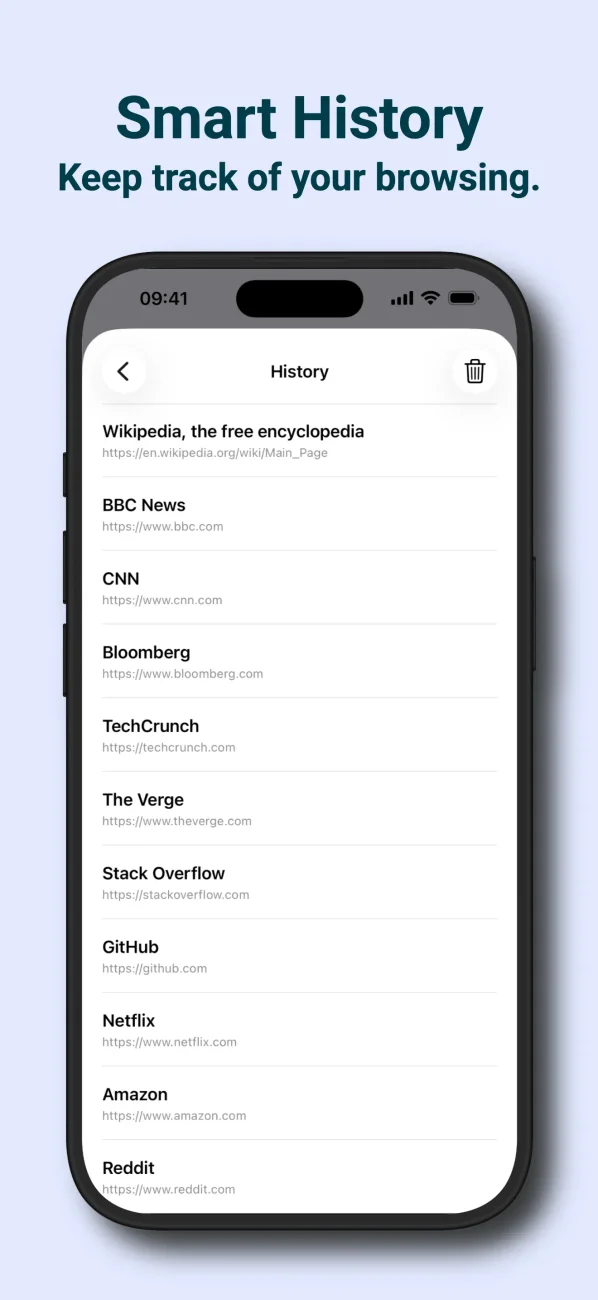
Keep track of your research with a comprehensive history log. Easily revisit past sites or clear your browsing data whenever you needed.
KEY FEATURES:
• Dual-window split screen browsing
• Quick-access Start Page with favorites
• Save website pairs as Combos for instant access
• Maximize/Minimize windows for flexible viewing
• Private Incognito browsing mode
• Comprehensive history management
• Smart URL detection and search integration
• FaceID protection for added security
Transform how you surf the web. Download Split Screen Browser today and double your productivity.
---
Privacy Policy: https://sites.google.com/view/splitscreenwebprivacy/home
Terms of Use (EULA): https://www.apple.com/legal/internet-services/itunes/dev/stdeula/
What’s new
Version 2.1.0 · Nov 10, 2026
Bug fixes and performance improvements.
App privacy
What MANUEL MATAS GALEOTE declares on the App Store about how this app handles data.
-
Data not linked to you
May be collected but is not linked to your identity.
- Purchases
- Identifiers
- Usage data
Privacy practices may vary, for example with the features you use or your age.
Information
- Seller
- MANUEL MATAS GALEOTE
- Category
- Utilities
- Version
- 2.1.0
- Updated
- Nov 10, 2026
- Released
- Feb 1, 2026
- Size
- 15.0 MB
- Requires
- iOS 18.0 or later
- Age rating
- 17+
- Price
- Free
- In-app purchases
- Yes
- Languages
- English, Arabic, Dutch, French, German, Italian, Japanese, Korean, Portuguese, Russian, Simplified Chinese, Spanish + 3 more
- Copyright
- © 2026 Manuel Matas Galeote
You might also like
-
 TwininUtilities
-
 CC Browser: Private & SecureVideo Download & Ad Blocker
-
 VanBrowser: Private BrowserThe web browser with no AI.
-
 Private Browser: LoopiusSimple & Fast Web Browser
-
 BrowsAI-Agent Web BrowserA mobile alternative to Manus
-
 Internet Browser ۬Adblock & Privacy Web Browser
-
 SWeb - Screenshot Web BrowserScreenshots keep your spot
-
 Private Browser -Safe & SecureAd Block & Private Browsing
-
 Ad Block Browser: No AdsFast Private Web Browser
-
 ControlWeb: Browser & VPNFast VPN & Secure Browser