
StarNote: Notes & PDF Markup
AI Note-Taking & Handwriting
Designed for iPhone, iPad, iPod touch
Free · In-app purchases
- Age rating4+
- CategoryProductivity
- DeveloperOnyx International Inc.
- LanguagesEnglish+ 12 more
- Size425.6 MB
Links to the official App Store page
Download.org hosts no file of StarNote: Notes & PDF Markup. The button opens its official App Store page, published by Onyx International Inc. Listing last checked on Nov 22, 2026.
Screenshots

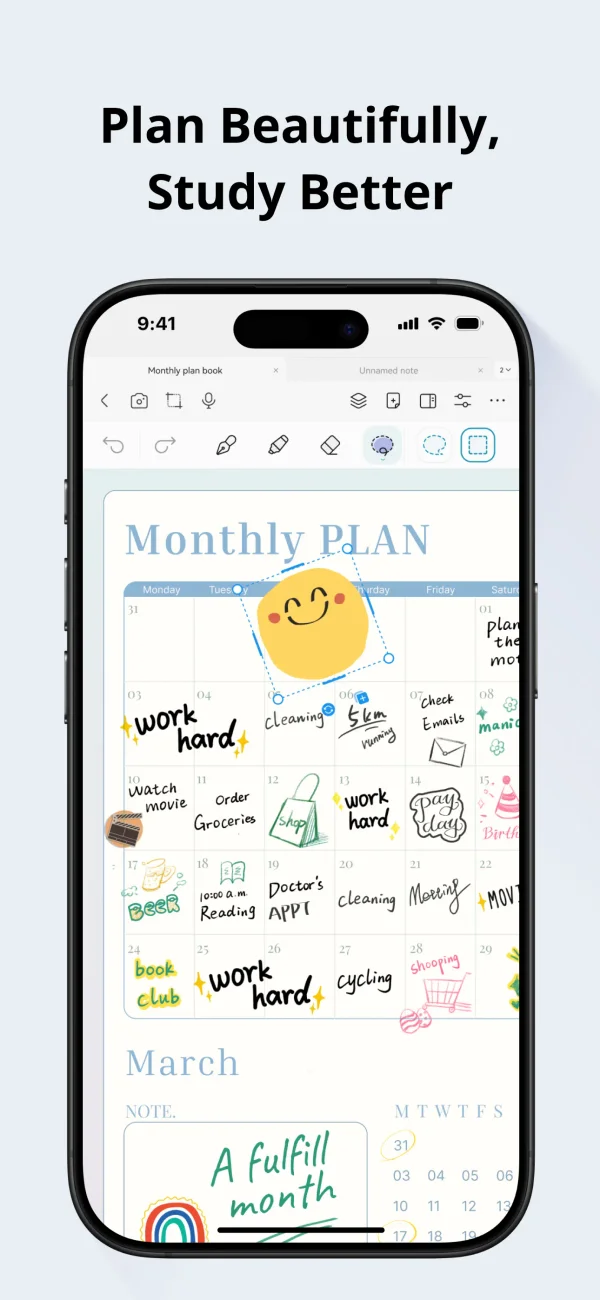
About
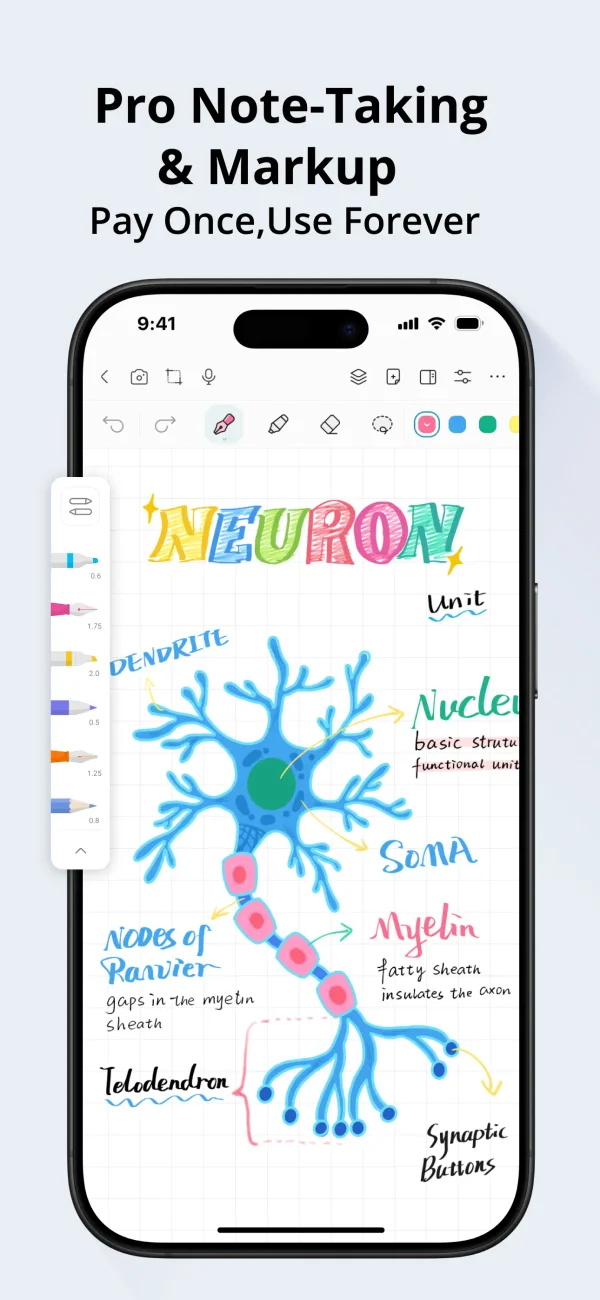
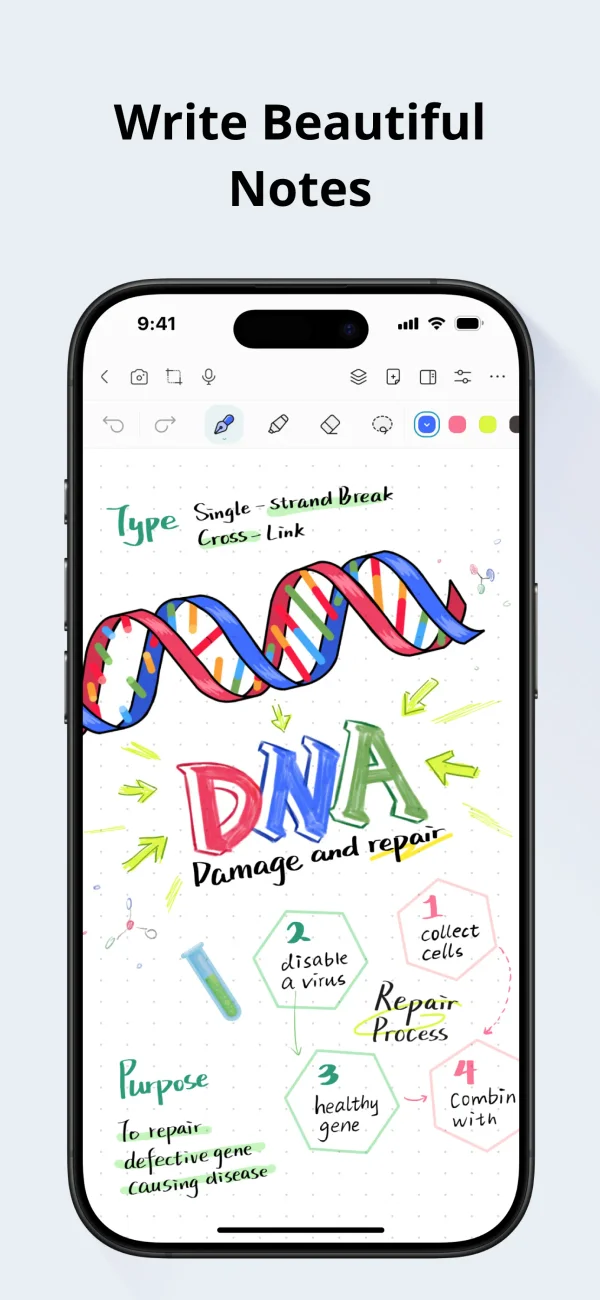
StarNote is a digital notebook for handwritten notes and PDF markup, with AI to transcribe and summarize your recordings. Sketch an idea on an infinite canvas, jot a question in the margin as you read, or record a conversation and come back to the key points later.
Write freely on iPad
Work through problems, sketch diagrams, and capture ideas with smooth, responsive ink. Expand the page when you need more room, and convert handwriting to text when you need a typed copy.
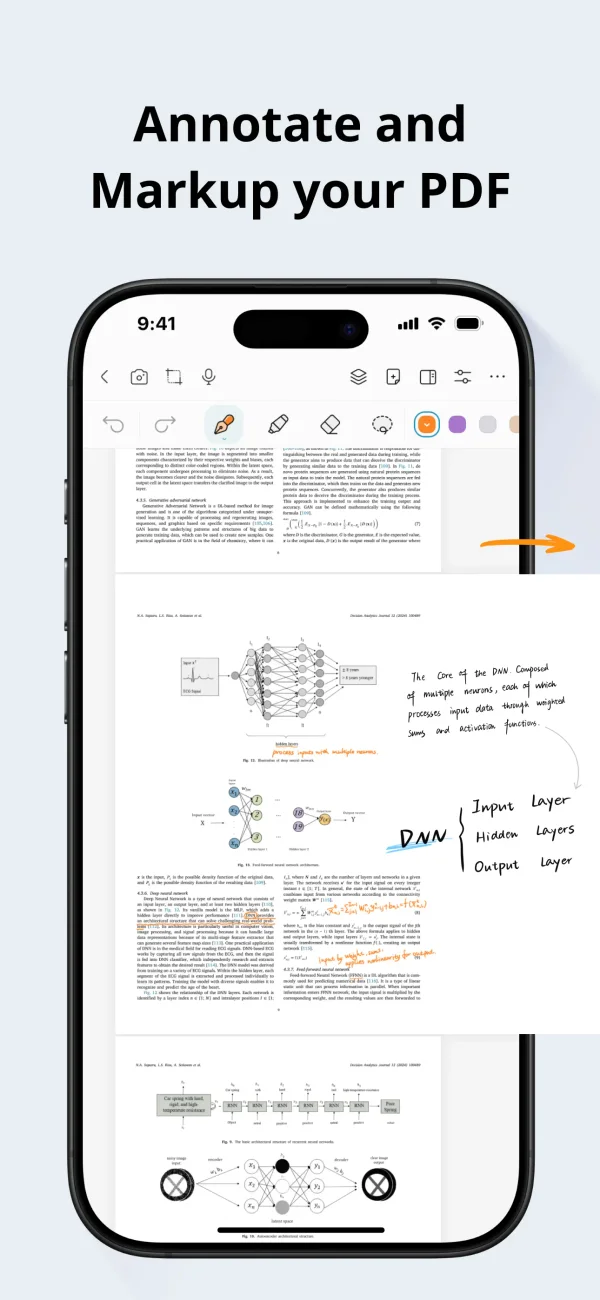
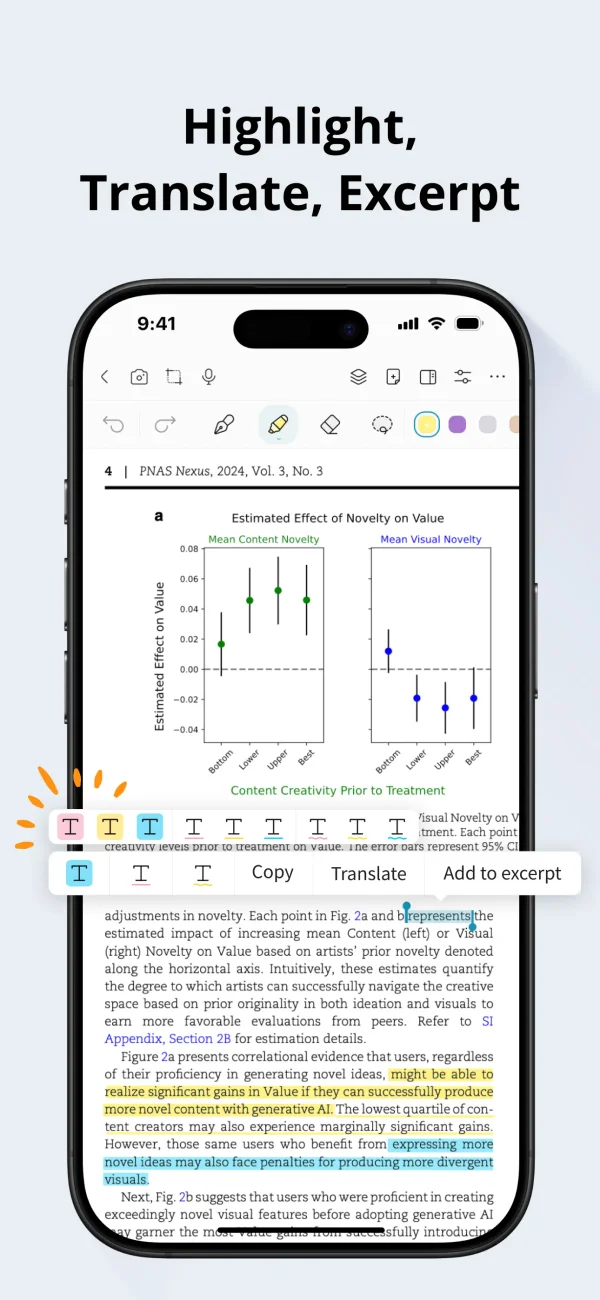
Mark up PDFs
Highlight passages, write in the margins, and add text to slides, textbooks, or reports. Use layers to keep handwriting, images, and typed text separate.
Listen back and review
Replay a lecture or meeting and watch your pen strokes appear in sync with the audio. Transcribe the recording for a written reference or generate an AI summary for a quick review.
Organize your notebooks
Group notebooks into folders and tag notes by subject. Choose a paper or planner template to get started, and export finished notes as PDFs to share.
Start free on iPad and iPhone. Upgrade to StarNote Pro with a one-time purchase.
What’s new
Version 1.4.7 · Nov 20, 2026
- Added cloud sync, allowing you to bind a third-party cloud drive for syncing across multiple devices
- Added opacity adjustment for layers, so you can adjust the opacity of different layers
- Added a restore feature for deleted layers, so accidentally deleted layers can be recovered to retrieve your handwriting
- Added gesture settings for switching to reading mode, letting you switch between modes freely and conveniently
- Added an overtime feature to the timer, which switches to counting up after the countdown ends
- Added Arabic language support, which can be enabled in app settings
- Improved the two-finger pinch-to-zoom interaction for smoother zooming that fits the screen size
- Improved the response speed when opening a note and entering the editing page, so you can start working faster
- Improved the display of the action menu after using the lasso, making operations more convenient
- Improved swipe gestures and response speed for a better swiping experience
- Fixed issues with the sidebar search display and drag anomalies on the note editing page
- Fixed a series of issues with the infinite canvas note, brush tool, pen box, text box, lasso, and other features
Fixed various other issues
App privacy
What Onyx International Inc. declares on the App Store about how this app handles data.
-
Data used to track you
May be used to track you across apps and websites owned by other companies.
- Identifiers
- Usage data
-
Data not linked to you
May be collected but is not linked to your identity.
- Identifiers
- Usage data
- Diagnostics
Privacy practices may vary, for example with the features you use or your age.
Information
- Seller
- Onyx International Inc.
- Category
- Productivity
- Version
- 1.4.7
- Updated
- Nov 20, 2026
- Released
- Oct 15, 2025
- Size
- 425.6 MB
- Requires
- iOS 15.0 or later
- Age rating
- 4+
- Price
- Free
- In-app purchases
- Yes
- Languages
- English, Arabic, French, German, Italian, Japanese, Korean, Portuguese, Russian, Simplified Chinese, Spanish, Traditional Chinese + 1 more
- Copyright
- © Onyx International Inc.
You might also like
-
 Notewise - AI Notes, PDF, DocsWrite. Record. Draw. Remember.
-
 Notes for iPad - Pencil NotesQuick Note Taking & Notepad
-
 PDF Converter: Sign, CreatorScanner documents & Editor
-
 Element Note: Digital NotebookHandwritten Notes & PDF Markup
-
 Flexcil Note & Good PDF ReaderProductivity
-
 Kilonotes-Notes & Mark up PDFHandwritten Notes, PDF Editing
-
 2FA Authenticator Password AppFast Verification Code Tool
-
 Freenotes®: AI Notes TakingDocs PDF Memo Planner Pencil
-
 OrigNotesNotes, PDF Markup & Mind Maps
-
 Notes Writer: PDF, Quiz, DocsFlashcards, Voice Recorder, AI