Strange Clocks
15 unusual clocks, decoded
Designed for iPhone, iPad
Free · In-app purchases
- Age rating4+
- CategoryUtilities
- DeveloperKIP Networks
- LanguagesEnglish+ 9 more
- Size9.2 MB
Links to the official App Store page
Download.org hosts no file of Strange Clocks. The button opens its official App Store page, published by KIP Networks. Listing last checked on Nov 17, 2026.
Screenshots

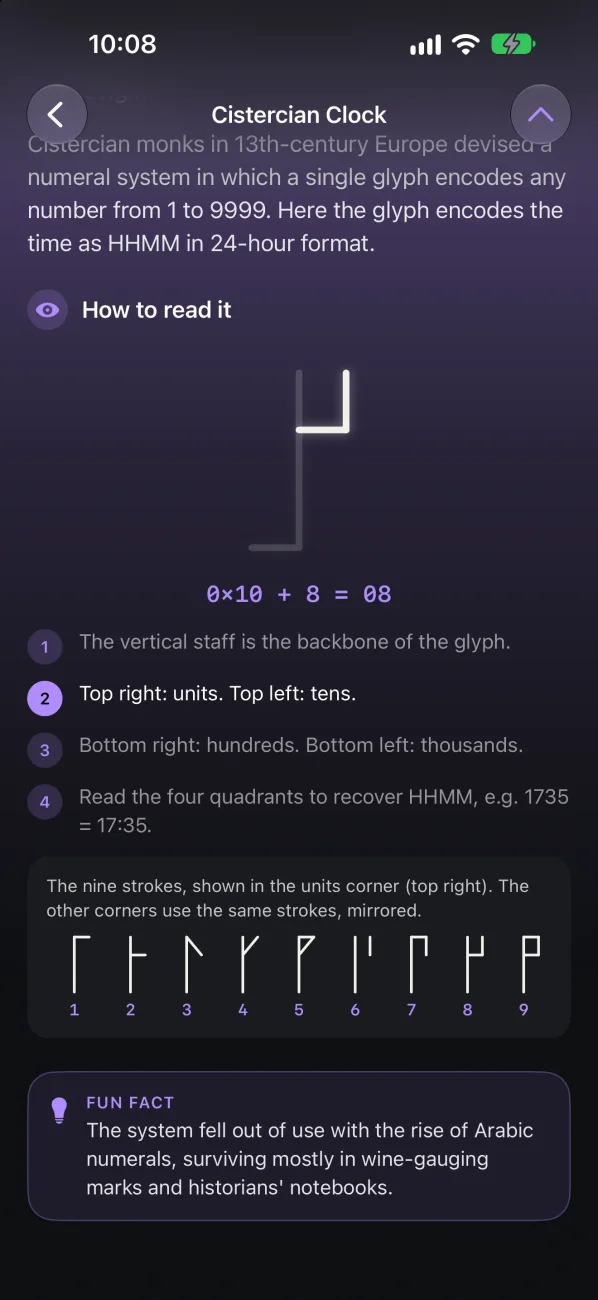
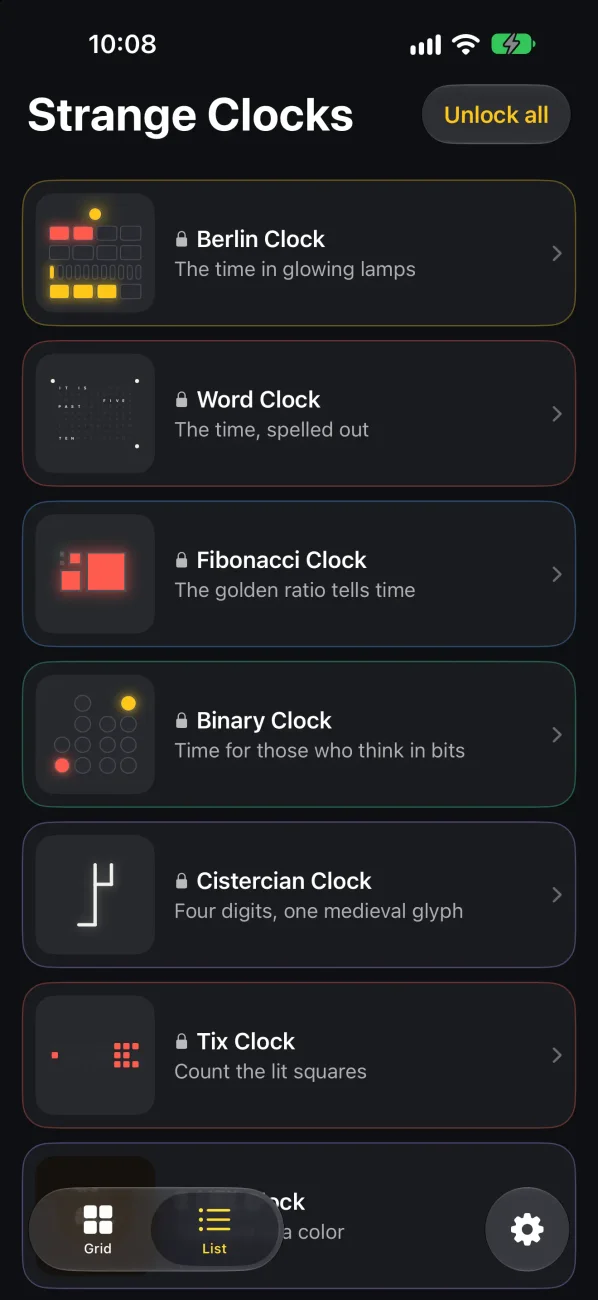
About
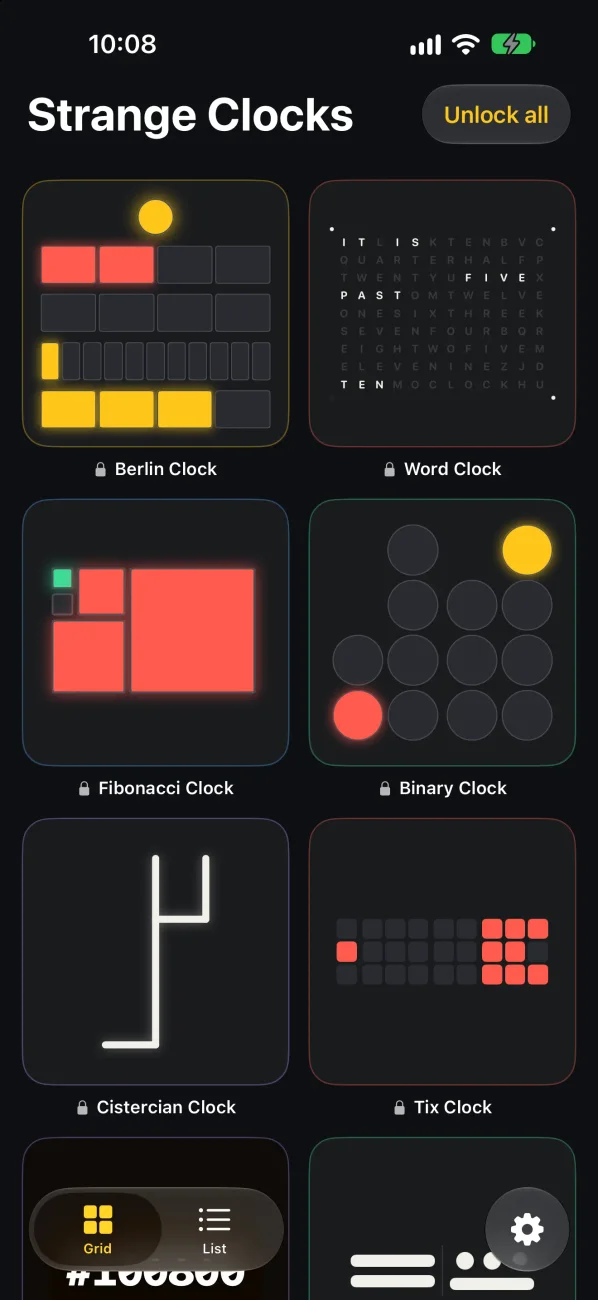
Strange Clocks turns "what time is it?" into a small daily puzzle. Instead of one clock face, you get 15, each a different, real way humans (and machines) have told time throughout history: from a Cold War-era German clock made of lamps to the way a resistor's color bands encode a number.
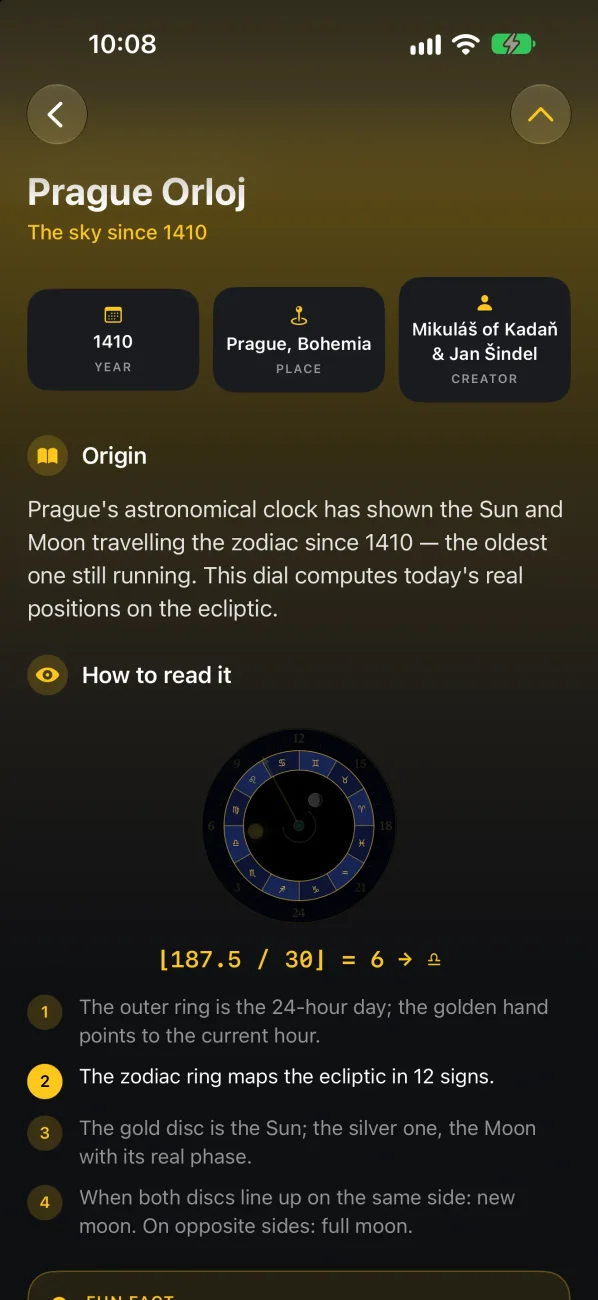
Every clock is stranger than the last, but none of them stay strange for long. Each one ships with a short animated guide that highlights exactly what to read and when, plus a live calculation line so you can watch the math happen in real time.
WHAT'S INSIDE
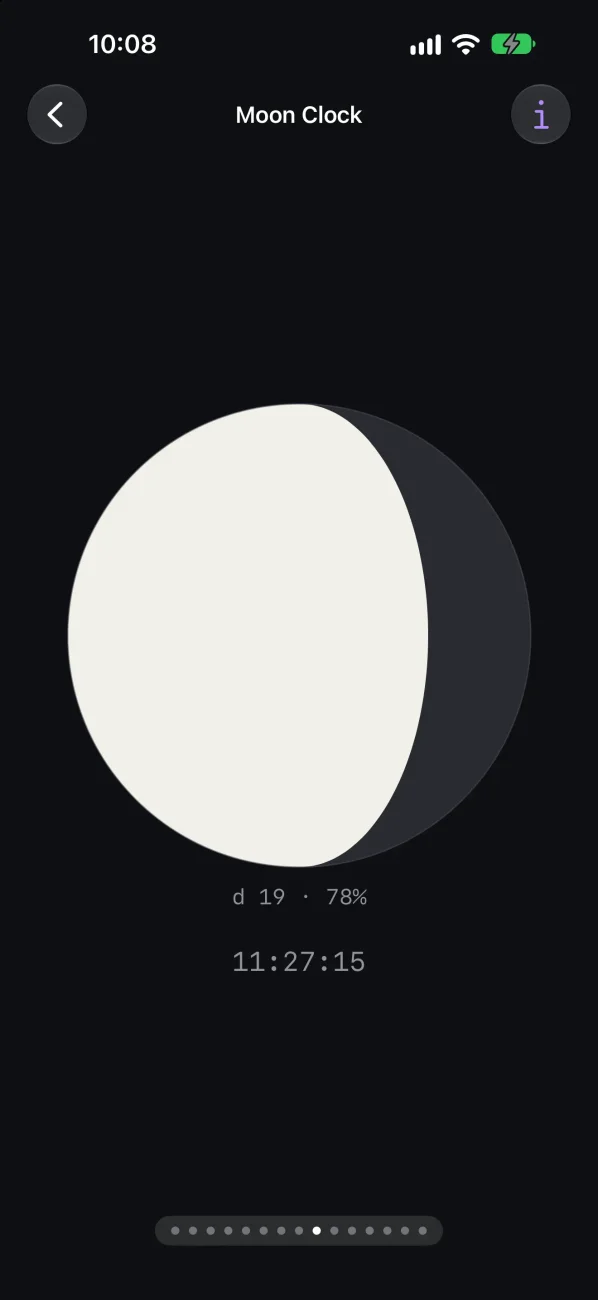
- 15 unusual clocks: Berlin Clock, Word Clock, Binary Clock, Cistercian Clock, Fibonacci Clock, Tix Clock, Hex Clock, Maya Clock, Moon Clock, Polar Clock, Resistor Clock, Decimal Time, Internet Time, Roman Hours, and the Prague Orloj.
- An animated how-to-read guide for every single clock, no exceptions.
- Widgets for Home Screen, Lock Screen, and StandBy, in small and medium sizes.
- Clock Wall mode: turn your iPhone, or the inner display of iPhone Duo, into a live wall of clocks, screensaver-style.
- 10 languages: English, Spanish, Simplified Chinese, Japanese, German, French, Brazilian Portuguese, Russian, Korean, and Italian.
ONE CLOCK ON US
Pick any clock as your gift and keep it free, forever: live in the app, on your widgets, and in StandBy. Every how-to-read guide is free for all 15. Want them all? A single one-time purchase of $1.99 unlocks every clock. No subscription, no recurring charges, no ads, and no tracking, ever.
PRIVACY
Strange Clocks doesn't collect your data. The one place it asks for location, to compute local sunrise and sunset for the Roman Hours clock, is used entirely on your device and never leaves it.
Fifteen clocks. One phone. Zero reasons to know what time it "normally" is.
What’s new
Version 1.1 · Oct 2, 2026
New gallery: Grid and List views, and Settings.
Open a clock and swipe up: its story and the four-step guide now live right under the clock, in its own colors.
Widgets: one configurable widget. Pick the clock when you add it and change it any time with Edit Widget. Small and large sizes. Widgets placed with 1.0 need to be added again.
New app icon and a palette of our own.
Fresh unlock screen with all 15 clocks running live.
App privacy
What KIP Networks declares on the App Store about how this app handles data.
-
Data not collected
The developer does not collect any data from this app.
Privacy practices may vary, for example with the features you use or your age.
Information
- Seller
- KIP Networks LLC
- Category
- Utilities
- Version
- 1.1
- Updated
- Oct 2, 2026
- Released
- Sep 29, 2026
- Size
- 9.2 MB
- Requires
- iOS 17.0 or later
- Age rating
- 4+
- Price
- Free
- In-app purchases
- Yes
- Languages
- English, French, German, Italian, Japanese, Korean, Portuguese, Russian, Simplified Chinese, Spanish
- Copyright
- © 2026 KIP Networks LLC
You might also like
-
 A Word ClockTime in Words
-
 Needless ClockLiving clocks for desk & night
-
 わんタップLaunch favorite apps instantly
-
 Circle Moving ClockUtilities
-
 EmpireClockUtilities
-
 Coffee Ripples TimerRealistic Liquid Physics Timer
-
 Big Face ClockDesk clock & focus timer
-
 Jotly - Quick & EasyUtilities
-
 BinaryClockWatchTime in 13 number systems
-
 FlipClock Animated FlowTime Meets Artful Motion