SwiftPaper: PDF Scanner
Private Scanner, No Uploads
Designed for iPhone
Free · In-app purchases
- Age rating4+
- CategoryProductivity
- Developer云杰 宫
- LanguagesEnglish+ 1 more
- Size37.2 MB
Links to the official App Store page
Download.org hosts no file of SwiftPaper: PDF Scanner. The button opens its official App Store page, published by 云杰 宫. Listing last checked on Nov 22, 2026.
Screenshots
About
SwiftPaper turns your iPhone into a private document scanner. ID cards, contracts, medical records — every scan is processed on your device and never uploaded to any server. No watermark, no account, no sign-up — just scan, enhance and share.
◆ BLAZING-FAST SCANNING
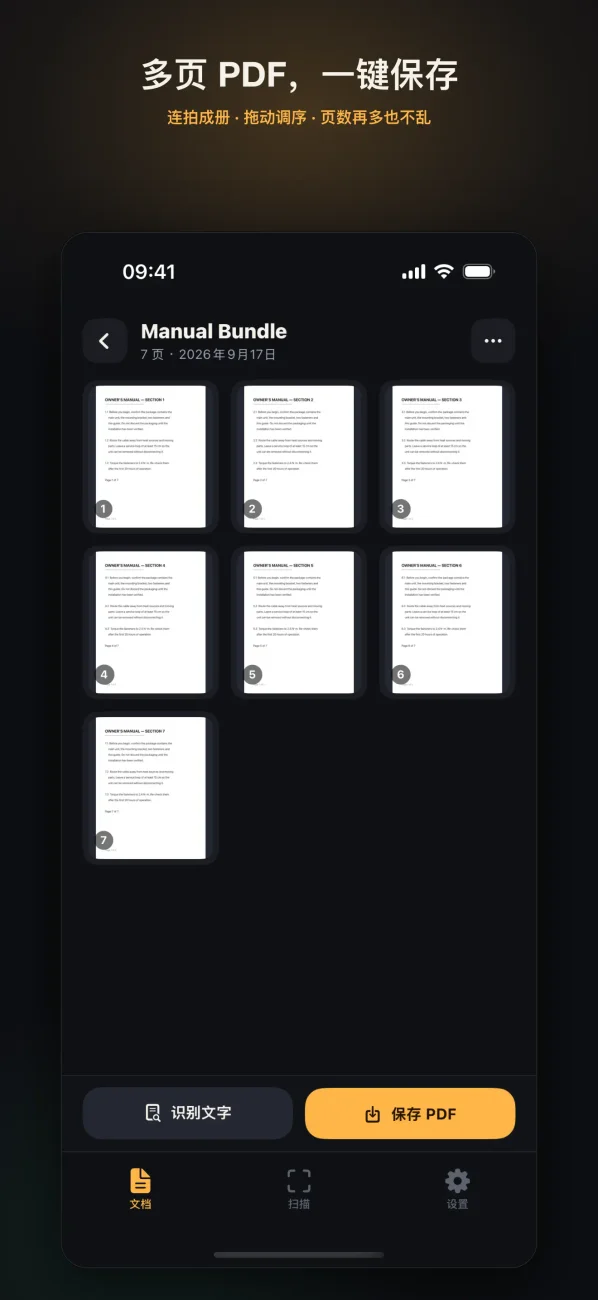
Powered by Apple's system-grade document scanning engine: edges are detected and pages captured automatically, perspective-corrected the instant you shoot. Snap a whole stack in one go and drag to reorder. Scanning an open book? Split the spread into left and right pages with one tap.
◆ 4 ENHANCEMENT FILTERS
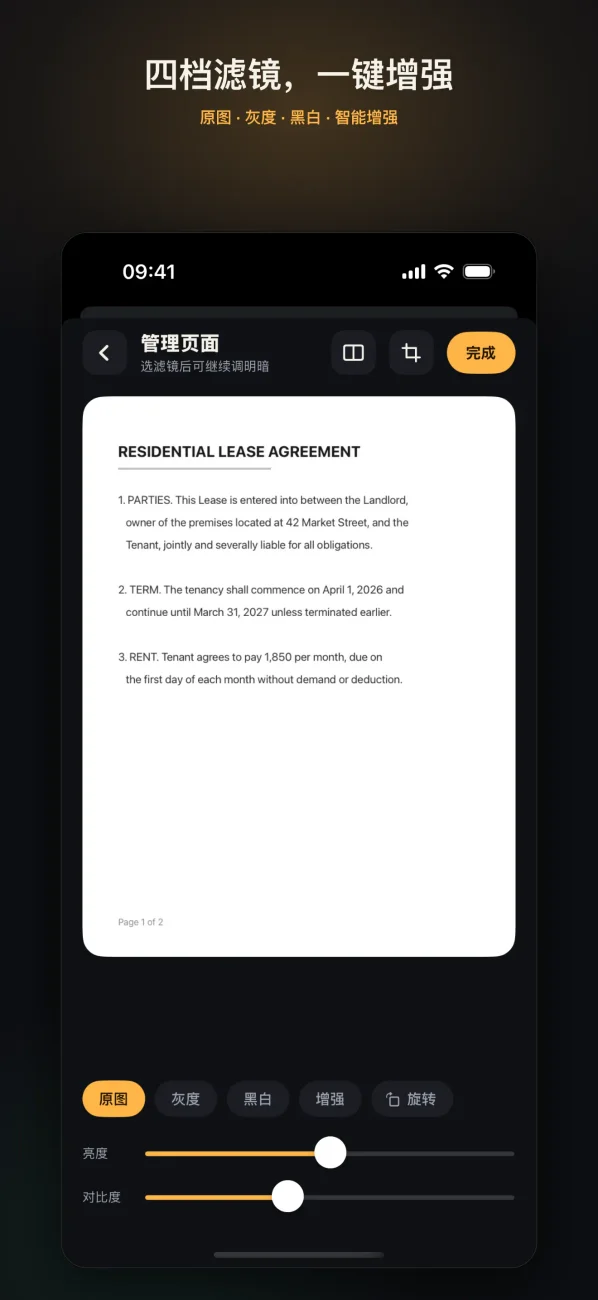
Original, Grayscale, sharp Black & White and smart Enhance that whitens the page while keeping colors vivid. Fine-tune brightness and contrast per page.
◆ OFFLINE TEXT RECOGNITION (OCR)
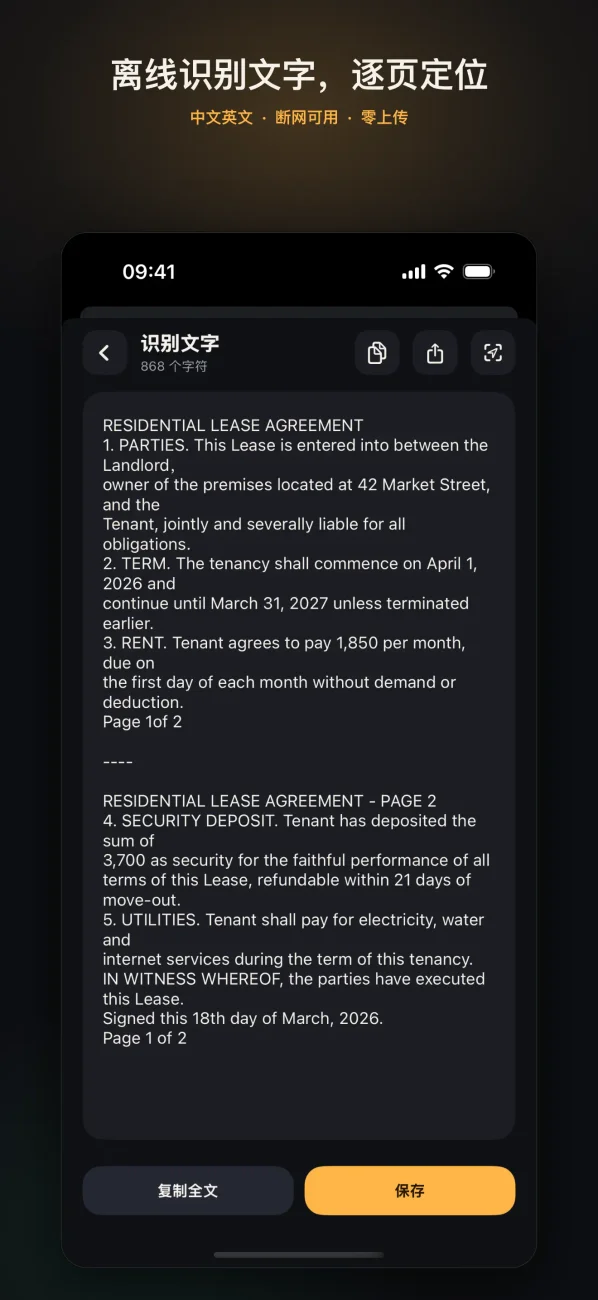
Recognize printed text in English and Chinese — completely offline. Copy everything, or export as a text file. Search your library by content, and jump to the exact text block on each page to copy just what you need.
◆ ID CARD & PASSPORT MODE
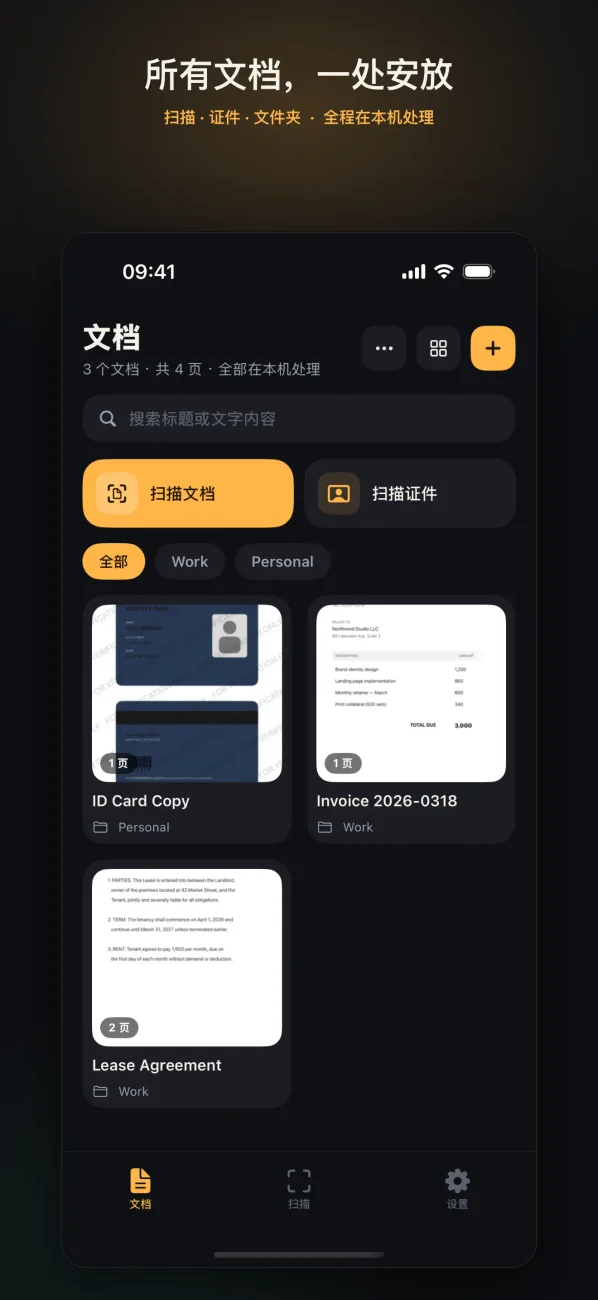
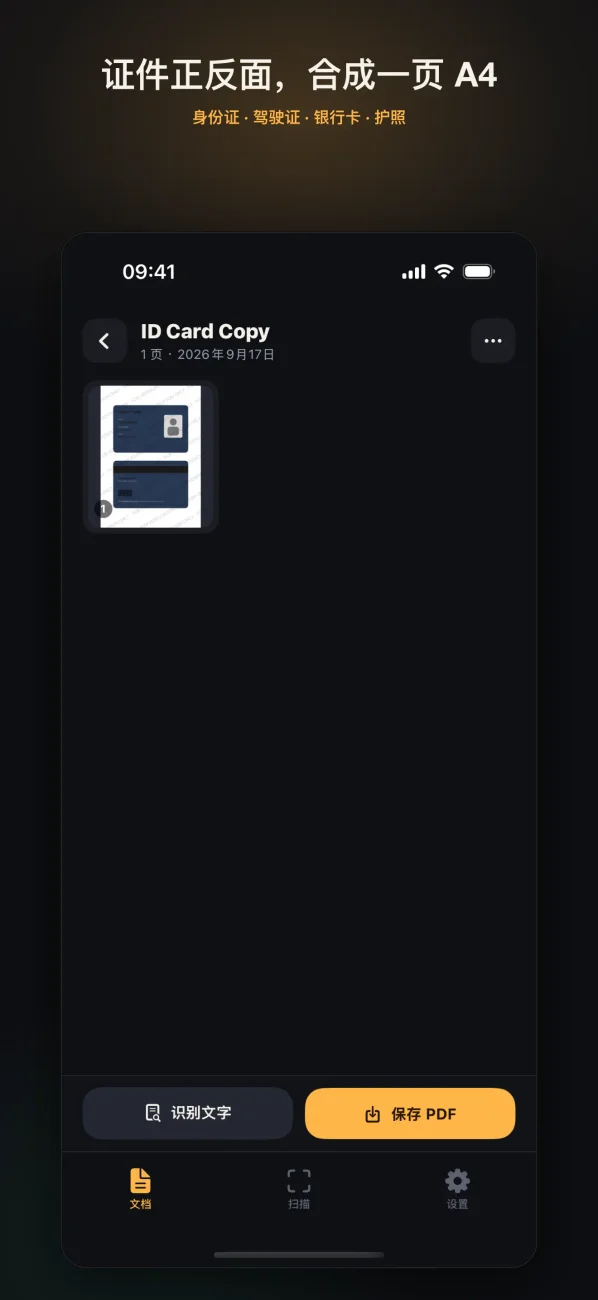
Scan ID cards, driver's licenses, bank cards and passports. Front and back are merged onto a single A4 page automatically — no manual cropping needed.
◆ EXPORT YOUR WAY
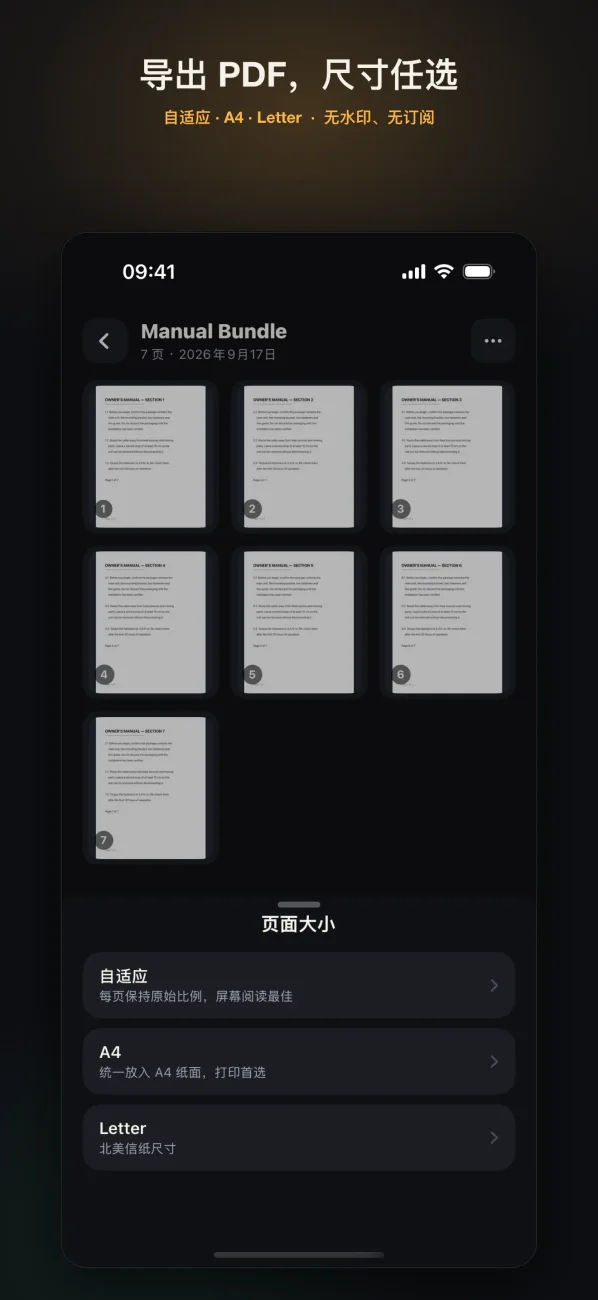
Save polished PDFs (fit / A4 / Letter, with a default-size option to skip the prompt), shrink large files with PDF compression, or protect sensitive documents with a password. Exports of 5 pages or fewer are free 3 times a day; larger exports take a quick rewarded video.
◆ YOUR LIBRARY, ORGANIZED
Browse by folder, multi-select to move, merge or delete, switch between grid and list views, and sort by name, date or page count.
◆ PRIVATE BY DESIGN
All processing happens on your device. No accounts, no tracking. Optional iCloud sync (off by default) keeps your library in your own private iCloud space across devices. Lock the app with Face ID.
◆ MADE TO STAY FREE
No watermark on any export, ever. Only very large exports occasionally ask you to watch a short video. SwiftPaper Pro (one-time purchase) removes all limits — no subscriptions.
Privacy: all scanning and OCR happen on your device, and no photo or recognised text ever leaves it. Only the advertising SDKs used in your region collect device identifiers, and only when ads are shown; see our privacy policy for details.
What’s new
Version 1.3 · Oct 21, 2026
• iPhone Duo ready: adaptive layout on the big unfolded screen, actions move to a side rail
• Simpler scan flow: fewer steps to confirm and recognize your scans
• Refined controls and motion for one-handed use
• Stability fixes
App privacy
What 云杰 宫 declares on the App Store about how this app handles data.
-
Data used to track you
May be used to track you across apps and websites owned by other companies.
- Identifiers
-
Data not linked to you
May be collected but is not linked to your identity.
- Identifiers
- Diagnostics
Privacy practices may vary, for example with the features you use or your age.
Information
- Seller
- 云杰 宫
- Category
- Productivity
- Version
- 1.3
- Updated
- Oct 21, 2026
- Released
- Oct 5, 2026
- Size
- 37.2 MB
- Requires
- iOS 17.0 or later
- Age rating
- 4+
- Price
- Free
- In-app purchases
- Yes
- Languages
- English, Simplified Chinese
- Copyright
- © 2026 yunjie gong
You might also like
-
 GlobalScan Pro: PDF ScannerExport Documents to Word & PDF
-
 Scan PartnerScan, OCR & Auto-Export Docs
-
 Appoint - Smart CalendarNo subscription. One-time Pro.
-
 Everything PocketModular Note-taking
-
 BoltPDF: Fill, Sign & Edit PDFScan, Convert, Compress & OCR
-
 屋屋记Productivity
-
 OneScan: PDF & ID ScannerScan, Save & Find Documents
-
 NexPaste - Clipboard ManagerEverything you copy, in reach
-
 DinoxProductivity
-
 OneOpen: File ViewerHTML, Markdown, CAD & 3D