
Teleprompter: My Video Scripts
Floating text while recording
Designed for iPhone, iPad, iPod touch
Free
- Age rating4+
- CategoryPhoto & Video
- DeveloperTsovinar Popova
- LanguagesEnglish+ 4 more
- Size21.2 MB
Links to the official App Store page
Download.org hosts no file of Teleprompter: My Video Scripts. The button opens its official App Store page, published by Tsovinar Popova. Listing last checked on Nov 23, 2026.
Screenshots
About
Master your video recordings, voice-overs, live streams, and presentations with our Fast Teleprompter. Easy and quick video recording on spot!
This app is designed for content creators, bloggers, educators, actors, and business professionals who demand a seamless and professional teleprompter experience.
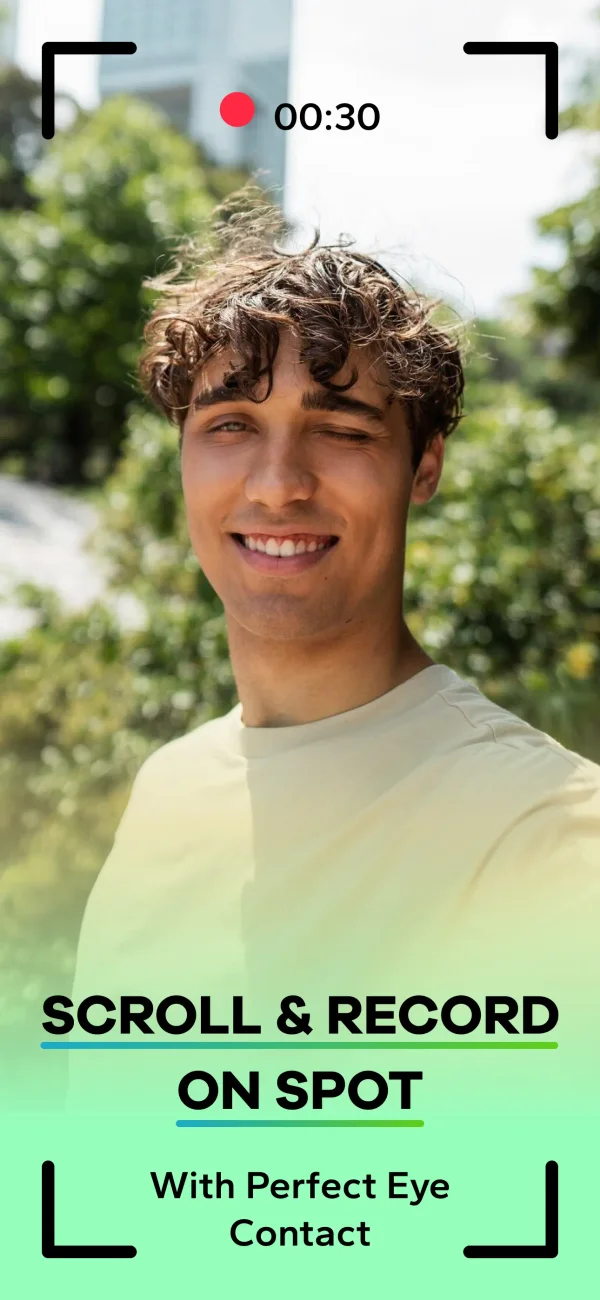
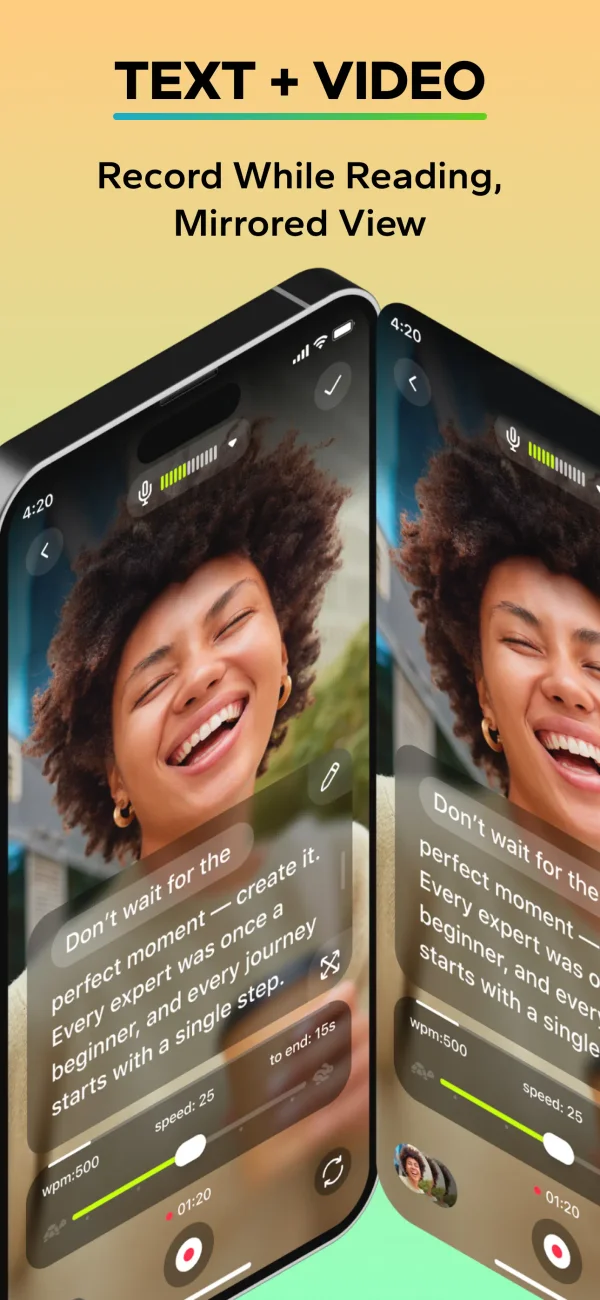
Maintain perfect eye contact with your camera while reading your script, ensuring a natural and engaging connection with your audience every time. Import, create, and scroll your text with ease, all within a customizable floating window that adapts to your workflow.
Key Features & Capabilities
⌘ TEXT IMPORT & CREATION
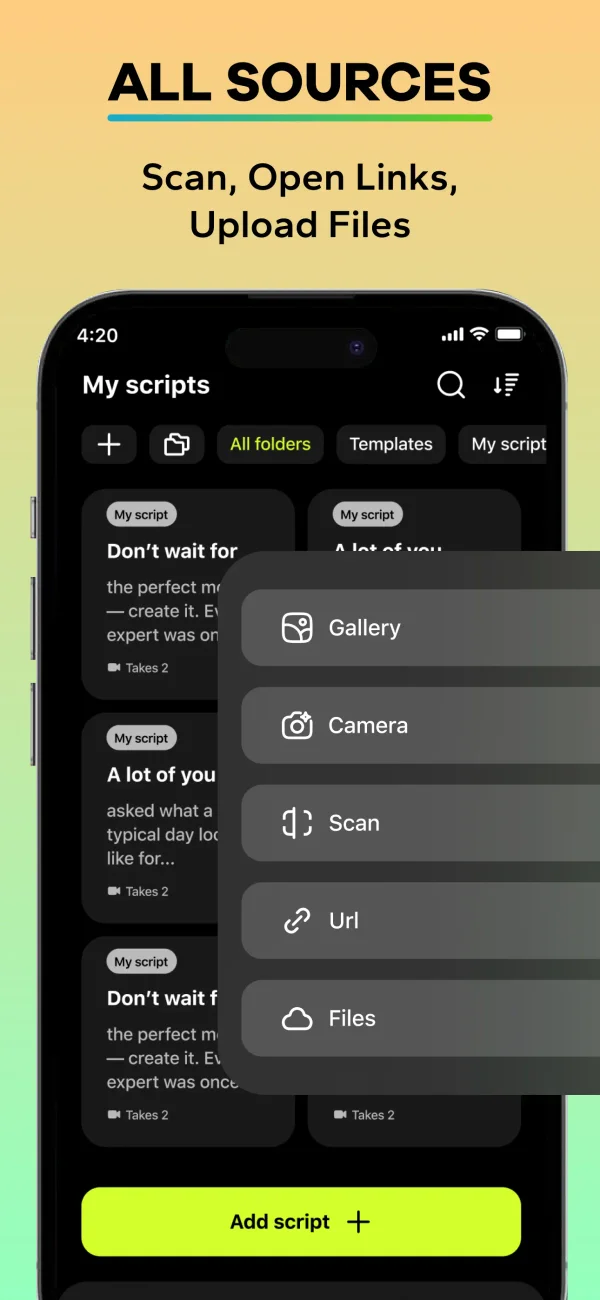
Write directly in the app or import your scripts from anywhere. We support opening text from web links, files (TXT, PDF, RTF).
⌘ SMART TEXT SCANNER
Our standout feature is the ability to scan printed text and photo directly using your device's camera or from photos in your library, instantly digitizing documents for your prompter.
⌘ ULTIMATE CUSTOMIZATION
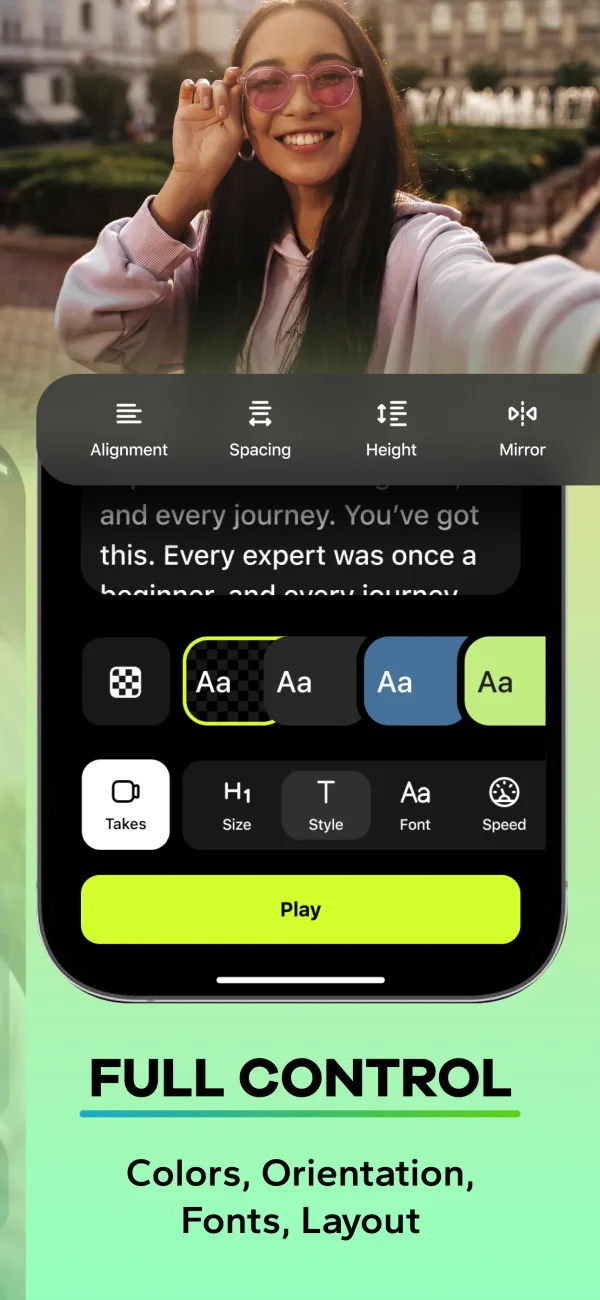
Tailor the teleprompter to your exact needs. Adjust text size, font, and color. Modify the background for optimal contrast, set scroll speed, and fine-tune margins. Enable mirroring for use with beam-splitting glass and conveniently reposition and zoom the text overlay on your screen for the perfect framing before you start recording.
⌘ PROFESSIONAL AUDIO & VIDEO CONTROL
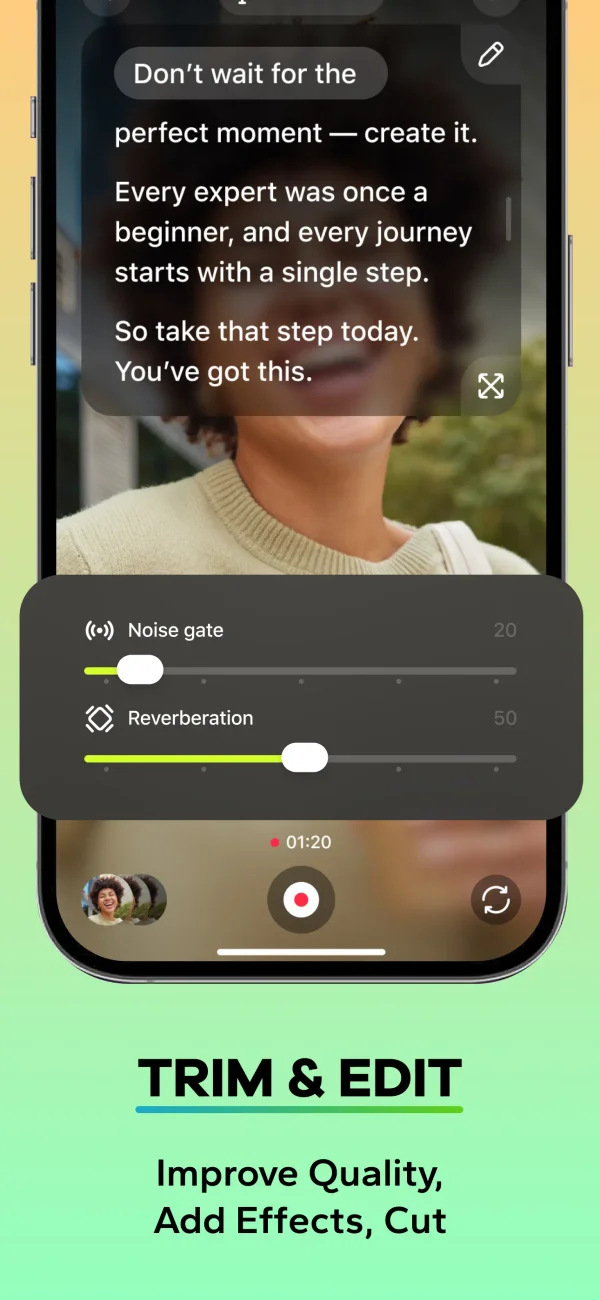
Improve your audio quality with built-in microphone settings. Use the audio boost, apply real-time effects like noise suppression and reverb, and monitor your voice with zero latency during recording. Capture multiple takes, save them within your project, and later select the best one for export.
⌘ SEAMLESS PRODUCTION & EXPORT
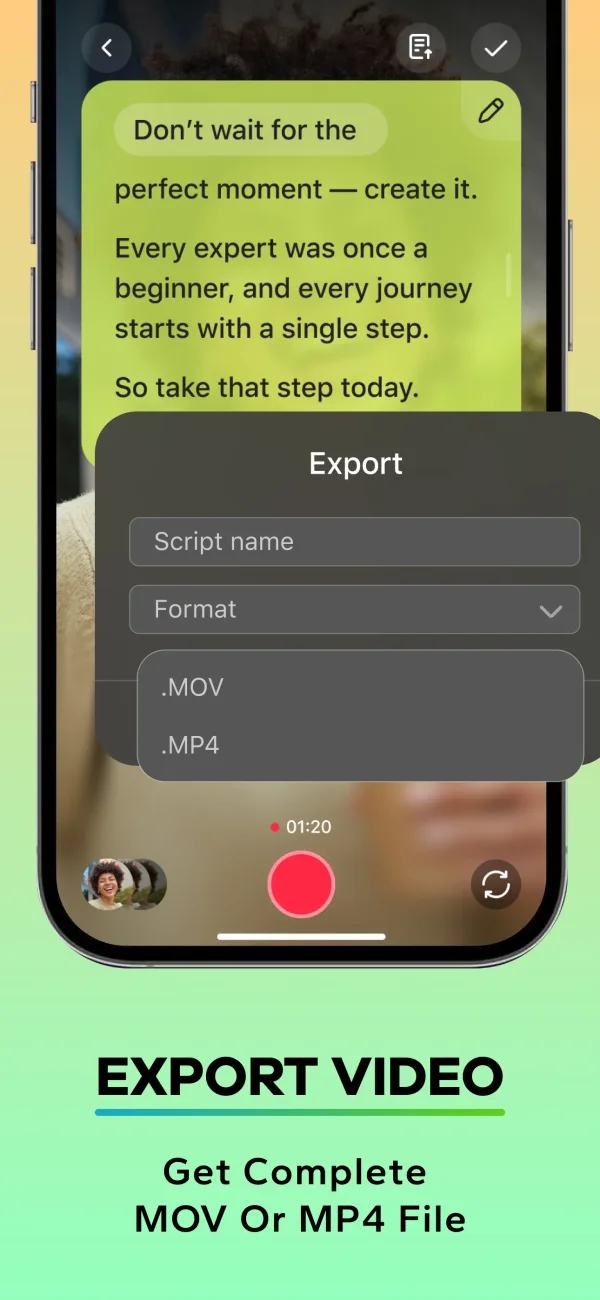
The app isn't just for prompting; it's for production, too. Export your final take in popular video formats (MOV, MP4). Perform quick trims and edits with the built-in video trimming tool. Work in both full vertical (9:16) and horizontal (16:9) screen orientations to match your platform's requirements, and choose from ready-made templates for different tasks.
⌘ INTUITIVE USER EXPERIENCE
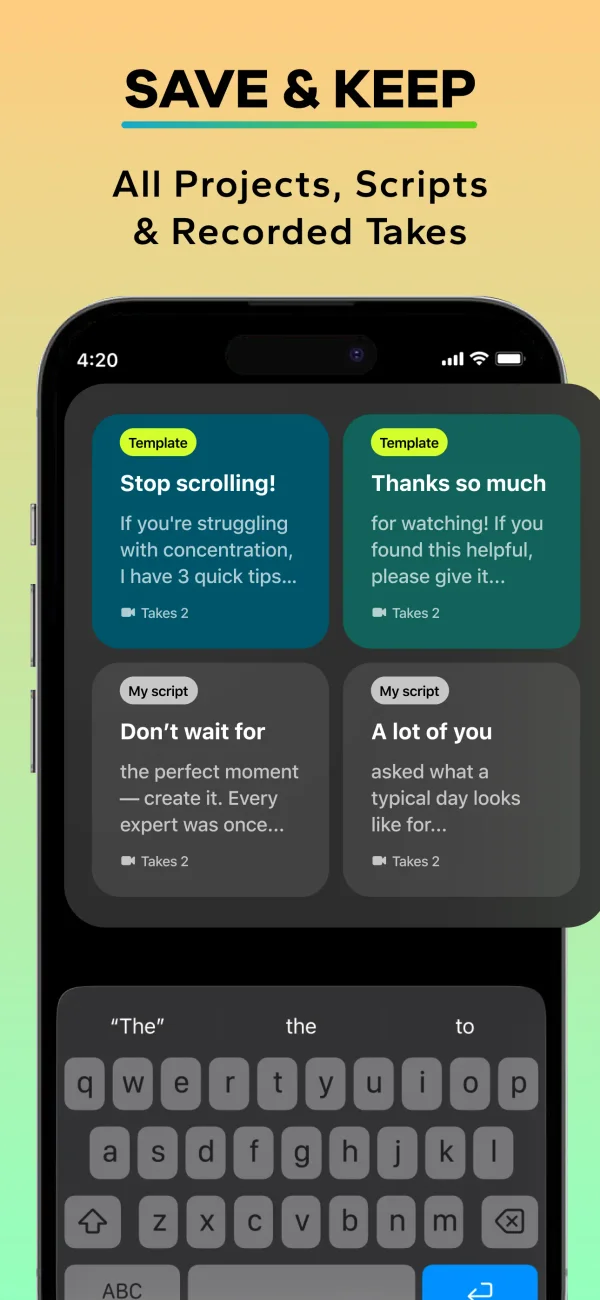
Enjoy a clean, modern interface with full support for Light and Dark themes. Organize your work with projects that save all your settings, scripts, and recorded takes together for a streamlined workflow.
Download Teleprompter today and transform your scripted recordings into compelling, natural performances.
What’s new
Version 1.0.4 · Mar 4, 2026
Hello, dear friends! In this update:
- Fixed minor issues, made some improvements.
Please, leave us a review with your thoughts and ideas!
App privacy
What Tsovinar Popova declares on the App Store about how this app handles data.
-
Data not collected
The developer does not collect any data from this app.
Privacy practices may vary, for example with the features you use or your age.
Information
- Seller
- Tsovinar Popova
- Category
- Photo & Video
- Version
- 1.0.4
- Updated
- Mar 4, 2026
- Released
- Dec 2, 2025
- Size
- 21.2 MB
- Requires
- iOS 15.5 or later
- Age rating
- 4+
- Price
- Free
- Languages
- English, Japanese, Russian, Simplified Chinese, Traditional Chinese
- Copyright
- © soundshall 2025
You might also like
-
 Passport ID Photo MakerID photo 2x2 4x4 visa cv print
-
 Video Compressor ExpertCompress & Trim Videos Fast
-
 AI Object Removal - ErazerMagic Eraser To Edit Photos
-
 SUFLER.PROProfessional Teleprompter.
-
 Super Zoom 100x - Moon Camera100× Zoom & Lunar Explorer
-
 Teleprompter-float above appsTeleprompter for all creator
-
 Draft AI: Carousel Post MakerContent Hooks & Ideas Creator
-
 Teleprompter-Read scriptRecord & caption
-
 Teleprompter for Video ۬Floating Notes & Script App
-
 Teleprompter AutomaticSmooth Speech with Auto Scroll