Thingist
Know what you’re waiting on
Designed for iPhone, iPad, Mac
Free · In-app purchases
- Age rating4+
- CategoryProductivity
- DeveloperKyle Dietrich
- LanguagesEnglish
- Size33.9 MB
Links to the official App Store page
Download.org hosts no file of Thingist. The button opens its official App Store page, published by Kyle Dietrich. Listing last checked on Nov 24, 2026.
Screenshots

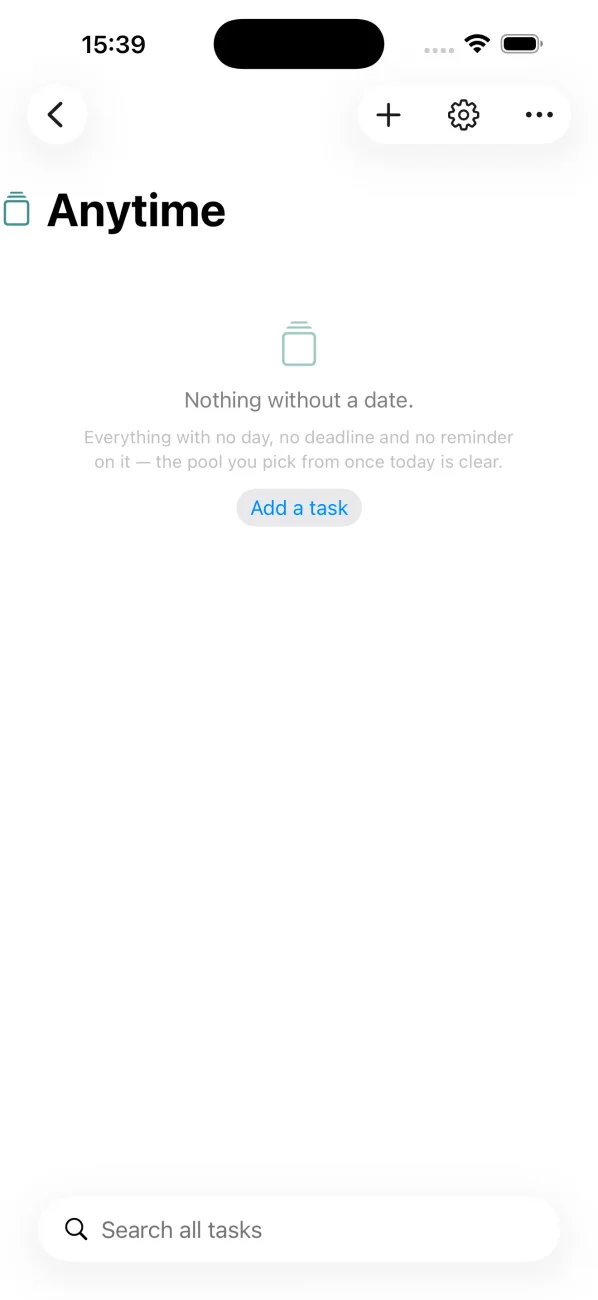
About
Thingist is a task app for people who run something.
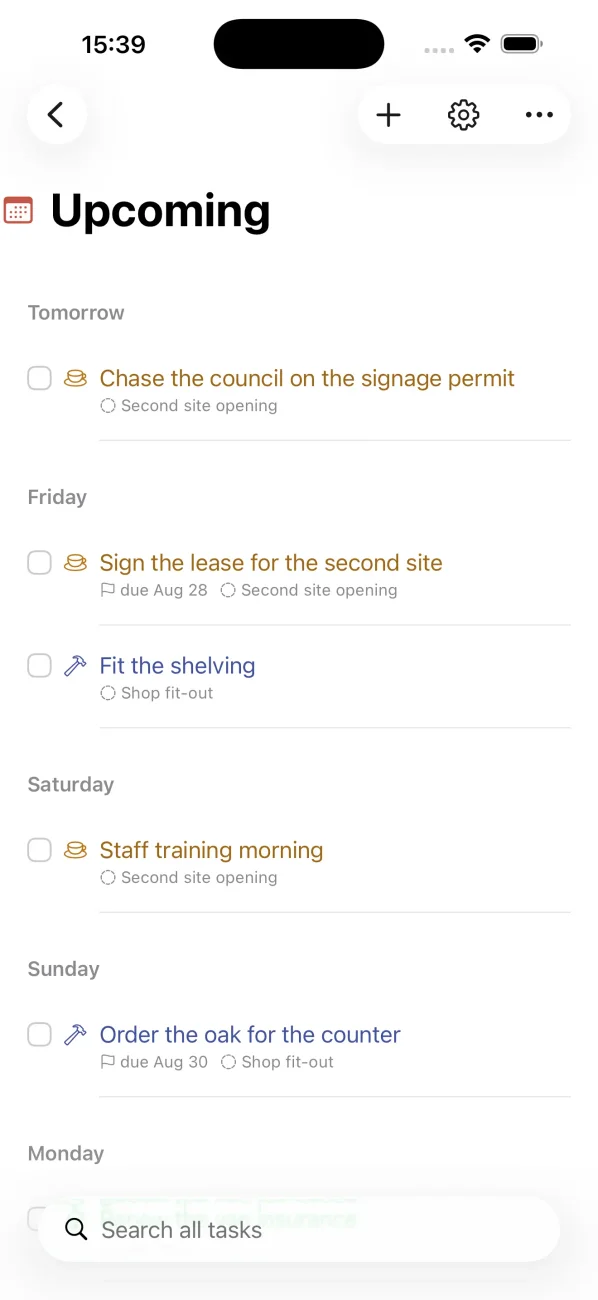
It opens on Today: what you meant to do, what is due, and what you are waiting on somebody else for. Nothing to configure before it is useful.
WHAT IT DOES
• Areas, projects and tasks — as much structure as your work needs, and no more
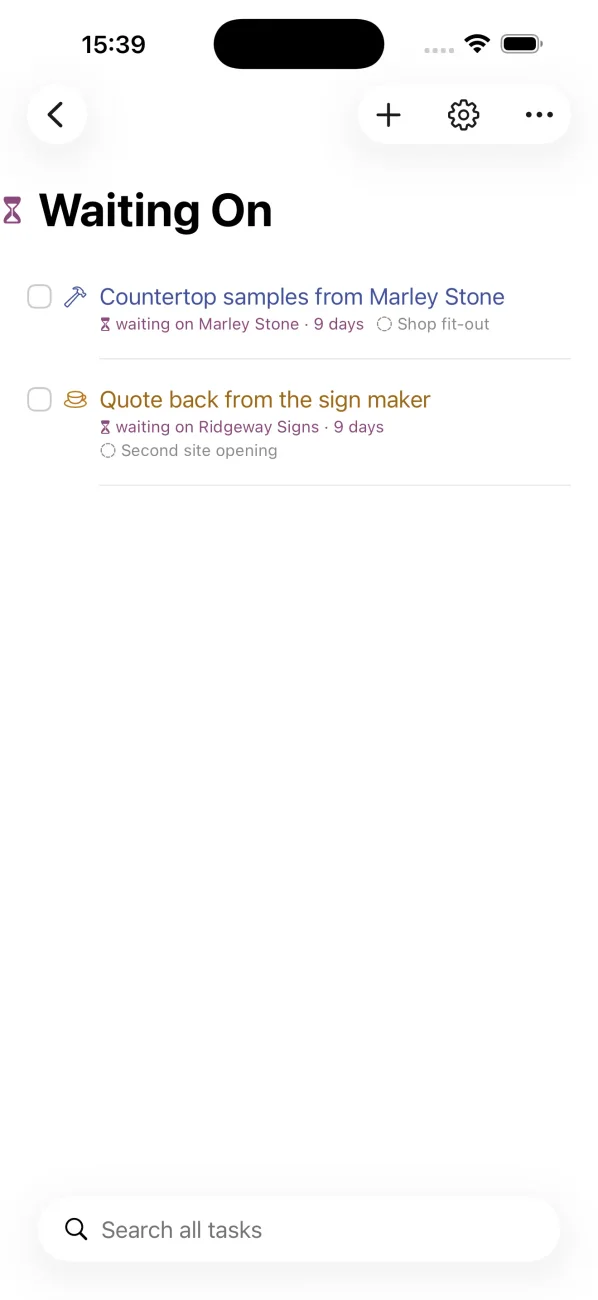
• Waiting On — the list of things somebody else owes you, with how long it has been
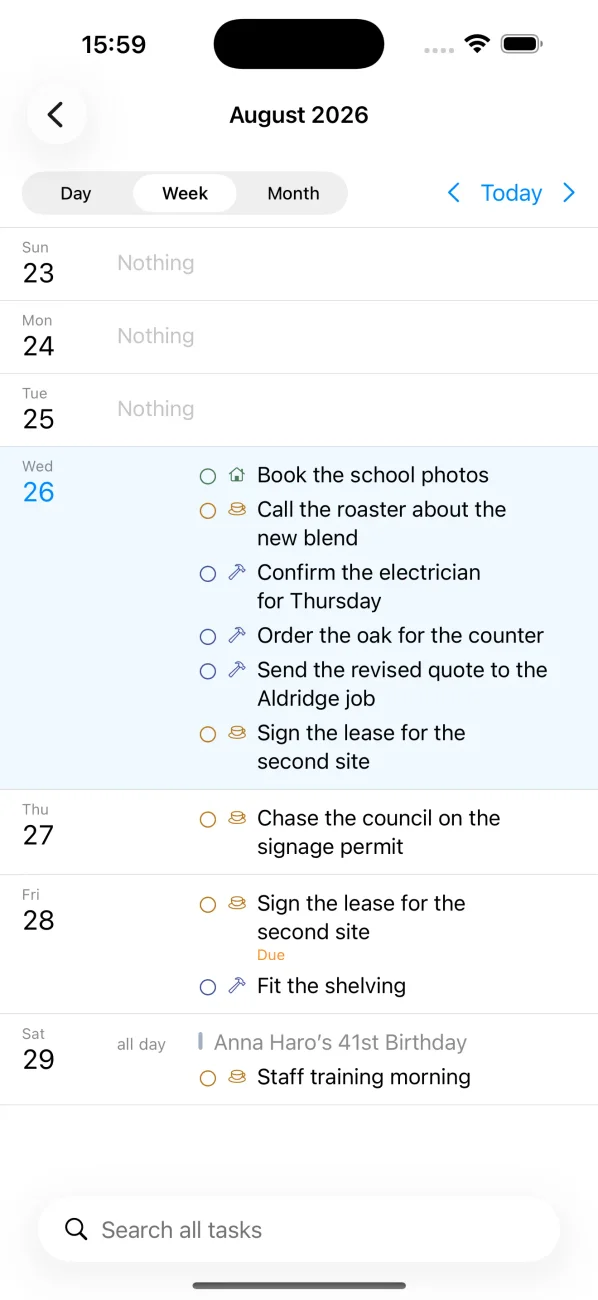
• A calendar beside your work, reading both ways, so a task with a time shows up where you expect it
• Repeats that can be paused for a season and picked up unchanged
• Templates — the same job, set up the same way, every time
• Share an area or a project with somebody, and nothing above it goes with it
• Tags, saved views, deadlines, checklists, notes and attachments
ON YOUR MAC, IPHONE AND IPAD
One purchase covers all three. Your lists sync through your own iCloud account.
NOTHING IS COLLECTED
There is no account to make and no server of ours to sign in to. Your work is in your iCloud, which means it is yours. We cannot read it, and there is nothing for us to lose.
PAID ONCE
Try everything for fourteen days, then $24.95 once. No subscription, nothing to renew, nothing to cancel. Buy it and it is yours.
WHAT HAPPENS WHEN THE TRIAL ENDS
Adding and changing tasks stops. Your lists stay readable, searchable and exportable whether you buy it or not — your work is never held hostage.
What’s new
Version 1.1 · Nov 23, 2026
New
• Boards: show a project as columns: To Do, one for each heading, then Waiting and Done. Drag a card from one column to another. A column can nudge you when a card sits in it too long, give a card a deadline when it lands there, or turn its count red past a limit.
• Chase counts: after you email or message someone you're waiting on, Thingist asks whether you sent it and keeps count, like "chased twice, last Nov 3". When chases are due, one screen shows everyone to chase.
• Ring as an alarm: a task's reminder can ring like the Clock app's alarms instead of arriving as a notification. iPhone and iPad with iOS 26 or later.
• From a Photo, beside Paste: scan or choose a photo of a written or printed list, and each line becomes a task. The picture isn't kept.
• Say several tasks at once: dictate "call the venue, order cables and send the invoice" and Thingist offers them as three tasks.
• Sounds of your own for finishing a task and for reminders, from a song you own or from Files.
• Reminders show the task's notes, checklist, due date, tags and last chase.
• Siri: "Who am I waiting on in Thingist", "What does [name] have in Thingist" and "Mark [name] as chased in Thingist".
• Settings › Data › Show Tasks in Search turns device search for your tasks on or off on every device.
• Repeating tasks can be shown up to 90 days early.
• iPhone Duo: open, the sidebar stays beside your list and a task opens in the list's place. Half-open like a laptop, your list fills the top half, with a box below to add or search.
Fixed
• Undo puts a task back exactly where it was in the list.
• The check and Undo after ticking a task now sit in the bottom-right corner, clear of the lowest task.
• Siri phrases answer even when Thingist is closed.
• A reminder Siri sets now follows your sound and badge settings.
• Right after Thingist opens, automatic backups now wait for iCloud to bring your list up to date.
App privacy
What Kyle Dietrich declares on the App Store about how this app handles data.
-
Data not collected
The developer does not collect any data from this app.
Privacy practices may vary, for example with the features you use or your age.
Information
- Seller
- Kyle Dietrich
- Category
- Productivity
- Version
- 1.1
- Updated
- Nov 23, 2026
- Released
- Nov 3, 2026
- Size
- 33.9 MB
- Requires
- iOS 17.0 or later
- Age rating
- 4+
- Price
- Free
- In-app purchases
- Yes
- Languages
- English
- Copyright
- © 2026 Dietrich Enterprises LLC
You might also like
-
 PrécisMeetings, beautifully clear
-
 Harbor NotesPrivate notes, tasks & files
-
 NeatNotes : Notes and listsnotepad, stickies, reminders
-
 Success Life Coach Day PlannerHabit Journal & Goal Tracker
-
 Clipboard - Paste KeyboardAuto Copy and Paste Keyboard
-
 Planner Pro - Daily PlannerReminders, Calendar & Tasks
-
 ATracker Time TrackerDaily Task Habit Goal Routine
-
 TimeBlocks - Mobile PlannerSchedule Smarter,Fewer Touches
-
 House Chores Cleaning ScheduleHome Chore Tracker & Checklist
-
 Routine Planner, Habit TrackerDaily Time Management for ADHD