
Tim Scanner
Scan docs, extract text, sign
Designed for iPhone, iPod touch
Free · In-app purchases
- Age rating4+
- CategoryProductivity
- DeveloperMete Oguzhan
- LanguagesEnglish
- Size126.3 MB
Links to the official App Store page
Download.org hosts no file of Tim Scanner. The button opens its official App Store page, published by Mete Oguzhan. Listing last checked on Nov 18, 2026.
Screenshots



About
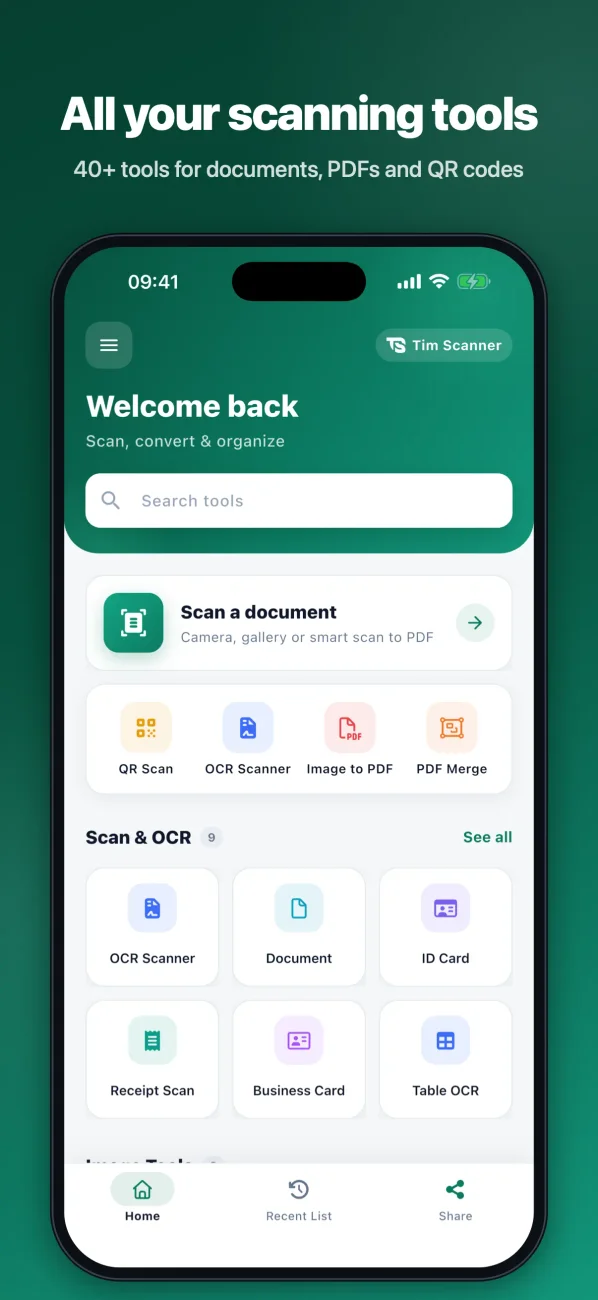
Tim Scanner turns your iPhone into a complete document studio. Scan paper, extract text, edit PDFs, sign contracts and create QR codes, all in one fast, clean app.
SCAN DOCUMENTS
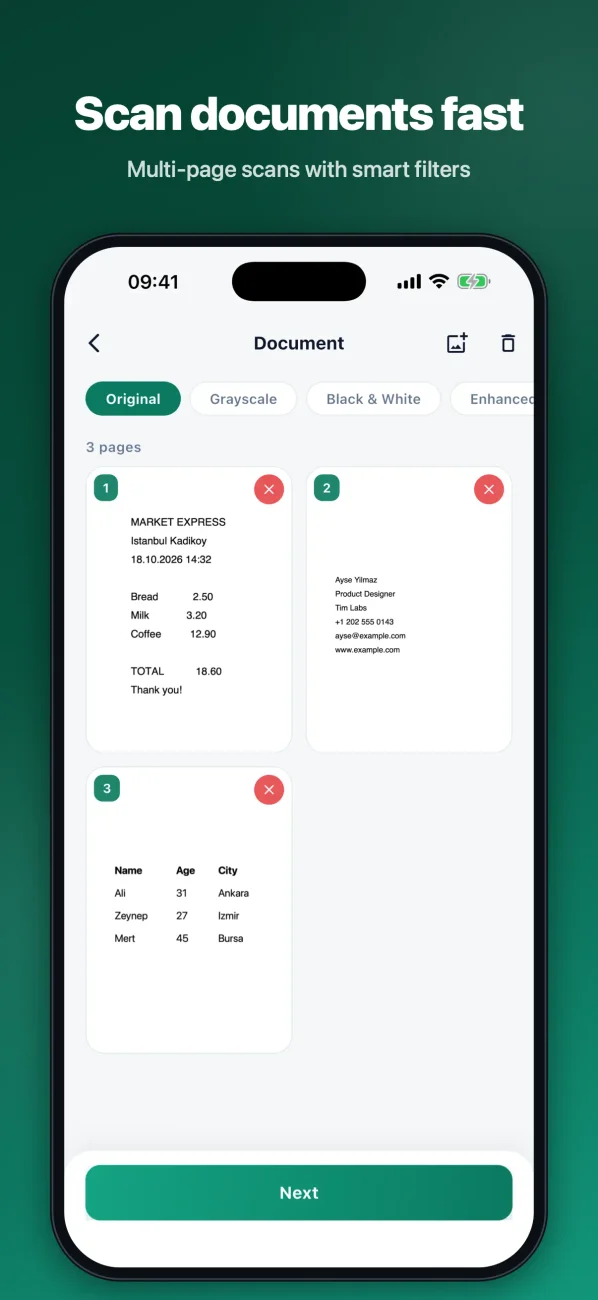
• Multi-page scanning with automatic edge detection and smart filters
• Rotate, reorder, duplicate or delete pages before saving
• Save as PDF or images and share in one tap
• Scan ID cards, business cards and receipts with dedicated modes
EXTRACT TEXT (OCR)
• Fast on-device text recognition, with no upload needed to read your documents
• Supports Latin, Chinese, Japanese, Korean, Hindi, Russian and Arabic text
• Turn scanned pages into searchable PDFs
• Scan and translate text into other languages
• Listen to recognized text read aloud
SMART DATA CAPTURE
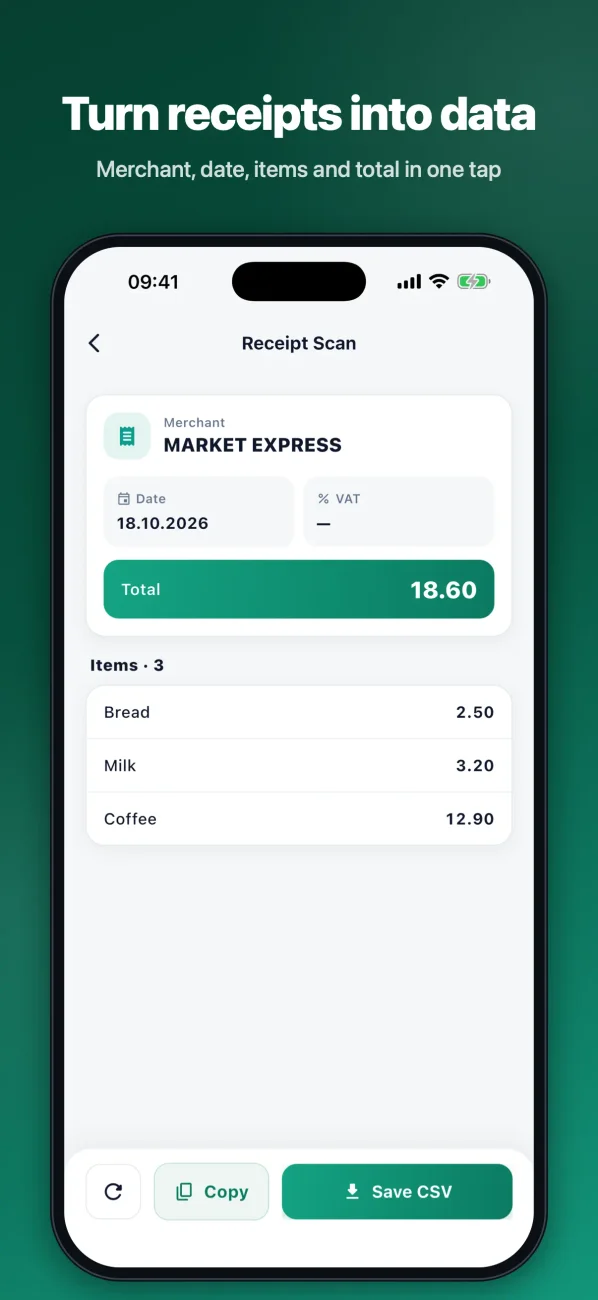
• Receipt Scan: merchant, date, items and total pulled out automatically, export to CSV
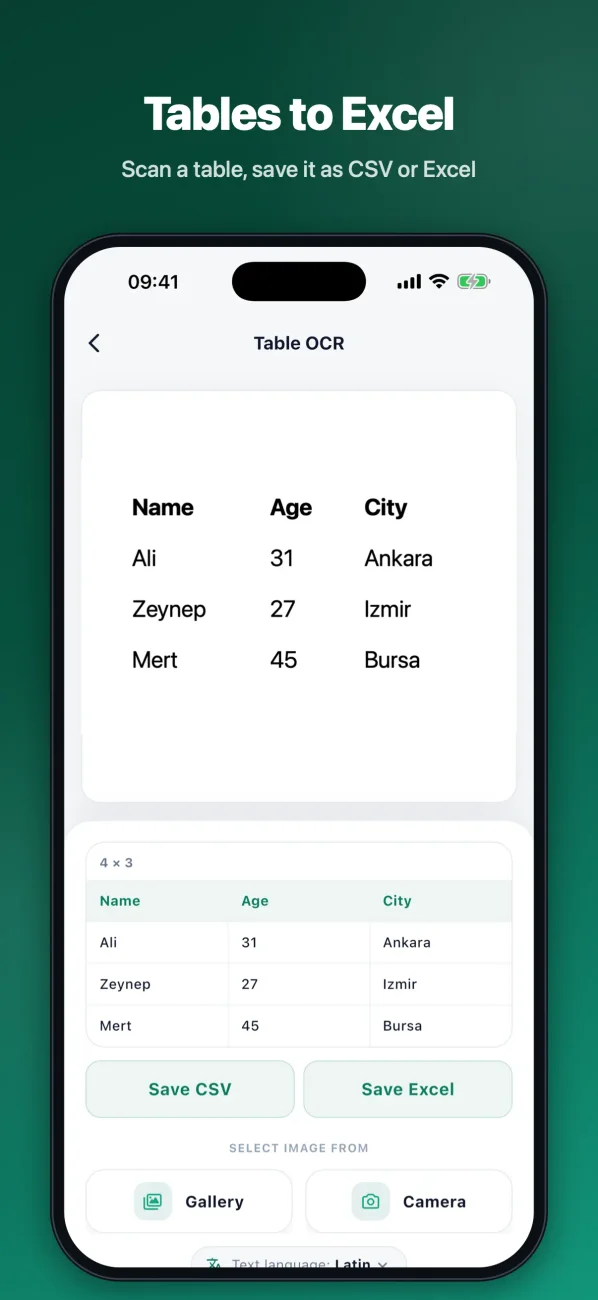
• Table OCR: photograph a table and save it as Excel or CSV
• Business Card: save contact details straight to your contacts
40+ PDF TOOLS
• Merge, split, extract page ranges and remove blank pages
• Compress, crop, flatten and add page numbers
• Add watermarks, text notes and annotations
• Black out sensitive text with redaction
• Password-protect and unlock PDFs
• Edit title and author metadata
• Compare two PDFs side by side
• Convert PDF to images, images to PDF, text to PDF and speech to PDF
• Batch-process multiple PDFs at once
SIGN ANYWHERE
• Draw your signature once, save it and reuse it on any PDF
• Place, resize and position signatures precisely
QR & BARCODES
• Scan any QR code or barcode
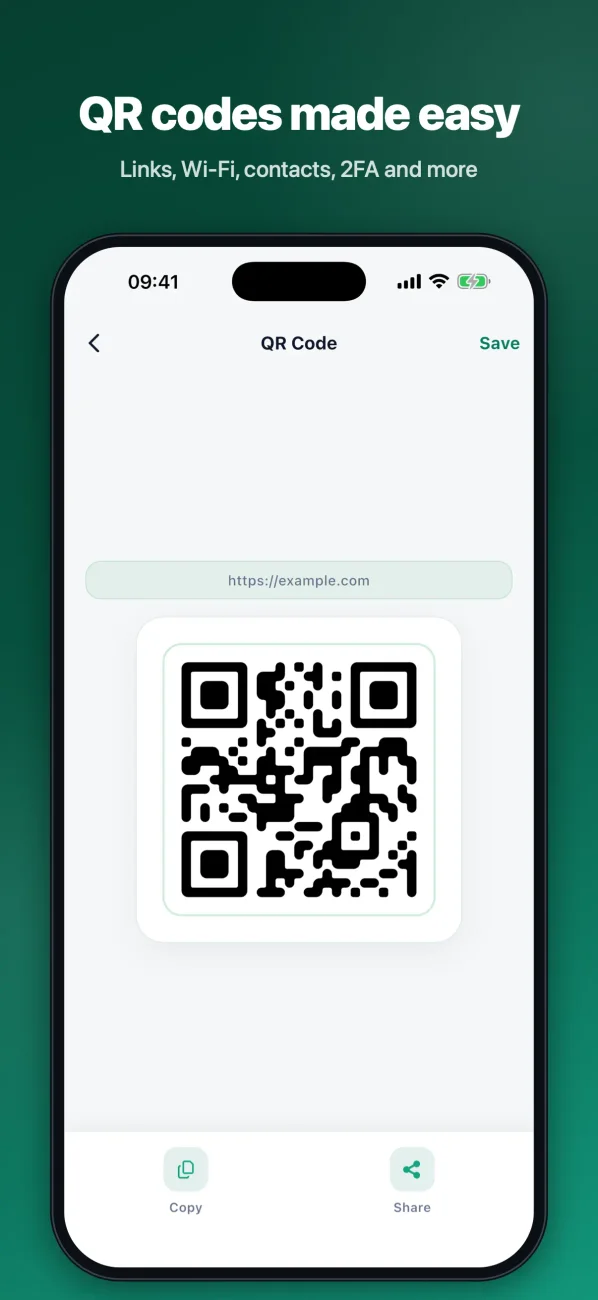
• Create QR codes for links, Wi-Fi, contacts, SMS, WhatsApp, Telegram, locations, calendar events, 2FA setup codes and crypto wallets
• Generate barcodes and track inventory counts
MORE USEFUL TOOLS
• Image tools: compress, resize, convert and remove backgrounds
• Document reminders for passports, IDs and other expiry dates
• Workflow templates that chain tools together
• App lock with PIN or Face ID to keep your files private
• Home screen shortcuts and widgets for one-tap access
• Share photos and PDFs from any app straight into Tim Scanner
Tim Scanner is available in 11 languages and works without an account.
Terms of Use (EULA): https://www.apple.com/legal/internet-services/itunes/dev/stdeula/
Privacy Policy: https://sites.google.com/view/tim-scanner-privacy-policy
What’s new
Version 1.3.7 · Nov 12, 2026
* Bug fixes and performance improvements.
App privacy
What Mete Oguzhan declares on the App Store about how this app handles data.
-
Data used to track you
May be used to track you across apps and websites owned by other companies.
- Purchases
- Location
- Identifiers
- Usage data
-
Data linked to you
May be collected and linked to your identity.
- Purchases
- Identifiers
- Usage data
- Diagnostics
- Other data
-
Data not linked to you
May be collected but is not linked to your identity.
- Location
- User content
- Usage data
- Diagnostics
- Other data
Privacy practices may vary, for example with the features you use or your age.
Information
- Seller
- Mete Oguzhan
- Category
- Productivity
- Version
- 1.3.7
- Updated
- Nov 12, 2026
- Released
- Jul 6, 2023
- Size
- 126.3 MB
- Requires
- iOS 15.5 or later
- Age rating
- 4+
- Price
- Free
- In-app purchases
- Yes
- Languages
- English
- Copyright
- © 2026 Mete Oguzhan
You might also like
-
 PDF Scan - Doc ScannerProductivity
-
 Finger3DSmart 3D modeler
-
 Scan & PDF by PaperlyOffline Productivity for PDFs
-
 PDF Scanner for Docs & PhotosPDF Expert Scanner & Reader
-
 OCR TablePhoto Tables to HTML
-
 PDF Document Scanner +Easy & Fast PDF document Scan
-
 AnyMarkdown - PDF to MarkdownFile Converter: Docx, Web, OCR
-
 Scanner App: PDF Reader ProDocument Scan, PDF Reader, OCR
-
 Docu Scan ItDocu scanner & PDF maker
-
 Paperlogix - Document ScannerScan and Automate