
- 対象年齢4+
- カテゴリ仕事効率化
- 開発元Mete Oguzhan
- 言語英語
- サイズ126.3 MB
App Storeの公式ページにリンクしています
Download.orgはTim Scannerのファイルを一切ホストしていません。ボタンを押すと、Mete Oguzhanが公開しているApp Storeのアプリページが開きます。ページの最終確認:2026/11/18。
スクリーンショット


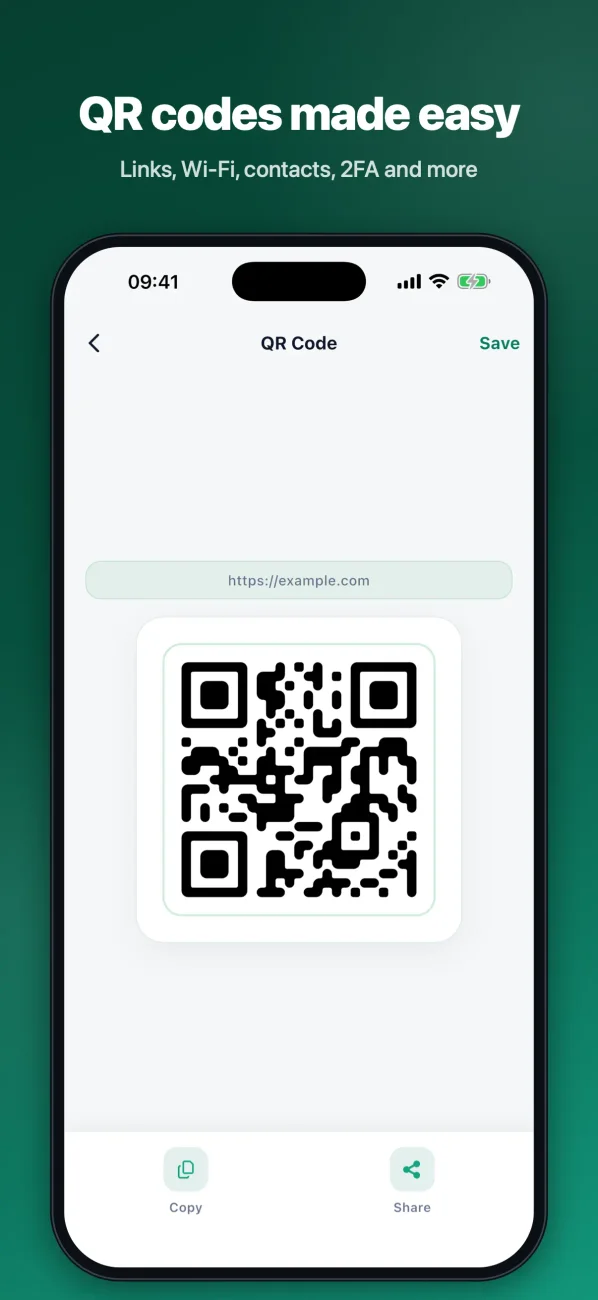

概要
開発元はこのテキストをお使いの言語で提供していません。
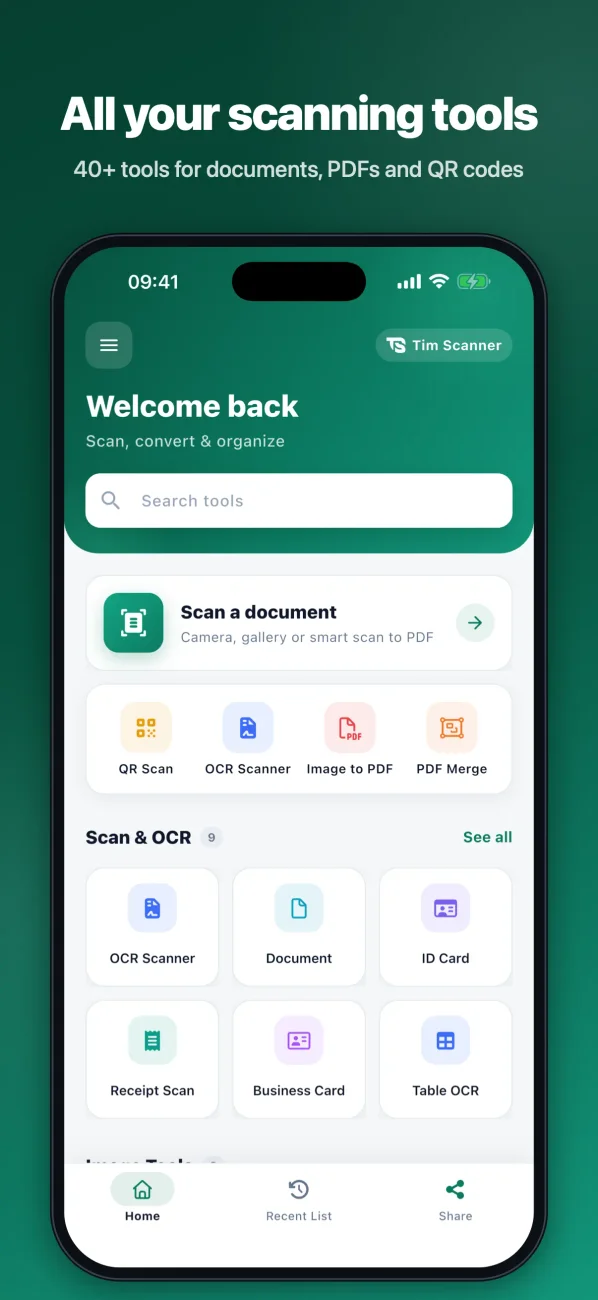
Tim Scanner turns your iPhone into a complete document studio. Scan paper, extract text, edit PDFs, sign contracts and create QR codes, all in one fast, clean app.
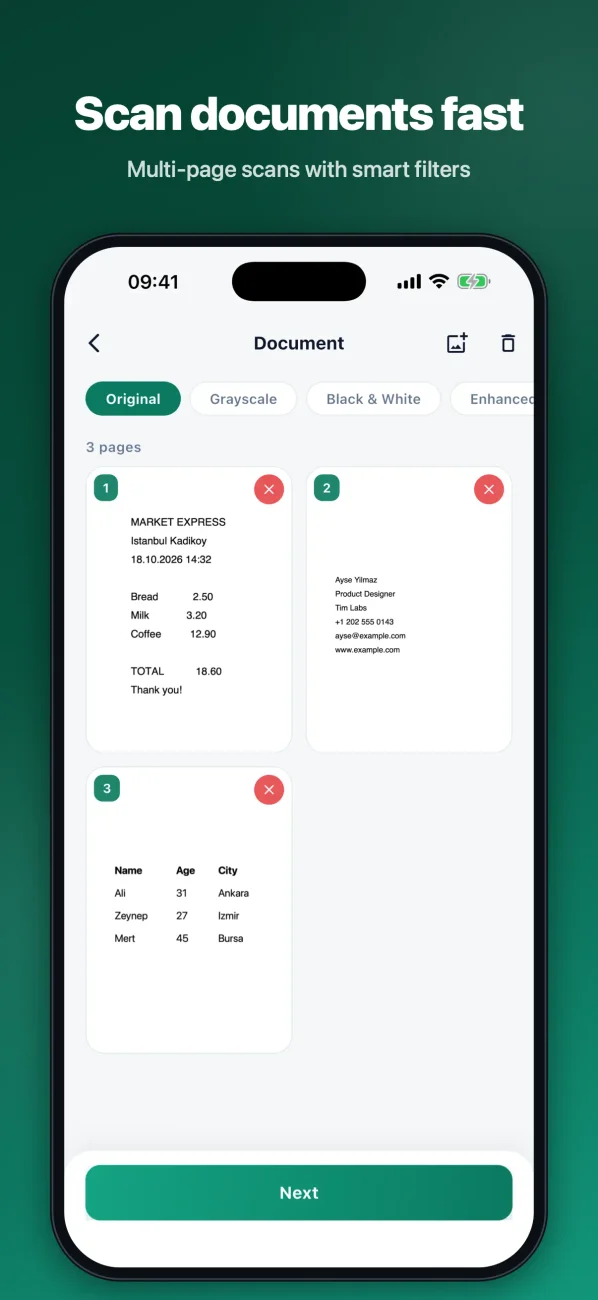
SCAN DOCUMENTS
• Multi-page scanning with automatic edge detection and smart filters
• Rotate, reorder, duplicate or delete pages before saving
• Save as PDF or images and share in one tap
• Scan ID cards, business cards and receipts with dedicated modes
EXTRACT TEXT (OCR)
• Fast on-device text recognition, with no upload needed to read your documents
• Supports Latin, Chinese, Japanese, Korean, Hindi, Russian and Arabic text
• Turn scanned pages into searchable PDFs
• Scan and translate text into other languages
• Listen to recognized text read aloud
SMART DATA CAPTURE
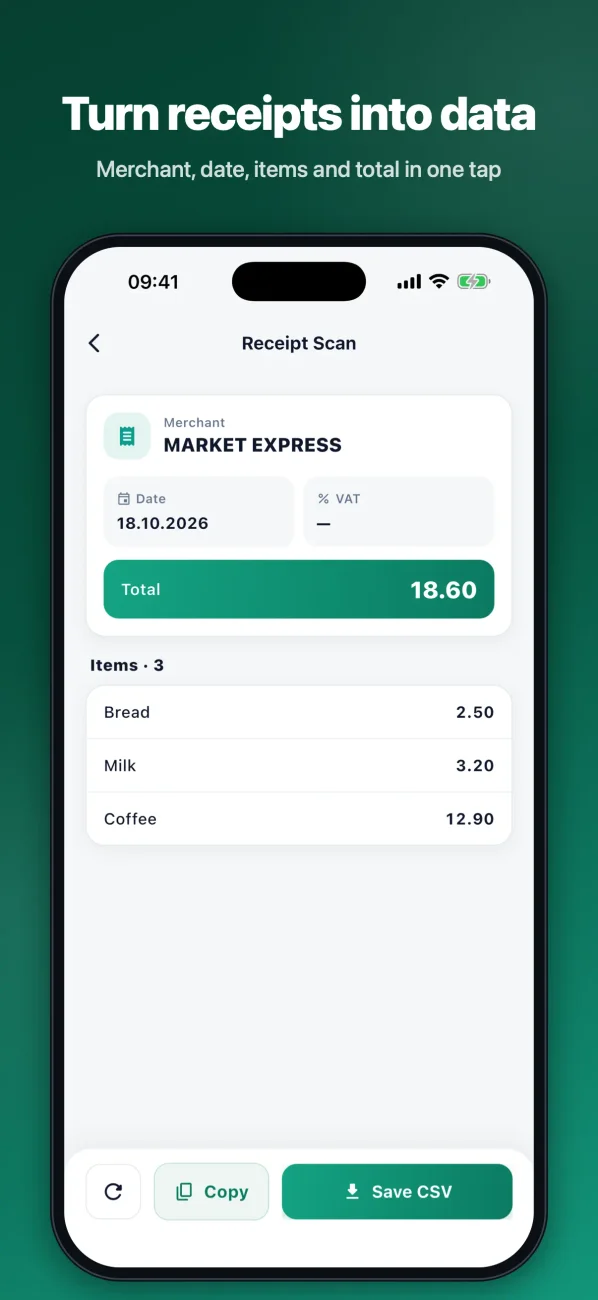
• Receipt Scan: merchant, date, items and total pulled out automatically, export to CSV
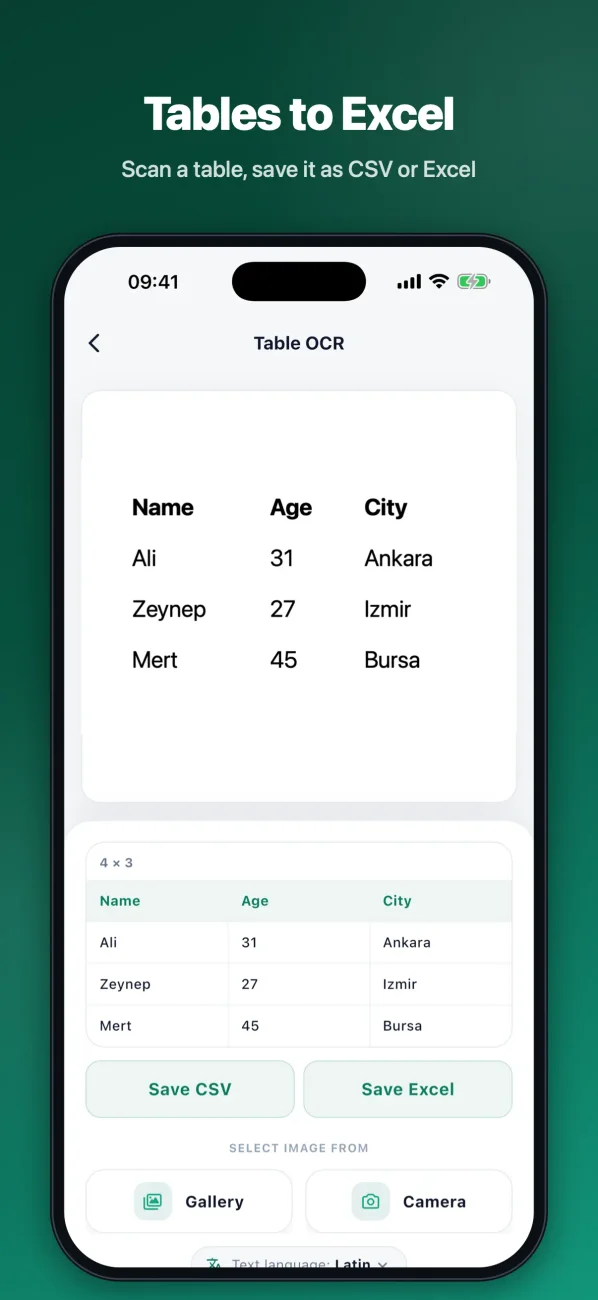
• Table OCR: photograph a table and save it as Excel or CSV
• Business Card: save contact details straight to your contacts
40+ PDF TOOLS
• Merge, split, extract page ranges and remove blank pages
• Compress, crop, flatten and add page numbers
• Add watermarks, text notes and annotations
• Black out sensitive text with redaction
• Password-protect and unlock PDFs
• Edit title and author metadata
• Compare two PDFs side by side
• Convert PDF to images, images to PDF, text to PDF and speech to PDF
• Batch-process multiple PDFs at once
SIGN ANYWHERE
• Draw your signature once, save it and reuse it on any PDF
• Place, resize and position signatures precisely
QR & BARCODES
• Scan any QR code or barcode
• Create QR codes for links, Wi-Fi, contacts, SMS, WhatsApp, Telegram, locations, calendar events, 2FA setup codes and crypto wallets
• Generate barcodes and track inventory counts
MORE USEFUL TOOLS
• Image tools: compress, resize, convert and remove backgrounds
• Document reminders for passports, IDs and other expiry dates
• Workflow templates that chain tools together
• App lock with PIN or Face ID to keep your files private
• Home screen shortcuts and widgets for one-tap access
• Share photos and PDFs from any app straight into Tim Scanner
Tim Scanner is available in 11 languages and works without an account.
Terms of Use (EULA): https://www.apple.com/legal/internet-services/itunes/dev/stdeula/
Privacy Policy: https://sites.google.com/view/tim-scanner-privacy-policy
新機能
バージョン 1.3.7 · 2026/11/12
* Bug fixes and performance improvements.
アプリのプライバシー
このアプリのデータの取り扱いについて、Mete OguzhanがApp Storeで申告している内容です。
-
ユーザーのトラッキングに使用されるデータ
他社のアプリやウェブサイトを横断してユーザーをトラッキングする目的で使用される場合があります。
- 購入
- 位置情報
- ID
- 使用状況データ
-
ユーザーに関連付けられたデータ
収集され、ユーザーの識別情報に関連付けられる場合があります。
- 購入
- ID
- 使用状況データ
- 診断
- その他のデータ
-
ユーザーに関連付けられないデータ
収集される場合がありますが、ユーザーの識別情報には関連付けられません。
- 位置情報
- ユーザーコンテンツ
- 使用状況データ
- 診断
- その他のデータ
プライバシーの取り扱いは、ご利用の機能やお客様の年齢などに応じて異なる場合があります。
情報
- 販売元
- Mete Oguzhan
- カテゴリ
- 仕事効率化
- バージョン
- 1.3.7
- 更新日
- 2026/11/12
- リリース
- 2023/7/6
- サイズ
- 126.3 MB
- 必要条件
- iOS 15.5以降
- 対象年齢
- 4+
- 価格
- 無料
- アプリ内課金
- あり
- 言語
- 英語
- 著作権
- © 2026 Mete Oguzhan
こちらもおすすめ
-
 PDF Scan - Doc Scanner仕事効率化
-
 Finger3D仕事効率化
-
 Scan & PDF by Paperly仕事効率化
-
 ドキュメント、PDF用の小型スキャナーPDF Expert スキャナー & エディター
-
 OCR Table写真の表をHTMLに変換
-
 PDFドキュメントスキャナー高速PDF文書スキャナー
-
 AnyMarkdown - PDFをMarkdownにファイル変換: Word・EPUB・Web・OCR
-
 Scanner App: PDF Reader Pro仕事効率化
-
 Docu Scan It仕事効率化
-
 Paperlogix - Document Scanner仕事効率化