TraceLock: Tracing Lightbox
Lock Screen & Drawing Pad
Designed for iPhone, iPad
Free · In-app purchases
- Age rating4+
- CategoryGraphics & Design
- Developer帅 王
- LanguagesEnglish+ 13 more
- Size43.0 MB
Links to the official App Store page
Download.org hosts no file of TraceLock: Tracing Lightbox. The button opens its official App Store page, published by 帅 王. Listing last checked on Nov 25, 2026.
Screenshots

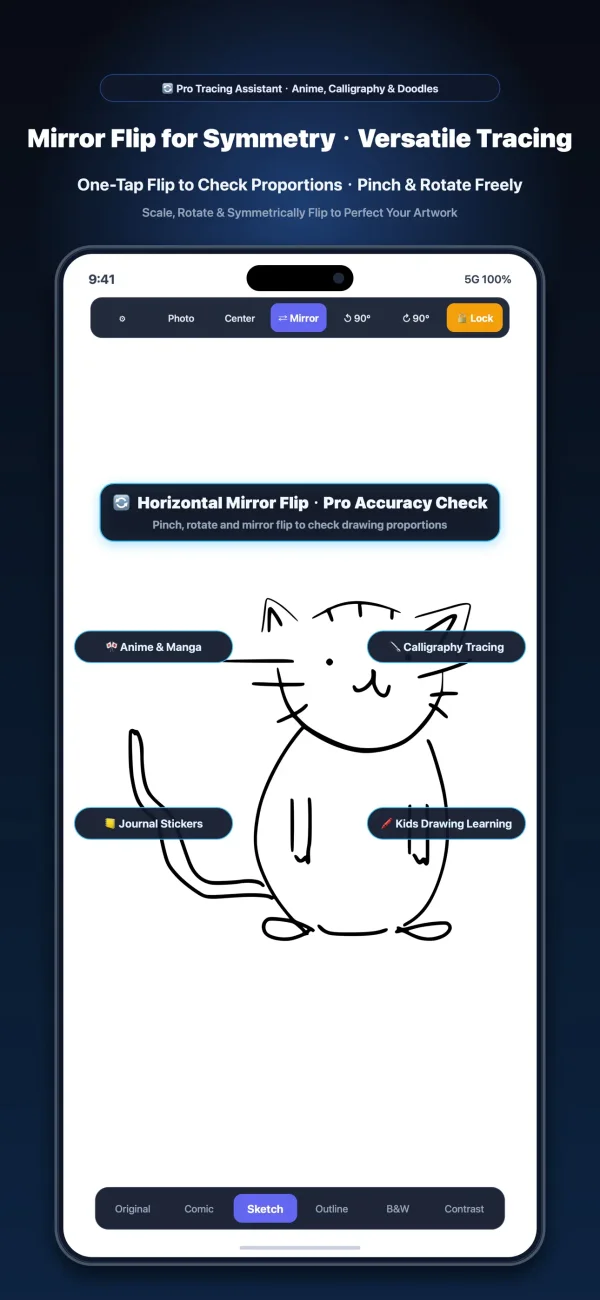
About
Turn your iPhone or iPad into a professional tracing lightbox. TraceLock is built for beginners, anime sketching, journaling, calligraphy practice and kids' drawing drills — no bulky, expensive light table required.
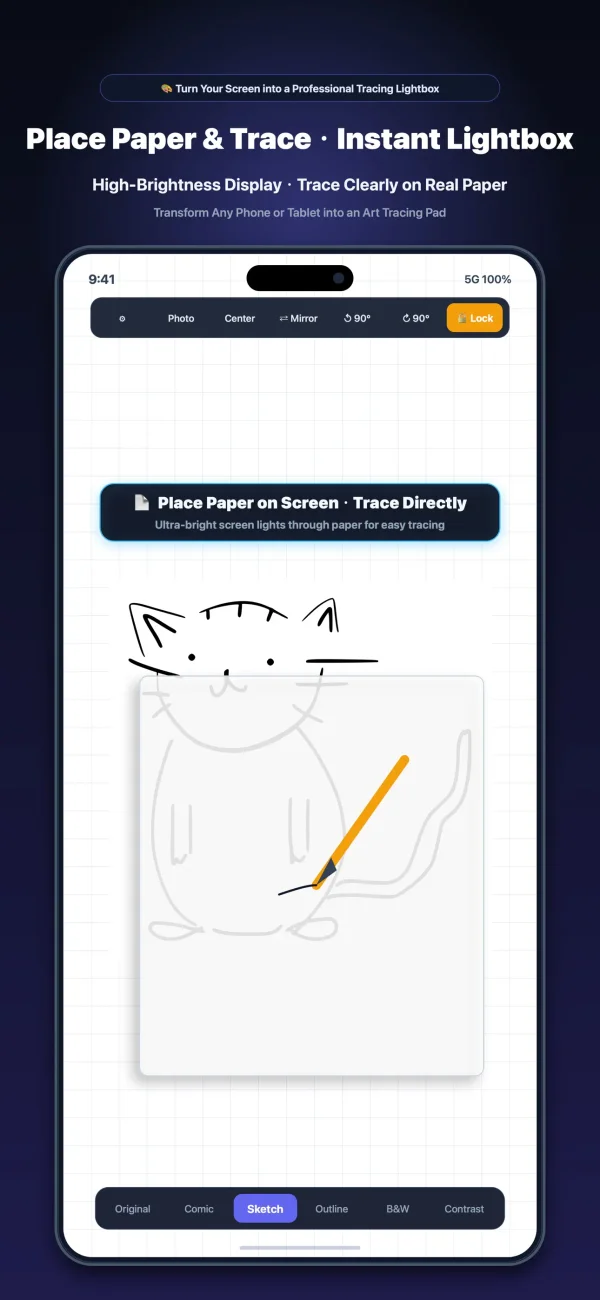
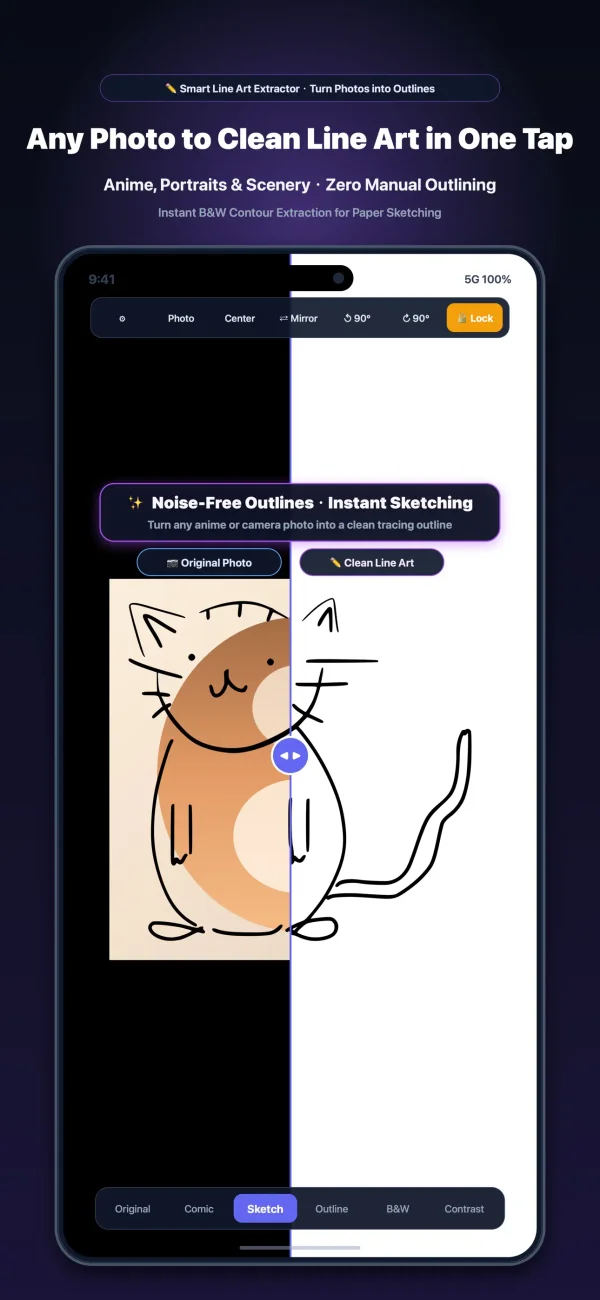
The workflow is simple: import a photo, convert it to clean line art in one tap, adjust the composition, then lock the screen. The display stays awake at full brightness; lay paper on top and trace with a pencil.
Core features
• Full-screen touch lock: palm and paper contact are intercepted so the image never shifts. Hold for 2 seconds to unlock safely, or press a hardware volume button.
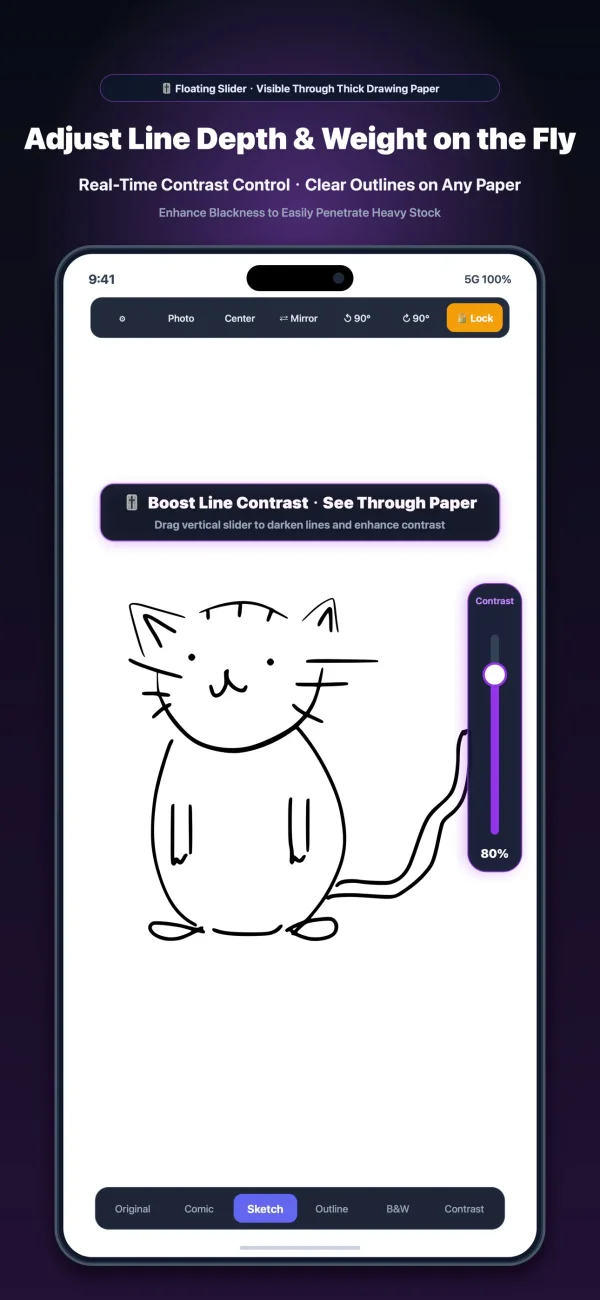
• Five smart line-art filters — Sketch, Outline (noise-free DoG edges), Comic, B&W and High Contrast — with a floating slider for real-time line weight and depth, even through thick paper.
• Free composition: pinch to zoom, drag, rotate 90°, mirror horizontally. Rule-of-thirds grid, 1cm physical grid and diagonal guides, plus accurate mm/cm rulers along the top and left edges.
• Eye-comfort backlight: Cool White, Warm White, High-Contrast Green and Amber Night.
• 385 built-in sketch templates across 9 categories: animals, plants, people, vehicles, buildings, food, cartoons and more.
• Showcase camera: a semi-transparent overlay aligns your paper drawing with the digital original, then creates a side-by-side progress poster.
A4 printable practice sheets — the 1.2.2 focus
• Three layouts: 1-Up full page, 2-Up split and 2x2 grid. Line opacity 15% / 35% / 70% / 100% for faint tracing guides that never hide real pencil strokes.
• Pinch to zoom and drag images inside the sheet. In multi-up layouts, adjusting one panel updates the others in sync; a zoom indicator and double-tap reset keep it under control.
• Landscape and foldable layouts now use a left control sidebar plus a full-height sheet on the right — the paper no longer shrinks to a sliver, and the background fills the screen without black bands.
• AirPrint and high-resolution PDF export for home, classroom or craft groups.
Privacy
All image processing happens on your device. No photo uploads, no tracking, no ads, no account. TraceLock does one job and stays out of your way.
What’s new
Version 1.2.5 · Nov 24, 2026
• Expanded sketch library
• Performance improvements and bug fixes
App privacy
What 帅 王 declares on the App Store about how this app handles data.
-
Data not collected
The developer does not collect any data from this app.
Privacy practices may vary, for example with the features you use or your age.
Information
- Seller
- 帅 王
- Category
- Graphics & Design
- Version
- 1.2.5
- Updated
- Nov 24, 2026
- Released
- Oct 1, 2026
- Size
- 43.0 MB
- Requires
- iOS 16.0 or later
- Age rating
- 4+
- Price
- Free
- In-app purchases
- Yes
- Languages
- English, French, German, Indonesian, Italian, Japanese, Korean, Portuguese, Russian, Simplified Chinese, Spanish, Thai + 2 more
- Copyright
- © 2026 Wang Shuai
You might also like
-
 Dürer: AR Photo Drawing TraceDraw, Sketch & Copy on Paper
-
 Tracer: AR TracingTrace any image, anywhere
-
 Image TracingTrace photos with your camera
-
 LightPad: Tracing Light BoxLight box for paper tracing
-
 Lightbox Trace: Draw on PaperImage Tracing. Grid Projector
-
 Draw AR - Trace & SketchTurn Photos Into Drawings
-
 Light TabletTrace photos from your device
-
 Photo Trace & Draw - TracelyTrace photos onto paper
-
 Translucent: AR Trace & DrawSketch on Paper, Light Box
-
 Trace Studio: Draw & SketchDrawing Projector for Tracing