
TV Assist
Cast photo, video, music to TV
Designed for iPhone, iPad, iPod touch
Free · In-app purchases
- Age rating17+
- CategoryPhoto & Video
- DeveloperShanghai Yitu Information Technology Co., Ltd.
- LanguagesEnglish+ 12 more
- Size42.0 MB
Links to the official App Store page
Download.org hosts no file of TV Assist. The button opens its official App Store page, published by Shanghai Yitu Information Technology Co., Ltd. Listing last checked on Nov 20, 2026.
Screenshots

About
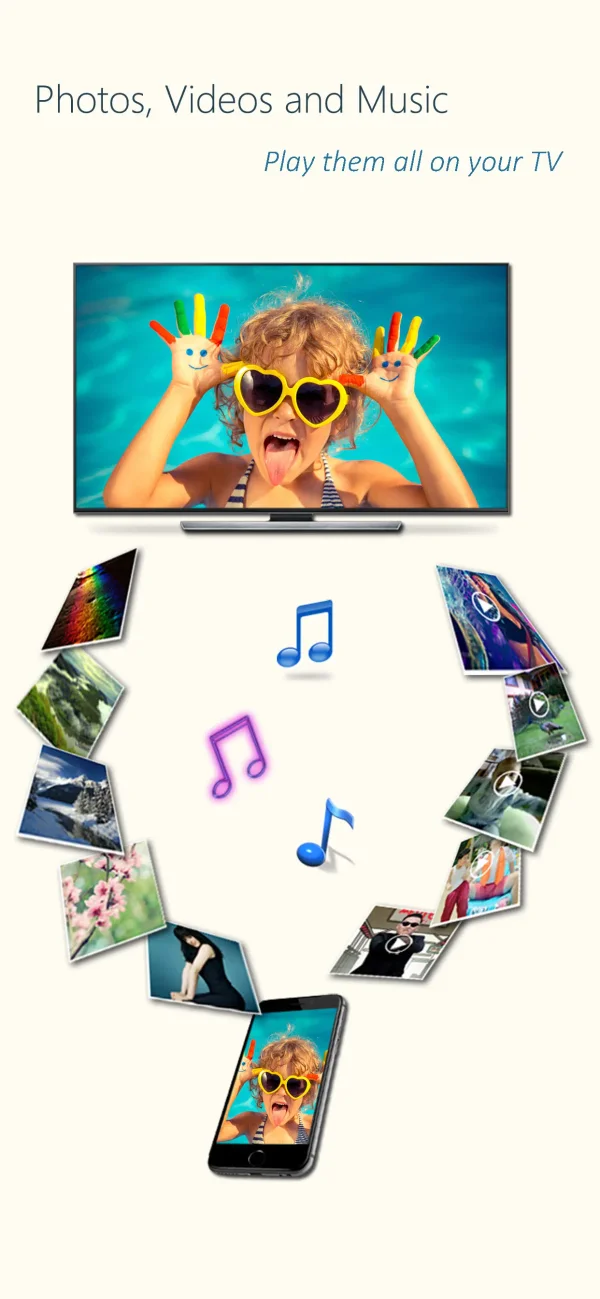
Play photos, videos, and music from your iPhone/iPad to DLNA-compatible devices such as smart TVs, AV systems, speakers, PCs, and other mobile devices.
Easy to use - Just pick your media and tap to play, only one single step to play it on your TV!
Anytime, anywhere, across devices - Enjoy sharing photos, videos, and music with friends and family. Stream content to a nearby TV or other devices for everyone to view or listen together.
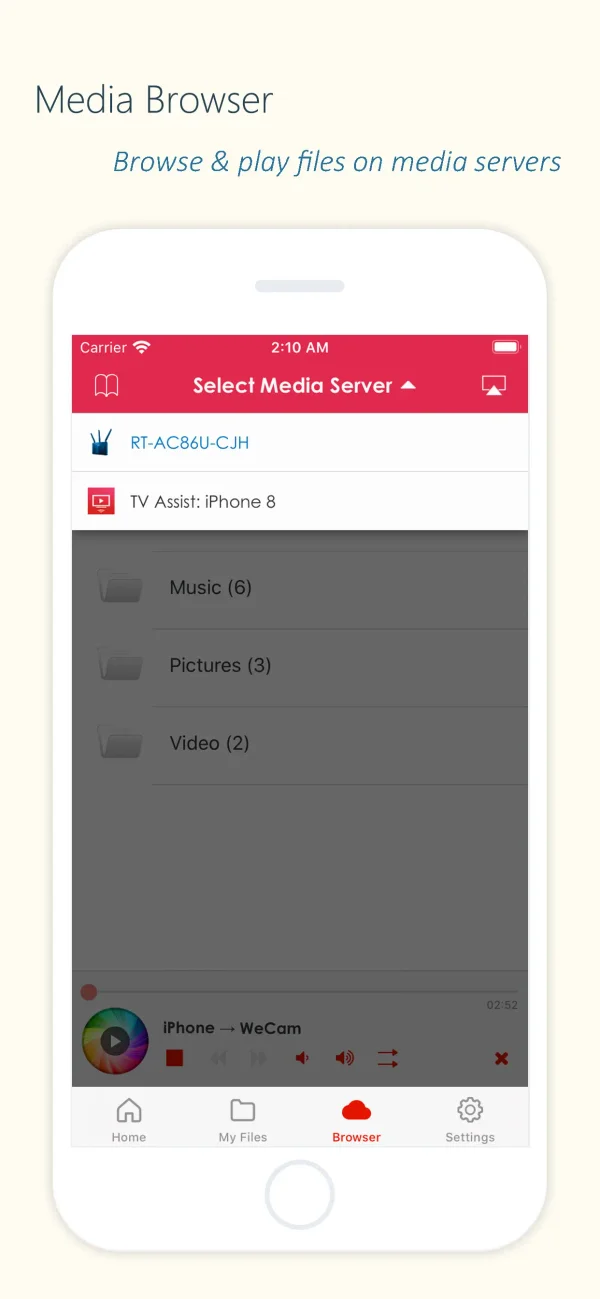
TV Assist also lets you browse media on other DLNA devices and play them directly on your iPhone/iPad or another compatible device.
Getting photos, videos and music from friends is easy - Use TV Assist as a media receiver (renderer) to accept media streamed from other DLNA devices (e.g., another iPhone/iPad running TV Assist).
Key Features:
- Display photos on other devices in multiple sizes for the best viewing experience;
- Play videos on other devices in all supported qualities;
- Play music on other devices with metadata;
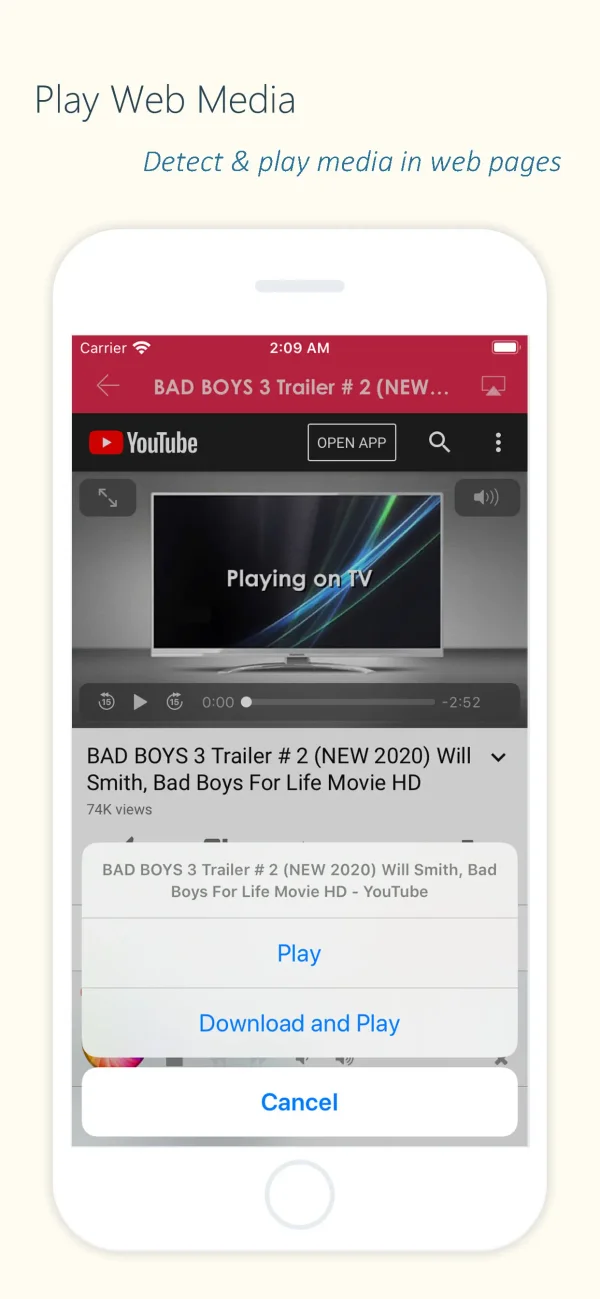
- Detect and play media content from web pages;
- Access and play media files stored on other DLNA devices;
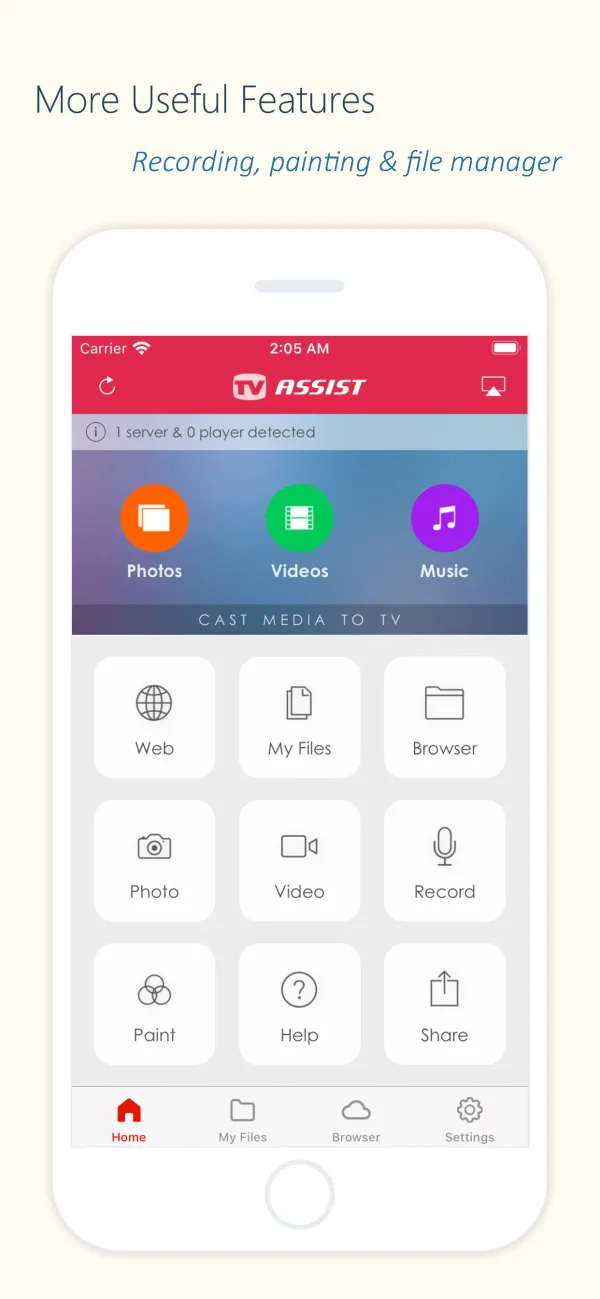
- Upload files to your iPhone/iPad and play them;
- Draw on your TV screen interactively;
- Record videos or audio and stream them directly to TV;
- Work as a renderer: Receive media from other DLNA devices;
- Work as a server: Share your device's media with other DLNA devices.
Supported Devices:
- TVs from Samsung, LG, Sony, Panasonic, Sharp, Philips, Thomson and many others;
- AV systems from DENON, Onkyo, Marantz, Bose, Pioneer and many others;
- Game consoles such as Xbox 360, PlayStation 3;
- Media Players: Apple TV, Sony Blu-ray players, TV boxes and others;
- PCs/Mac: Twonky, Windows Media Player, Plex, and others;
- All DLNA/UPnP-certified devices.
Important Notes:
- TV Assist relies on DLNA technology and requires a WiFi connection;
- Ensure your TV/device is DLNA-compatible and connected to the same local network;
- Some iPhone/iPad media formats may not be supported by your TV/device;
- TV Assist cannot access media from other iOS apps (e.g., the native Videos app). Upload files to TV Assist for playback.
What’s new
Version 8.2 · Nov 12, 2025
- iOS 26 adaptation.
App privacy
What Shanghai Yitu Information Technology Co., Ltd. declares on the App Store about how this app handles data.
-
Data not linked to you
May be collected but is not linked to your identity.
- Identifiers
- Usage data
- Diagnostics
Privacy practices may vary, for example with the features you use or your age.
Information
- Seller
- Shanghai Yitu Information Technology Co., Ltd.
- Category
- Photo & Video
- Version
- 8.2
- Updated
- Nov 12, 2025
- Released
- Mar 13, 2014
- Size
- 42.0 MB
- Requires
- iOS 15.0 or later
- Age rating
- 17+
- Price
- Free
- In-app purchases
- Yes
- Languages
- English, Dutch, French, German, Italian, Japanese, Polish, Russian, Simplified Chinese, Spanish, Thai, Turkish + 1 more
- Copyright
- ©️ e2eSoft
You might also like
-
 TV Cast for DLNA Smart TVBest Movie Stream Browser App
-
 Tubio - Cast Web Videos to TVSmart TV, Cast, DLNA
-
 Smart Mirror | TV & DeviceScreen Mirroring to Any Device
-
 LG TV Screen Mirroring CastSmart Share Plus Thinq Webos
-
 Smart View - Screen MirroringAir Mirror: Share & Cast to TV
-
 Screen Mirroring AppSmart TV,PC,Web,Computer,Games
-
 Screen Mirroring Samsung TVSmart View Mirror Cast Things
-
 Screen Mirroring MirrorMeisterCast to TV, AirPlay & Miracast
-
 TV Cast for Samsung TV AppBest Movie Stream Browser App
-
 Sony TV Screen Mirroring CastStream,Mirror,Streaming,DLNA