- Age rating4+
- CategoryUtilities
- DeveloperVerizon Wireless
- LanguagesEnglish
- Size5.8 MB
Links to the official App Store page
Download.org hosts no file of Verizon Content Transfer. The button opens its official App Store page, published by Verizon Wireless. Listing last checked on Nov 27, 2026.
Screenshots

About
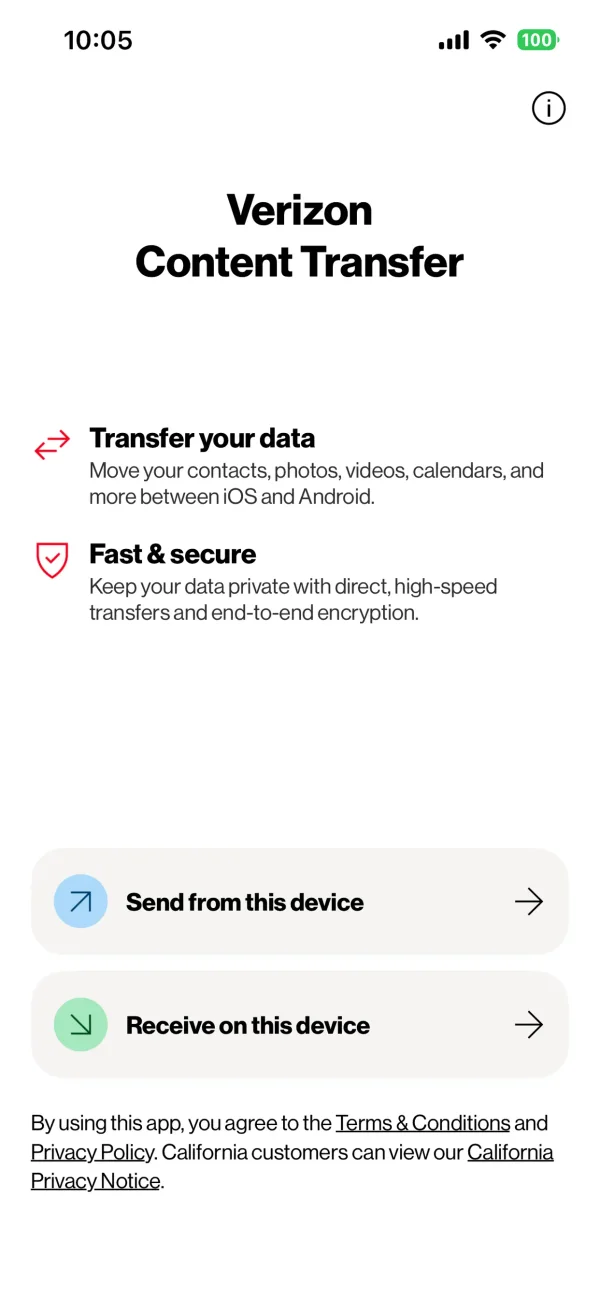
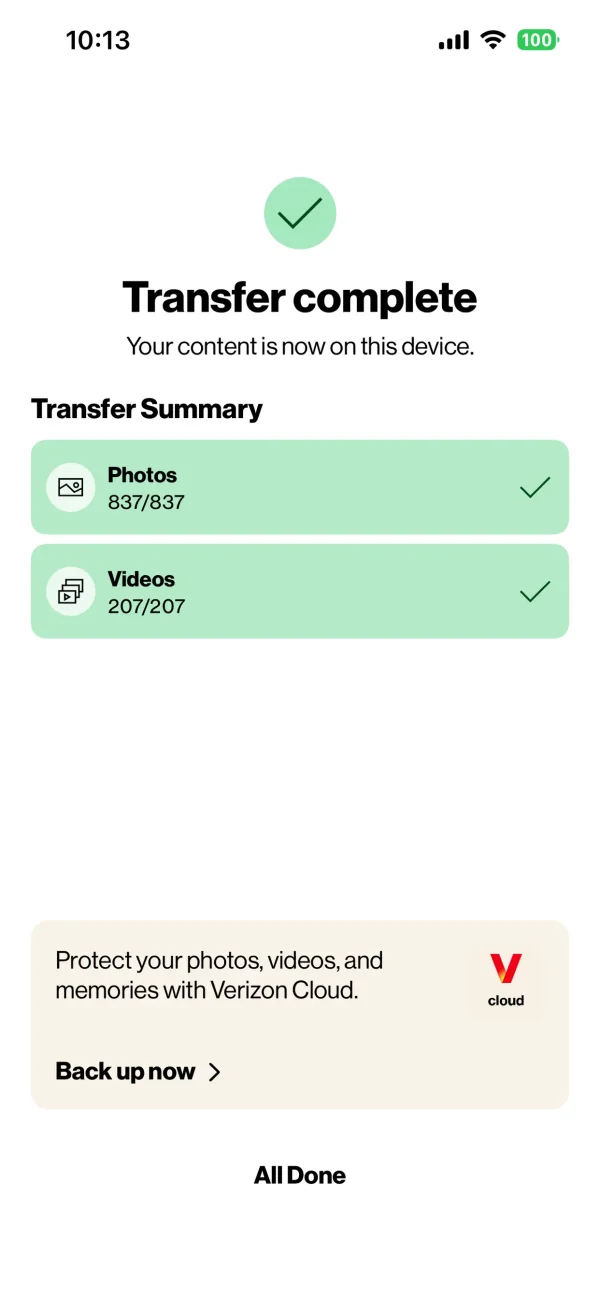
Verizon Content Transfer moves your personal data from your old device to your new one — no wires, no accounts, no cloud required.
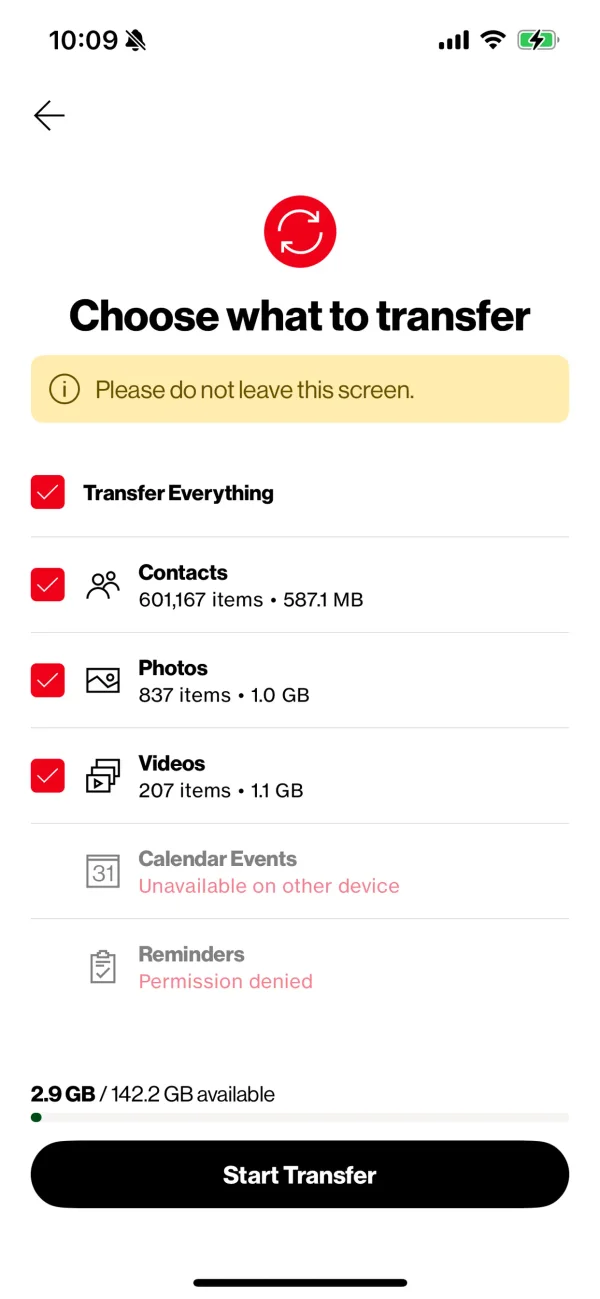
- Transfer contacts, photos, videos, calendars, and reminders
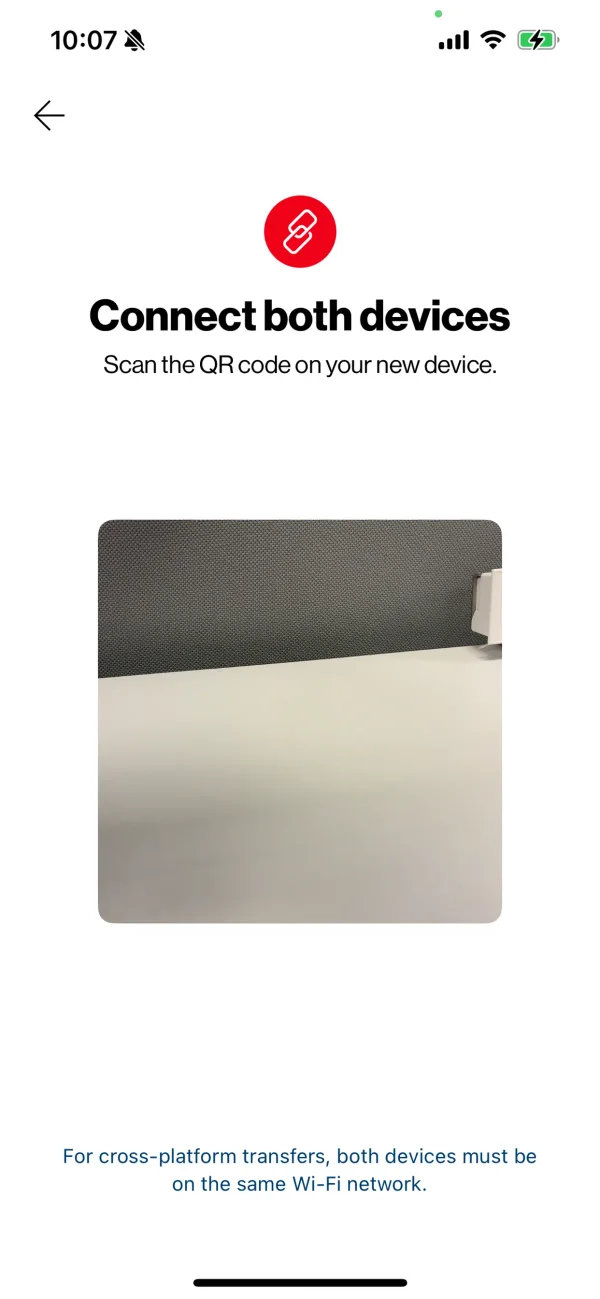
- Pair devices instantly by scanning a QR code
- Works across iPhone and Android
- End-to-end encrypted
- Track progress in real-time and resume if interrupted
Just open the app on both devices, scan, select, and transfer.
What’s new
Version 26.6.0 · Jun 1, 2026
Improved performance and bug fixes.
App privacy
What Verizon Wireless declares on the App Store about how this app handles data.
-
Data not linked to you
May be collected but is not linked to your identity.
- Identifiers
- Usage data
Privacy practices may vary, for example with the features you use or your age.
Information
- Seller
- Verizon Wireless
- Category
- Utilities
- Version
- 26.6.0
- Updated
- Jun 1, 2026
- Released
- Jul 20, 2016
- Size
- 5.8 MB
- Requires
- iOS 15.0 or later
- Age rating
- 4+
- Price
- Free
- Languages
- English
- Copyright
- © Verizon
You might also like
-
 Copy My Data I Phone transferMove Contacts, Photos & Files
-
 Smart Transfer AppCopy Contacts, Photos & Videos
-
 Tech CoachUtilities
-
 Copy My DataCopy My Data
-
 Copy My Data - Mobile TransferSmart content transferring
-
 Smart Switch - Phone CloneFast Data, Wifi Transfer
-
 LogMeIn Rescue CustomerUtilities
-
 Samsung Smart Switch MobileUtilities
-
 My Total Wireless: Account AppUtilities
-
 Data Transfer - MobileTransSmart Transfer: Clone Phone