
- Age rating4+
- CategoryProductivity
- DeveloperTom van Zummeren
- LanguagesEnglish+ 1 more
- Size769.0 KB
Links to the official App Store page
Download.org hosts no file of VO Calendar. The button opens its official App Store page, published by Tom van Zummeren. Listing last checked on Nov 12, 2026.
Screenshots
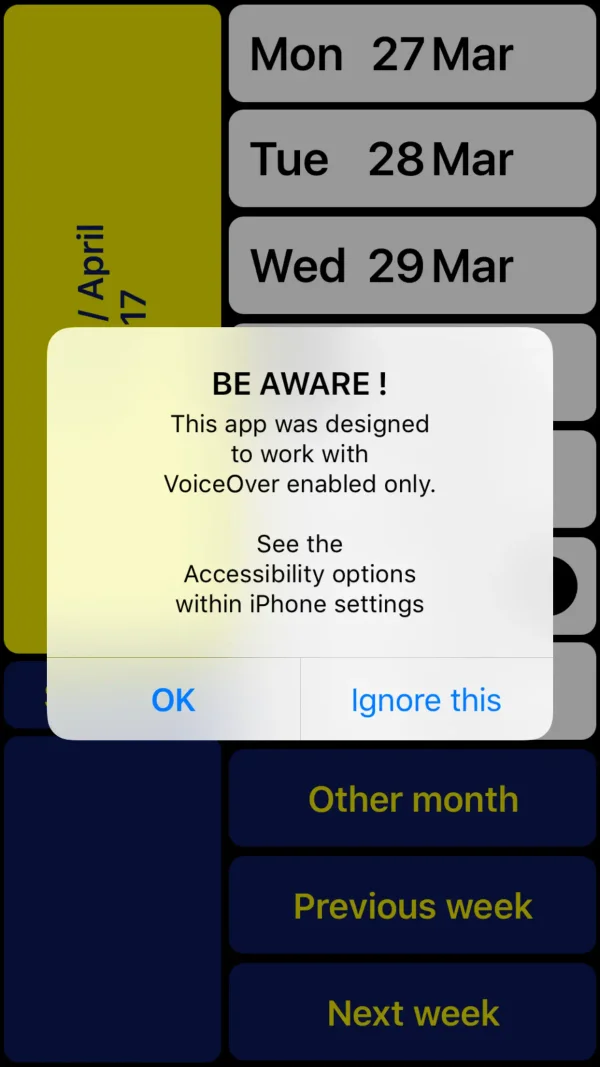


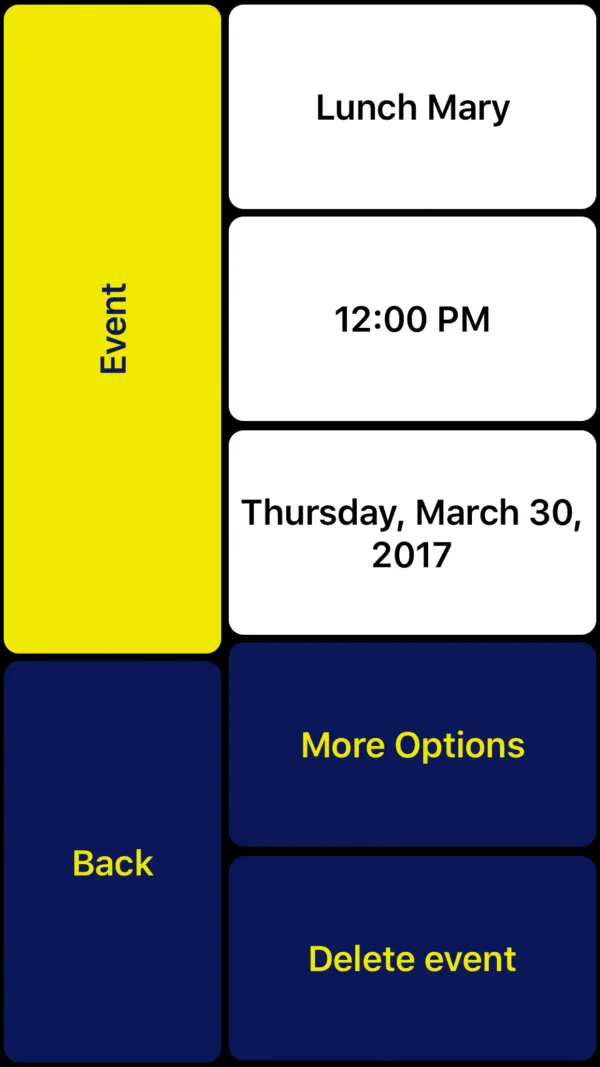
About
NOTE: Can only be used together with VoiceOver (for blind and partially sighted people).
VO Calendar is a weekly calendar specifically designed to be used with VoiceOver.
The result of this VoiceOver-only design is not only a smoother navigation through the app. It also makes it possible for the VoiceOver speech to give smart summaries depending on the context. This prevents you from having to go through each event
Individually.
Existing events are automatically synchronized. If you prefer not to type, you can record voice memos instead.
You can use VO Calendar with the VoiceOver gestures you are used to.
However, there is an even faster way. With the screen being split into two halves you can scan the right half of the screen with your right thumb. A single tap with your left thumb then is enough to activate the concerning function. After getting used to you will find out this helps you to browse through your calendar even quicker.
The left bottom always contains the ‘Return’ button so you can still reach it with your right thumb (being an L-shaped layout). At the top left you can always find a summary of the current screen content. In case you are left-handed you can swap left and right.
Note: If you have multiple calendars configured, VO Calendar will show all concerning events. New events will be assigned to your iPhone’s default calendar. Change the default calendar in: Settings > Mail, Contacts, Calendars > Default Calendar.
VO Calendar is developed in cooperation with Royal Dutch Visio, Centre of Expertise for blind and partially sighted people (www.visio.org).
We appreciate your opinion and are always interested in hearing from you. Feel free to leave your feedback in the form of a review or contact us at: support@vo-calendar.com
In case you have problems recording a memo:
- Hold one finger on 'Record memo' button
- Use other finger to tap on screen
(instead of first focussing on the button and then double tap)
What’s new
Version 1.2.5 · Nov 22, 2023
Updated for iOS 17.
App privacy
What Tom van Zummeren declares on the App Store about how this app handles data.
-
Data not collected
The developer does not collect any data from this app.
Privacy practices may vary, for example with the features you use or your age.
Information
- Seller
- Tom van Zummeren
- Category
- Productivity
- Version
- 1.2.5
- Updated
- Nov 22, 2023
- Released
- Jan 31, 2013
- Size
- 769.0 KB
- Requires
- iOS 15.0 or later
- Age rating
- 4+
- Price
- $3.99
- Languages
- English, Dutch
- Copyright
- © 2023 Tom van Zummeren
You might also like
-
 Emvi.aiWorld’s first visual assistant
-
 WayAround - Tag and ScanAccessible Labels for Anything
-
 PiccyBotAI Photo & Video Description
-
 ScribeMeAI Scanner & Visual Assistant
-
 Envision AIread text, docs & find objects
-
 Seeing AITalking Camera for the Blind
-
 Speech Central – Voice ReaderPDF, ePub, Web Text to Speech
-
 DraftsWhere text starts
-
 Calendar · Planner & RemindersTasks, Agenda & To Do List AI
-
 Fantastical CalendarReminders & Todo List