Walnut: Webview Debug & Test
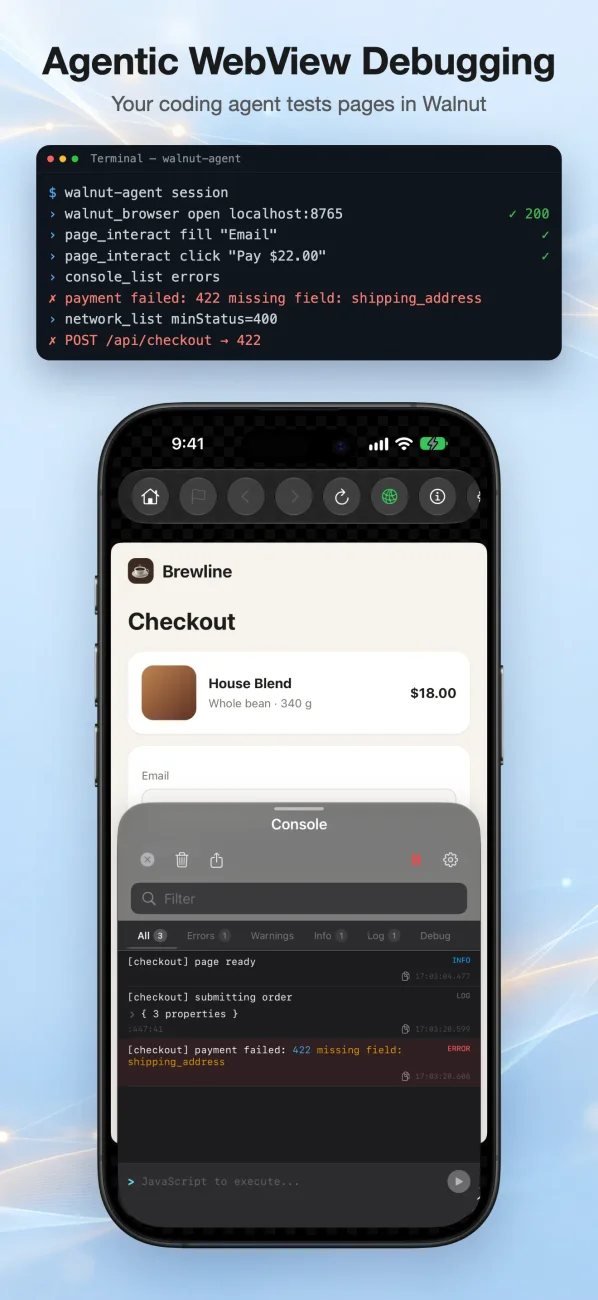
Agentic WebView Debugging
Designed for iPhone, iPad
Free · In-app purchases
- Age rating17+
- CategoryDeveloper Tools
- DeveloperJiwon Park
- LanguagesEnglish+ 32 more
- Size34.4 MB
Links to the official App Store page
Download.org hosts no file of Walnut: Webview Debug & Test. The button opens its official App Store page, published by Jiwon Park. Listing last checked on Nov 23, 2026.
Screenshots
About
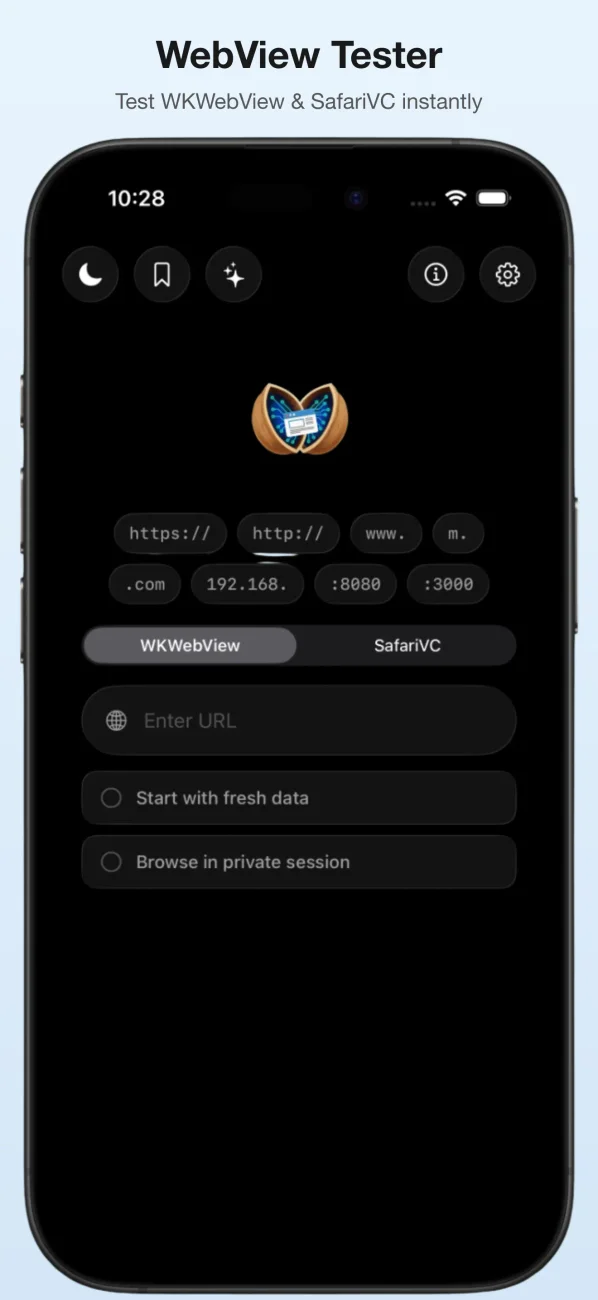
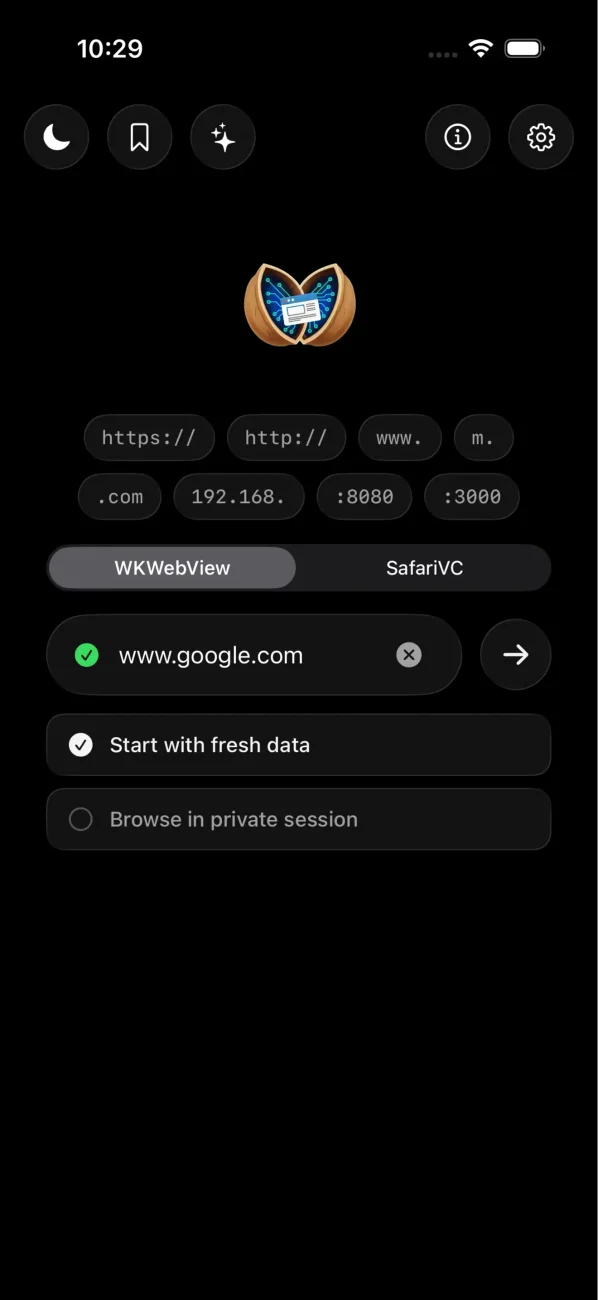
The ultimate developer tool for testing WKWebView and SFSafariViewController configurations in real-time.
MAC AGENT (NEW)
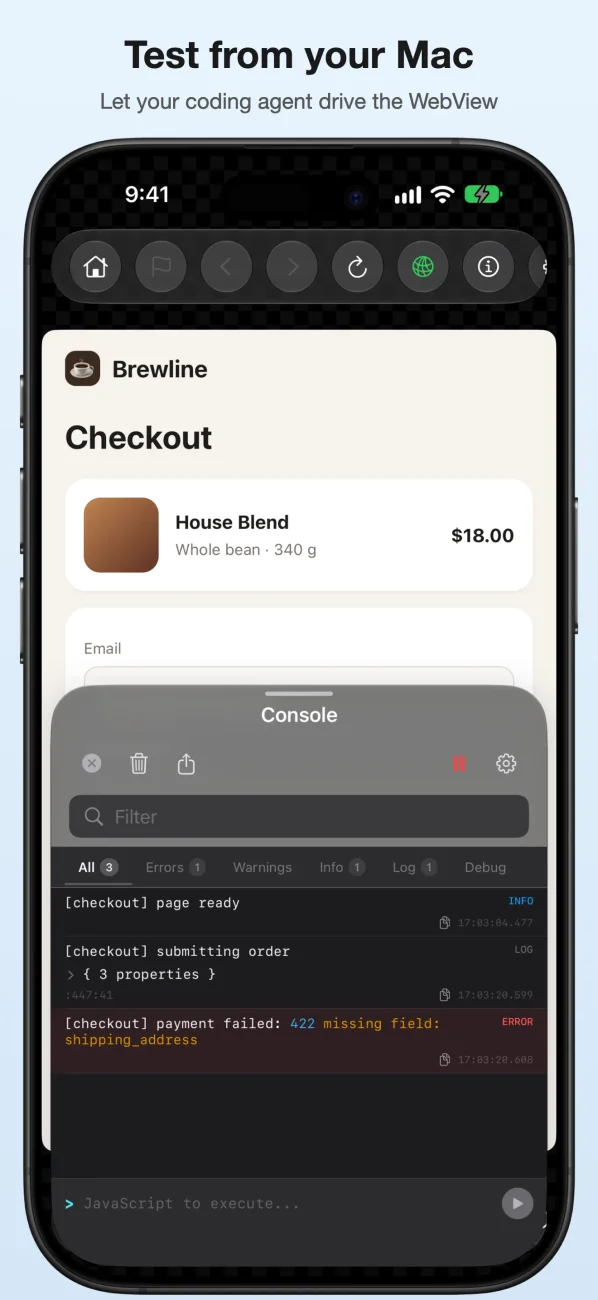
• Let a coding agent or your Mac terminal drive Walnut's WKWebView on your iPhone
• Open pages, tap and type, run scripts, and read Console and Network logs
• Choose approvals: ask every time, allow page actions, or allow everything
• Pair once over Wi-Fi or USB with a 6-digit confirmation
KEY FEATURES
WKWebView Testing
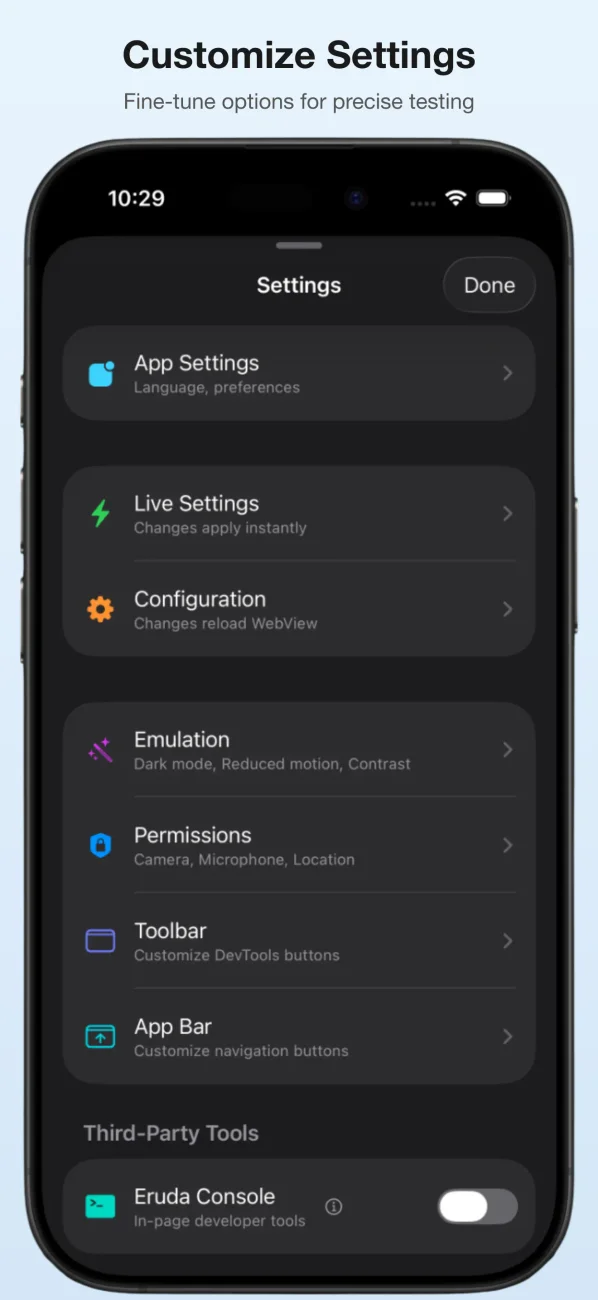
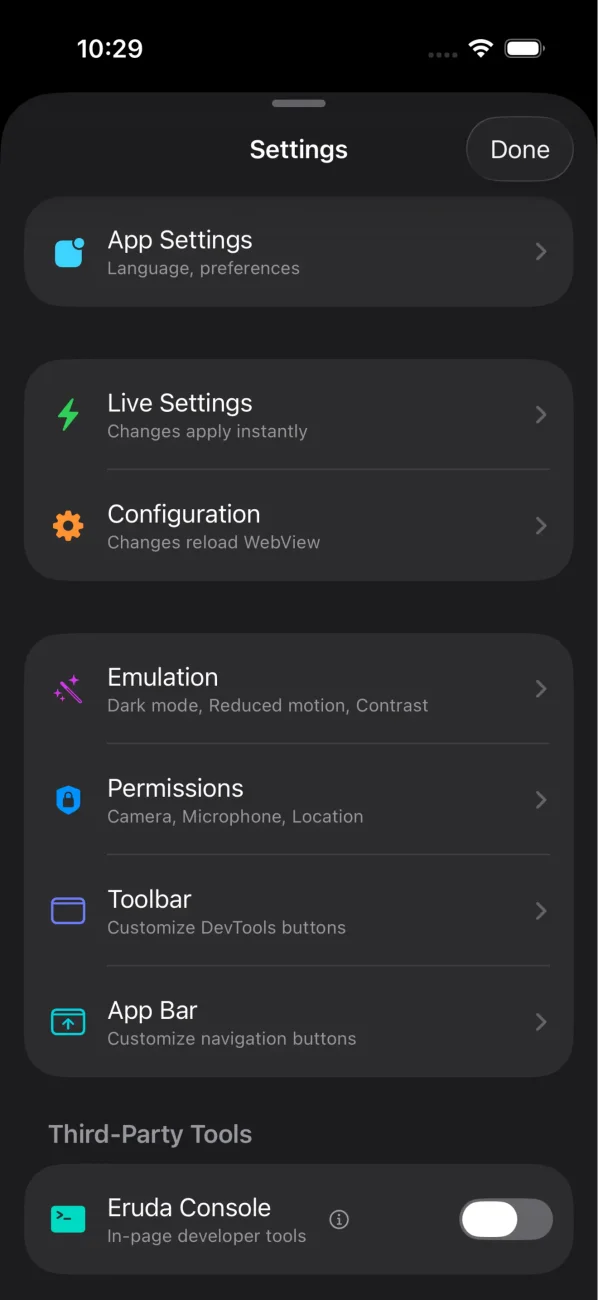
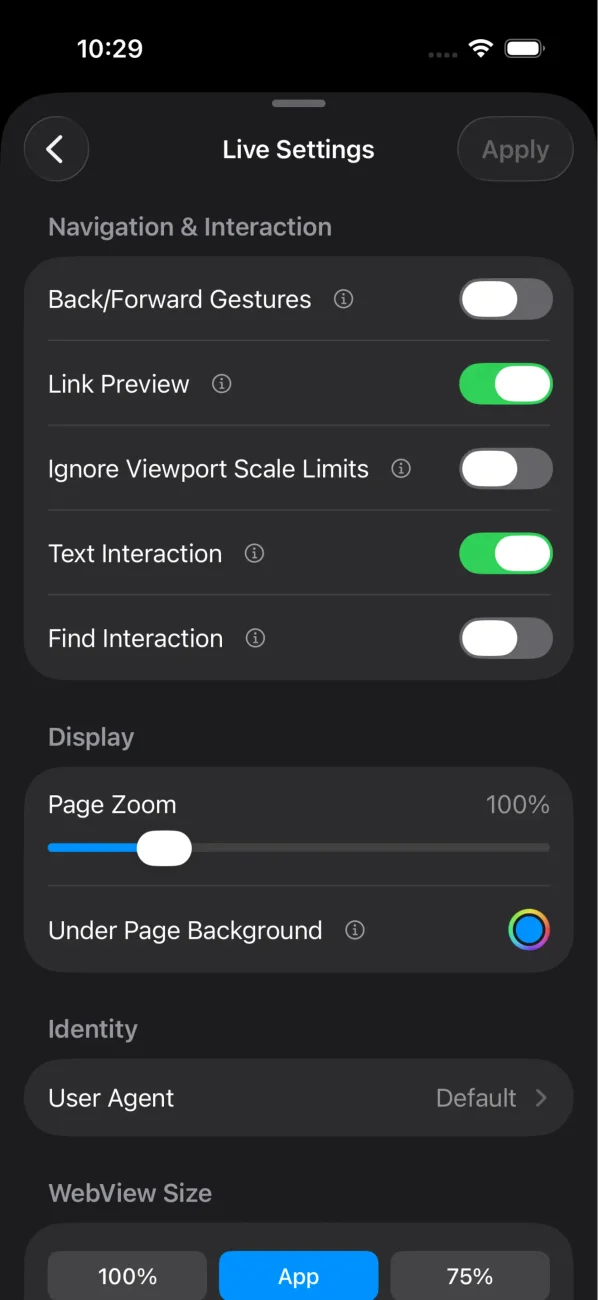
• Real-time configuration testing with 20+ options
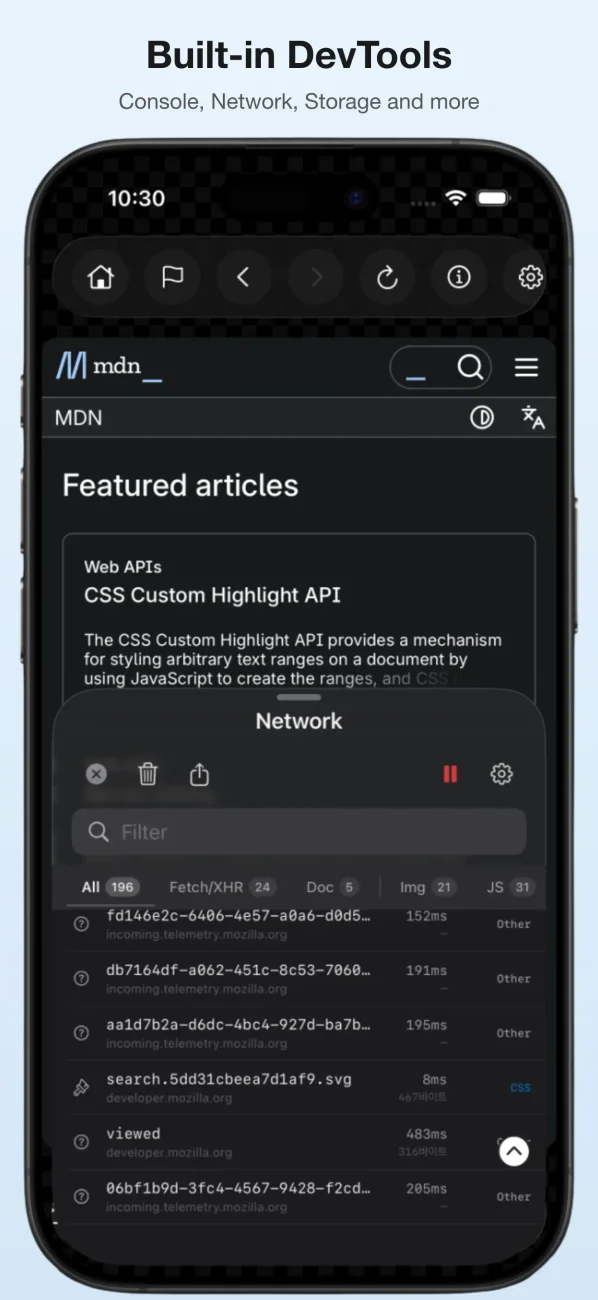
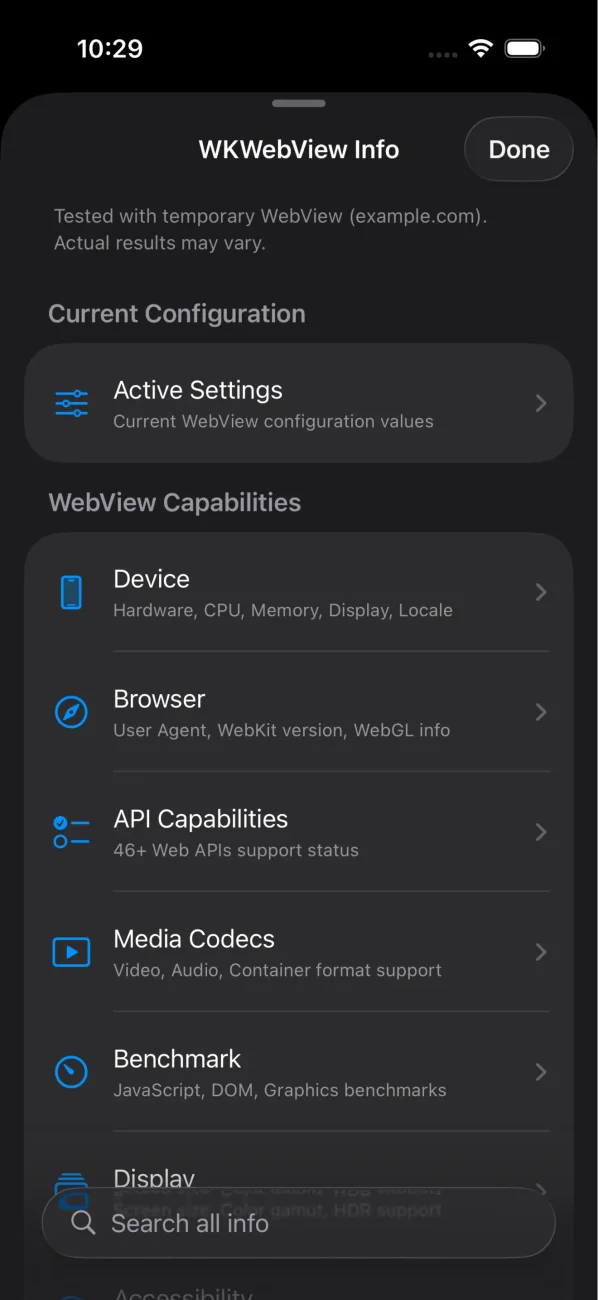
• Built-in DevTools: Console, Network, Storage, Performance, Sources, Accessibility
• JavaScript injection and snippet execution
• Custom User-Agent emulation
• Viewport and device emulation
SFSafariViewController Testing
• Native Safari experience with content blockers
• Reader mode and responsive size control
• Customizable bar colors and dismiss button styles
Developer Tools
• Console: Capture console.log with %c CSS styling support
• Network: Monitor fetch/XHR requests with timing data
• Storage: View/edit localStorage, sessionStorage, cookies
• Performance: Web Vitals (LCP, FID, CLS) and Navigation Timing
• Sources: DOM tree inspection, stylesheets, scripts
• Accessibility: axe-core based accessibility auditing
Additional Features
• Bookmark management for quick URL access
• Responsive viewport resizing (iPhone, iPad, Desktop presets)
• Screenshot capture
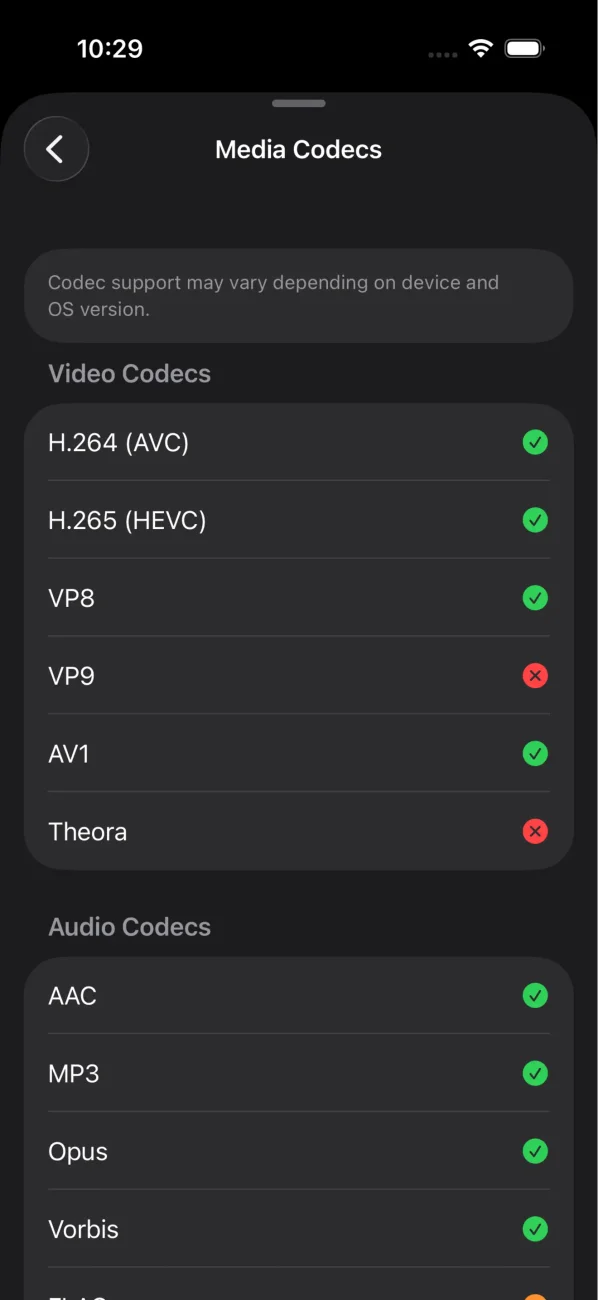
• API capability detection
• Dark mode support
Perfect for iOS developers who need to test web content rendering, debug JavaScript, analyze network requests, and ensure accessibility compliance.
What’s new
Version 1.8.24 · Nov 22, 2026
Fixed a freeze that could occur when rotating iPhone after typing in Console and reduced unnecessary banner ad reloads.
App privacy
What Jiwon Park declares on the App Store about how this app handles data.
-
Data used to track you
May be used to track you across apps and websites owned by other companies.
- Identifiers
- Usage data
-
Data not linked to you
May be collected but is not linked to your identity.
- Identifiers
- Usage data
Privacy practices may vary, for example with the features you use or your age.
Information
- Seller
- Jiwon Park
- Category
- Developer Tools
- Version
- 1.8.24
- Updated
- Nov 22, 2026
- Released
- Dec 22, 2025
- Size
- 34.4 MB
- Requires
- iOS 18.4 or later
- Age rating
- 17+
- Price
- Free
- In-app purchases
- Yes
- Languages
- English, Arabic, Catalan, Croatian, Czech, Danish, Dutch, Finnish, French, German, Greek, Hebrew + 21 more
- Copyright
- © 2026 Jiwon Park
You might also like
-
 WebView TestKitWeb testleri için test kiti
-
 DevInspect BrowserWeb Inspector & DOM Debugger
-
 Tiny Web InspectorDesktop Class Web Debugging
-
 WebDebug - Web debugging toolWeb Inspector & Static Server
-
 Bluetooth DeveloperExplore Devices Around You
-
 WebView - TesterTest your webpage in a WebView
-
 Debug AnywhereInspect web / DevTools
-
 Web InspectorDeveloper Console for Safari
-
 Termius - Modern SSH ClientSFTP, Terminal, Telnet, PuTTY
-
 LocalDevVPNDeveloper Tools