
Zero Camera
Auto-start recording!
Designed for iPhone, iPad
Free · In-app purchases
- Age rating4+
- CategoryPhoto & Video
- DeveloperKoichiro Kamada
- LanguagesEnglish+ 11 more
- Size48.0 MB
Links to the official App Store page
Download.org hosts no file of Zero Camera. The button opens its official App Store page, published by Koichiro Kamada. Listing last checked on Nov 18, 2026.
Screenshots



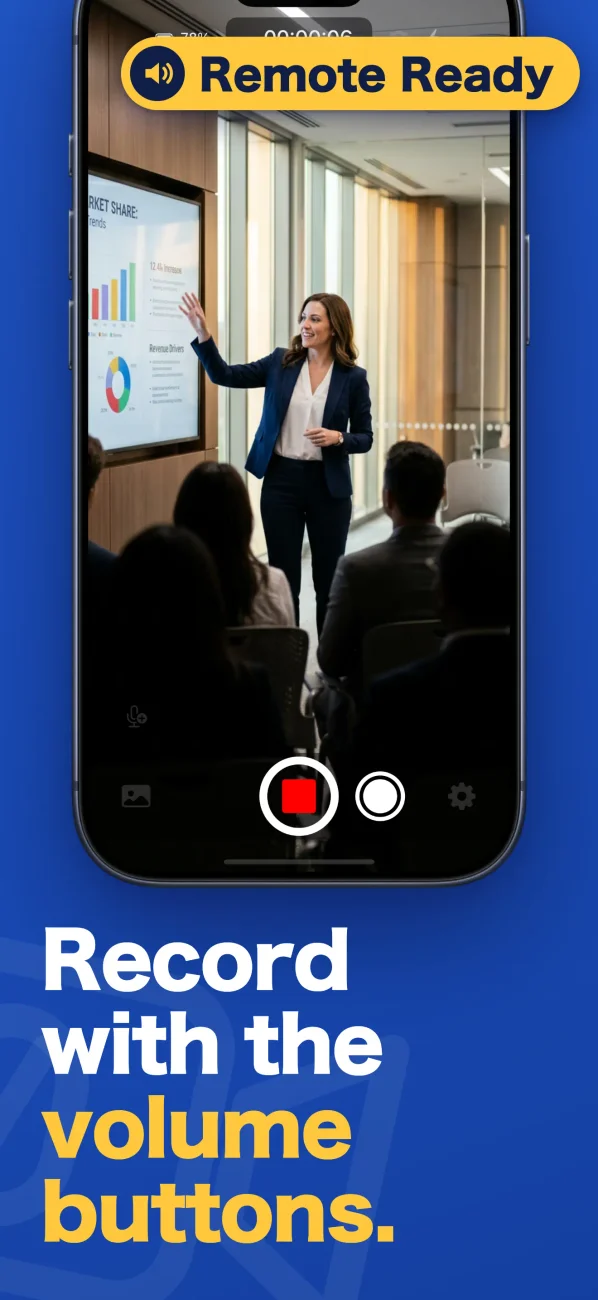
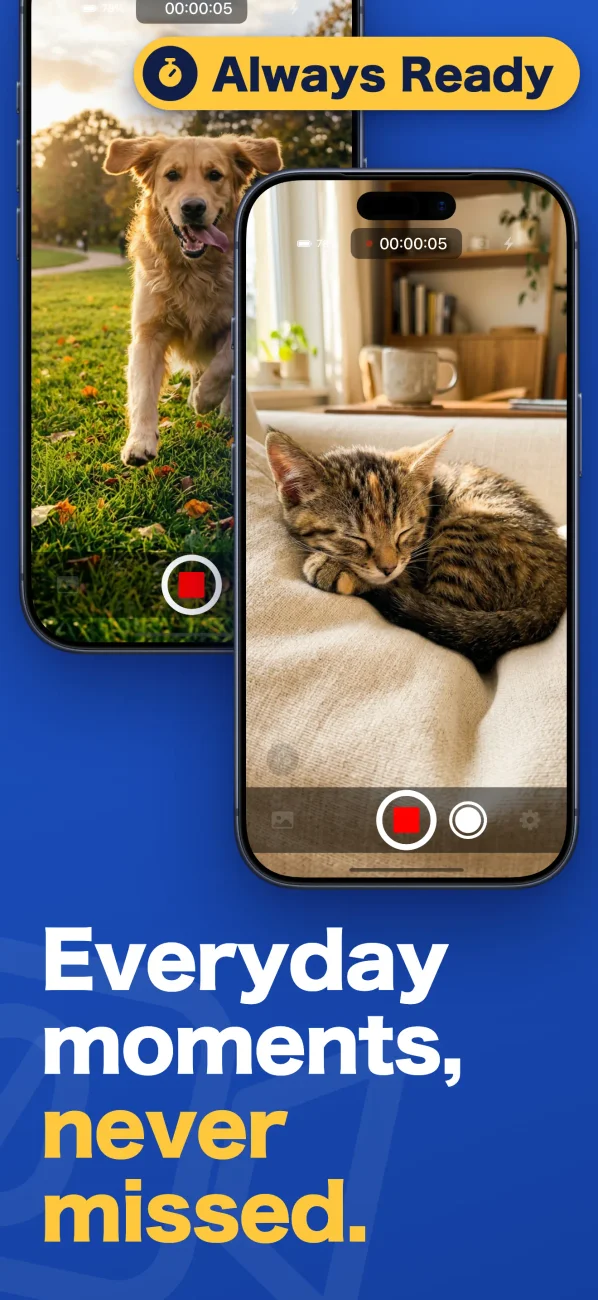
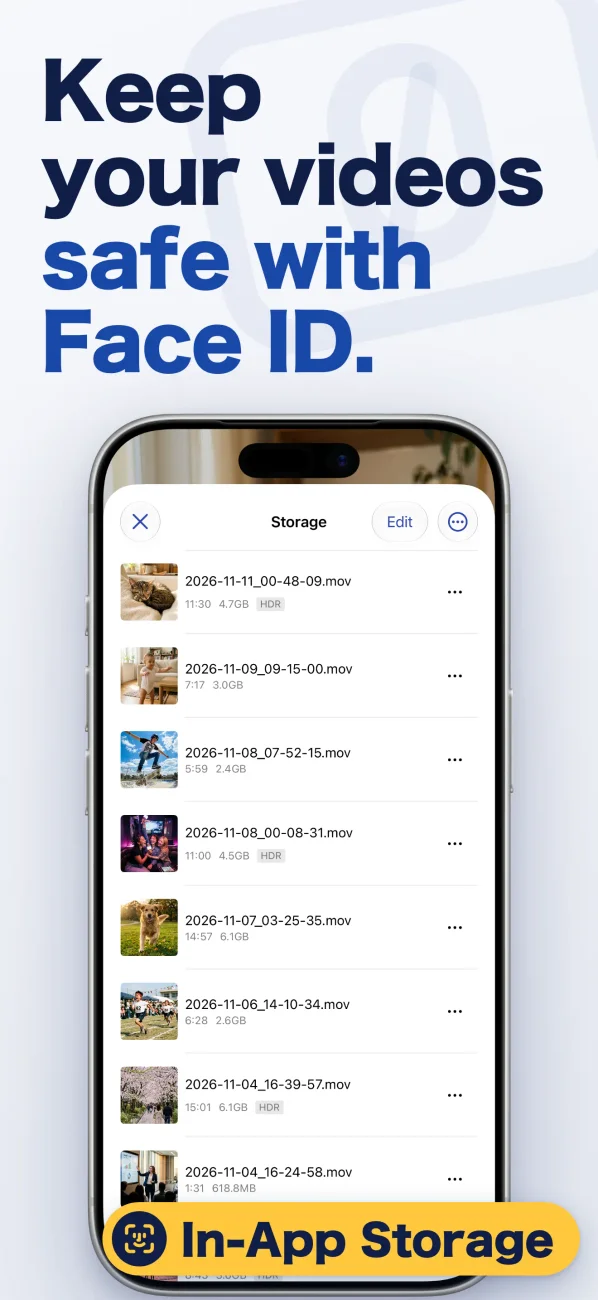
About
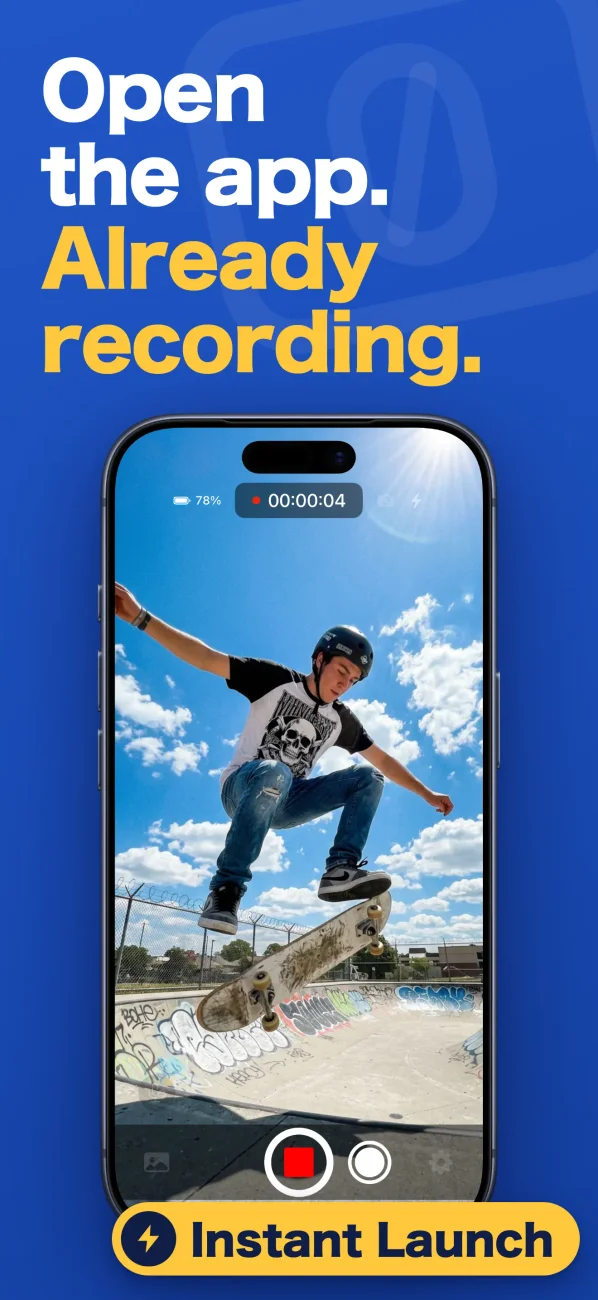
Start recording video in an instant. That's the whole idea behind this app.
It launches incredibly fast — and not just fast. Once launched, recording starts automatically with zero interaction required.
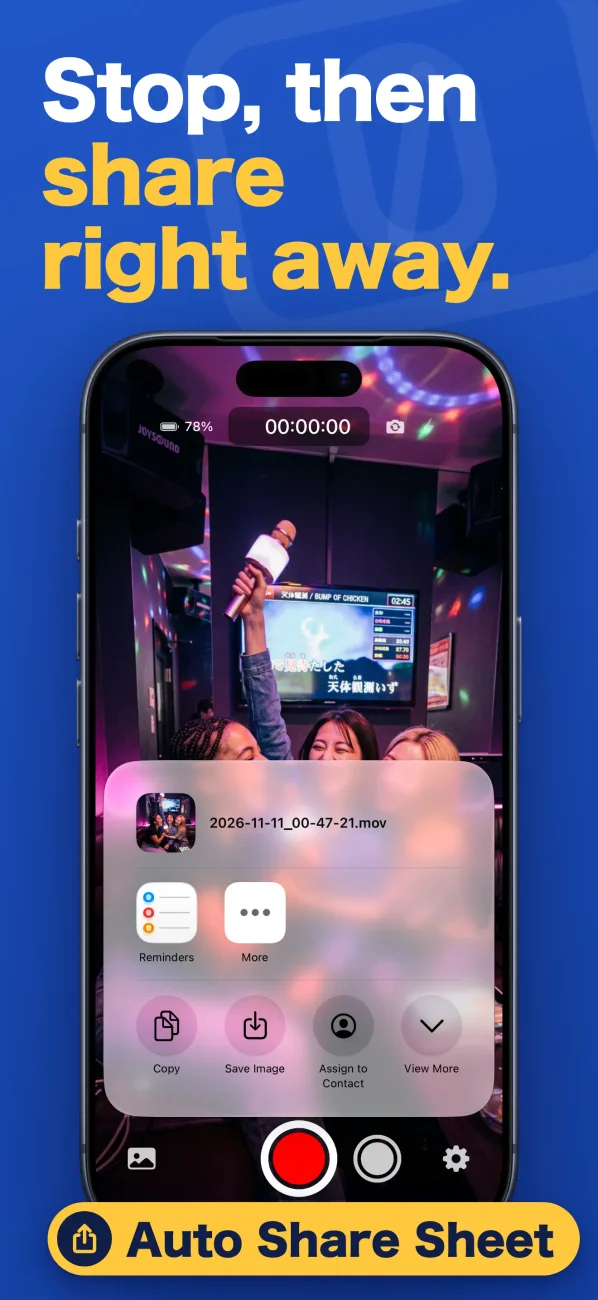
After stopping a recording, you can seamlessly share to other apps and social media.
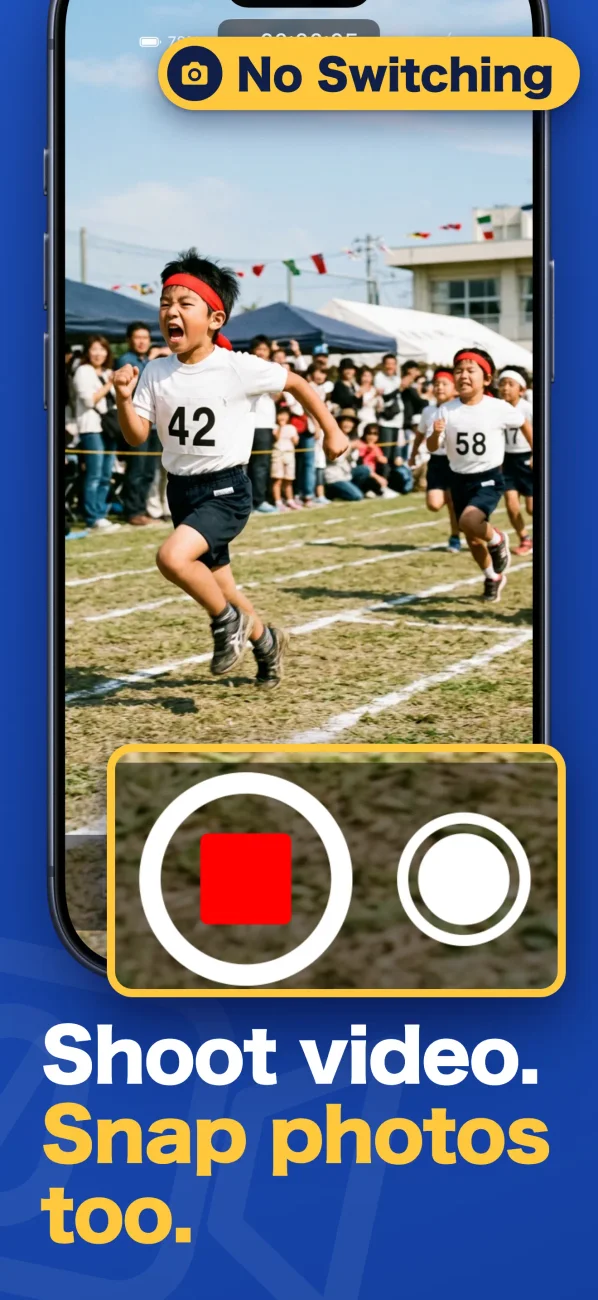
You can capture both video and photos at any time without switching modes.
All of the above is available for free, no special purchase required.
Built with all the know-how developed in our sister app "Mugen Camera" over several years.
Mugen Camera records as long as possible. Zero Camera starts recording as fast as possible. We hope you enjoy both!
[Key Features]
1. Auto-record on launch. No tapping needed. [Super convenient!]
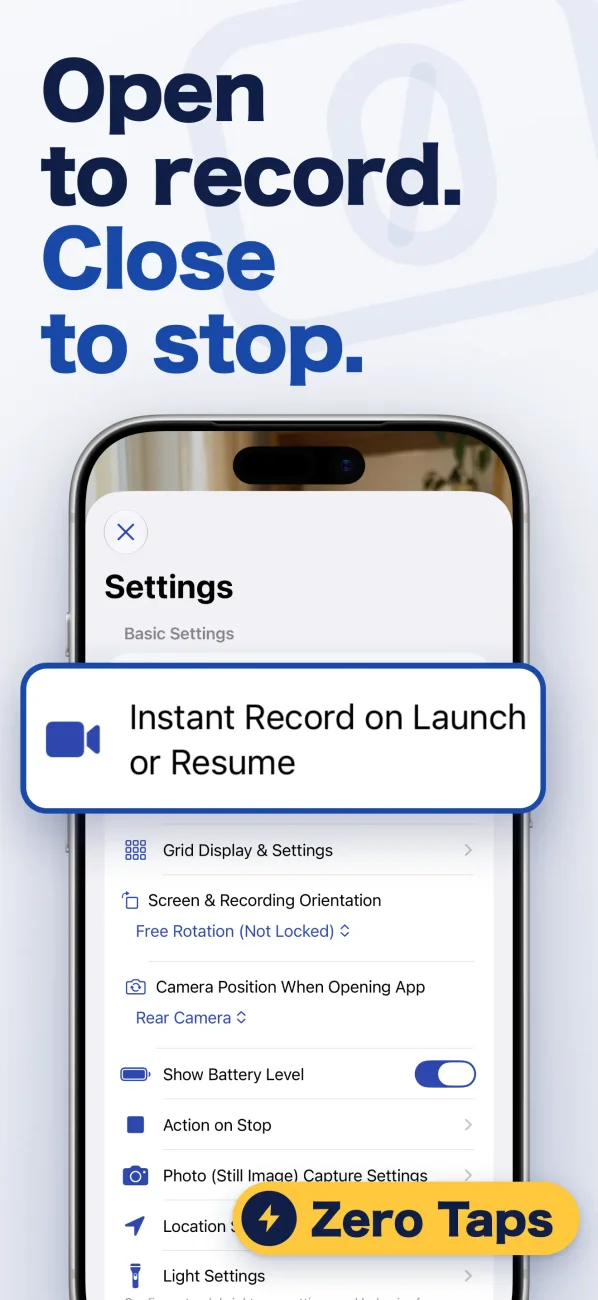
2. Auto-stop recording when you leave the app (home screen or switch apps).
3. Lock recording orientation. Record in your preferred direction regardless of device orientation.
4. Seamlessly share to external apps and social media after stopping. [Super convenient!]
5. Saves to your Photo Library just like the built-in camera.
6. All the video recording expertise from our popular sister app [Mugen Camera] — 3+ years of development.
7. Secure in-app storage vault with privacy protection. (Premium)
8. Screen Saver feature loved in Mugen Camera. (Premium)
9. Restores zoom level, quality, and other settings automatically on relaunch.
10. Auto-mirror video from the front camera.
11. Capture video and photos anytime without switching. [Super convenient!]
[Optimized Architecture]
Launch and resume processing are parallelized to the maximum. Takes full advantage of modern multi-core CPUs.
[Premium Features (Paid)]
1. Change recording quality
2. Change frame rate (fps)
3. Screen Saver (covers the screen with a dark full-screen or custom image)
4. Pinch to zoom
5. Tap to set focus and exposure
[Bonus] Remove in-app ads
What’s new
Version 2.46.2 · Nov 11, 2026
A small polish to the welcome screens.
Consistent Storage Names
The first-launch guide now uses the same storage names you'll see in Settings — "In-App Storage" and "iCloud Drive" — so it's clear which option is which.
We're always fine-tuning the details. Got feedback? Reach out anytime through Support in the app.
App privacy
What Koichiro Kamada declares on the App Store about how this app handles data.
-
Data used to track you
May be used to track you across apps and websites owned by other companies.
- Location
- Identifiers
- Usage data
-
Data linked to you
May be collected and linked to your identity.
- Location
- Identifiers
- Usage data
-
Data not linked to you
May be collected but is not linked to your identity.
- Diagnostics
Privacy practices may vary, for example with the features you use or your age.
Information
- Seller
- Koichiro Kamada
- Category
- Photo & Video
- Version
- 2.46.2
- Updated
- Nov 11, 2026
- Released
- Jan 27, 2019
- Size
- 48.0 MB
- Requires
- iOS 17.0 or later
- Age rating
- 4+
- Price
- Free
- In-app purchases
- Yes
- Languages
- English, French, German, Indonesian, Italian, Japanese, Korean, Portuguese, Simplified Chinese, Spanish, Traditional Chinese, Vietnamese
- Copyright
- © 2019 KoichiroKAMADA
You might also like
-
 First CameraEasy-use designed camera
-
 Screet - Black Screen CameraSilent Photos & Discreet Video
-
 FastCam - Timestamp CameraRecord instantly on launch
-
 The Simple CameraFast minimal designed camera
-
 Black Screen Video CameraCapture personal moments
-
 StageCameraHD - Pro cameraHigh quality camera
-
 Pause Camera Video RecorderSplice Vlogs, Subtitle Cap Cut
-
 DarkCam:安全专业的隐私相机Photo & Video
-
 MoviePro: Pro Video CameraCinematic Filmmaking Recorder
-
 InviCam: Black Screen CameraHidden Spy & Secret Recorder