TV Remote-TV assistant
TCL Group- 3 歳以上対象年齢
- ツールカテゴリ
- 2017/12/8更新日
- 無料価格
com.tcl.tvremotenewのGoogle Play公式ページにリンクしています。最終確認:2026/11/27。
スクリーンショット





このアプリについて
Googleによる英語 (アメリカ合衆国)からの自動翻訳です。
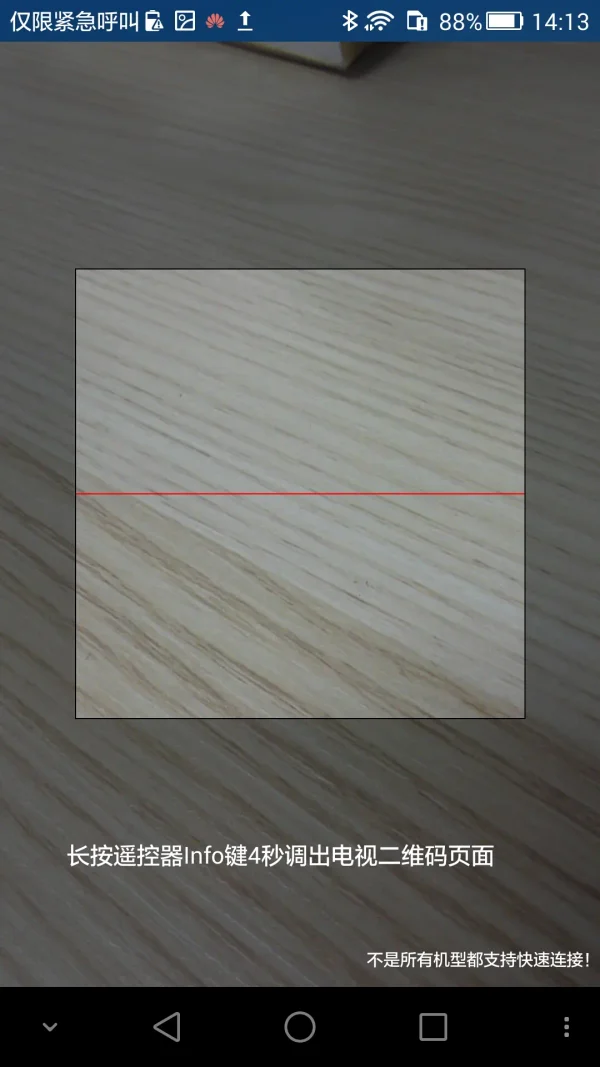
メディアの共有(写真、音楽、ビデオ)とテレビリモコン&QRコードスマートコネクト
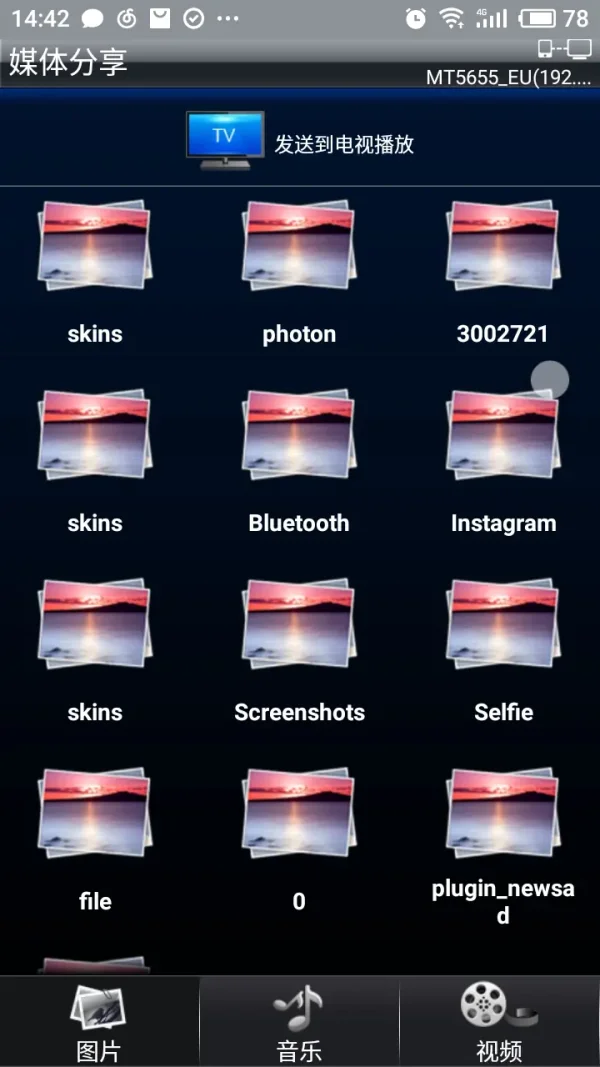
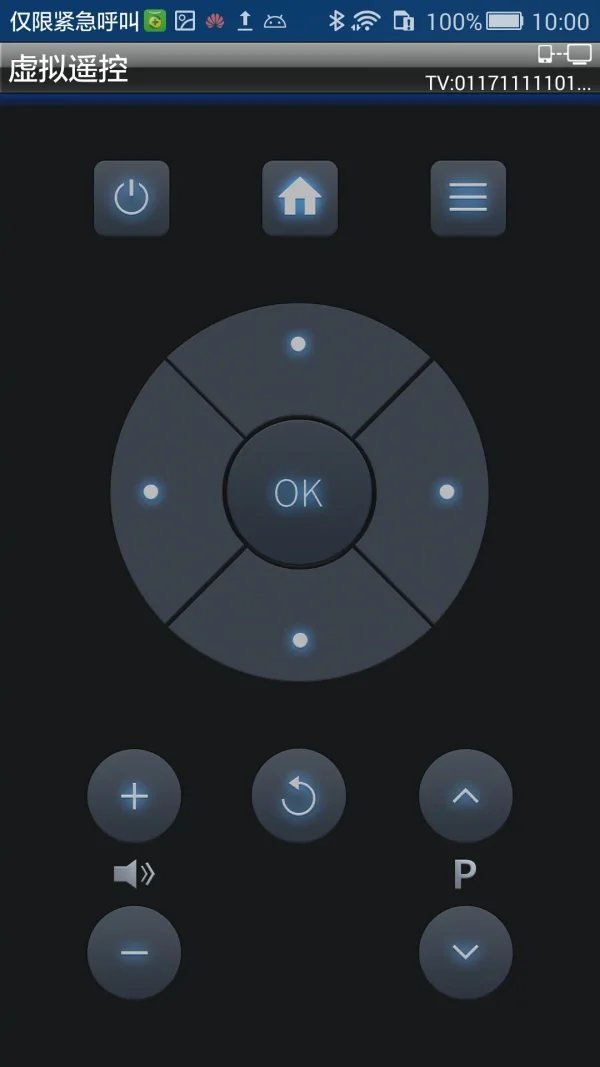
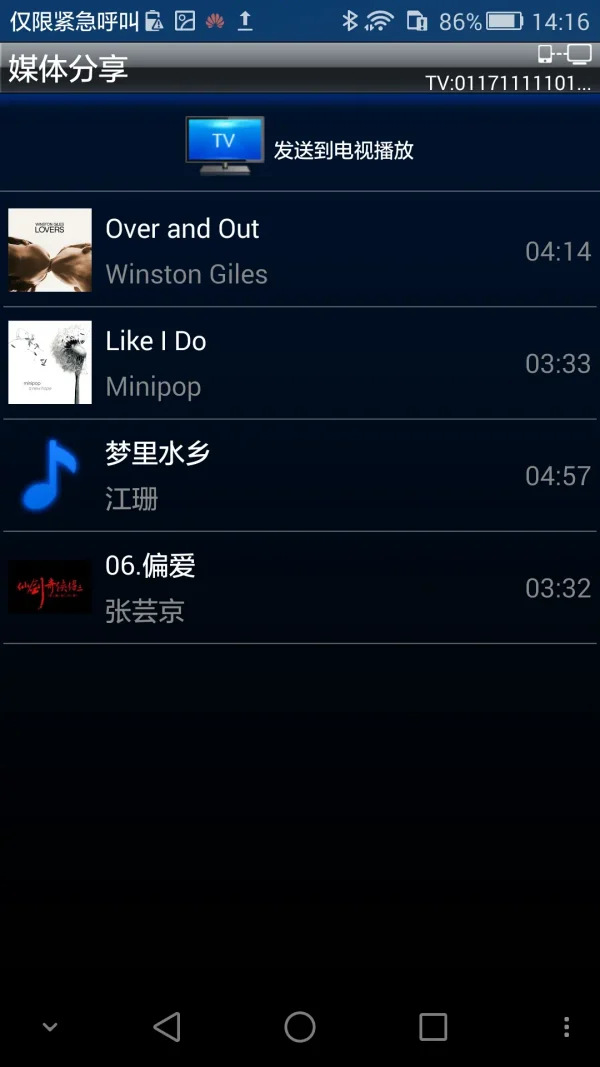
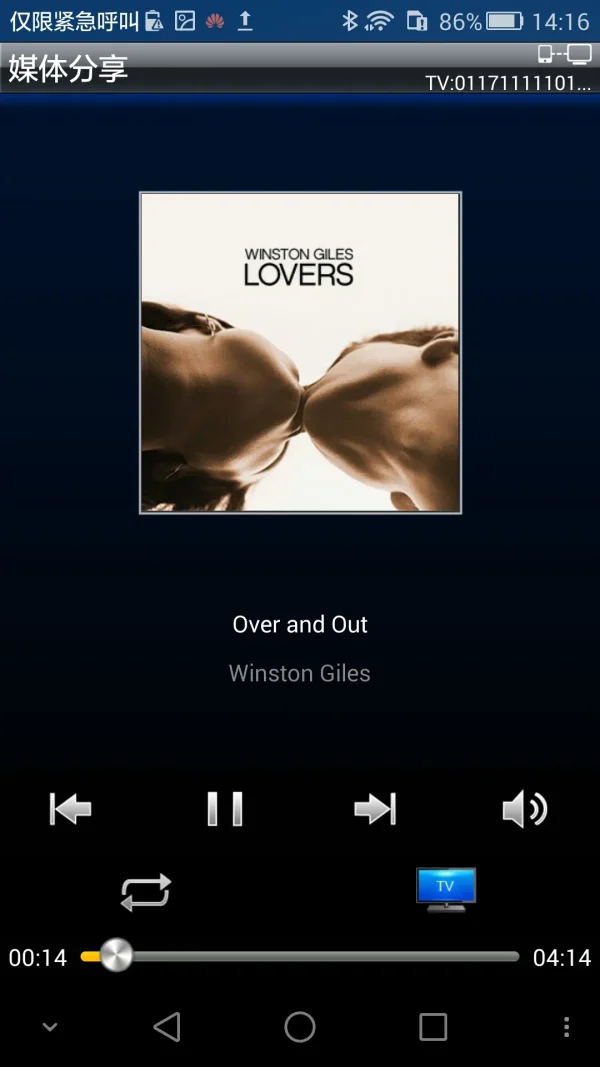
コアとしてスマートテレビを中心に、それはテレビ、携帯電話やパッド、マルチメディアの対話、リモートコントロール、および他の機能の中での相互接続性と相互運用性を実現しています。マルチパネルの相互作用は、「転送ファイル」、「ビデオオンデマンド」、「リモートコントロール」、「インタラクティブゲーム」、およびその他のアプリケーションが含まれています。マルチスクリーンの相互作用+クラウドエンターテイメント:リモートで、大画面でメディアを共有するオンデマンドHDのビデオを見て、そしてアクティブゲームをプレイするためにテレビを制御するために携帯電話を使用します。転送ファイル:携帯電話/パッドは、テレビとの接続を確立した後、あなたは再生のためにテレビに携帯電話/パッドで写真、ビデオ、音楽を送信することができます。
詳細な手順:
1.ファイル名を指定して実行マルチパネルインタラクティブ携帯電話/パッドの機能、および携帯電話/パッドとテレビの間の無線接続を確立します。
携帯電話/パッド上で「転送ファイル」機能をクリックする2.、あなたは画像/動画/音楽フォルダやファイルを閲覧することができます。長いフォルダやファイルを押すと、ページの一番下にドラッグすることで、再生のためにテレビにメディアファイルを送信することができます。または、再生中に、プレイコンソール上で「再生のためにテレビに送信」をクリックします。
ビデオオンデマンド:携帯電話/パッドは、テレビとの接続を確立した後、あなたは再生のためにテレビに携帯電話/パッドでインターネットビデオを送信することができます。詳細な手順:
1.ファイル名を指定して実行マルチパネルインタラクティブ携帯電話/パッドの機能、および携帯電話/パッドとテレビの間の無線接続を確立します。
2. [携帯電話/パッドの「ビデオオンデマンド」。ビデオをクリックして、「再生のためにテレビに送信」を選択します。または、再生中に、プレイコンソール上で「再生のためにテレビに送信」をクリックします。
インタラクティブなゲーム:現在3つのHDインタラクティブゲームがサポートされています。彼らは、モーターボート、3Dバランスボール、そしてボクシングです。携帯電話/パッドは、テレビとの接続を確立した後、あなたはこのゲームをプレイするためにテレビを制御するために、携帯電話/パッドを使用することができます。
詳細な手順:
1.ファイル名を指定して実行マルチパネルインタラクティブ携帯電話/パッドの機能、および携帯電話/パッドとテレビの間の無線接続を確立します。
携帯電話/パッドの「インタラクティブゲーム」機能をクリックする2.、あなたはテレビでゲームをコントロールするために、携帯電話/パッドを使用することができます。あなたは、アイコンに対応するコンテンツを読み終えています。
原文を表示
Centering around the Smart TV as the core, it realizes the interconnectivity and interoperability among TV, mobile phone and Pad, the interactivity of multimedia, remote control, and other functions. Multi-panel interaction contains “Transfer File”, “Video-on-Demand”, “Remote Control”, “Interactive Games”, and other applications. Multi-screen Interaction + Cloud Entertainment: use mobile phone to remotely control the TV for sharing media on the large screen, watching on-demand HD video, and playing Active Game. Transfer File: after mobile phone/Pad establishes a connection with the TV, you can send pictures, videos and music in the mobile phone/Pad to the TV for playback.
Detailed Steps:
1. Run Multi-panel Interactive feature on the mobile phone/Pad, and establish wireless connection between the mobile phone/Pad and the TV.
2. By clicking “Transfer File” feature on the mobile phone/Pad, you can browse pictures/videos/music folders or files. By long pressing a folder or file, and dragging it to the bottom of the page, you can send the media file to TV for playback. Or, during playback, click “Send to TV for Playback” on the play console.
Video-on-Demand: after mobile phone/Pad establishes a connection with the TV, you can send Internet video in the mobile phone/Pad to the TV for playback. Detailed Steps:
1. Run Multi-panel Interactive feature on the mobile phone/Pad, and establish wireless connection between the mobile phone/Pad and the TV.
2. Click “Video-On-Demand” on the mobile phone/Pad. Click a video and select “Send to TV for Playback”. Or, during playback, click “Send to TV for Playback” on the play console.
Interactive Games: currently three HD interactive games are supported. They are Motorboat, 3D Balance Ball, and Boxing. After the mobile phone/Pad establishes a connection with the TV, you can use the mobile phone/Pad to control the TV to play a game.
Detailed Steps:
1. Run Multi-panel Interactive feature on the mobile phone/Pad, and establish wireless connection between the mobile phone/Pad and the TV.
2. By clicking “Interactive Games” feature on the mobile phone/Pad, you can use the mobile phone/Pad to control a game on the TV. You have finished reading the contents corresponding to the icon.
データ セーフティ
このアプリが収集・共有するデータについて、TCL GroupがGoogle Playで申告している内容です。
- 第三者と共有されるデータはありません詳しくは、デベロッパーが共有を申告する方法についての説明をご覧ください
- データは収集されません詳しくは、デベロッパーが収集を申告する方法についての説明をご覧ください
新機能
バージョン 1.0.0 · 2017/12/8
Fix some bugs.
開発元の連絡先
- ウェブサイトhuan.tv
- メールfusz@ffalcon.cn
- プライバシーポリシーomedia.my7v.com
- 住所中国 广东省深圳市 前海深港合作区南山街道临海大道59号海运中心主塔楼1409号-14103 邮政编码: 518052
情報
- 提供元
- TCL Group
- カテゴリ
- ツール
- バージョン
- 1.0.0
- 更新日
- 2017/12/8
- リリース
- 2019/1/23
- 必要条件
- Android 2.2以降
- 対象年齢
- 3 歳以上
- 価格
- 無料
- パッケージ名
- com.tcl.tvremotenew