- 対象年齢4+
- カテゴリユーティリティ
- 開発元Yodel Code
- 言語英語
- サイズ3.2 MB
App Storeの公式ページにリンクしています
Download.orgはBlurtのファイルを一切ホストしていません。ボタンを押すと、Yodel Codeが公開しているApp Storeのアプリページが開きます。ページの最終確認:2026/11/21。
スクリーンショット
概要
開発元はこのテキストをお使いの言語で提供していません。
Say it so they can see it.
Blurt turns your iPhone or iPad into a bold, full-screen message display. Whether you’re across a noisy room, meeting someone at the airport, trying to get someone’s attention, or simply need your words to travel farther, Blurt makes your message hard to miss.
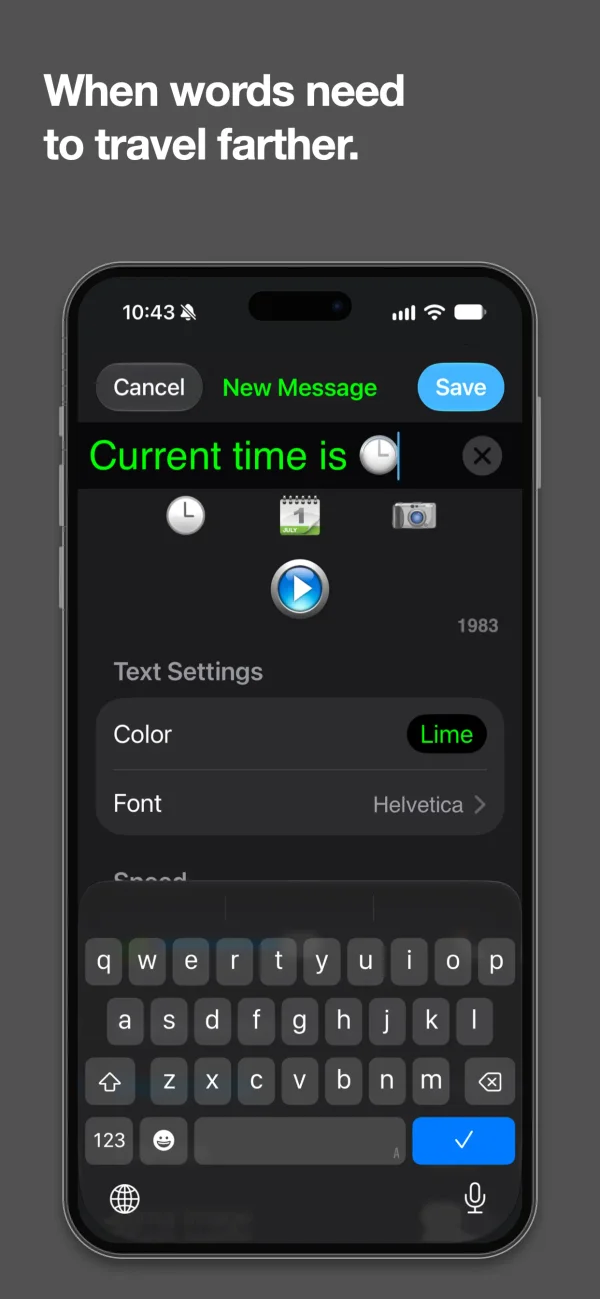
Type a message, choose how it looks, and display it full screen in seconds.
Blurt lets you:
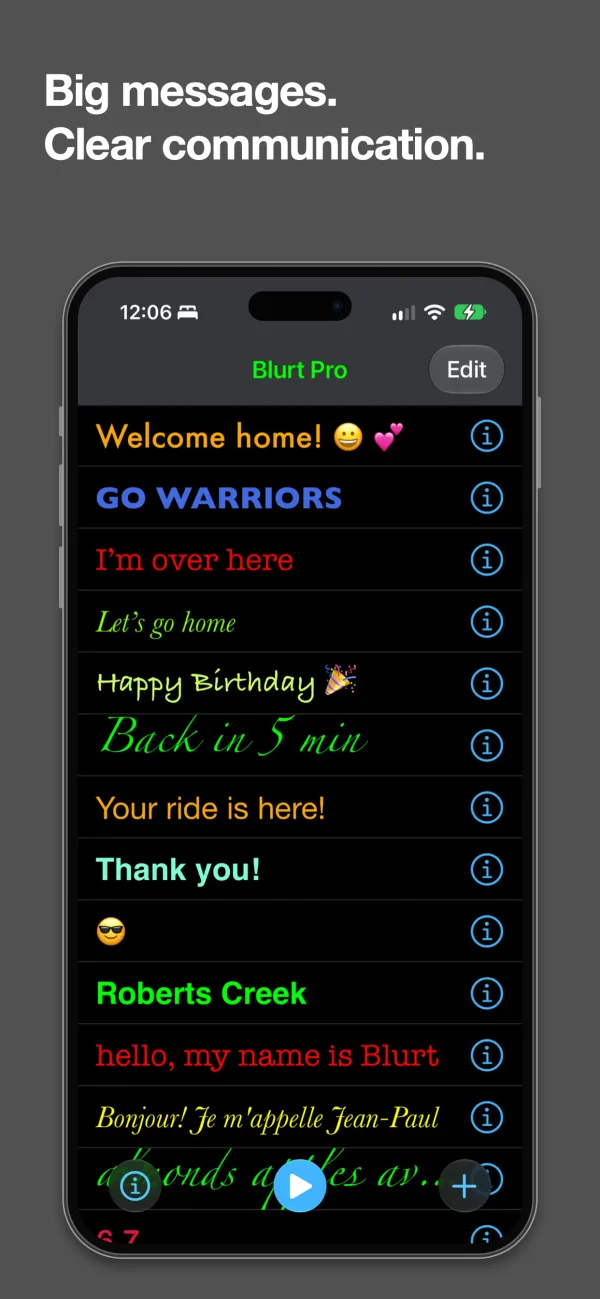
• Display large, highly visible messages
• Create messages on the fly with Siri AI
• Scroll text or fit it to the screen
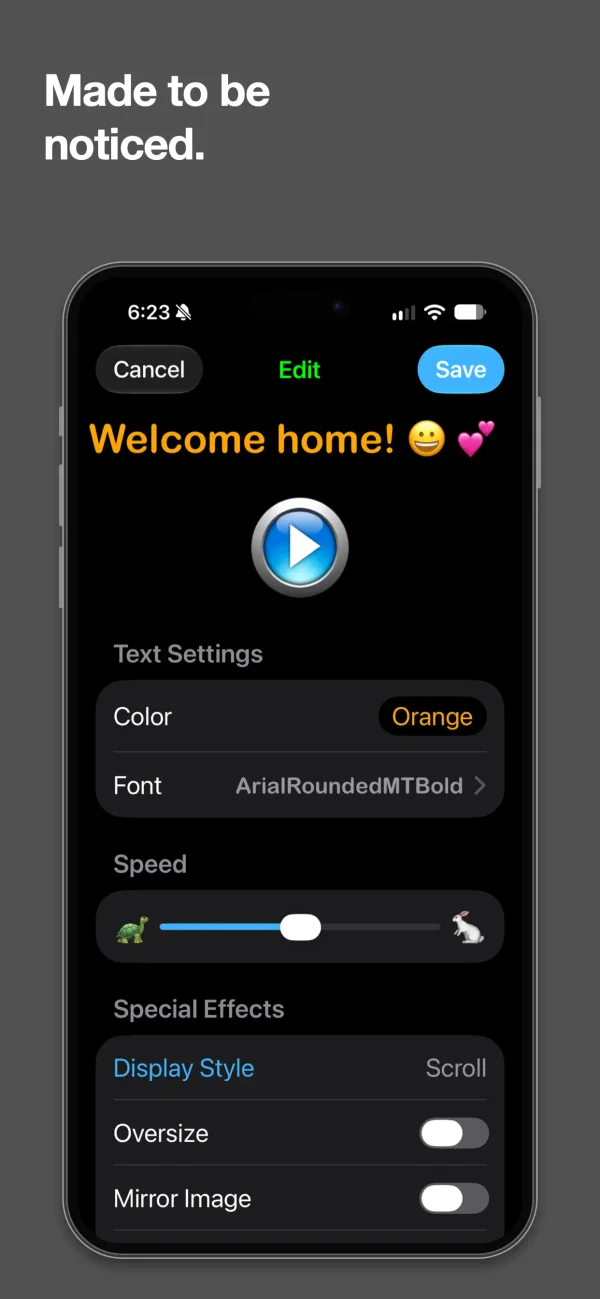
• Choose colors and fonts
• Adjust scrolling speed
• Add emoji to your messages
• Use oversize text for maximum visibility
• Mirror messages when needed
• Add effects such as bounce
• Save messages so they’re ready to use again
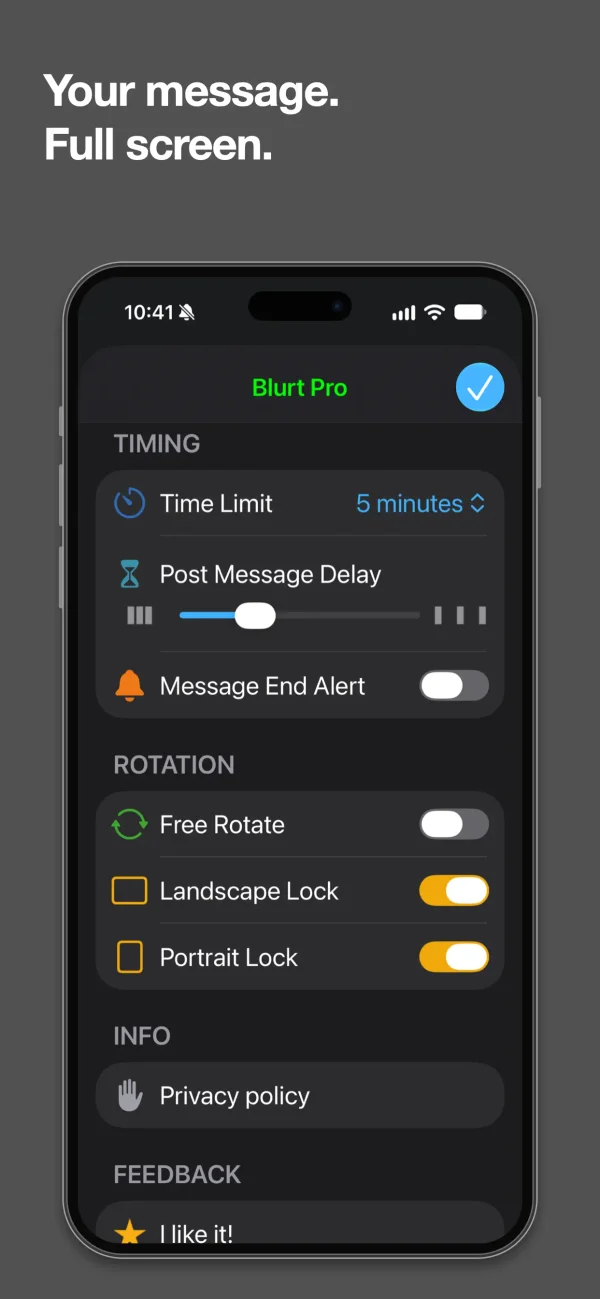
• Control orientation and message timing
Blurt is useful anywhere speaking isn’t practical — crowded rooms, concerts, sporting events, airports, classrooms, conferences, noisy workplaces, through windows or glass barriers, and countless everyday situations.
Sometimes a text message isn’t enough. Blurt it!
新機能
バージョン 5.2.2 · 2026/11/17
We all make mistakes. This update fixes an orientation bug while displaying large text on the inner screen of the iPhone Duo. The good news? Support for the iPhone Duo is even better now! There's also new support for a tap and drag gesture to reorder the list of messages without having to be in Edit mode.
Don't forget Blurt supports Siri AI. The same simple idea that has always made Blurt useful is still at its heart: say it so they can see it.
To use Siri AI, simply say "Blurt something", "Show a Blurt", or "Start a Blurt". Siri AI will ask you what you want to display on Blurt and then start scrolling that message full screen. Tap the playing message and then tap the "Save" icon if you want to save it to your main message list.
To open Blurt, type a new message and select different display options, tell Siri AI "New Blurt", "Create a Blurt", or "Make a new Blurt".
Note: Messages are stored on each device. Your iPhone and iPad each keep their own set — creating a message on one won't make it appear on the other. Syncing across devices may come in a future update.
アプリのプライバシー
このアプリのデータの取り扱いについて、Yodel CodeがApp Storeで申告している内容です。
-
データの収集なし
開発元はこのアプリからデータを収集しません。
プライバシーの取り扱いは、ご利用の機能やお客様の年齢などに応じて異なる場合があります。
情報
- 販売元
- Yodel Code LLC
- カテゴリ
- ユーティリティ
- バージョン
- 5.2.2
- 更新日
- 2026/11/17
- リリース
- 2009/4/16
- サイズ
- 3.2 MB
- 必要条件
- iOS 26.0以降
- 対象年齢
- 4+
- 価格
- 無料
- アプリ内課金
- あり
- 言語
- 英語
- 著作権
- © 2026 Yodel Code