Blurt
Large Full Screen Messages
Được thiết kế cho iPhone, iPad
Miễn phí · Mua hàng trong ứng dụng
- Độ tuổi4+
- Danh mụcTiện Ích
- Nhà phát triểnYodel Code
- Ngôn ngữTiếng Anh
- Kích thước3,2 MB
Liên kết đến trang App Store chính thức
Download.org không lưu trữ tệp nào của Blurt. Nút này mở trang ứng dụng trên App Store, nơi Yodel Code phát hành ứng dụng. Trang được kiểm tra lần cuối: 21/11/2026.
Ảnh chụp màn hình
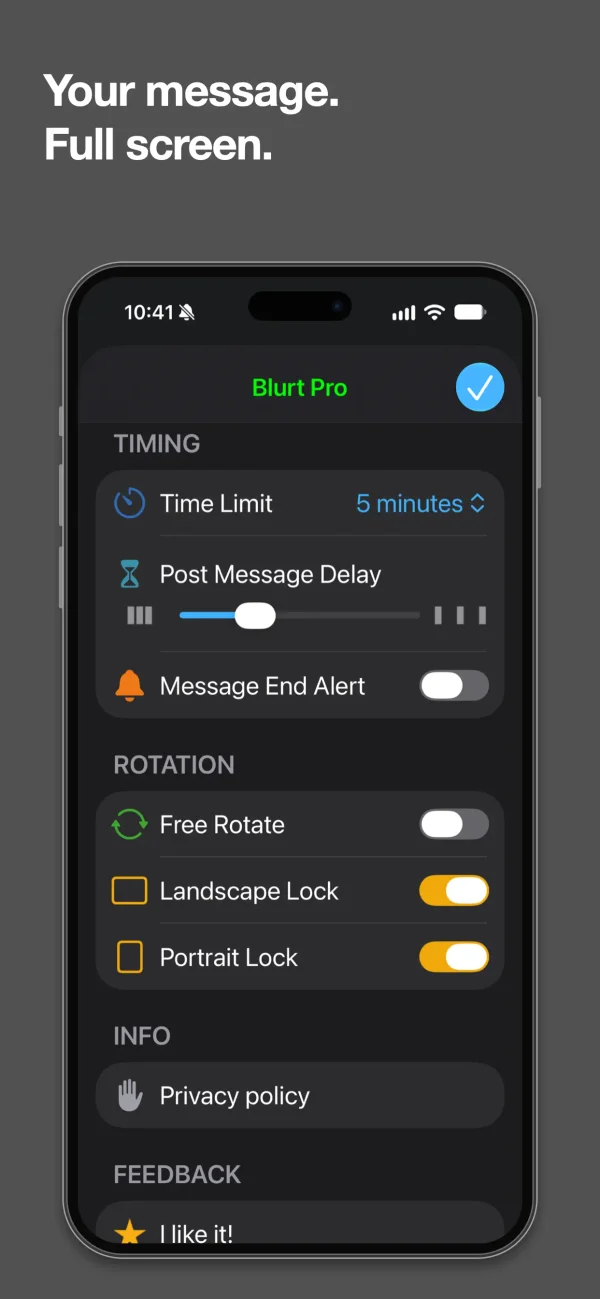
Giới thiệu
Nhà phát triển chưa cung cấp nội dung này bằng ngôn ngữ của bạn.
Say it so they can see it.
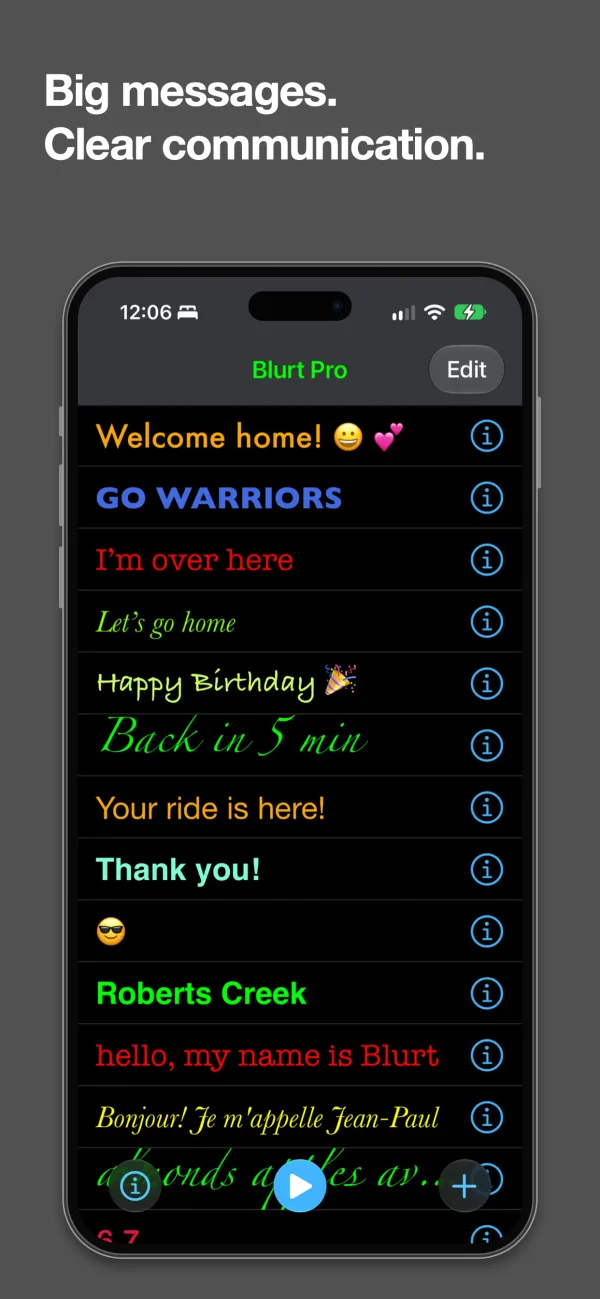
Blurt turns your iPhone or iPad into a bold, full-screen message display. Whether you’re across a noisy room, meeting someone at the airport, trying to get someone’s attention, or simply need your words to travel farther, Blurt makes your message hard to miss.
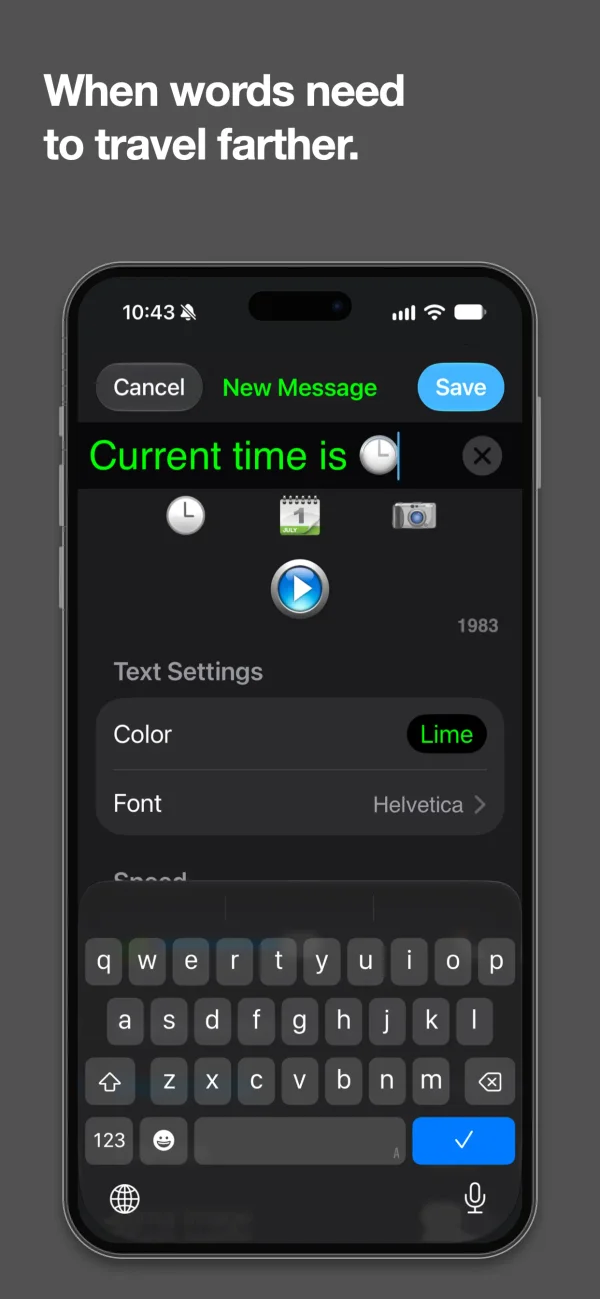
Type a message, choose how it looks, and display it full screen in seconds.
Blurt lets you:
• Display large, highly visible messages
• Create messages on the fly with Siri AI
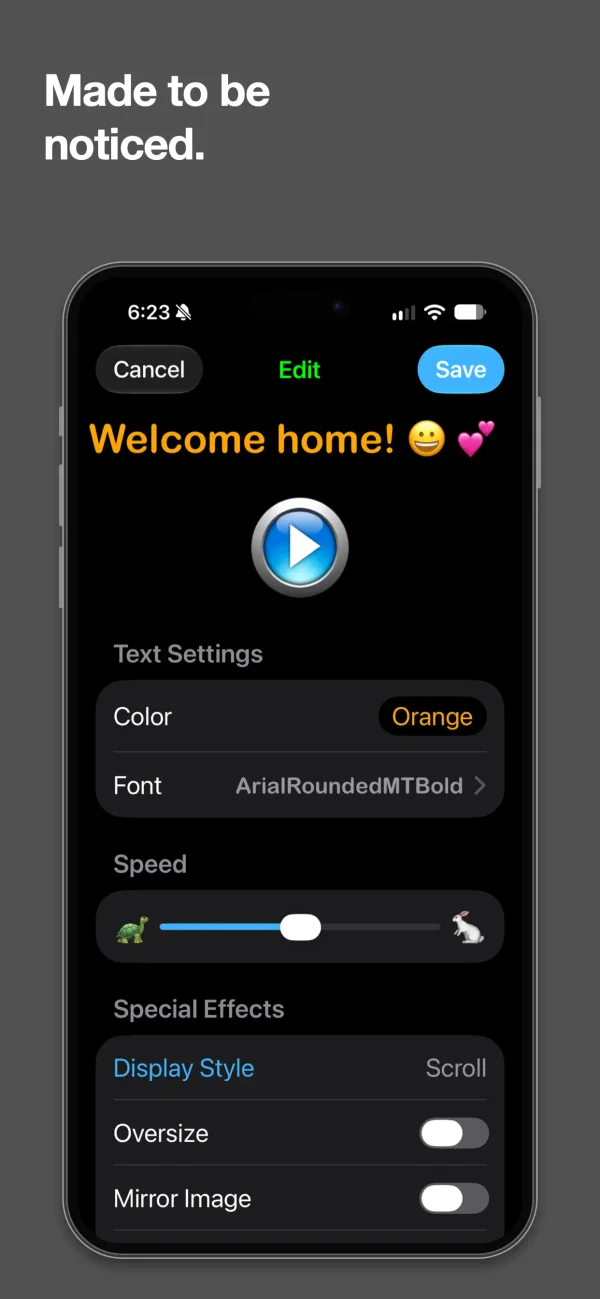
• Scroll text or fit it to the screen
• Choose colors and fonts
• Adjust scrolling speed
• Add emoji to your messages
• Use oversize text for maximum visibility
• Mirror messages when needed
• Add effects such as bounce
• Save messages so they’re ready to use again
• Control orientation and message timing
Blurt is useful anywhere speaking isn’t practical — crowded rooms, concerts, sporting events, airports, classrooms, conferences, noisy workplaces, through windows or glass barriers, and countless everyday situations.
Sometimes a text message isn’t enough. Blurt it!
Có gì mới
Phiên bản 5.2.2 · 17/11/2026
We all make mistakes. This update fixes an orientation bug while displaying large text on the inner screen of the iPhone Duo. The good news? Support for the iPhone Duo is even better now! There's also new support for a tap and drag gesture to reorder the list of messages without having to be in Edit mode.
Don't forget Blurt supports Siri AI. The same simple idea that has always made Blurt useful is still at its heart: say it so they can see it.
To use Siri AI, simply say "Blurt something", "Show a Blurt", or "Start a Blurt". Siri AI will ask you what you want to display on Blurt and then start scrolling that message full screen. Tap the playing message and then tap the "Save" icon if you want to save it to your main message list.
To open Blurt, type a new message and select different display options, tell Siri AI "New Blurt", "Create a Blurt", or "Make a new Blurt".
Note: Messages are stored on each device. Your iPhone and iPad each keep their own set — creating a message on one won't make it appear on the other. Syncing across devices may come in a future update.
Quyền riêng tư của ứng dụng
Những gì Yodel Code khai báo trên App Store về cách ứng dụng này xử lý dữ liệu.
-
Dữ liệu không được thu thập
Nhà phát triển không thu thập bất kỳ dữ liệu nào từ ứng dụng này.
Phương thức đảm bảo quyền riêng tư có thể khác nhau, chẳng hạn như tuỳ theo các tính năng bạn sử dụng hoặc độ tuổi của bạn.
Thông tin
- Người bán
- Yodel Code LLC
- Danh mục
- Tiện Ích
- Phiên bản
- 5.2.2
- Cập nhật
- 17/11/2026
- Phát hành
- 16/04/2009
- Kích thước
- 3,2 MB
- Yêu cầu
- iOS 26.0 trở lên
- Độ tuổi
- 4+
- Giá
- Miễn phí
- Mua hàng trong ứng dụng
- Có
- Ngôn ngữ
- Tiếng Anh
- Bản quyền
- © 2026 Yodel Code
Có thể bạn cũng thích
-
 E145 Virtual PanelTiện Ích
-
 LED Sign - Scrolling TextTiện Ích
-
 LED Banner Maker: Neon ScrollTiện Ích
-
 Say It On BillboardTiện Ích
-
 Yodel People CountingTiện Ích
-
 Daily SiftTiện Ích
-
 Golden Ratio Calculator ProTiện Ích
-
 Bảng Chữ Chạy LED Cầm TayBiển hiệu đèn neon điện thoại
-
 logSPLTiện Ích
-
 Noticket HandheldTiện Ích