- 対象年齢4+
- カテゴリライフスタイル
- 開発元Nikita Losenco
- 言語英語
- サイズ36.4 MB
ConaScannerは現在App Storeで入手できない可能性があります
前回の確認時、ストアのページにアクセスできませんでした。リンク先は引き続きApp Storeの公式ページです。
スクリーンショット
概要
開発元はこのテキストをお使いの言語で提供していません。
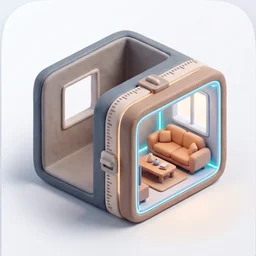
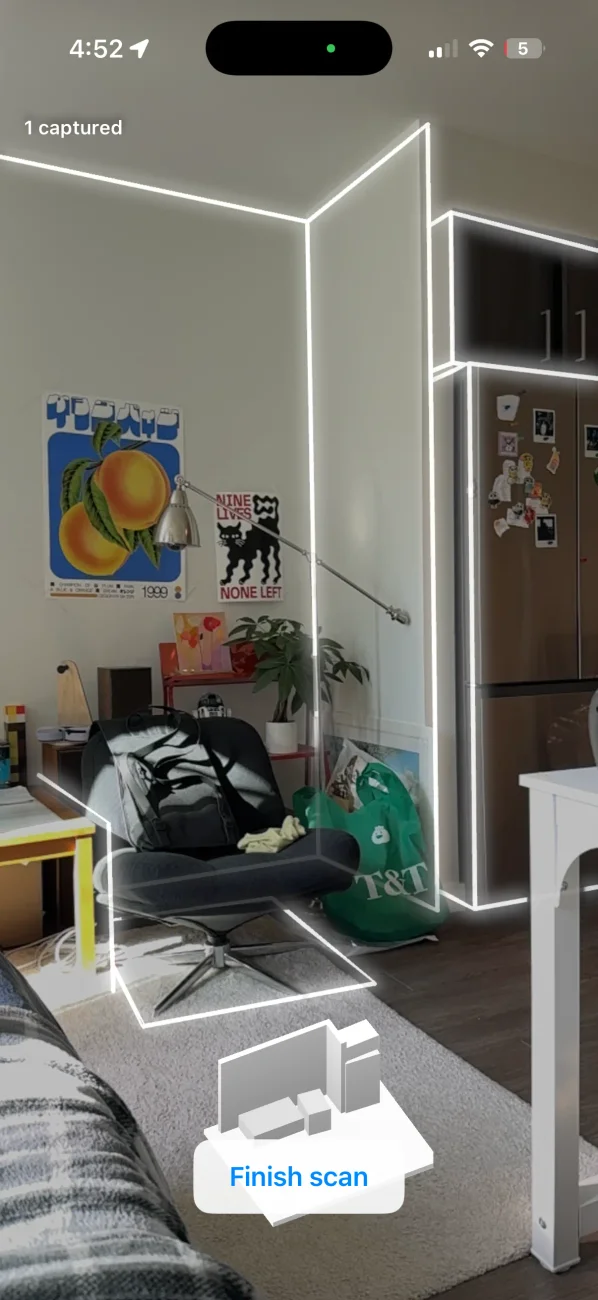
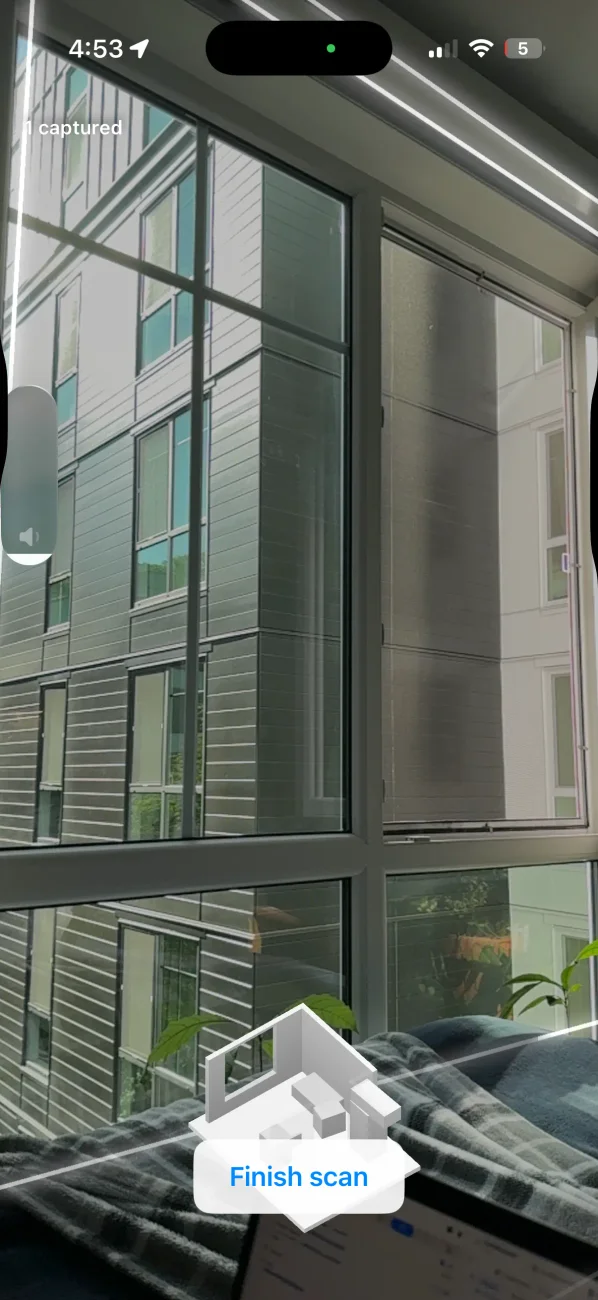
Cona turns your real room into a 3D floor plan you can design, decorate, and explore — using just the LiDAR sensor on your iPhone.
Walk around your space, watch Cona detect walls, doors, windows, and furniture in real time, then open the result on the web to swap colors, drop in new pieces from a growing catalog, and visualize how everything fits before you move a thing.
HOW IT WORKS
1. Open cona.design on any computer or tablet.
2. Scan the on-screen QR code with your iPhone Camera — the scanner opens instantly via App Clip. No download required for your first scan.
3. Walk slowly around the room. Cona uses LiDAR to capture walls, openings, and furniture automatically.
4. Tap "Finish scan." Your 3D floor plan opens on the web, ready to edit.
WHAT YOU CAN DO
• Capture full rooms with accurate dimensions and proportions
• Auto-detect furniture and place 3D models in the right spot
• Add doors, windows, and openings with one tap during the scan
• Customize wall colors, flooring, and decor on the web
• Browse a catalog of real, ready-to-place 3D furniture on the web
• Start from a template (apartment, dorm room, studio) on cona.design when you don't have a scan yet
• Save your designs on cona.design and pick up where you left off on any device
PERFECT FOR
• Renters planning a layout before signing a lease
• Students checking which dorm room a desk and bed will fit in
• Homeowners testing a renovation before committing
• Anyone who's ever bought furniture that didn't actually fit
REQUIREMENTS
• iPhone with LiDAR (iPhone 12 Pro or newer, including iPhone 14 Pro and 15 Pro models)
• A clear, well-lit space helps the scanner see details
PRIVACY
Cona scans your room locally on the device. Scans are uploaded only when you choose to save them to your account, and you can delete them anytime.
Got feedback? We'd love to hear it. Reach us at hello@cona.design.
新機能
バージョン 1.7 · 2026/11/23
Cona is now a focused room scanner: scan your room and open it on cona.design. Get notified when your room is ready.
アプリのプライバシー
このアプリのデータの取り扱いについて、Nikita LosencoがApp Storeで申告している内容です。
-
ユーザーに関連付けられたデータ
収集され、ユーザーの識別情報に関連付けられる場合があります。
- Surroundings
プライバシーの取り扱いは、ご利用の機能やお客様の年齢などに応じて異なる場合があります。
情報
- 販売元
- Nikita Losenco
- カテゴリ
- ライフスタイル
- バージョン
- 1.7
- 更新日
- 2026/11/23
- リリース
- 2026/4/28
- サイズ
- 36.4 MB
- 必要条件
- iOS 18.0以降
- 対象年齢
- 4+
- 言語
- 英語
- 著作権
- © Roomify, Inc.