
- 対象年齢4+
- カテゴリユーティリティ
- 開発元Andrii Kostiushyn
- 言語英語
- サイズ24.7 MB
App Storeの公式ページにリンクしています
Download.orgはCutKit 2のファイルを一切ホストしていません。ボタンを押すと、Andrii Kostiushynが公開しているApp Storeのアプリページが開きます。ページの最終確認:2026/11/18。
スクリーンショット

概要
開発元はこのテキストをお使いの言語で提供していません。
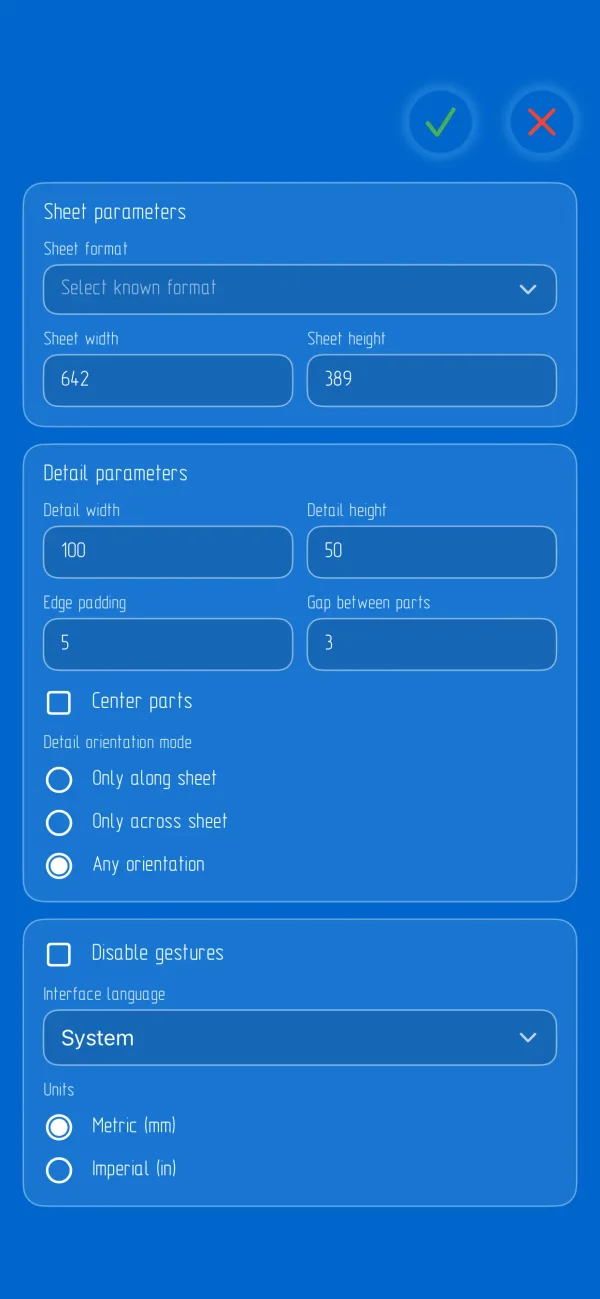
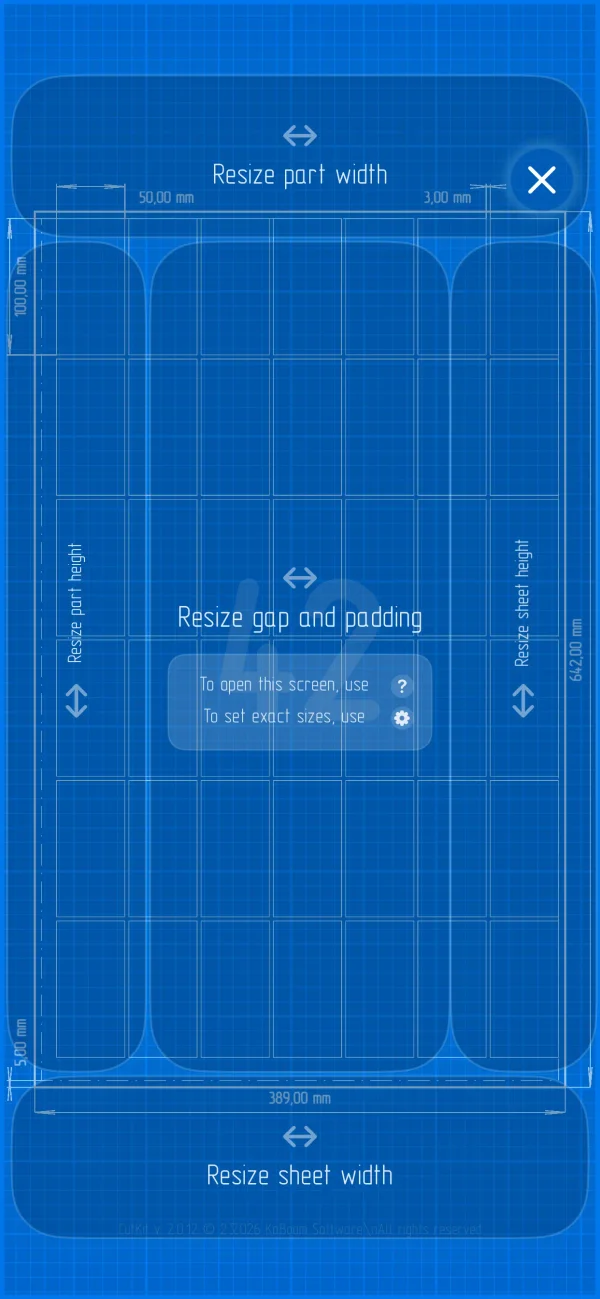
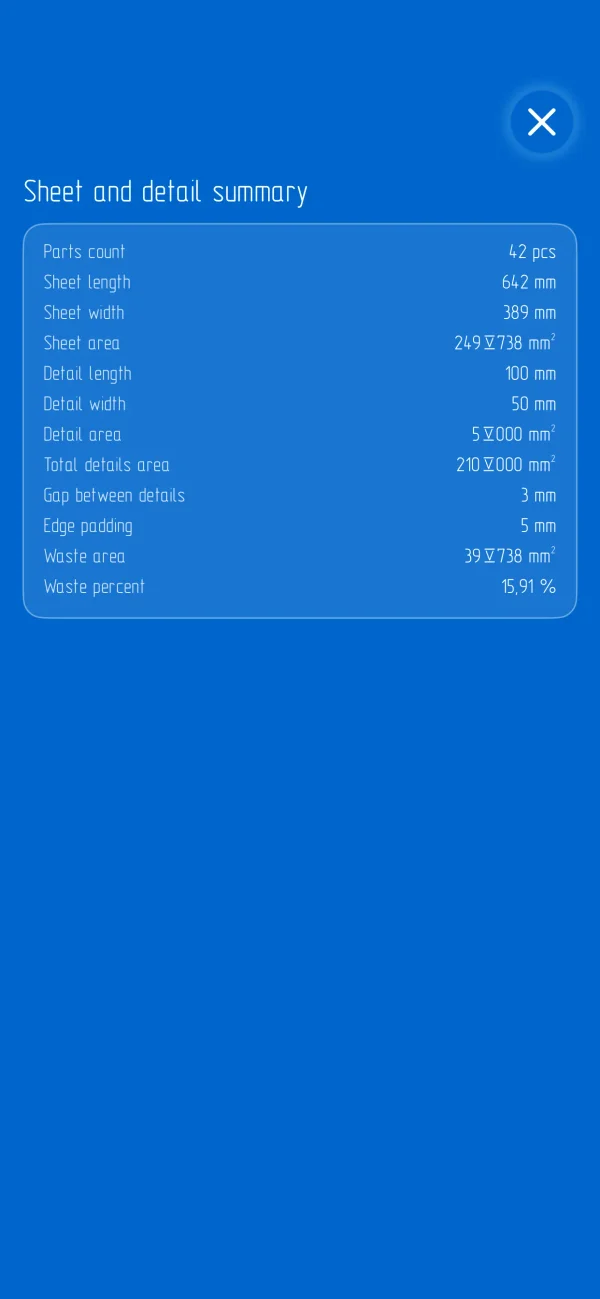
CutKit 2 is a precision layout optimizer designed for engineers, makers, and professionals who work with sheet materials. Whether you are cutting wood, metal, acrylic, vinyl, or PCB panels, CutKit helps you arrange parts efficiently and reduce waste.
Instead of manually placing elements and guessing the best layout, CutKit automatically calculates optimal arrangements based on your input. The result is faster workflows, cleaner layouts, and measurable material savings.
KEY FEATURES
• Automatic layout optimization
Quickly arrange parts on a sheet with minimal waste. Focus on your work, not on manual positioning.
• Real-world use cases
Perfect for CNC cutting, PCB panelization, laser cutting, vinyl production, and workshop planning.
• Precision and control
Define exact dimensions, spacing, and constraints. Designed for engineering-grade accuracy.
• Metric and imperial units
Work seamlessly in millimeters or inches depending on your workflow.
• Clean and practical interface
No unnecessary complexity. Built for speed and clarity in real production environments.
• Multi-language support
Use the app in your preferred language, including extended and custom localizations.
WHY CUTKIT 2
Material cost is a hidden expense in many workflows. Even small inefficiencies scale quickly when repeated across multiple sheets and jobs. CutKit is built to minimize those losses.
Instead of spending time on manual trial-and-error layouts, you get a deterministic, repeatable process that delivers consistent results.
WHO IS IT FOR
• CNC operators
• Engineers and hardware developers
• PCB designers and manufacturers
• Makers and workshop owners
• Advertising and vinyl production specialists
If you work with rectangular parts and sheet materials, CutKit helps you do it faster and more efficiently.
WORKFLOW
1. Define your sheet size
2. Add parts with dimensions
3. Run optimization
4. Get a ready-to-use layout
No complex setup. No learning curve.
CUTKIT PHILOSOPHY
CutKit is built as a tool, not a toy. It prioritizes precision, speed, and practical value over visual noise or unnecessary features. Every function exists to solve a real problem.
Start optimizing your layouts today and reduce material waste from the very first sheet.
Terms of Use: https://www.apple.com/legal/internet-services/itunes/dev/stdeula/
Privacy Policy: https://kaboom420.github.io/cutkit2-privacy/
新機能
バージョン 2.1.2 · 2026/6/15
CutKit 2.1.2 adds Advanced Mode for real cutting projects with multiple sheets, multiple part sizes, algorithm benchmarking, richer summaries, QR sharing, and PDF/DXF exports. You can also switch between the standard navigation menu and the floating menu. This update improves the guide, page swiping, localization, and overall polish.
アプリのプライバシー
このアプリのデータの取り扱いについて、Andrii KostiushynがApp Storeで申告している内容です。
-
ユーザーに関連付けられないデータ
収集される場合がありますが、ユーザーの識別情報には関連付けられません。
- ID
- 使用状況データ
- 診断
プライバシーの取り扱いは、ご利用の機能やお客様の年齢などに応じて異なる場合があります。
情報
- 販売元
- Andrii Kostiushyn
- カテゴリ
- ユーティリティ
- バージョン
- 2.1.2
- 更新日
- 2026/6/15
- リリース
- 2026/4/21
- サイズ
- 24.7 MB
- 必要条件
- iOS 15.0以降
- 対象年齢
- 4+
- 価格
- 無料
- アプリ内課金
- あり
- 言語
- 英語
- 著作権
- © 2026 KaBoom Software
こちらもおすすめ
-
 RollCut Panel板材の切断計画と端材管理
-
 Cut-O-Matユーティリティ
-
 MidiTX Editorユーティリティ
-
 Axialmark: 3D CAD Model Viewerユーティリティ
-
 RollCut: 板金・コイル切断現場で使える切断計画と部品表
-
 木工 木取り図・材積計算: Cutlist木材のカット計画と端材・ノコ刃の厚みを一目で
-
 Glessio: Cut List Optimizerユーティリティ
-
 CutFlow: Cut List Optimizerユーティリティ
-
 LumberFit自動木取り図・板金カット
-
 Presentation Maker - SlideDeckユーティリティ