- 対象年齢4+
- カテゴリ仕事効率化
- 開発元育良 邱
- 言語英語ほか2言語
- サイズ34.6 MB
App Storeの公式ページにリンクしています
Download.orgはForm Memosのファイルを一切ホストしていません。ボタンを押すと、育良 邱が公開しているApp Storeのアプリページが開きます。ページの最終確認:2026/11/14。
スクリーンショット



概要
開発元はこのテキストをお使いの言語で提供していません。
Organize notes, lists, records, and ideas with the clarity of forms.
Form Memos is an app for creating memos as forms. Unlike traditional free-form notes, you can use form items—such as text fields, labels, and images—to build flexible, well-organized memo templates. You can also use Canvas to freely place, resize, and rotate controls in a fixed area, making it easy to create freer layouts like layered text and images.
Create Memo Templates
• Freely switch between Editing View, Memo View, and Reading View on iPhone
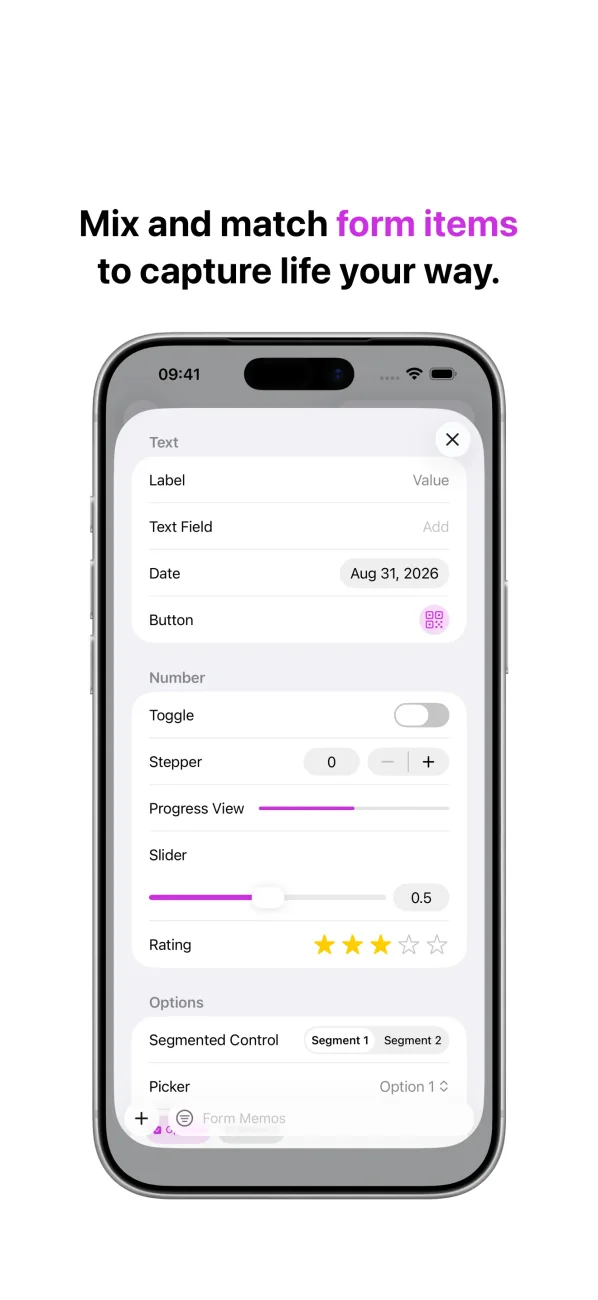
• Easily add form items like labels, text fields, images, switches, dates, and more
• Group related form items into sections to make content easier to browse and fill in
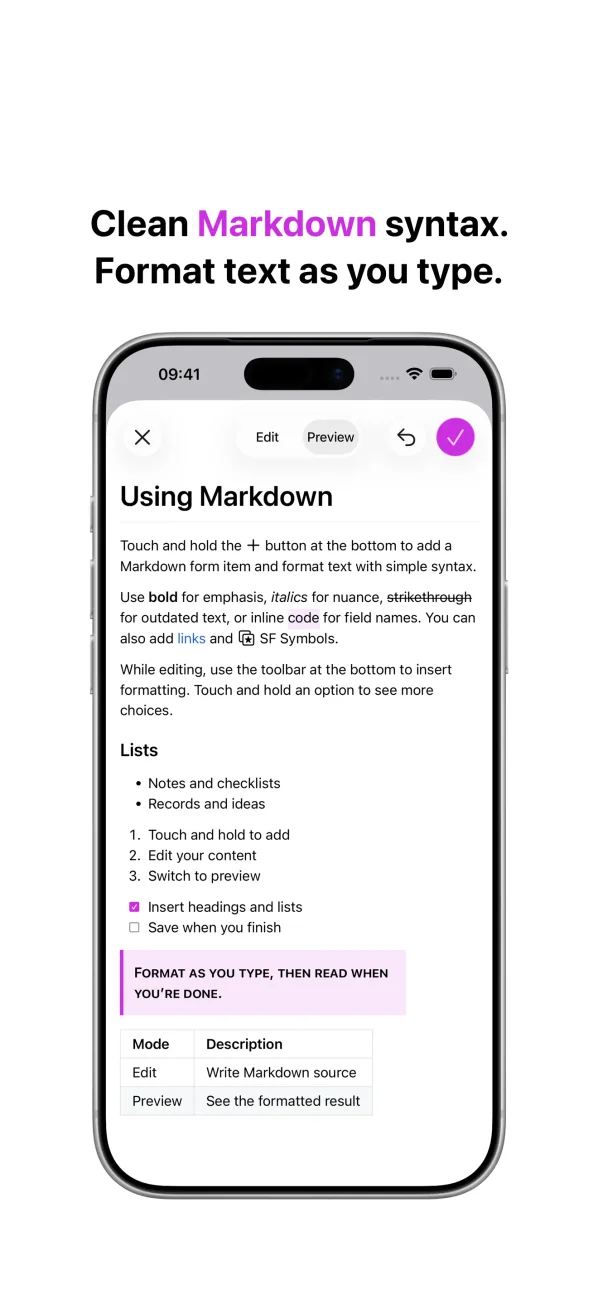
• Use Markdown, ratings, radio buttons, checkboxes, buttons, message bubbles, and other components
• Add a horizontal multi-image layout to insert several photos at once
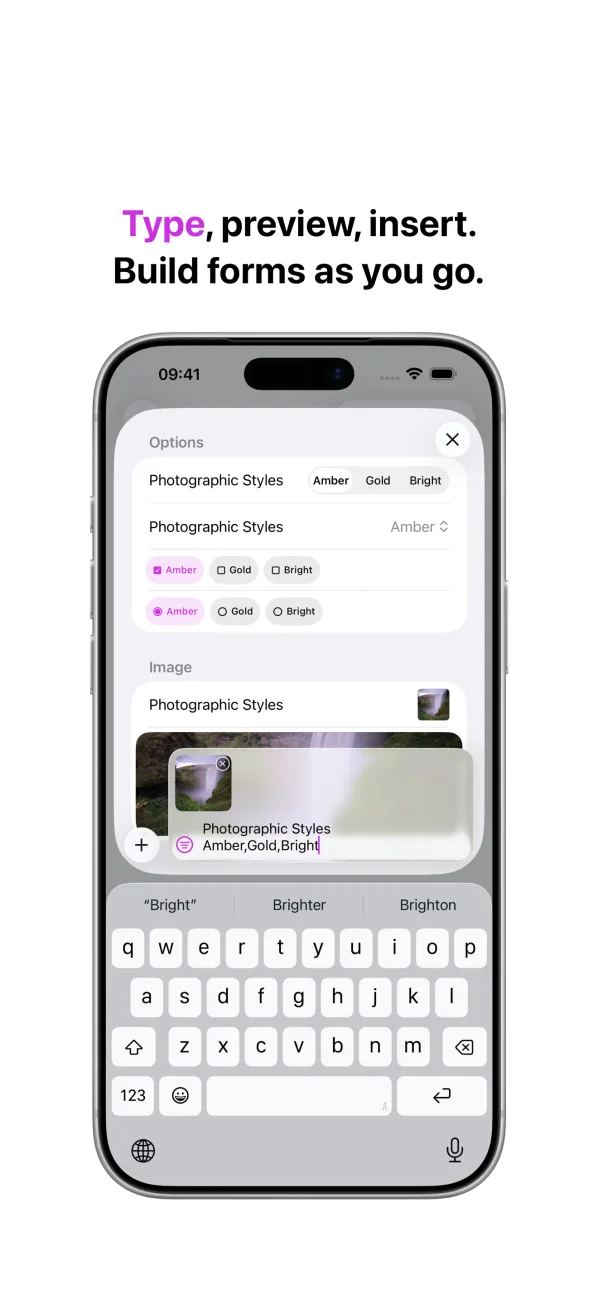
• Use the input bar at the bottom of Editing View to type text or add photos, then preview and quickly insert matching form items
• Save frequently used form items as templates to reuse them faster
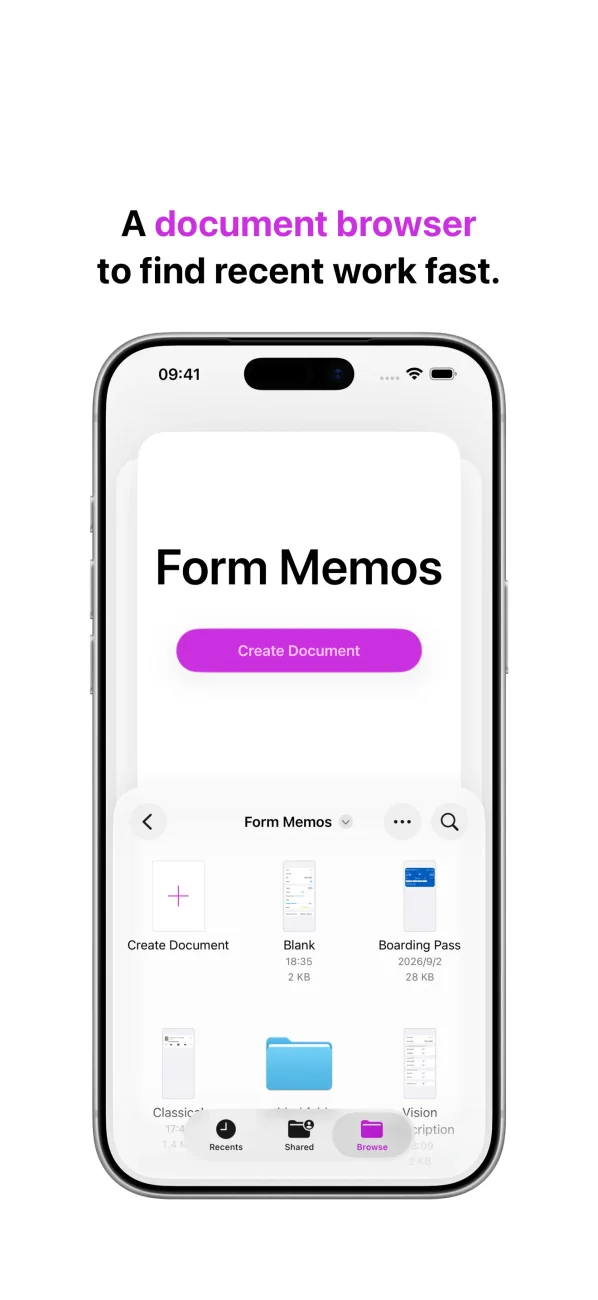
• On supported systems, use the document browser to create a new document or find a recent one (requires iOS 18)
Canvas
• Use the Canvas form item to freely place, resize, and rotate controls in a fixed area
• Easily create freer layouts such as layered text and images
• Support layers, grouping, and locking, plus gradients, materials, QR codes, barcodes, and more
• Save canvas layouts as templates to reuse across documents
Powerful Editor
• Replace default text and images with your own content
• Apply built-in system colors to labels, text fields, images, and more
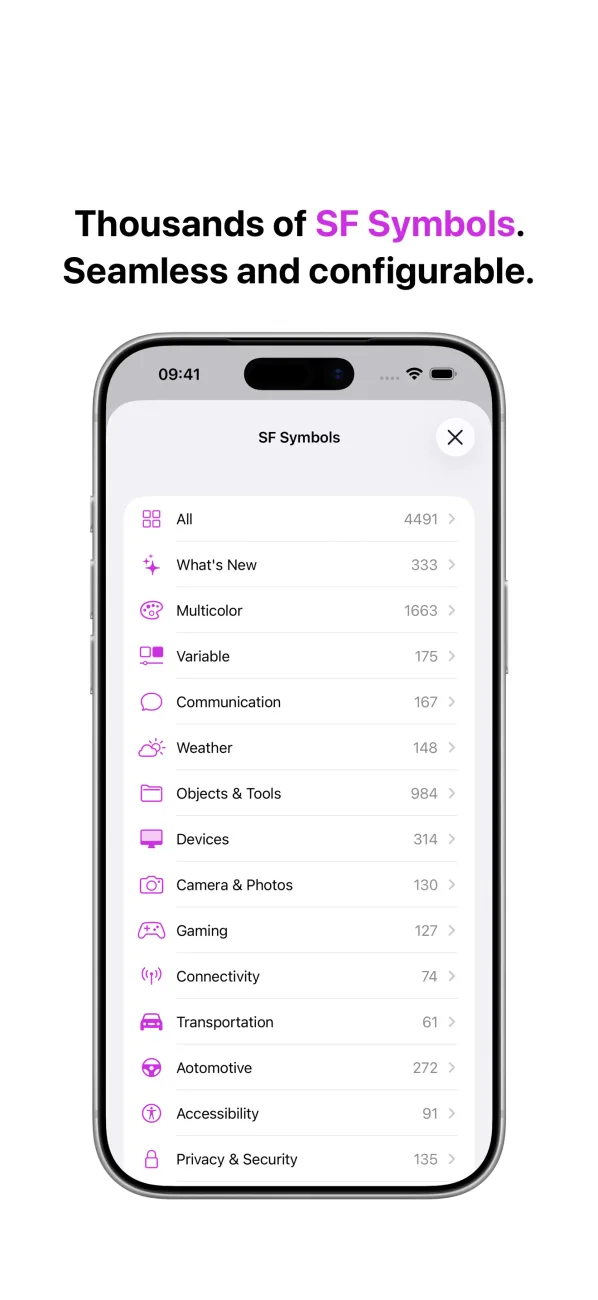
• Enhance documents with more than 4,000 icons from SF Symbols
• Apply rich fonts to text
• Set button actions such as calling, emailing, or opening a link
iCloud
• Automatically sync across your other devices with iCloud
• Form Memos automatically saves your documents as you make changes
Share Your Work
• Use AirDrop to send your document to anyone nearby
• Quickly and easily share a link via Mail or Messages
• Export your document as an image
Forms Pro
• Password-protect a document
• Undo and redo changes freely
• Copy and paste items effortlessly
• View canvases and advanced items without watermarks
Without a subscription, you can still create and preview every form item type; some premium components show a watermark.
Some features may require internet access; additional fees and terms may apply.
Terms of Use (EULA): https://www.apple.com/legal/internet-services/itunes/dev/stdeula/
新機能
バージョン 2.2 · 2026/10/18
• Get ready for iPhone Duo
• Start from a template to build forms faster—or save any document as a reusable template of your own.
• Add a staff notation form item to write and display music with notes, clefs, and time signatures.
• Insert an equation form item to compose and render mathematical formulas with ease.
• Use the drawing form item to sketch freehand and capture handwritten notes or signatures.
• Add a location form item to pin and present a place right inside your form.
• Copy an entire section, along with its items and layout, and reuse it across your documents.
アプリのプライバシー
このアプリのデータの取り扱いについて、育良 邱がApp Storeで申告している内容です。
-
データの収集なし
開発元はこのアプリからデータを収集しません。
プライバシーの取り扱いは、ご利用の機能やお客様の年齢などに応じて異なる場合があります。
情報
- 販売元
- 育良 邱
- カテゴリ
- 仕事効率化
- バージョン
- 2.2
- 更新日
- 2026/10/18
- リリース
- 2024/9/15
- サイズ
- 34.6 MB
- 必要条件
- iOS 17以降
- 対象年齢
- 4+
- 価格
- 無料
- アプリ内課金
- あり
- 言語
- 英語, 簡体字中国語, 繁体字中国語
- 著作権
- Yuliang © 2026, All Rights Reserved
こちらもおすすめ
-
 Compare Text: テキスト比較・差分PDF・Word・Excelの違いを一瞬でチェック
-
 タスクアシスタント:習慣育成習慣&タスク追跡
-
 Humanize AI: AI文章リライトAI検出・言い換え・文章作成ツール
-
 Journal Mate: デイリープランナースキャン、PDF、写真を保管
-
 タイマーディープワークとADHDの集中
-
 Reminders: To Do List & Widget仕事効率化
-
 Gobble: Cold Turkey Detox仕事効率化
-
 KeyPass – Passwords Manager仕事効率化
-
 AIポッドキャストメーカー LLM-TTS PODLM人気No.1 NotebookLMアプリ、LLMノート対応
-
 cAI, Private AI (f.k.a AnonAI)仕事効率化