- 対象年齢4+
- カテゴリ仕事効率化
- 開発元David Kahler
- 言語英語
- サイズ1.9 MB
App Storeの公式ページにリンクしています
Download.orgはLabel Magicのファイルを一切ホストしていません。ボタンを押すと、David Kahlerが公開しているApp Storeのアプリページが開きます。ページの最終確認:2026/11/15。
スクリーンショット


概要
開発元はこのテキストをお使いの言語で提供していません。
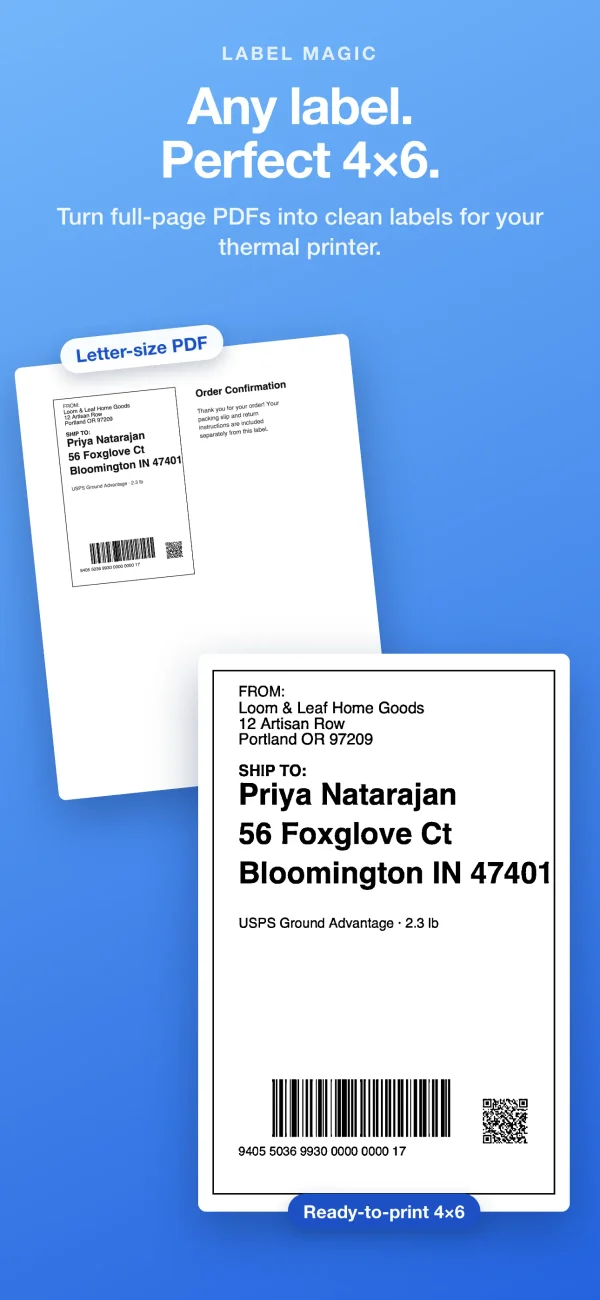
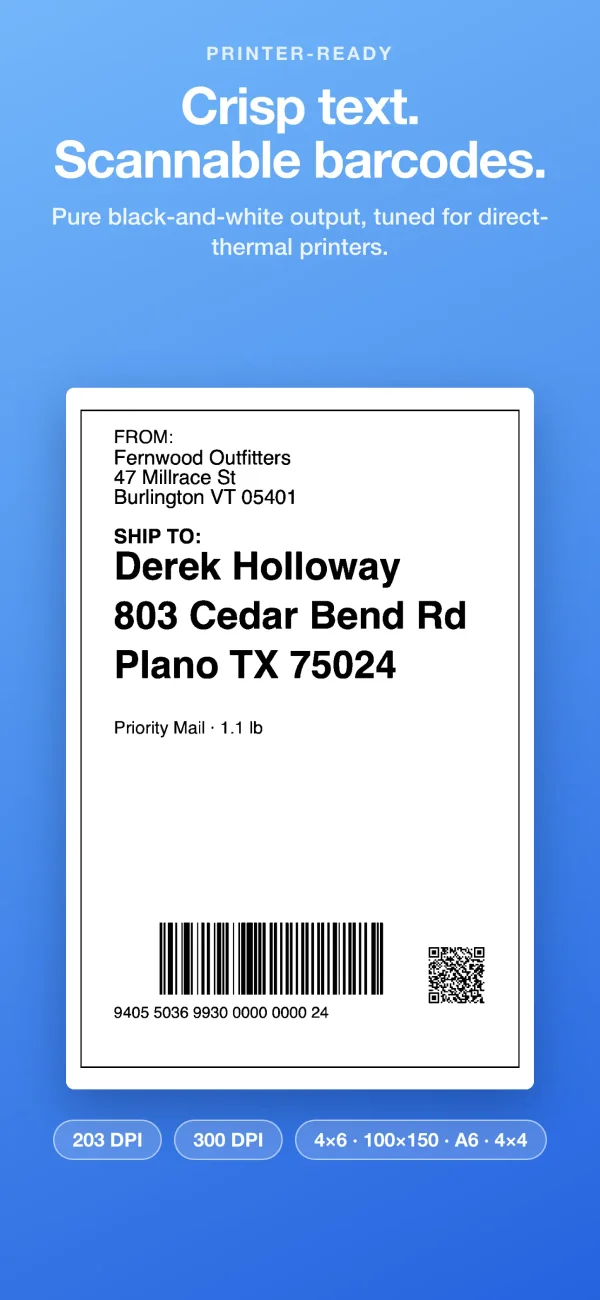
Stop trimming shipping labels with scissors. Label Magic finds the label on any PDF, screenshot, or image, crops it to a perfect 4x6, and sends it straight to your direct-thermal printer — no photo editor, no guesswork, no wasted labels.
Whether it's an emailed PDF or an image, Label Magic automatically detects exactly where the label is and lines it up for a clean print every time.
HOW IT WORKS
• Point Label Magic at a folder — it lists every file that looks like it could contain a label, with a live thumbnail for each one.
• Smart filtering keeps the list focused, so you're not hunting through unrelated files.
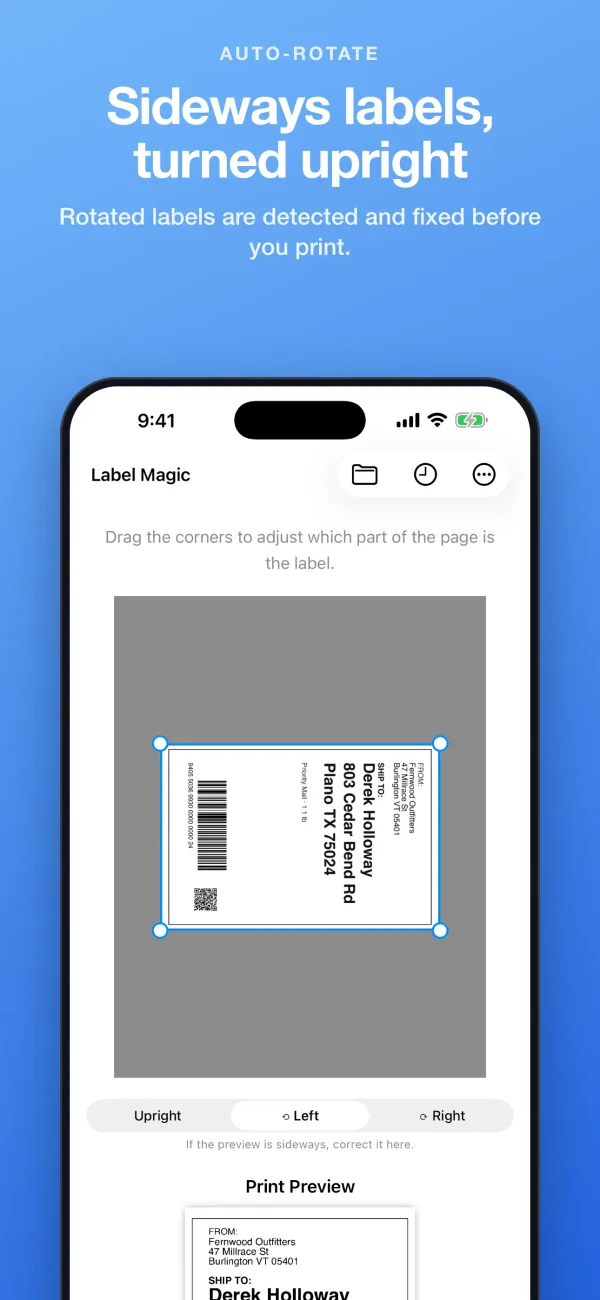
• The label is detected automatically. If it's not quite right, drag the corners to adjust the crop yourself.
• Preview the exact 4x6 output before you print, then send it to your thermal printer.
BUILT FOR REAL-WORLD LABELS
Return labels, marketplace shipping labels, carrier PDFs, and screenshots all come in different shapes and sizes. Label Magic doesn't assume a fixed layout — it looks at the actual page and finds the label wherever it sits, so oddly formatted return labels print just as cleanly as a tidy carrier PDF.
WHO IT'S FOR
If you sell online, process returns, or just ship packages often, Label Magic turns "open the PDF, zoom in, screenshot it, crop it, print it" into two clicks. It's built specifically for direct-thermal label printers, so there's no wasted ink and no full sheet of paper for one small label.
No accounts, no subscriptions, no cloud upload — your files stay on your device. Pick a file, check the crop, print.
Free to download. Print 10 labels free, then unlock unlimited printing with a one-time purchase.
新機能
バージョン 1.3.0 · 2026/11/6
Labels from multi-page PDFs: step through each page and print them all at once. A new printer setup with a free test label checks your size and resolution. Plus better detection of tricky labels: upside-down pages, browser headers and footers, A4 pages, and labels next to packing slips.
アプリのプライバシー
このアプリのデータの取り扱いについて、David KahlerがApp Storeで申告している内容です。
-
データの収集なし
開発元はこのアプリからデータを収集しません。
プライバシーの取り扱いは、ご利用の機能やお客様の年齢などに応じて異なる場合があります。
情報
- 販売元
- David Kahler
- カテゴリ
- 仕事効率化
- バージョン
- 1.3.0
- 更新日
- 2026/11/6
- リリース
- 2026/8/16
- サイズ
- 1.9 MB
- 必要条件
- iOS 17.0以降
- 対象年齢
- 4+
- 価格
- 無料
- アプリ内課金
- あり
- 言語
- 英語
- 著作権
- © David Kahler