- 対象年齢4+
- カテゴリ仕事効率化
- 言語英語
- サイズ33.0 MB
App Storeの公式ページにリンクしています
Download.orgはLogiScanのファイルを一切ホストしていません。ボタンを押すと、が公開しているApp Storeのアプリページが開きます。ページの最終確認:2026/11/11。
スクリーンショット




概要
開発元はこのテキストをお使いの言語で提供していません。
LogiScan is your solution when you want it to be easy to keep track of shipments that are either driven with own trucks, or simply want to perform Click'n Collect.
The shipment is created in the LogiSnap booking platform, in the same way as with, for example, a shipment with PostNord, Deutsche Post etc. When you scan the barcode on the shipment with your smartphone, you get the option to assign a status to the scanned packages. The status is immediately uploaded to the LogiSnap booking platform, whereby other users can follow the package's current status.
With LogiScan you can add pictures, signature, notes, GPS location etc. As soon as the package is scanned, the user will immediately be able to see who the receiver of the package is, as all data is retrieved from the LogiSnap booking platform, which ensures delivery to the correct receiver.
LogiScan is a very efficient way of managing shipments that are delivered from your own store/warehouse. Create a collection label in the LogiSnap booking platform, after which the package is scanned and given the status for instance - Ready for Pickup.
The customer will be notified that the package can be picked up, this is done either via email or SMS. The entire process can be followed in LogiSnap booking platform.
How to get started:
1. Download the app
2. Type your LogiSnap credentials and sign in*
3. Select your company from our LogiSnap system
4. You’re ready to go!
*If you have an account and company setup already in LogiSnap, you can immediately sign in.
Otherwise please visit https://app.logisnap.com/, sign up and complete our on boarding process.
Additional explanatory steps:
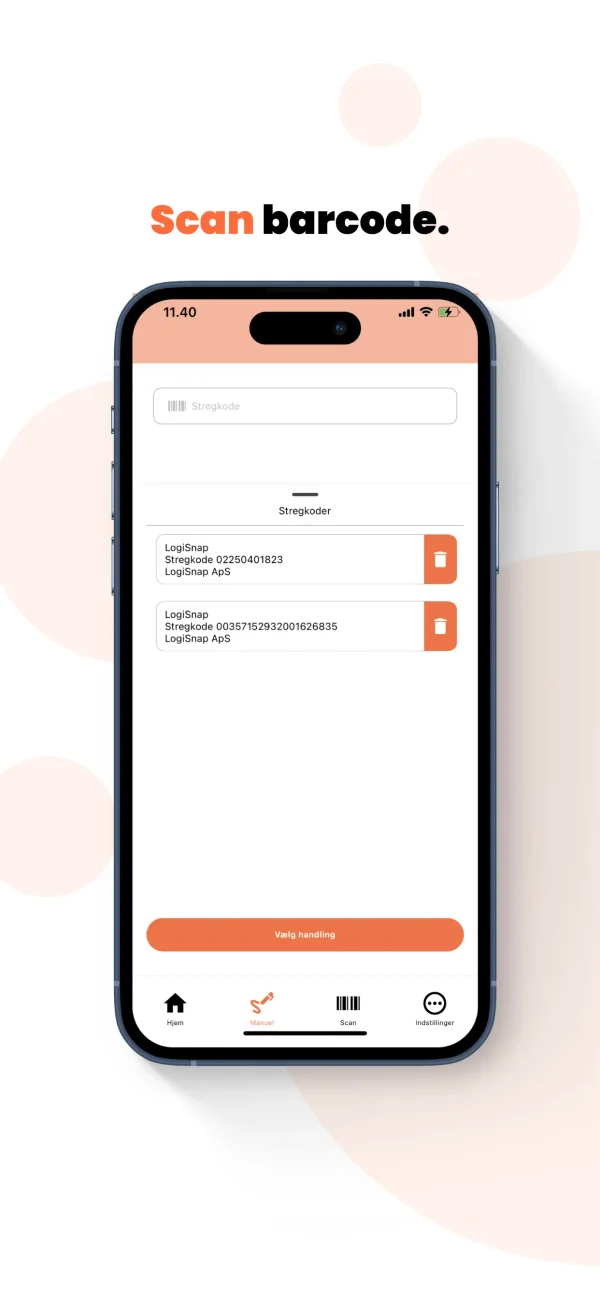
- Go to ‘Scan’ for one or multiple barcodes to be scanned
- Go to ‘Home page’, apply and save actions into the system like photos, signatures etc.
Attention: When using LogiScan, GPS is used, which can lead to higher power consumption and reduce battery life.
新機能
バージョン 1.4.3 · 2026/8/17
- Companies are sorted alphabetically
- Images and signatures are not saved in the phone's gallery
アプリのプライバシー
このアプリのデータの取り扱いについて、がApp Storeで申告している内容です。
-
ユーザーに関連付けられないデータ
収集される場合がありますが、ユーザーの識別情報には関連付けられません。
- 位置情報
- 連絡先情報
- ユーザーコンテンツ
- ID
- 診断
プライバシーの取り扱いは、ご利用の機能やお客様の年齢などに応じて異なる場合があります。
情報
- 販売元
- LogiSnap ApS
- カテゴリ
- 仕事効率化
- バージョン
- 1.4.3
- 更新日
- 2026/8/17
- リリース
- 2022/11/16
- サイズ
- 33.0 MB
- 必要条件
- iOS 15.1以降
- 対象年齢
- 4+
- 価格
- 無料
- 言語
- 英語
- 著作権
- © LogiSnap