- 対象年齢4+
- カテゴリライフスタイル
- 開発元Chia-Chun Hsieh
- 言語英語ほか3言語
- サイズ4.0 MB
App Storeの公式ページにリンクしています
Download.orgはMillisecond Clockのファイルを一切ホストしていません。ボタンを押すと、Chia-Chun Hsiehが公開しているApp Storeのアプリページが開きます。ページの最終確認:2026/11/12。
スクリーンショット

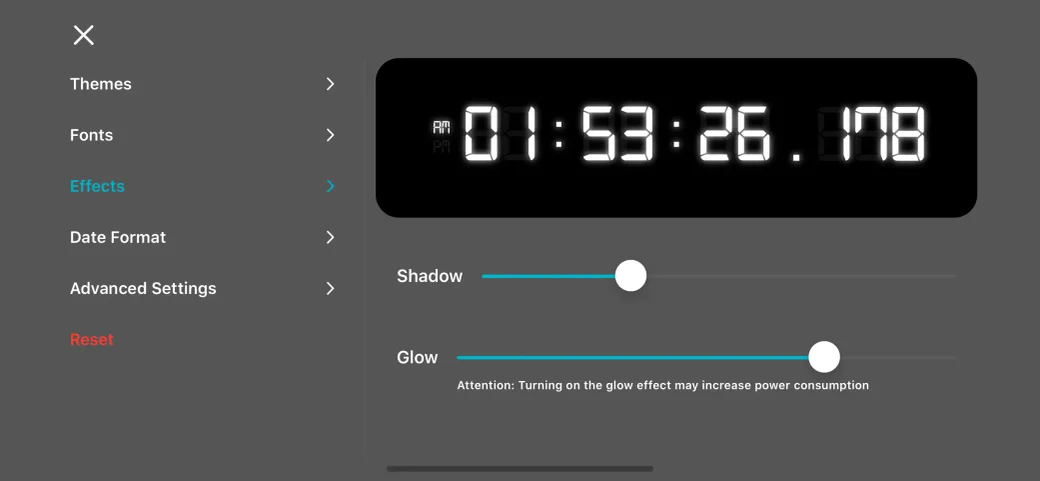
概要
開発元はこのテキストをお使いの言語で提供していません。
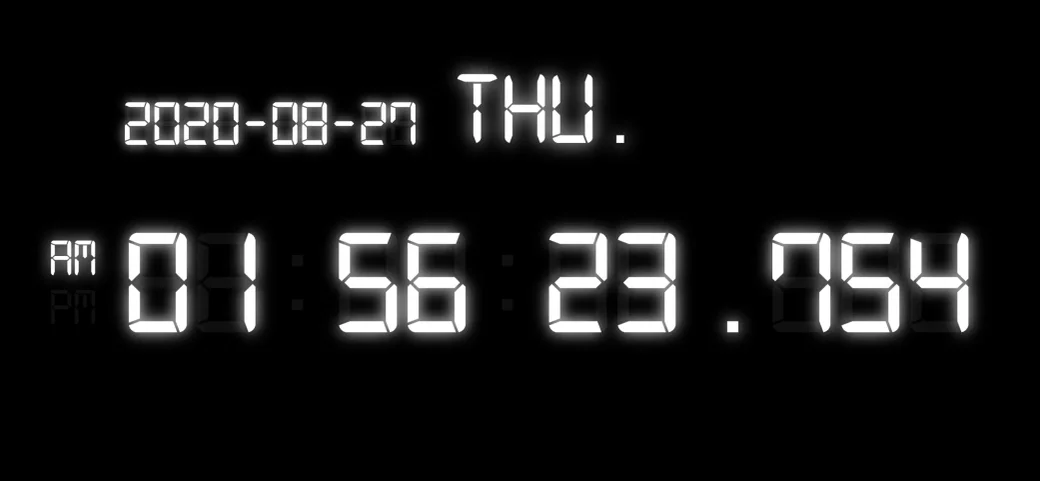
Millisecond Clock shows the exact time down to 1/1000 of a second, accurate enough to measure real delay in cameras, video streams, and network connections.
Point a camera at the screen and compare it to another display: the difference in milliseconds tells you exactly how much latency you are dealing with.
Beyond precision, Millisecond Clock is a clock you can make your own. Every part of it, from color and font to position on screen, is yours to design.
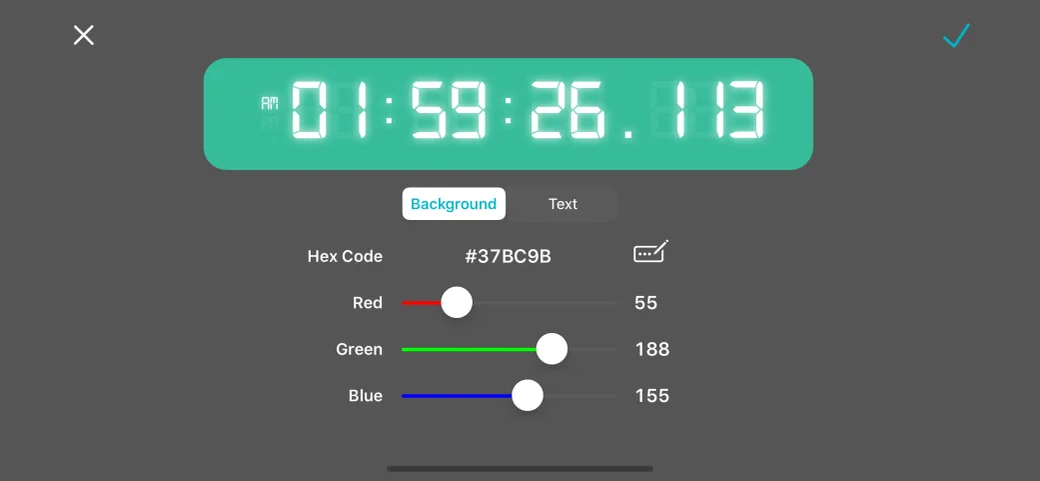
DESIGN YOUR CLOCK- 13 built-in color themes, or create unlimited custom themes with the full color picker
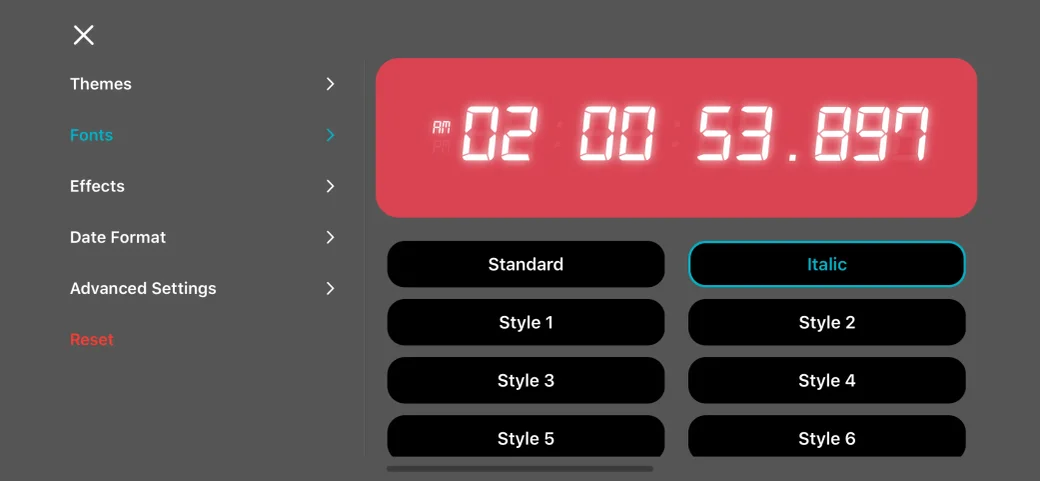
- 30 fonts, from the classic digital LED look to elegant serif and rounded styles
- Adjustable glow and shadow effects for extra depth
- Drag the clock, date, and weekday anywhere on screen, and resize each one independently
STAY ON TIME, YOUR WAY- 12-hour or 24-hour time, with an optional blinking colon
- 9 date formats to match how you write dates
- Show or hide the date and day of the week
- Toggle the millisecond display on or off
BUILT TO STAY ON SCREEN- Keeps your screen awake so the clock is always visible
- A true universal app, designed for both iPhone and iPad
Millisecond Clock is free to use, supported by ads.
A one-time in-app purchase removes ads and unlocks every premium theme, no subscription required.
新機能
バージョン 2.4.0 · 2026/9/3
- Resizing the time, date, and weekday on the main screen now works correctly, and your adjustments are saved.
- "Reset Settings" no longer removes your purchases. Remove Ads and Unlock Themes stay active after a reset.
- Color picker: the red, green, and blue sliders now respond reliably, and adjusting one channel no longer moves the others. Short hex codes (such as #FFF) are now supported.
- The preview clock in Settings now follows your 12- or 24-hour preference and correctly shows 12 (instead of 00) at noon and midnight.
- Fixed a case where the loading indicator could stay on screen after a purchase or restore didn't finish; purchases and restores are now more reliable.
- General stability improvements and fixes for several rare crashes.
アプリのプライバシー
このアプリのデータの取り扱いについて、Chia-Chun HsiehがApp Storeで申告している内容です。
-
ユーザーのトラッキングに使用されるデータ
他社のアプリやウェブサイトを横断してユーザーをトラッキングする目的で使用される場合があります。
- ID
-
ユーザーに関連付けられないデータ
収集される場合がありますが、ユーザーの識別情報には関連付けられません。
- ID
- 診断
プライバシーの取り扱いは、ご利用の機能やお客様の年齢などに応じて異なる場合があります。
情報
- 販売元
- Chia-Chun Hsieh
- カテゴリ
- ライフスタイル
- バージョン
- 2.4.0
- 更新日
- 2026/9/3
- リリース
- 2020/8/27
- サイズ
- 4.0 MB
- 必要条件
- iOS 15.0以降
- 対象年齢
- 4+
- 価格
- 無料
- アプリ内課金
- あり
- 言語
- 英語, 日本語, 簡体字中国語, 繁体字中国語
- 著作権
- © 2020-2026 Shrimp Studio
こちらもおすすめ
-
 ms clock - millisecond clockライフスタイル
-
 bnClockライフスタイル
-
 Digital Clock - Bedside WidgetDisplay for nightstand or desk
-
 デジタルベッドサイドクロック&ウィジェットカウントダウン・タイマー・スタンバイ
-
 Round Millisecond Clockライフスタイル
-
 クロックバイクロック時計から時計を作る
-
 Clock+ :Digital Clock & Alarmライフスタイル
-
 Flip Clock パタパタ時計見やすい時計、集中タイマーとストップウォッチ、眠りに自然音を
-
 PX Clock - See the timeDigital clock, timer, widgets
-
 Super フリップ時計:集中タイマーポモドーロ・卓上時計・多彩なテーマ