Millisecond Clock
The Most Accurate Clock
Được thiết kế cho iPhone, iPad, iPod touch
Miễn phí · Mua hàng trong ứng dụng
- Độ tuổi4+
- Danh mụcLối Sống
- Nhà phát triểnChia-Chun Hsieh
- Ngôn ngữTiếng Anh+ 3 ngôn ngữ khác
- Kích thước4,0 MB
Liên kết đến trang App Store chính thức
Download.org không lưu trữ tệp nào của Millisecond Clock. Nút này mở trang ứng dụng trên App Store, nơi Chia-Chun Hsieh phát hành ứng dụng. Trang được kiểm tra lần cuối: 12/11/2026.
Ảnh chụp màn hình
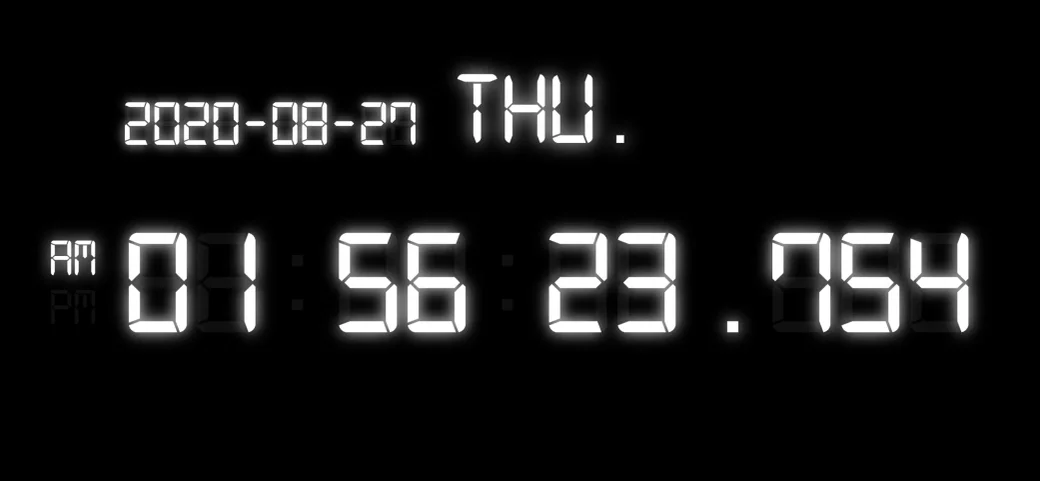

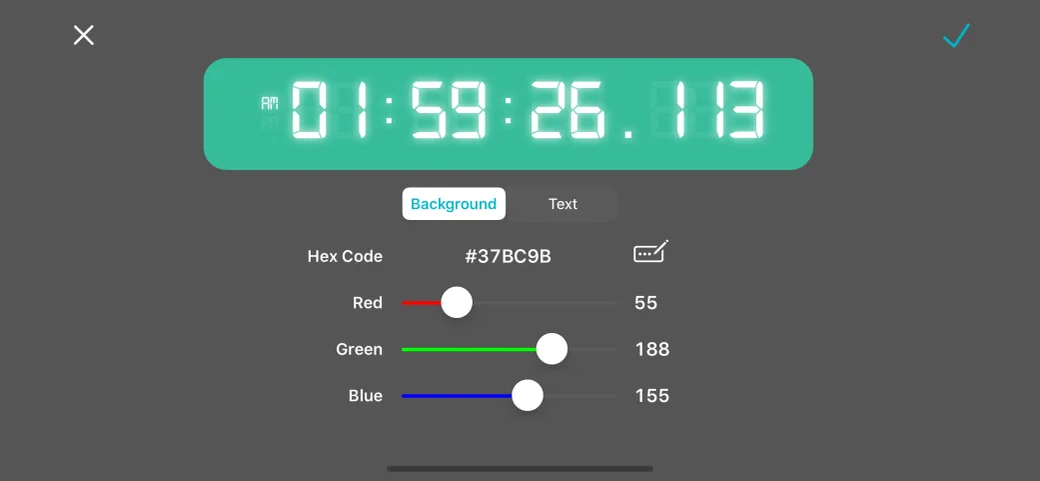
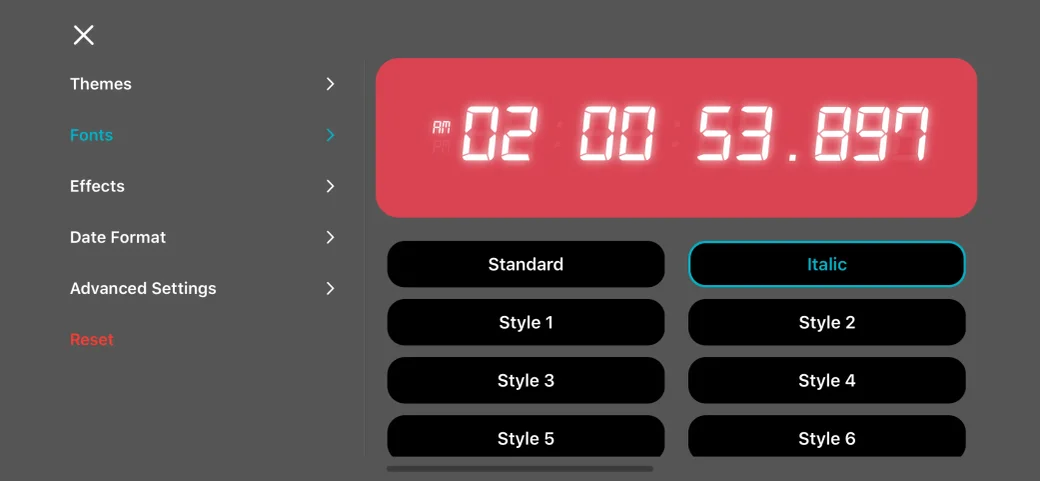
Giới thiệu
Nhà phát triển chưa cung cấp nội dung này bằng ngôn ngữ của bạn.
Millisecond Clock shows the exact time down to 1/1000 of a second, accurate enough to measure real delay in cameras, video streams, and network connections.
Point a camera at the screen and compare it to another display: the difference in milliseconds tells you exactly how much latency you are dealing with.
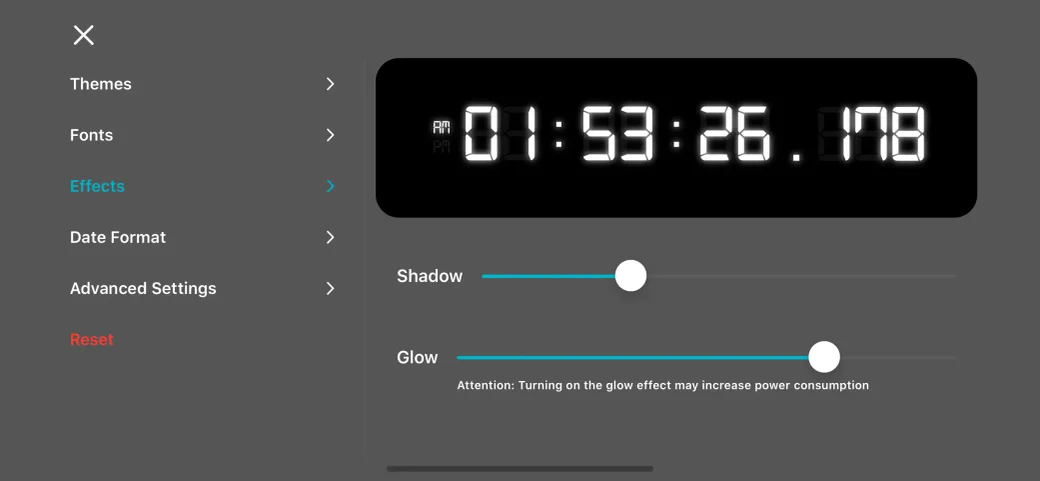
Beyond precision, Millisecond Clock is a clock you can make your own. Every part of it, from color and font to position on screen, is yours to design.
DESIGN YOUR CLOCK- 13 built-in color themes, or create unlimited custom themes with the full color picker
- 30 fonts, from the classic digital LED look to elegant serif and rounded styles
- Adjustable glow and shadow effects for extra depth
- Drag the clock, date, and weekday anywhere on screen, and resize each one independently
STAY ON TIME, YOUR WAY- 12-hour or 24-hour time, with an optional blinking colon
- 9 date formats to match how you write dates
- Show or hide the date and day of the week
- Toggle the millisecond display on or off
BUILT TO STAY ON SCREEN- Keeps your screen awake so the clock is always visible
- A true universal app, designed for both iPhone and iPad
Millisecond Clock is free to use, supported by ads.
A one-time in-app purchase removes ads and unlocks every premium theme, no subscription required.
Có gì mới
Phiên bản 2.4.0 · 03/09/2026
- Resizing the time, date, and weekday on the main screen now works correctly, and your adjustments are saved.
- "Reset Settings" no longer removes your purchases. Remove Ads and Unlock Themes stay active after a reset.
- Color picker: the red, green, and blue sliders now respond reliably, and adjusting one channel no longer moves the others. Short hex codes (such as #FFF) are now supported.
- The preview clock in Settings now follows your 12- or 24-hour preference and correctly shows 12 (instead of 00) at noon and midnight.
- Fixed a case where the loading indicator could stay on screen after a purchase or restore didn't finish; purchases and restores are now more reliable.
- General stability improvements and fixes for several rare crashes.
Quyền riêng tư của ứng dụng
Những gì Chia-Chun Hsieh khai báo trên App Store về cách ứng dụng này xử lý dữ liệu.
-
Dữ liệu được sử dụng để theo dõi bạn
Có thể được sử dụng để theo dõi bạn trên các ứng dụng và trang web do công ty khác sở hữu.
- Mã định danh
-
Dữ liệu không liên kết với bạn
Có thể được thu thập nhưng không liên kết với danh tính của bạn.
- Mã định danh
- Chẩn đoán
Phương thức đảm bảo quyền riêng tư có thể khác nhau, chẳng hạn như tuỳ theo các tính năng bạn sử dụng hoặc độ tuổi của bạn.
Thông tin
- Người bán
- Chia-Chun Hsieh
- Danh mục
- Lối Sống
- Phiên bản
- 2.4.0
- Cập nhật
- 03/09/2026
- Phát hành
- 27/08/2020
- Kích thước
- 4,0 MB
- Yêu cầu
- iOS 15.0 trở lên
- Độ tuổi
- 4+
- Giá
- Miễn phí
- Mua hàng trong ứng dụng
- Có
- Ngôn ngữ
- Tiếng Anh, Tiếng Nhật, Tiếng Trung Giản thể, Tiếng Trung Phồn thể
- Bản quyền
- © 2020-2026 Shrimp Studio
Có thể bạn cũng thích
-
 ms clock - millisecond clockLối Sống
-
 bnClockLối Sống
-
 Digital ClockDisplay for nightstand or desk
-
 Nightstand Desk Clock & WidgetLối Sống
-
 Round Millisecond ClockLối Sống
-
 Đồng hồByClocksLàm đồng hồ từ đồng hồ
-
 Clock+ :Digital Clock & AlarmLối Sống
-
 Flip Clock: Calm Desk TimerLối Sống
-
 PX Clock - See the timeLối Sống
-
 Super Flip Clock: Focus TimerLối Sống