- 対象年齢4+
- カテゴリユーティリティ
- 開発元Barakah Digital LLC
- 言語英語
- サイズ19.1 MB
App Storeの公式ページにリンクしています
Download.orgはMulti Timer: Countdownのファイルを一切ホストしていません。ボタンを押すと、Barakah Digital LLCが公開しているApp Storeのアプリページが開きます。ページの最終確認:2026/11/12。
スクリーンショット

概要
開発元はこのテキストをお使いの言語で提供していません。
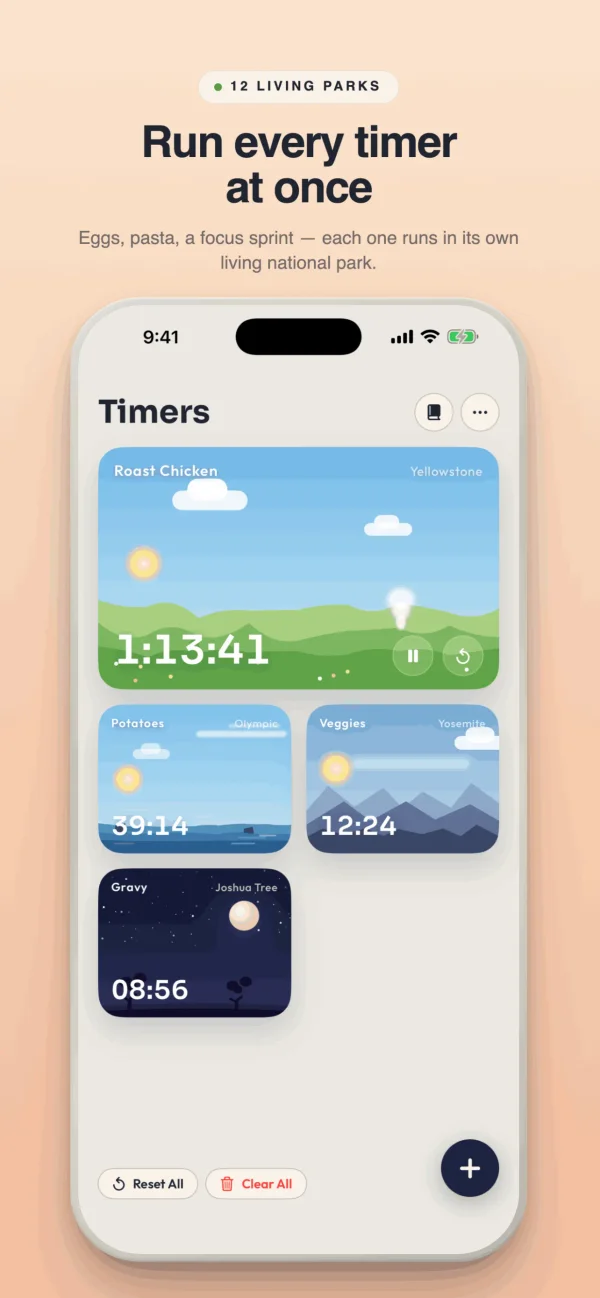
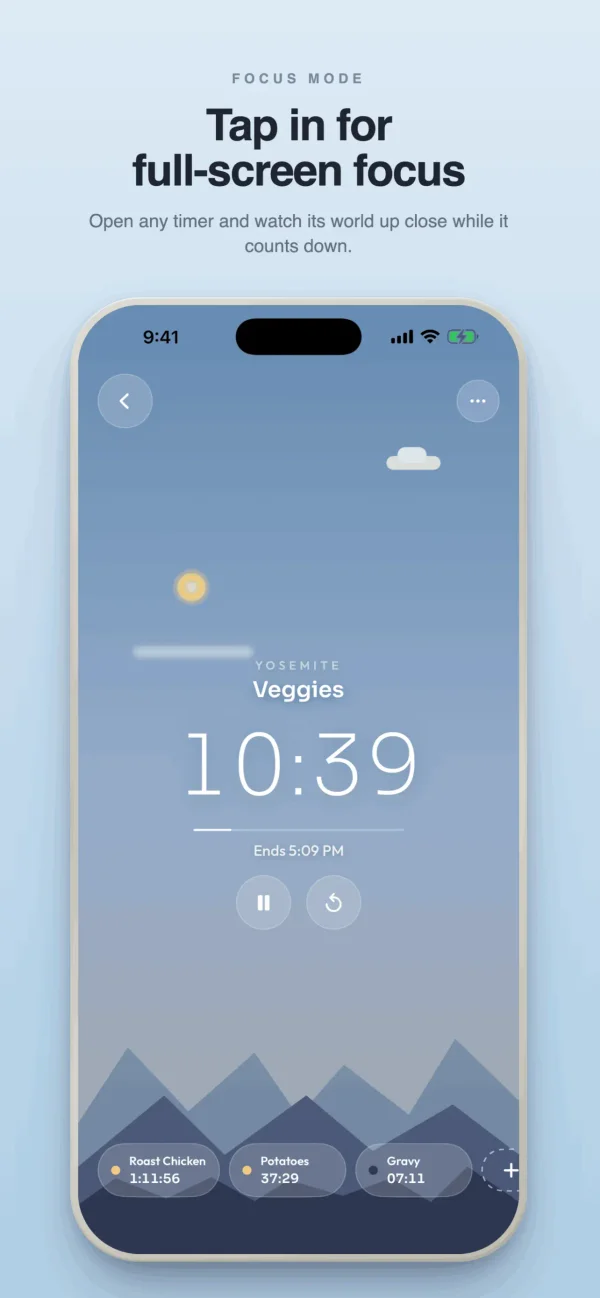
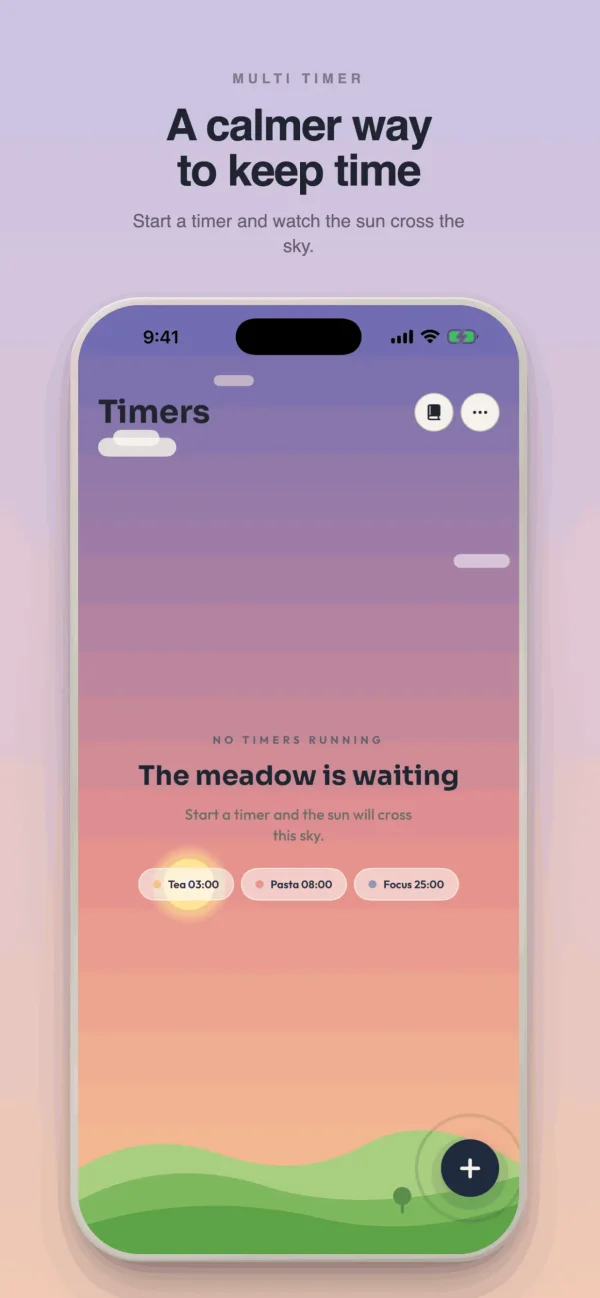
Multi Timer turns every countdown into a living national park scene, so you can track several timers at once without staring at a plain list of numbers.
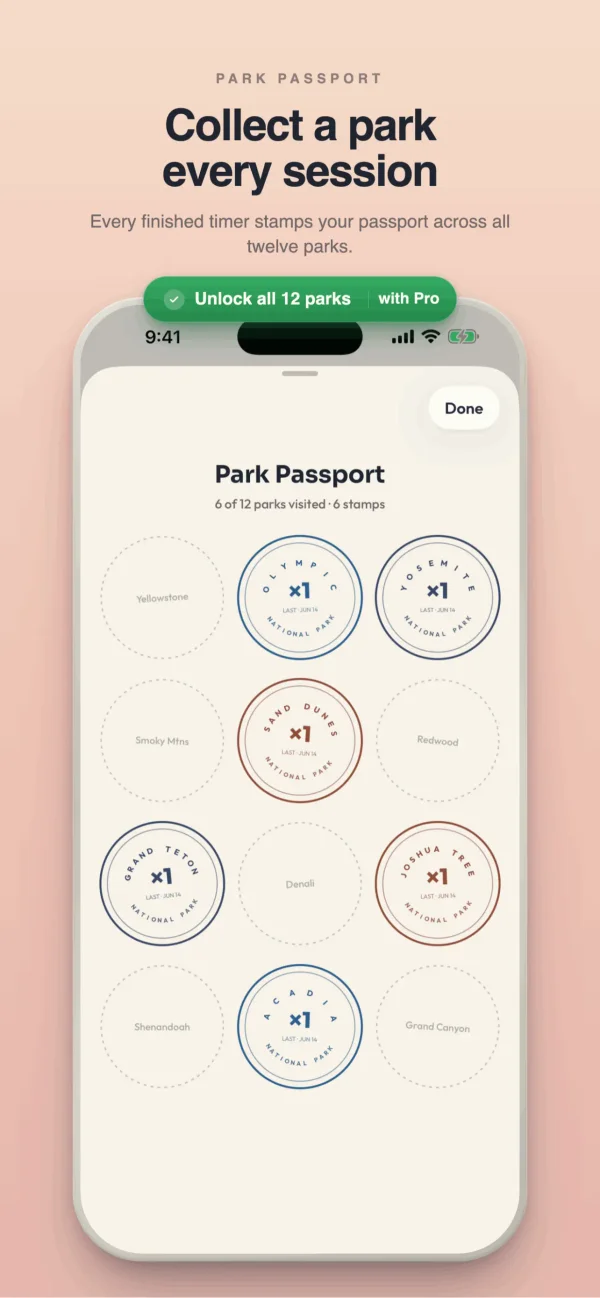
Start a timer and open a park. The sky changes as time passes. The sun crosses the scene. The moon rises over night parks. When the countdown ends, your visit is stamped into your Park Passport.
Use Multi Timer for:
- Cooking multiple dishes at once
- Focus sessions and study blocks
- Workouts, stretches, and recovery intervals
- Morning and evening routines
- Reminders that need a clear countdown
- Any moment where one timer is not enough
Key features:
- Run multiple countdown timers at the same time
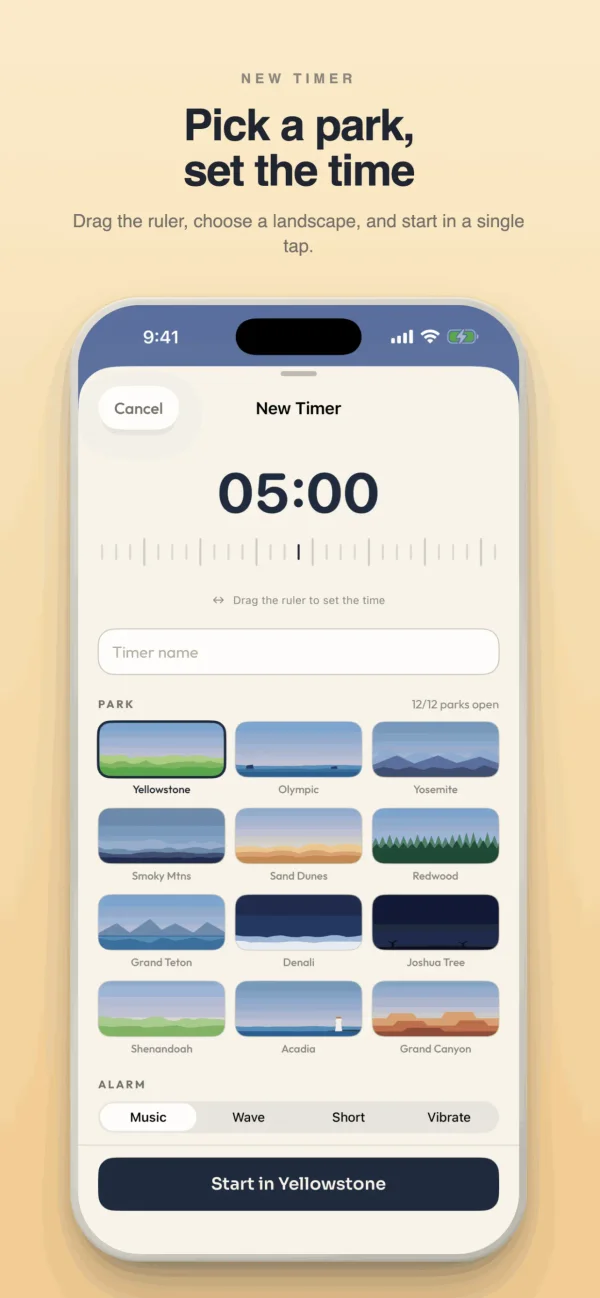
- Give each timer a name, duration, sound, and park
- See living visual scenes that progress with each timer
- Get alerts when timers finish
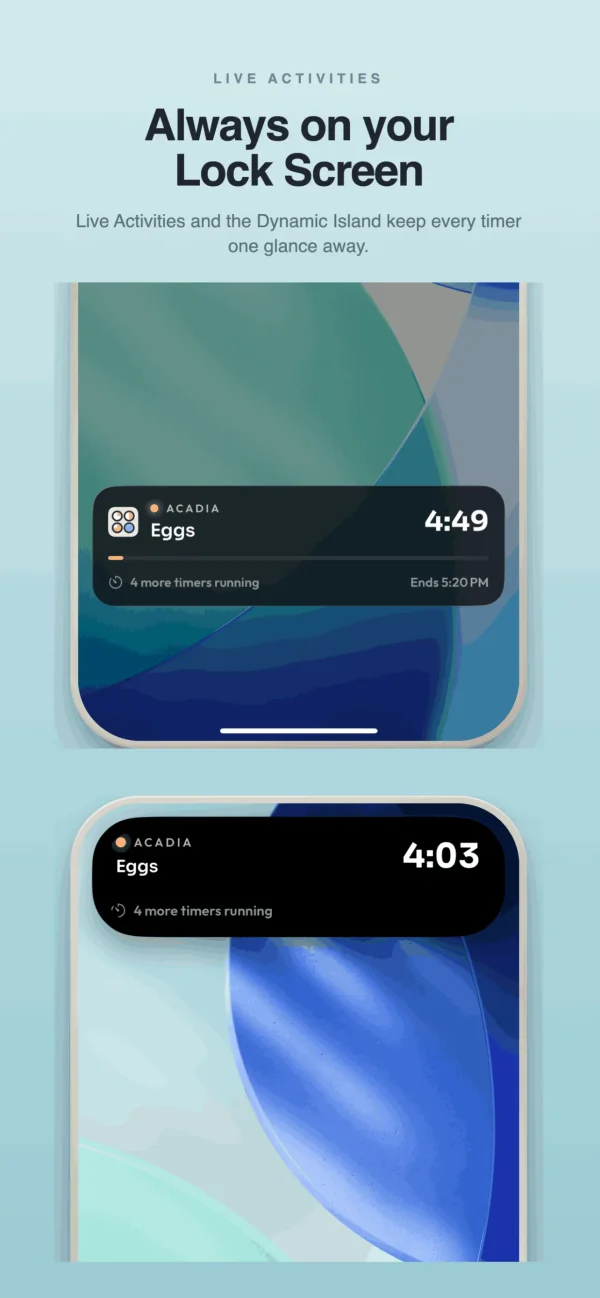
- Use Live Activities for glanceable timer status
- Collect completed park visits in your Park Passport
- Choose from four free parks
- Unlock all 12 national park scenes with MultiTimer Pro
Multi Timer is built for people who want a timer board that is practical, quick, and easier to read at a glance. Whether you are cooking, working, studying, exercising, or managing a routine, each countdown gets its own place on the map.
MultiTimer Pro is a one-time purchase that unlocks all 12 parks.
新機能
バージョン 3.5 · 2026/11/7
Delete what you don't need.
• Delete any timer. In the Parks look, tap a timer and choose Delete. In Classic, swipe a timer left.
• Clean up your recents. Long-press a recent timer to remove it, or tap Clear to remove them all.
• Every delete asks first, so nothing disappears by accident.
Thanks to Andy for asking for this one. Most of what changes in MultiTimer starts with a note like his, so keep the ideas coming: Settings > Send feedback.
アプリのプライバシー
このアプリのデータの取り扱いについて、Barakah Digital LLCがApp Storeで申告している内容です。
-
ユーザーに関連付けられないデータ
収集される場合がありますが、ユーザーの識別情報には関連付けられません。
- 購入
- ID
- 使用状況データ
- 診断
プライバシーの取り扱いは、ご利用の機能やお客様の年齢などに応じて異なる場合があります。
情報
- 販売元
- Barakah Digital LLC
- カテゴリ
- ユーティリティ
- バージョン
- 3.5
- 更新日
- 2026/11/7
- リリース
- 2018/12/15
- サイズ
- 19.1 MB
- 必要条件
- iOS 17.0以降
- 対象年齢
- 4+
- 価格
- 無料
- アプリ内課金
- あり
- 言語
- 英語
- 著作権
- © 2026 Barakah Digital
こちらもおすすめ
-
 timer. - Multi Countdown Timerユーティリティ
-
 Multi Timer Stopwatchユーティリティ
-
 Just Timersユーティリティ
-
 Timr - Multiple Timersユーティリティ
-
 MultiTimer: Multiple timersVisual countdown seconds timer
-
 タイマー&ストップウォッチ キッチンや勉強、筋トレで繰り返しバイブ付きタイマー・ストップウォッチ!勉強や筋トレ料理に便利
-
 Multiple Timers: Timusシャトルラン, 集中タイマー, ワークアウトタイマー
-
 About Timers - Kitchen Timerユーティリティ
-
 マルチタイマープラス: タイマー & ストップウォッチ複数 タイマー: トレーニング、勉強、ルーチン、キッチン
-
 タイマー ®カウントダウンクロック