Multi Timer: Countdown
Focus, kitchen, workouts
iPhone, iPad için tasarlandı
Ücretsiz · Uygulama içi satın alma
- Yaş sınırı4+
- KategoriYardımcılar
- GeliştiriciBarakah Digital LLC
- Dillerİngilizce
- Boyut19,1 MB
Resmi App Store sayfasına bağlanır
Download.org, Multi Timer: Countdown için hiçbir dosya barındırmaz. Düğme, uygulamanın App Store üzerindeki sayfasını açar; uygulamayı orada Barakah Digital LLC yayınlar. Sayfanın son kontrolü: 12.11.2026.
Ekran görüntüleri

Hakkında
Geliştirici bu metni dilinizde sunmamış.
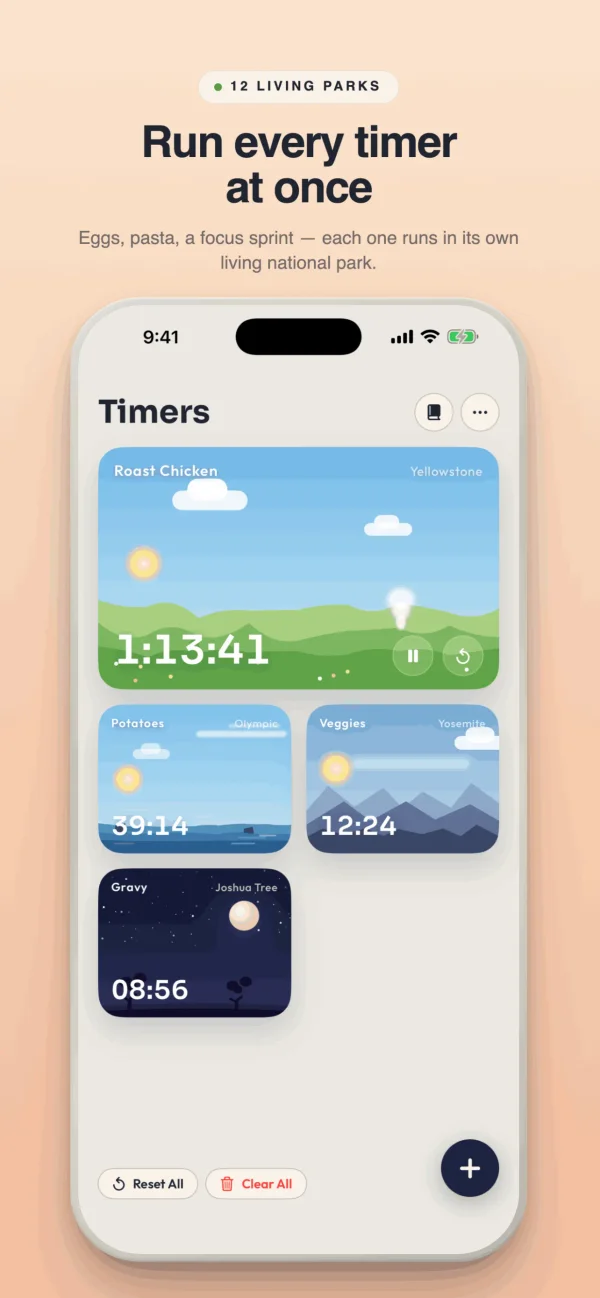
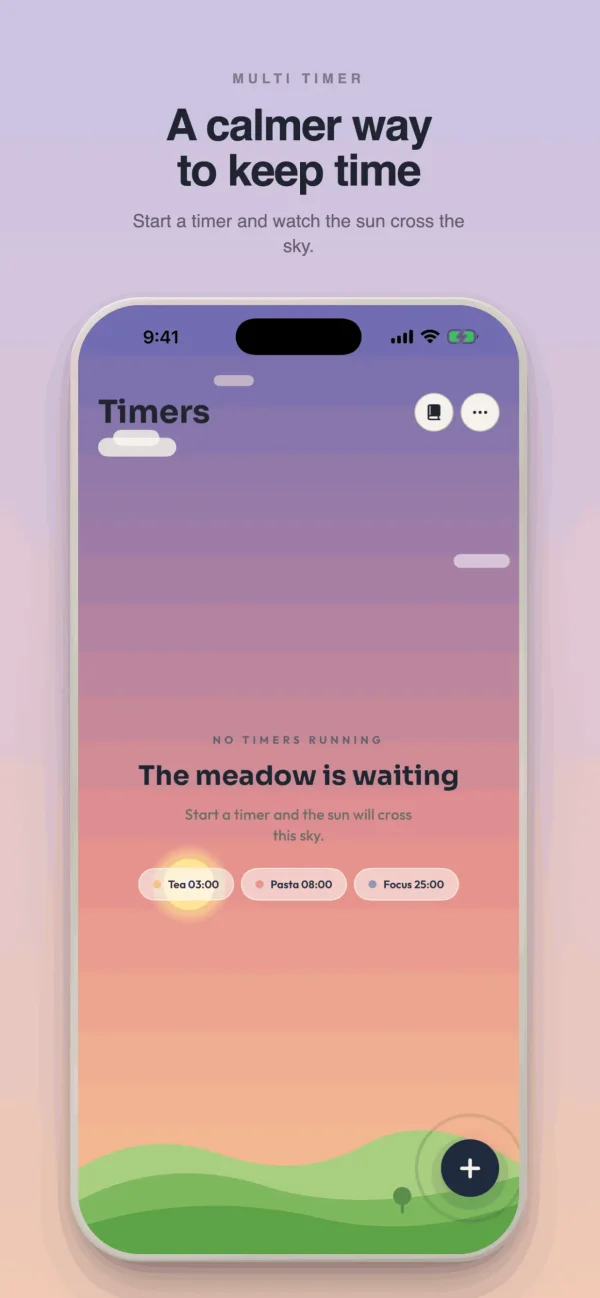
Multi Timer turns every countdown into a living national park scene, so you can track several timers at once without staring at a plain list of numbers.
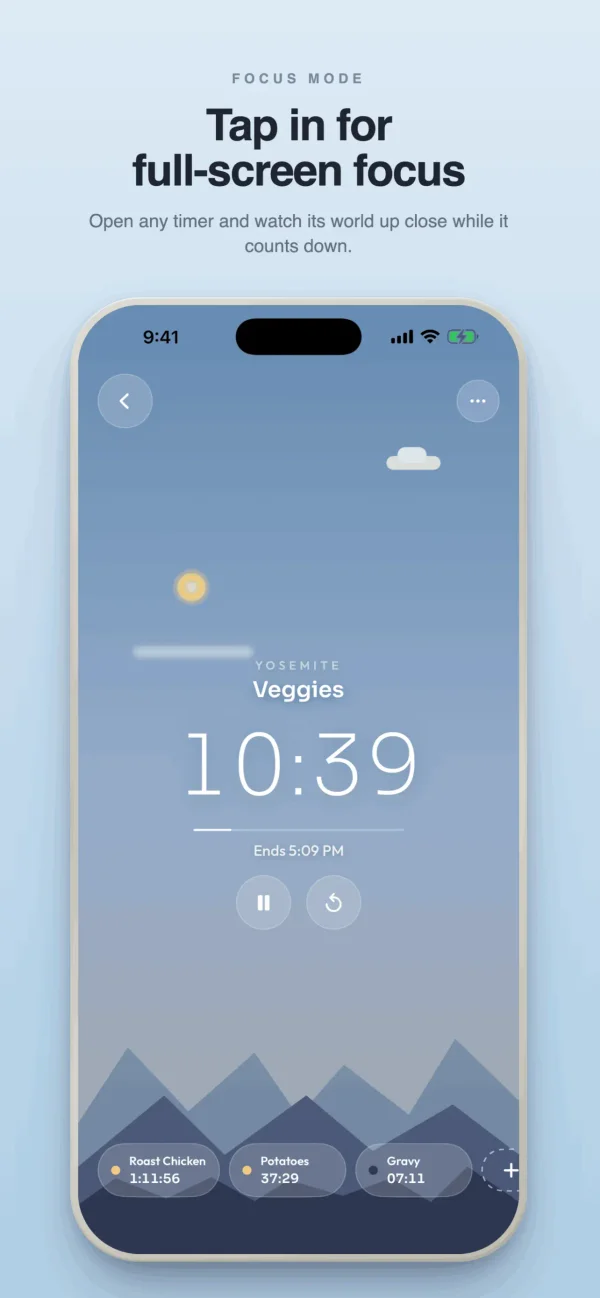
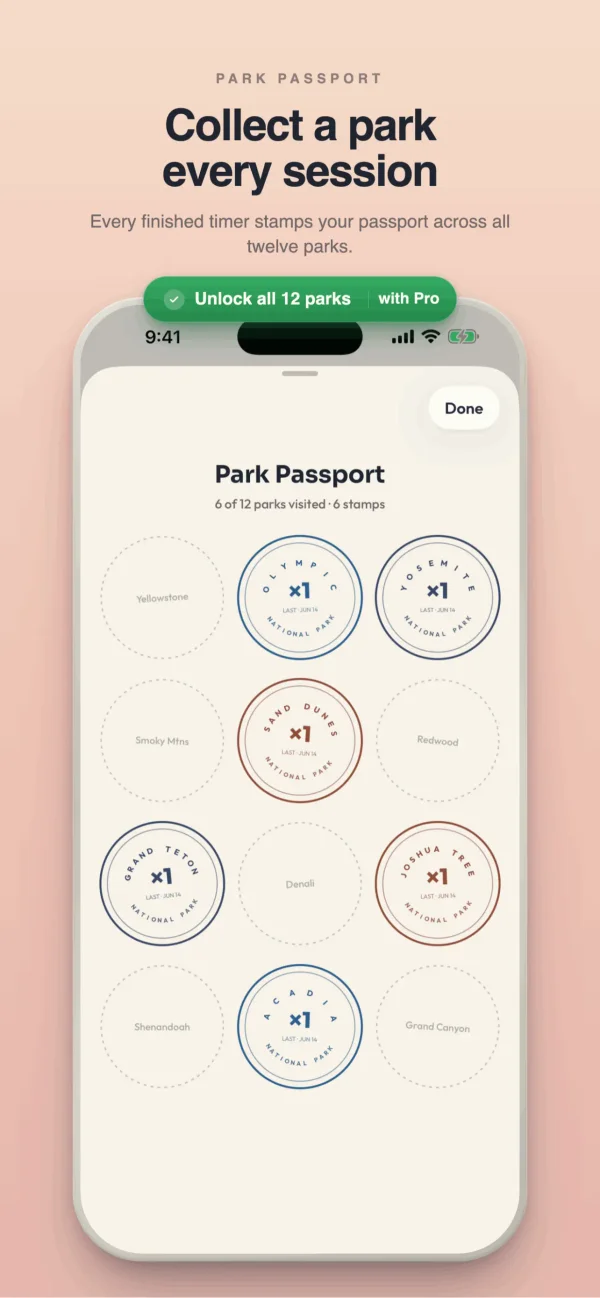
Start a timer and open a park. The sky changes as time passes. The sun crosses the scene. The moon rises over night parks. When the countdown ends, your visit is stamped into your Park Passport.
Use Multi Timer for:
- Cooking multiple dishes at once
- Focus sessions and study blocks
- Workouts, stretches, and recovery intervals
- Morning and evening routines
- Reminders that need a clear countdown
- Any moment where one timer is not enough
Key features:
- Run multiple countdown timers at the same time
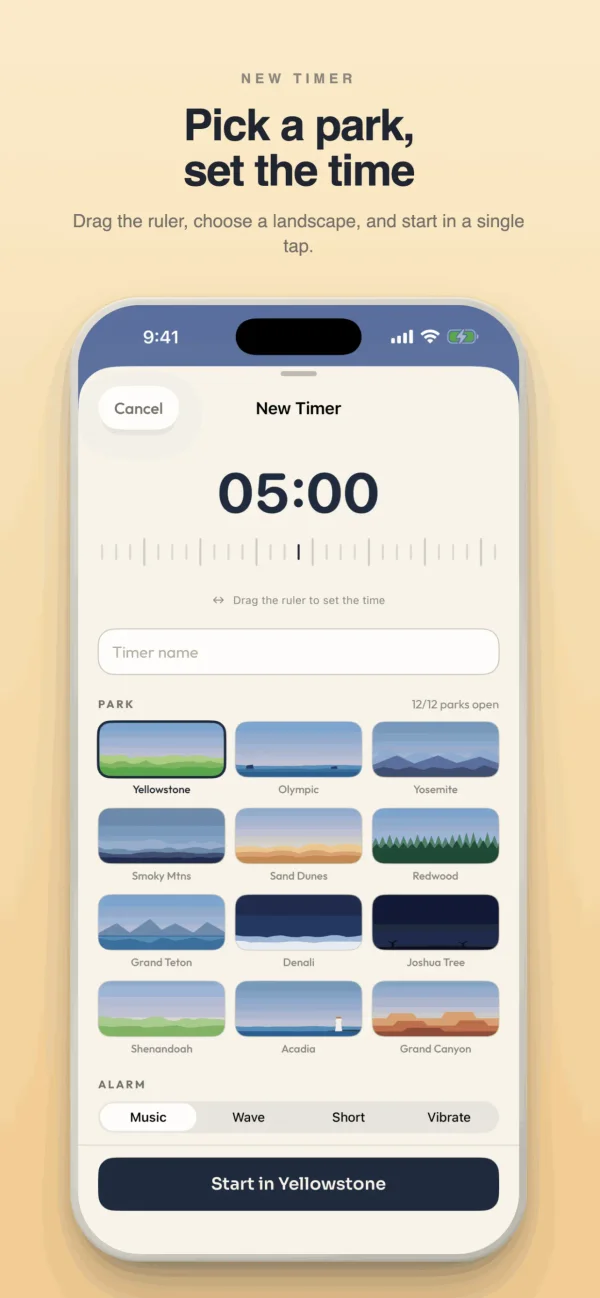
- Give each timer a name, duration, sound, and park
- See living visual scenes that progress with each timer
- Get alerts when timers finish
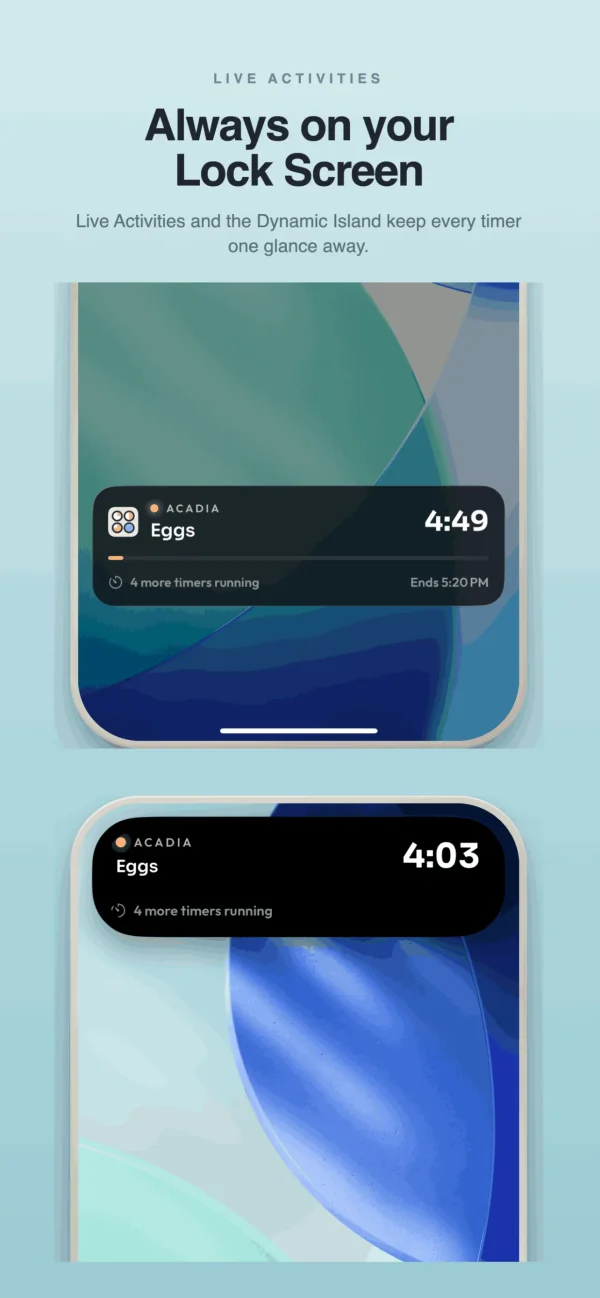
- Use Live Activities for glanceable timer status
- Collect completed park visits in your Park Passport
- Choose from four free parks
- Unlock all 12 national park scenes with MultiTimer Pro
Multi Timer is built for people who want a timer board that is practical, quick, and easier to read at a glance. Whether you are cooking, working, studying, exercising, or managing a routine, each countdown gets its own place on the map.
MultiTimer Pro is a one-time purchase that unlocks all 12 parks.
Yenilikler
Sürüm 3.5 · 07.11.2026
Delete what you don't need.
• Delete any timer. In the Parks look, tap a timer and choose Delete. In Classic, swipe a timer left.
• Clean up your recents. Long-press a recent timer to remove it, or tap Clear to remove them all.
• Every delete asks first, so nothing disappears by accident.
Thanks to Andy for asking for this one. Most of what changes in MultiTimer starts with a note like his, so keep the ideas coming: Settings > Send feedback.
Uygulama gizliliği
Bu uygulamanın verileri nasıl işlediği hakkında Barakah Digital LLC tarafından App Store üzerinde yapılan beyan.
-
Sizinle ilişkilendirilmeyen veriler
Toplanabilir ancak kimliğinizle ilişkilendirilmez.
- Satın alımlar
- Tanımlayıcılar
- Kullanım verileri
- Tanılama
Gizlilik uygulamaları, örneğin kullandığınız özelliklere veya yaşınıza göre değişiklik gösterebilir.
Bilgiler
- Satıcı
- Barakah Digital LLC
- Kategori
- Yardımcılar
- Sürüm
- 3.5
- Güncellendi
- 07.11.2026
- Yayın tarihi
- 15.12.2018
- Boyut
- 19,1 MB
- Gereksinim
- iOS 17.0 veya sonrası
- Yaş sınırı
- 4+
- Fiyat
- Ücretsiz
- Uygulama içi satın alma
- Evet
- Diller
- İngilizce
- Telif hakkı
- © 2026 Barakah Digital
Bunları da beğenebilirsiniz
-
 timer. - Multi Countdown TimerYardımcılar
-
 Multi Timer StopwatchYardımcılar
-
 Just TimersYardımcılar
-
 Timr - Multiple TimersYardımcılar
-
 MultiTimer: Multiple timersYardımcılar
-
 Sayaç - KronometreMutfak Sayaç ve Kronometre
-
 Visual Multi Timer: TimusYardımcılar
-
 About Timers - Kitchen TimerYardımcılar
-
 Kronometre Zamanlayıcı PlusÇoklu zamanlayıcı & kronometre
-
 Zamanlayıcı®Geri sayım saati