PasteFlow: Auto Input Message
Quick Text Keyboard Expander
iPhone, iPad, iPod touch向けに設計
無料
- 対象年齢4+
- カテゴリ仕事効率化
- 開発元Nguyen Thi Thu
- 言語英語
- サイズ29.1 MB
App Storeの公式ページにリンクしています
Download.orgはPasteFlow: Auto Input Messageのファイルを一切ホストしていません。ボタンを押すと、Nguyen Thi Thuが公開しているApp Storeのアプリページが開きます。ページの最終確認:2026/11/20。
スクリーンショット
概要
開発元はこのテキストをお使いの言語で提供していません。
PasteFlow is a keyboard that remembers what you type — and types it back for you.
Stop leaving the chat to open Notes, copy a reply and paste it back in. Add PasteFlow to your keyboards, open it inside any text field, and your texts are one tap away — anywhere.
WHAT YOU GET
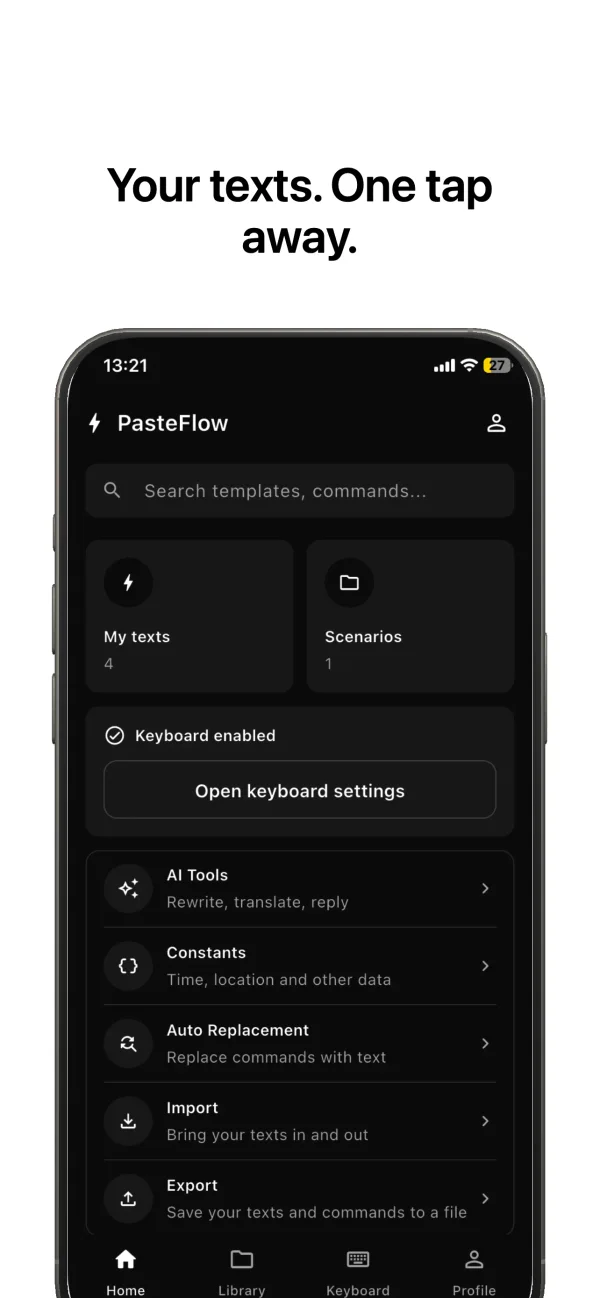
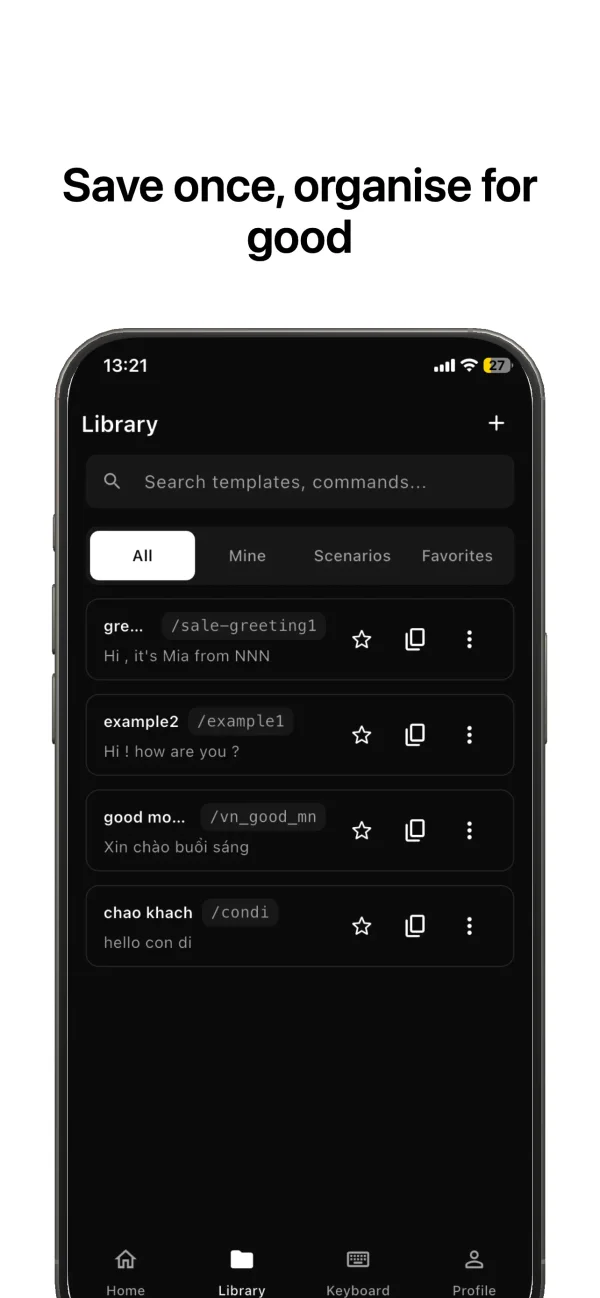
• Quick texts — save any phrase, insert it with one tap
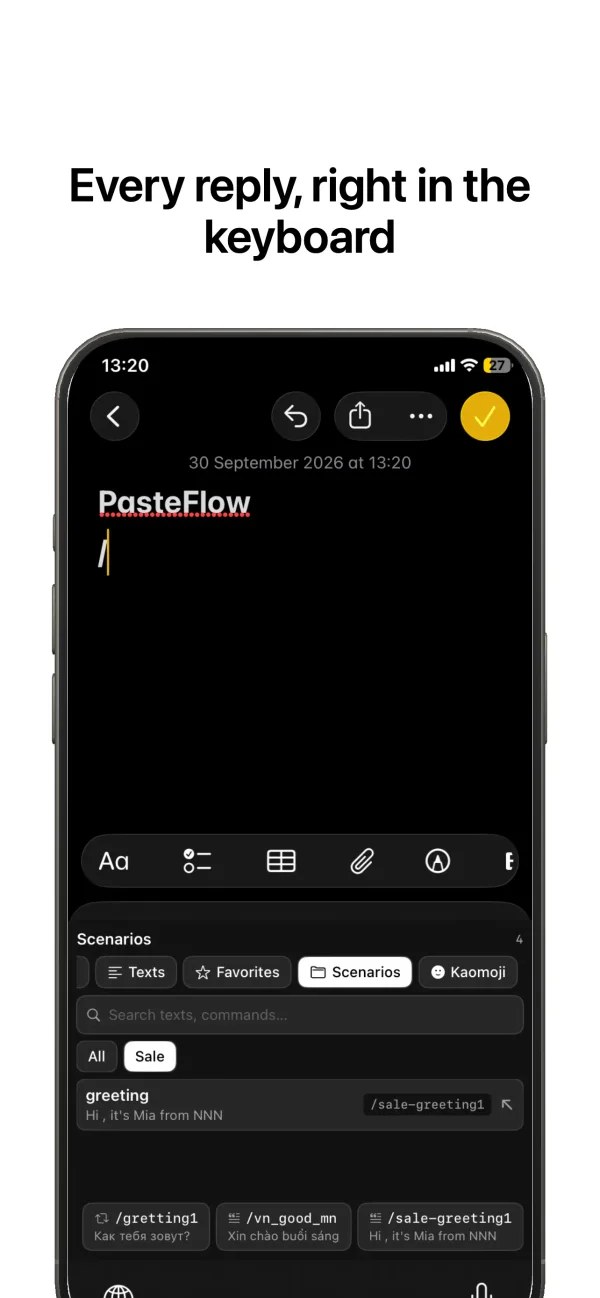
• Scenarios — group texts for sales, support, work, personal
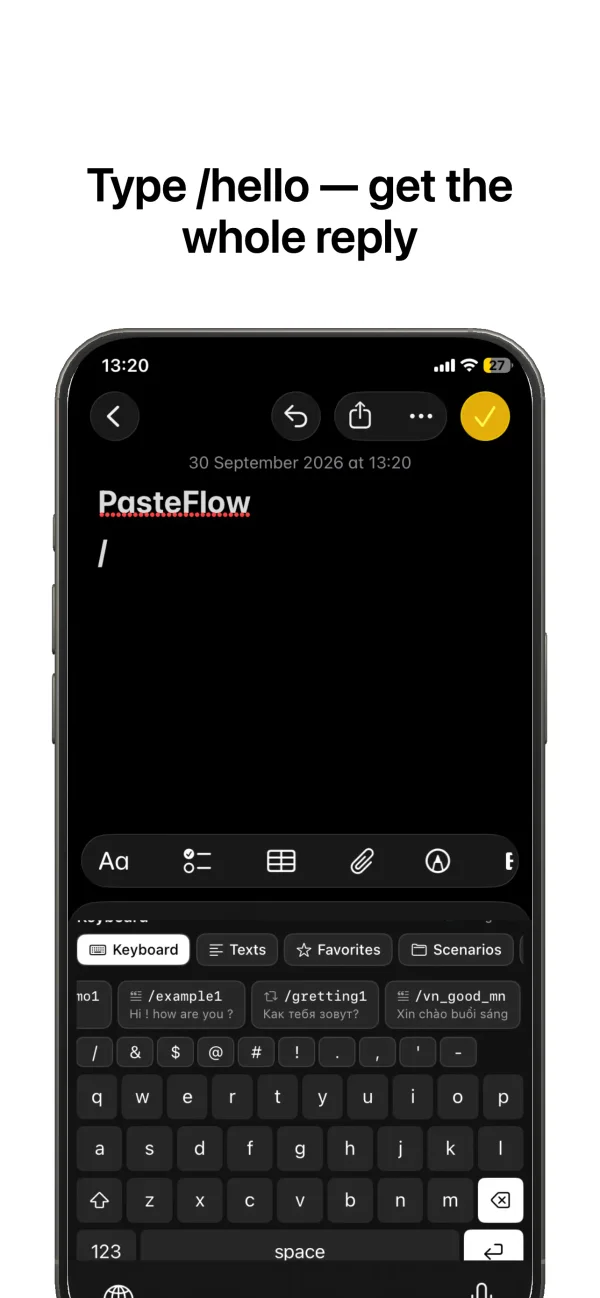
• Shortcuts — type /hello and it expands into your full greeting
• Auto replacement — fix typos and expand abbreviations while you type
• Constants — {{city}}, {{address}}, {{time}}, {{clipboard}} and your own keys are filled in automatically
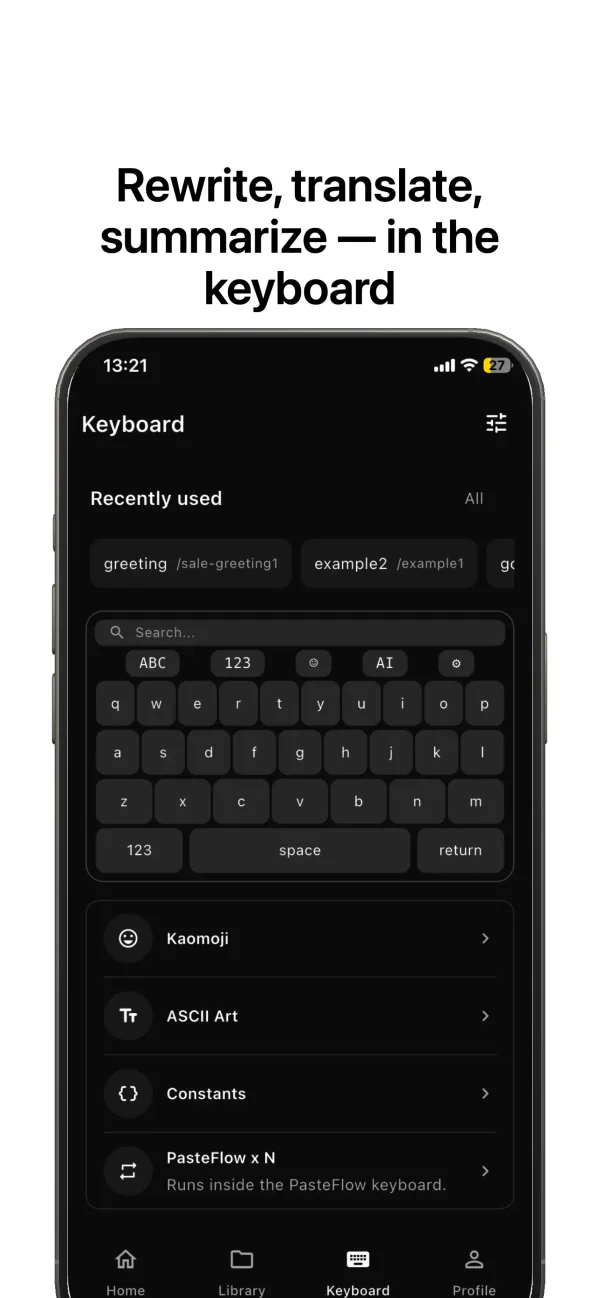
• AI tools — rewrite, shorten, expand, change tone, translate, write a reply, summarize, turn a text into a template
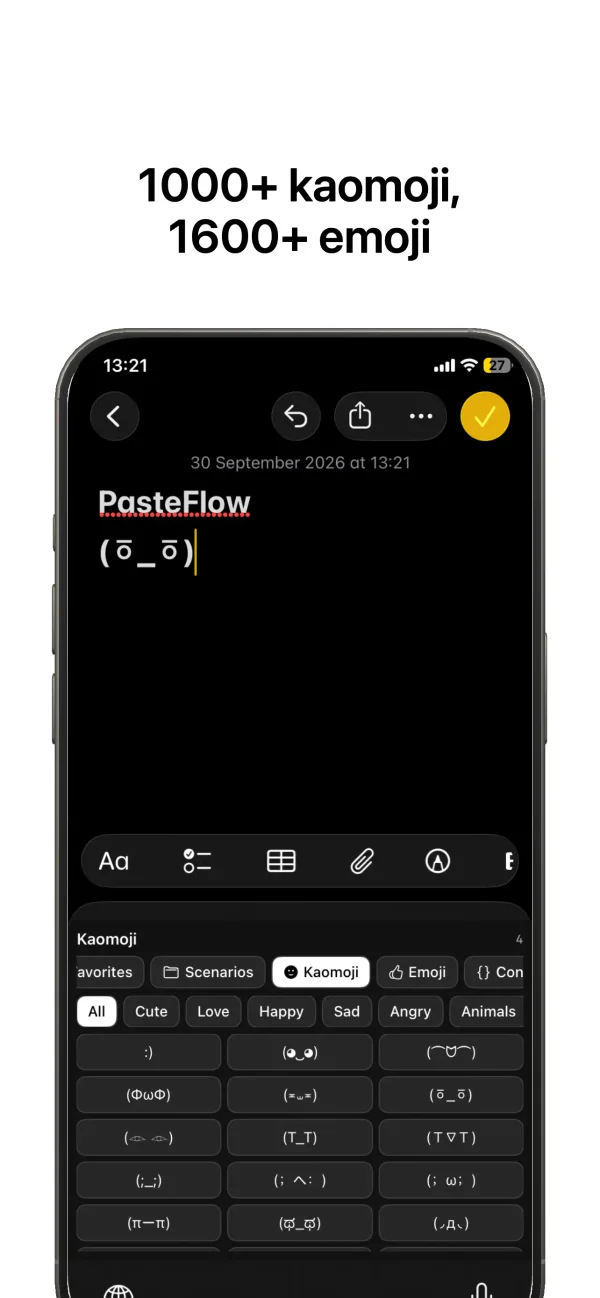
• Kaomoji — 1000+ faces in 10 categories
• Emoji — 1600+ across 11 categories
• ASCII art — turn text or a photo into monospaced art, plain or in colour
• PasteFlow x N — send the same message 5, 10 or 100 times
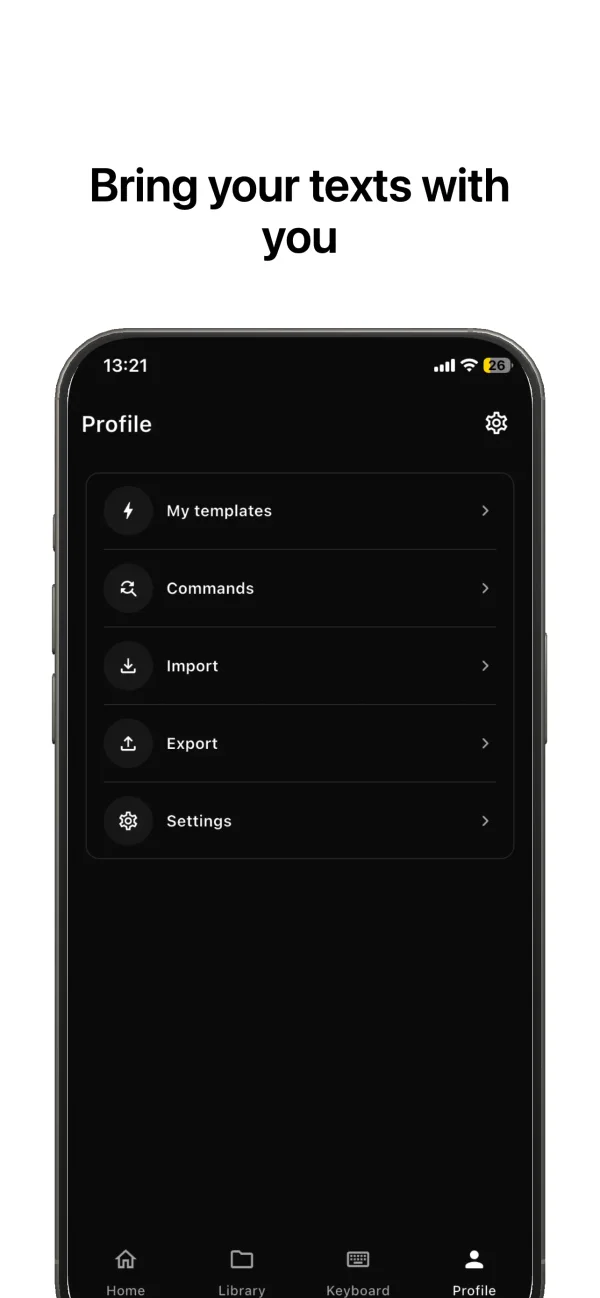
• Import & export — from Notes, CSV, Google Sheets or a JSON backup
PRIVATE BY DESIGN
No account. No ads. Nothing you type is collected or analysed. Your library lives on your device and is shared only with the keyboard you installed. Full Access is what lets the keyboard read your latest texts and run the AI tools over the network; without it the keyboard keeps typing normally.
BUILT LIKE A REAL KEYBOARD
Ranked suggestions and most-used ranking, a sections toolbar for texts, scenarios, kaomoji, emoji, constants, ASCII, AI and repeats, 130+ layout languages, sound and haptic feedback, adjustable height, key size and text scale, light and dark themes in black, white and grey.
WHO IT IS FOR
Freelancers, sales teams, support agents, online sellers, teachers, students — anyone who types the same things every day.
HOW IT WORKS
1. Settings ▸ General ▸ Keyboard ▸ Keyboards ▸ Add New Keyboard ▸ PasteFlow
2. Save the texts you repeat
3. Tap them from the keyboard, in any app
Type once. Never again.
Privacy Policy : https://docs.google.com/document/d/1Pp4PWp9PfB2xC8QqcBCuY7qdNLIGEvU1zvFNewwxwA0/edit?usp=share_link
Terms Of Service : https://docs.google.com/document/d/1K_lM-K9ejyUxG62gKD5_cqZtVylaKbs67sNbMJRTKXk/edit?usp=share_link
アプリのプライバシー
このアプリのデータの取り扱いについて、Nguyen Thi ThuがApp Storeで申告している内容です。
-
データの収集なし
開発元はこのアプリからデータを収集しません。
プライバシーの取り扱いは、ご利用の機能やお客様の年齢などに応じて異なる場合があります。
情報
- 販売元
- Nguyen Thi Thu
- カテゴリ
- 仕事効率化
- バージョン
- 1.0.1+4
- 更新日
- 2026/10/1
- リリース
- 2026/10/1
- サイズ
- 29.1 MB
- 必要条件
- iOS 15.0以降
- 対象年齢
- 4+
- 価格
- 無料
- 言語
- 英語
- 著作権
- ©PasteFlow. All rights reserved
こちらもおすすめ
-
 Voice to Text Keyboard: ARA仕事効率化
-
 フレーズキーボード: KeyBurst定型文をすばやく貼り付け
-
 1SecCopy:クリップボード・キーボード一度保存、どこでも貼り付け
-
 WriterPro: Ai Keyboard仕事効率化
-
 Markdown.md - Notes & Preview仕事効率化
-
 KeySnip - テキスト装飾と筆記体キーボードの達人芸術的なフォント、テキスト、絵文字、記号キーボード
-
 TypeGo仕事効率化
-
 FUTO Notes仕事効率化
-
 ZenNotes: Markdown Notes仕事効率化
-
 Sticky Notes:付箋メモ帳・ToDoリストホーム画面・ロック画面ウィジェット対応のやることリスト