- 対象年齢4+
- カテゴリ仕事効率化
- 開発元Oleh Antoniuk
- 言語英語ほか19言語
- サイズ8.0 MB
App Storeの公式ページにリンクしています
Download.orgはPDF Scanner & Doc Editorのファイルを一切ホストしていません。ボタンを押すと、Oleh Antoniukが公開しているApp Storeのアプリページが開きます。ページの最終確認:2026/11/17。
スクリーンショット
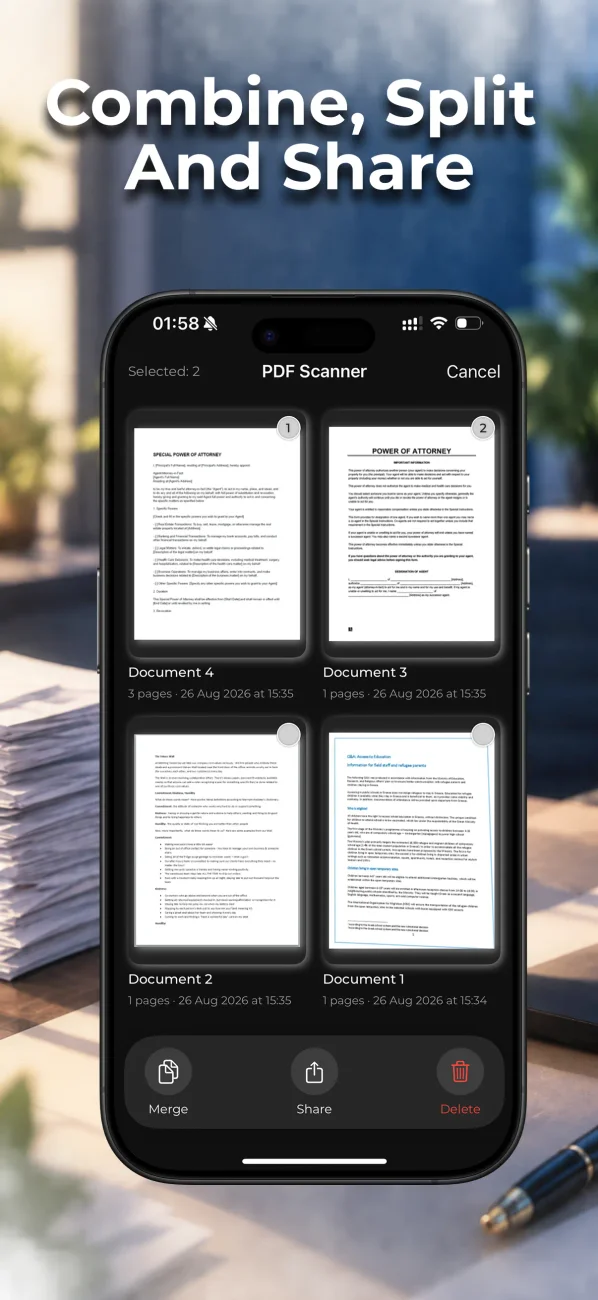
概要
開発元はこのテキストをお使いの言語で提供していません。
PDF Scanner — Scan, Sign, and Edit Documents in Seconds
Turn your iPhone into a powerful document scanner. Capture paper documents with your camera, clean them up automatically, edit the recognized text right on the page, add your signature, and turn everything into a polished PDF — all without leaving the app.
SMART SCANNING
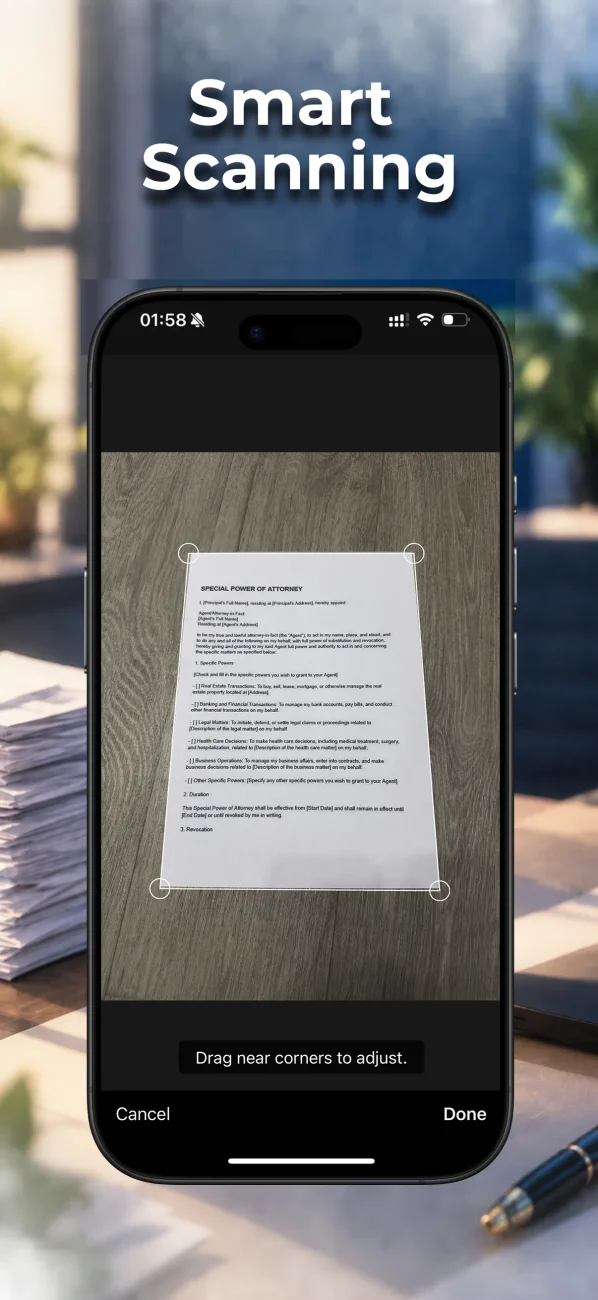
Point your camera at any document and PDF Scanner automatically detects the edges, corrects perspective, and crops it perfectly. Import photos from your gallery just as easily — auto-crop works there too.
EDIT TEXT — NOT JUST SCAN IT
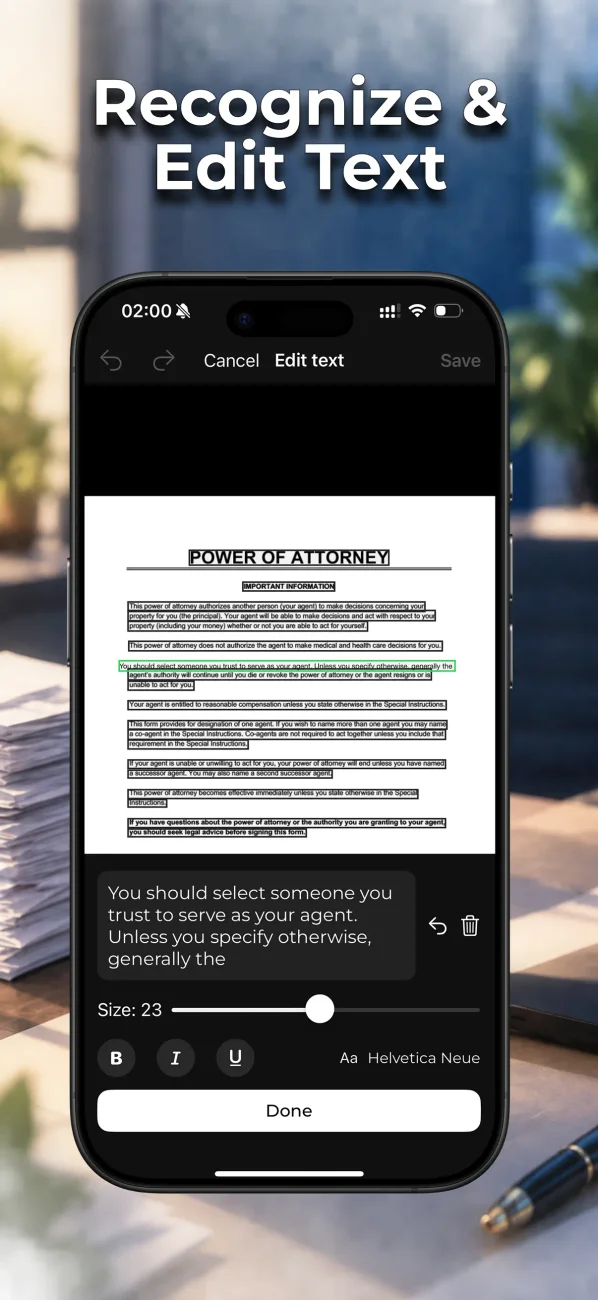
This isn't just OCR that copies text out. Tap any line of recognized text directly on the scanned page to retype it, change the font, resize it, or move it — the edit is patched right into the document, in place.
REAL SIGNATURES
Draw your signature with your finger, save it for reuse, and place it anywhere on the page. Resize, rotate, and adjust it precisely — or swap it out any time.
MERGE, SPLIT, AND ORGANIZE
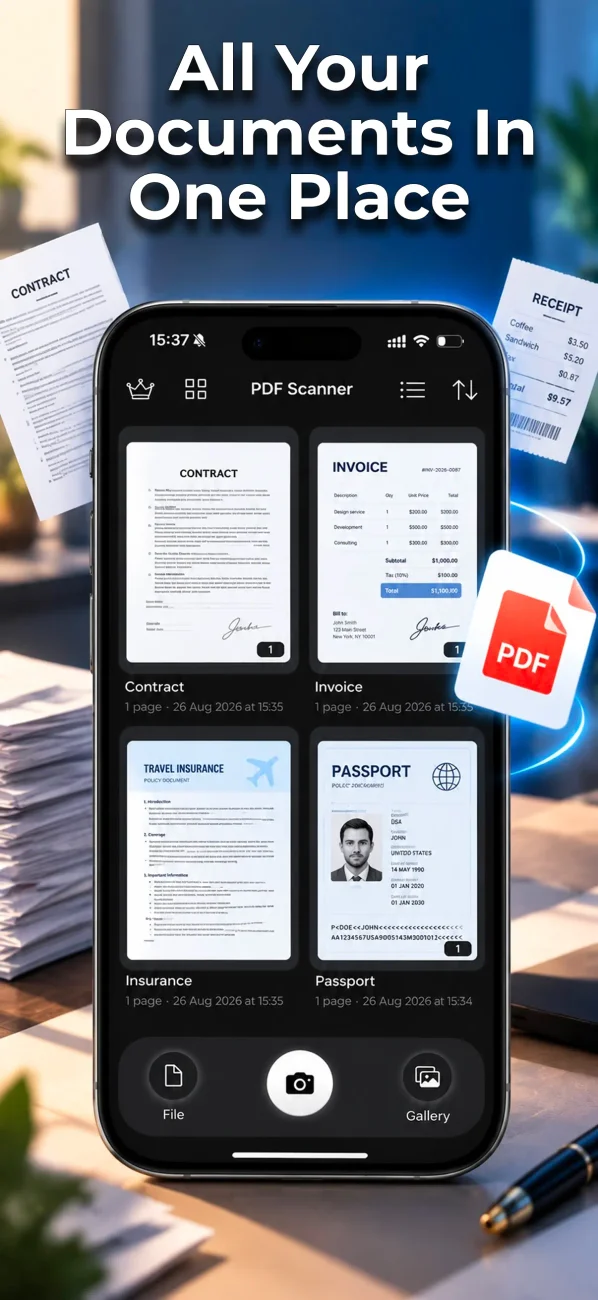
Combine multiple scans into a single PDF, split a document into separate files, reorder pages, and keep everything organized with sorting and a clean list or grid view.
SHARE INSTANTLY
Export and share your finished PDF anywhere — Mail, Messages, cloud storage, or any app on your phone.
WHY PDF SCANNER
• No clunky menus — everything happens right on the page
• Clean, distraction-free design
• Your documents stay on your device
• Fast enough to scan a whole stack of papers in minutes
Whether it's a contract to sign, a receipt to save, or a stack of paperwork to digitize, PDF Scanner gets it done without the hassle of a physical scanner.
Privacy Policy: https://sites.google.com/view/pdfscanner-2026/privacy-policy
Terms of Use: https://sites.google.com/view/pdfscanner-2026/terms
Support: suppapp24@gmail.com
新機能
バージョン 1.3.1 · 2026/10/17
• Fixed an issue where exported PDFs were too large
• New app icon
アプリのプライバシー
このアプリのデータの取り扱いについて、Oleh AntoniukがApp Storeで申告している内容です。
-
ユーザーに関連付けられたデータ
収集され、ユーザーの識別情報に関連付けられる場合があります。
- 購入
-
ユーザーに関連付けられないデータ
収集される場合がありますが、ユーザーの識別情報には関連付けられません。
- ID
- 使用状況データ
プライバシーの取り扱いは、ご利用の機能やお客様の年齢などに応じて異なる場合があります。
情報
- 販売元
- Oleh Antoniuk
- カテゴリ
- 仕事効率化
- バージョン
- 1.3.1
- 更新日
- 2026/10/17
- リリース
- 2026/8/19
- サイズ
- 8.0 MB
- 必要条件
- iOS 16.0以降
- 対象年齢
- 4+
- 価格
- 無料
- アプリ内課金
- あり
- 言語
- 英語, アラビア語, オランダ語, フランス語, ドイツ語, ヒンディー語, インドネシア語, イタリア語, 日本語, 韓国語, ポーランド語, ポルトガル語 ほか8言語
- 著作権
- © Oleh Antoniuk
こちらもおすすめ
-
 PDF編集 .PDFファイル編集
-
 Lemon:PDFスキャナ&編集スキャン・結合・圧縮・印刷
-
 14 Days: Habit & Goal Tracker仕事効率化
-
 VARAK PDF Editor & Scanner仕事効率化
-
 PDF Toolkit: PDF Editor & Scan仕事効率化
-
 BossPDF: PDF Editor & Scanner仕事効率化
-
 Textify:PDFテキスト抽出スキャン文書をTXTに変換
-
 OCR, Read & Convert Documents仕事効率化
-
 Word Editor: Edit Docx & PDF仕事効率化
-
 PDFX:PDF編集・閲覧・署名PDFを編集・入力・署名