PDF Tools - Split, Merge, Comp
Merge, Edit & Compress PDFs
iPhone, iPad向けに設計
無料 · アプリ内課金
- 対象年齢4+
- カテゴリ仕事効率化
- 開発元少泽 梁
- 言語繁体字中国語ほか6言語
- サイズ45.7 MB
App Storeの公式ページにリンクしています
Download.orgはPDF Tools - Split, Merge, Compのファイルを一切ホストしていません。ボタンを押すと、少泽 梁が公開しているApp Storeのアプリページが開きます。ページの最終確認:2026/11/15。
スクリーンショット
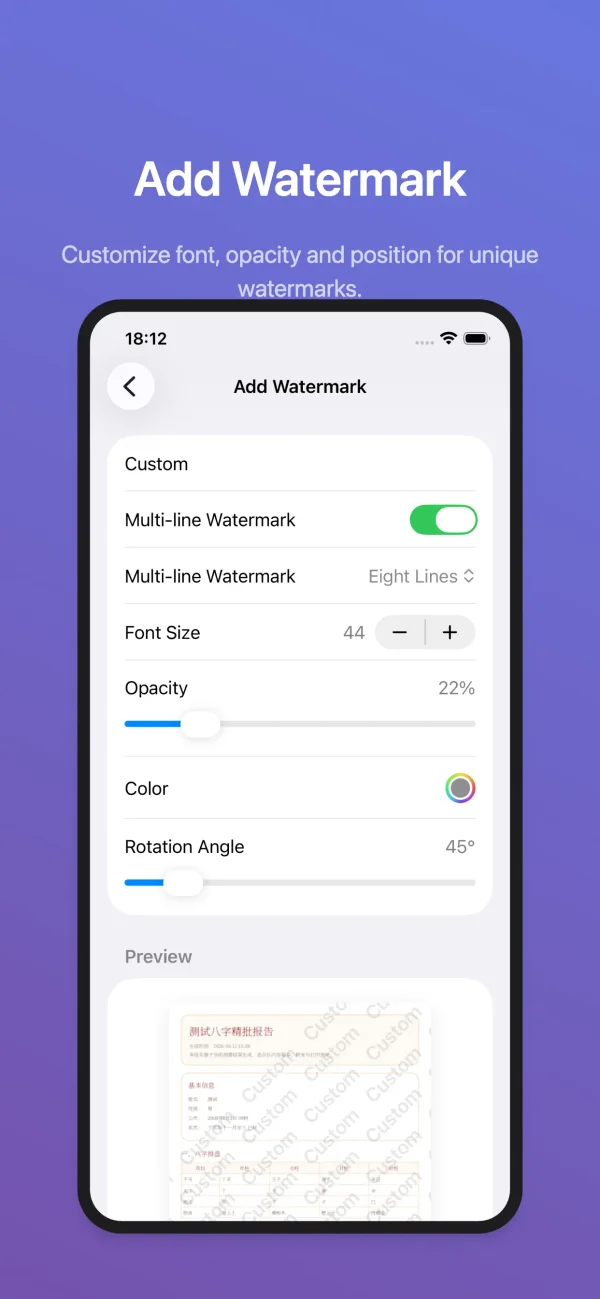
概要
開発元はこのテキストをお使いの言語で提供していません。
PDF Tools helps you organize sensitive documents faster with on-device PDF workflows built for privacy and efficiency. Merge, edit, split, compress, sign, and convert images to PDF on your iPhone without uploading files to a server.
It is designed for real tasks such as combining contracts before sending, compressing reports for sharing, organizing study materials, or signing documents while away from a desk. The workflow stays focused, fast, and easy to understand.
If you want a PDF tool that balances privacy, daily usefulness, and a clean native iOS experience, this app gives you practical document actions together with a built-in local library for follow-up access and export.
Key features:
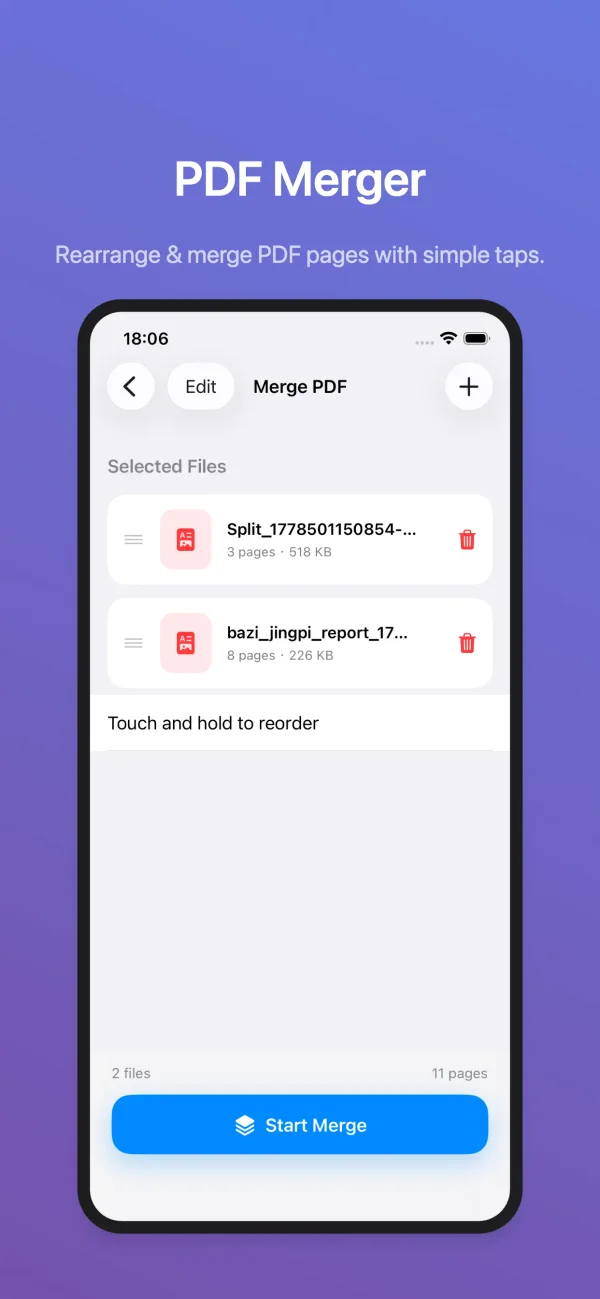
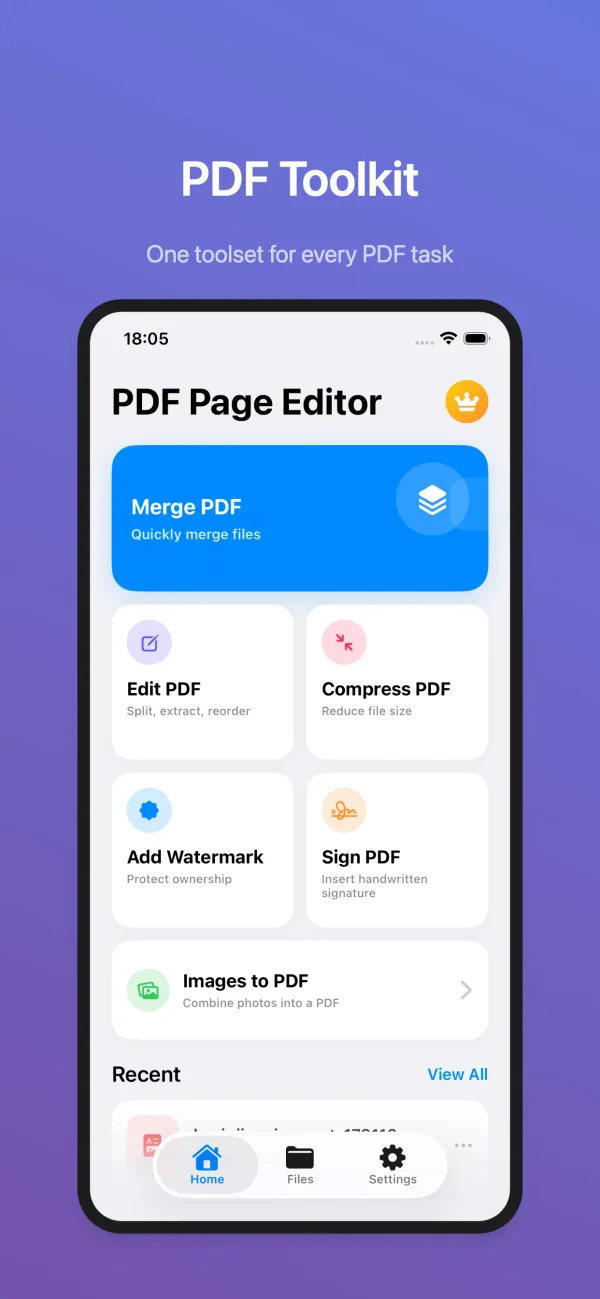
- Merge multiple PDF files in your preferred order
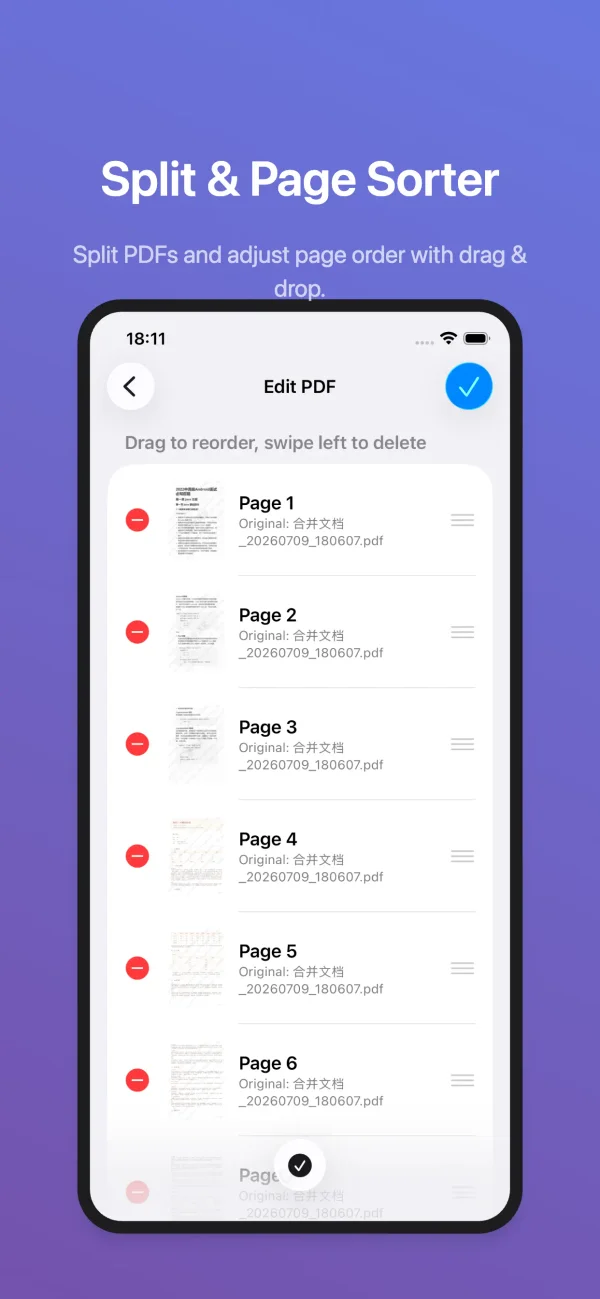
- Edit pages with reorder, delete, and split actions
- Compress PDFs for easier sharing and storage
- Add text watermarks for document ownership and archive control
- Insert handwritten signatures for common approval and signing workflows
- Convert multiple images into one PDF document
- Manage processed files locally with preview, rename, delete, and export
Best-fit use cases:
- Office work: contracts, invoices, reports, and meeting materials
- School work: lecture notes, handouts, assignments, and revision packs
- Privacy-focused users: local processing for documents that should not leave the device
Why it converts better:
- Private by design with on-device processing
- Covers a full document workflow instead of a single task
- Reduces friction with focused actions and native iPhone interaction
- Keeps processed files accessible in a local library for ongoing use
Notes:
- Premium benefits, pricing, and trial availability must match the actual StoreKit configuration
- Future metadata updates should prioritize conversion and search term performance
[Protocol Description]
End User Software Usage Terms
https://www.apple.com/legal/internet-services/itunes/dev/stdeula/
Terms of Use
https://www.sharezer.com/app/agreement/TermsofUse.html
Privacy Policy
https://www.sharezer.com/app/agreement/PrivacyPolicy.html
新機能
バージョン 1.6.0 · 2026/9/5
Update APP icon
アプリのプライバシー
このアプリのデータの取り扱いについて、少泽 梁がApp Storeで申告している内容です。
-
ユーザーのトラッキングに使用されるデータ
他社のアプリやウェブサイトを横断してユーザーをトラッキングする目的で使用される場合があります。
- 使用状況データ
-
ユーザーに関連付けられないデータ
収集される場合がありますが、ユーザーの識別情報には関連付けられません。
- 使用状況データ
プライバシーの取り扱いは、ご利用の機能やお客様の年齢などに応じて異なる場合があります。
情報
- 販売元
- 少泽 梁
- カテゴリ
- 仕事効率化
- バージョン
- 1.6.0
- 更新日
- 2026/9/5
- リリース
- 2026/7/14
- サイズ
- 45.7 MB
- 必要条件
- iOS 16.6以降
- 対象年齢
- 4+
- 価格
- 無料
- アプリ内課金
- あり
- 言語
- 繁体字中国語, 日本語, 簡体字中国語, 英語, ポルトガル語, スペイン語, 韓国語
- 著作権
- Copyright © 2026 Sharezer. All rights reserved.
こちらもおすすめ
-
 PDF合并拆分助手-PDF工具仕事効率化
-
 画像変換:PDF・JPG・PNG・HEICJPG · PNG · HEIC · PDF
-
 PDF Fill & Sign ProEdit, Sign & Fill PDF Forms
-
 pdf转换器--手机文档快速转换仕事効率化
-
 PDF編集・電子署名:DocHeroPDFに書き込み、サイン、記入
-
 スキャナー: PDF OCR 書類スキャンPDF OCR & QRコードスキャン
-
 WorldClock - 世界时钟,世界时间转换器仕事効率化
-
 Murmur: 文字起こし・議事録・録音・音声認識・翻訳端末内で完結・話者識別・編集・無音カット・全文検索
-
 MySendTransfer at Lightning Speed
-
 得理律助仕事効率化