PDF Tools - Split, Merge, Comp
Merge, Edit & Compress PDFs
Dirancang untuk iPhone, iPad
Gratis · Pembelian dalam aplikasi
- Batasan usia4+
- KategoriProduktivitas
- Pengembang少泽 梁
- BahasaTionghoa Tradisional+ 6 lainnya
- Ukuran45,7 MB
Tertaut ke halaman resmi App Store
Download.org tidak menyimpan file PDF Tools - Split, Merge, Comp apa pun. Tombol ini membuka halaman aplikasi di App Store, tempat 少泽 梁 menerbitkannya. Halaman terakhir diperiksa pada 15/11/2026.
Tangkapan layar
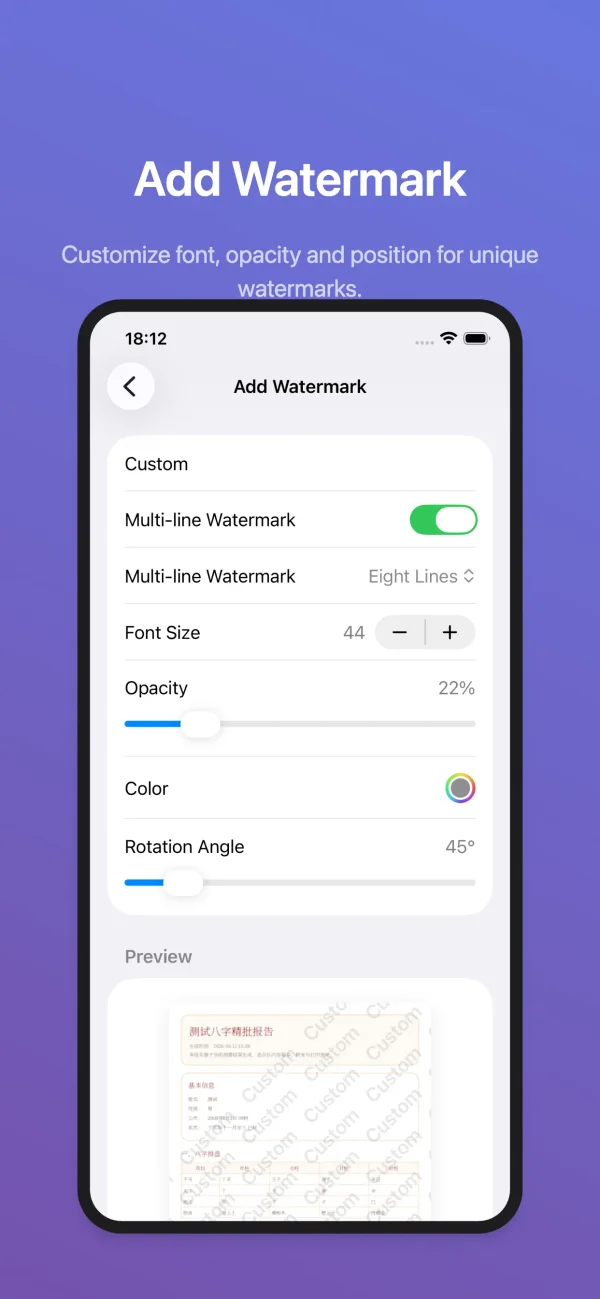
Tentang
Pengembang belum menyediakan teks ini dalam bahasa Anda.
PDF Tools helps you organize sensitive documents faster with on-device PDF workflows built for privacy and efficiency. Merge, edit, split, compress, sign, and convert images to PDF on your iPhone without uploading files to a server.
It is designed for real tasks such as combining contracts before sending, compressing reports for sharing, organizing study materials, or signing documents while away from a desk. The workflow stays focused, fast, and easy to understand.
If you want a PDF tool that balances privacy, daily usefulness, and a clean native iOS experience, this app gives you practical document actions together with a built-in local library for follow-up access and export.
Key features:
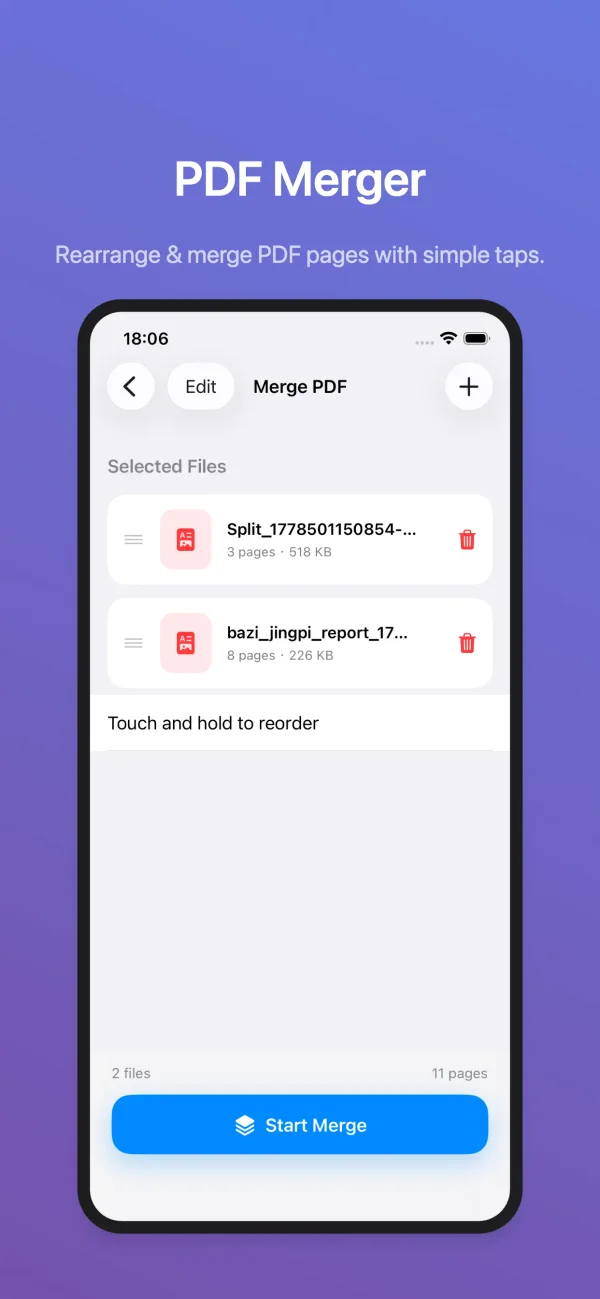
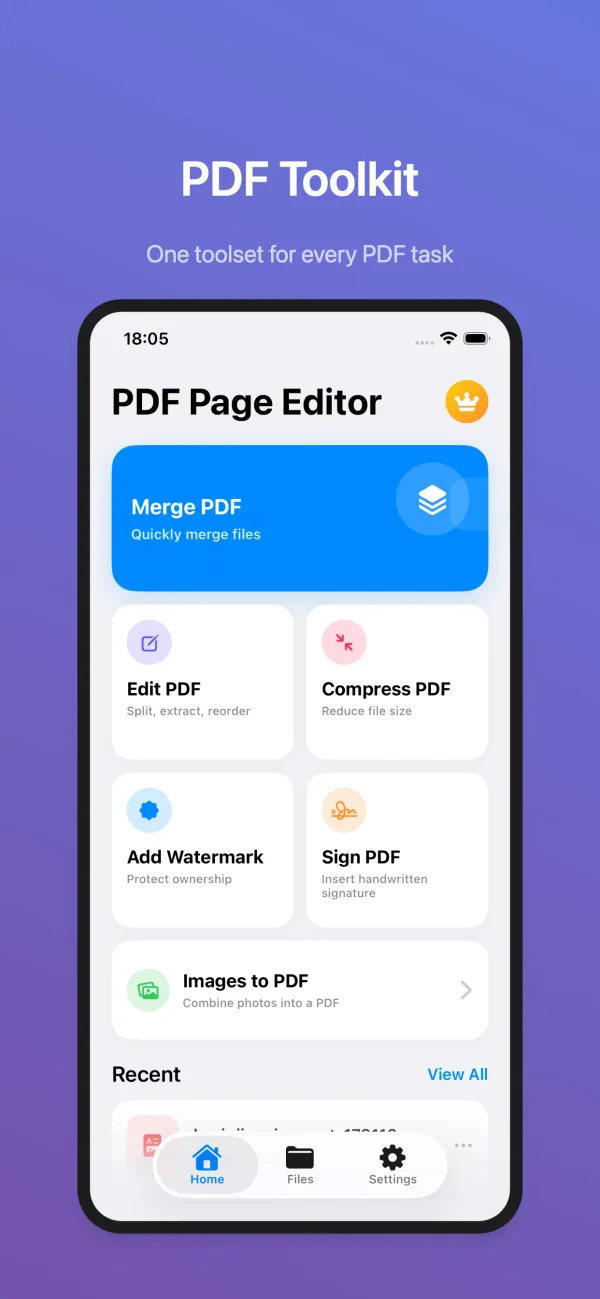
- Merge multiple PDF files in your preferred order
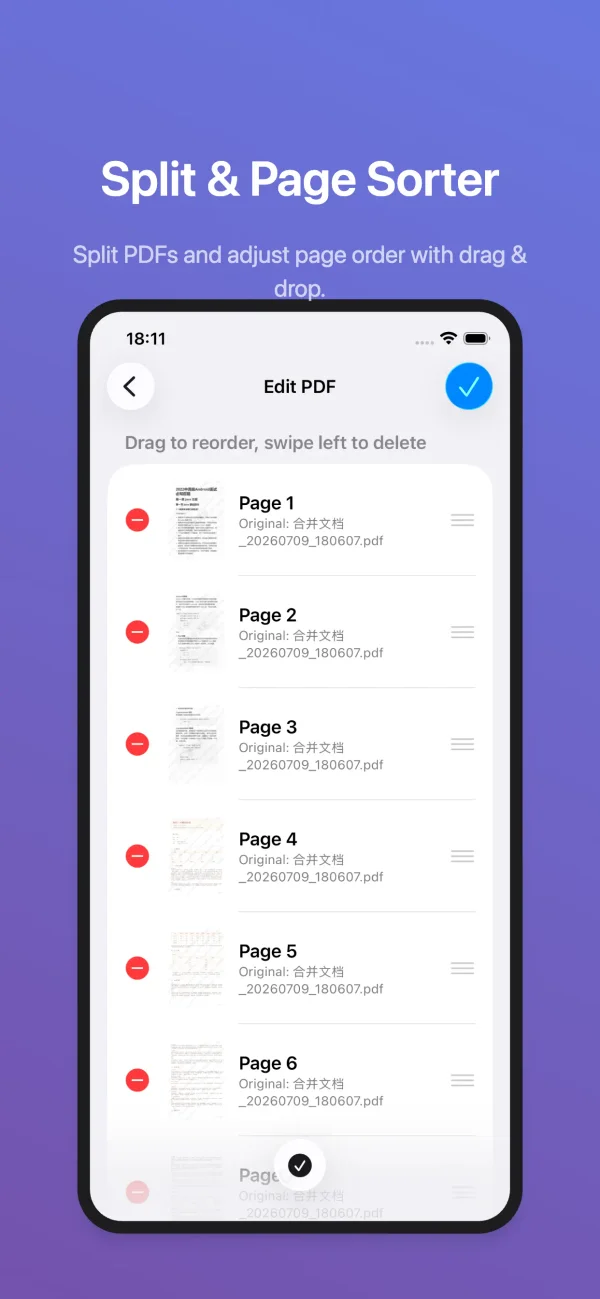
- Edit pages with reorder, delete, and split actions
- Compress PDFs for easier sharing and storage
- Add text watermarks for document ownership and archive control
- Insert handwritten signatures for common approval and signing workflows
- Convert multiple images into one PDF document
- Manage processed files locally with preview, rename, delete, and export
Best-fit use cases:
- Office work: contracts, invoices, reports, and meeting materials
- School work: lecture notes, handouts, assignments, and revision packs
- Privacy-focused users: local processing for documents that should not leave the device
Why it converts better:
- Private by design with on-device processing
- Covers a full document workflow instead of a single task
- Reduces friction with focused actions and native iPhone interaction
- Keeps processed files accessible in a local library for ongoing use
Notes:
- Premium benefits, pricing, and trial availability must match the actual StoreKit configuration
- Future metadata updates should prioritize conversion and search term performance
[Protocol Description]
End User Software Usage Terms
https://www.apple.com/legal/internet-services/itunes/dev/stdeula/
Terms of Use
https://www.sharezer.com/app/agreement/TermsofUse.html
Privacy Policy
https://www.sharezer.com/app/agreement/PrivacyPolicy.html
Yang baru
Versi 1.6.0 · 5/9/2026
Update APP icon
Privasi aplikasi
Yang dinyatakan 少泽 梁 di App Store tentang cara aplikasi ini menangani data.
-
Data yang digunakan untuk melacak Anda
Dapat digunakan untuk melacak Anda di aplikasi dan situs web milik perusahaan lain.
- Data penggunaan
-
Data yang tidak ditautkan dengan Anda
Dapat dikumpulkan, tetapi tidak ditautkan dengan identitas Anda.
- Data penggunaan
Praktik privasi dapat bervariasi, misalnya berdasarkan fitur yang Anda gunakan atau usia Anda.
Informasi
- Penjual
- 少泽 梁
- Kategori
- Produktivitas
- Versi
- 1.6.0
- Diperbarui
- 5/9/2026
- Dirilis
- 14/7/2026
- Ukuran
- 45,7 MB
- Memerlukan
- iOS 16.6 atau yang lebih baru
- Batasan usia
- 4+
- Harga
- Gratis
- Pembelian dalam aplikasi
- Ya
- Bahasa
- Tionghoa Tradisional, Jepang, Tionghoa Sederhana, Inggris, Portugis, Spanyol, Korea
- Hak cipta
- Copyright © 2026 Sharezer. All rights reserved.
Mungkin Anda juga suka
-
 PDF合并拆分助手-PDF工具Produktivitas
-
 Image Converter: PDF JPEG HEICProduktivitas
-
 PDF Fill & Sign ProEdit, Sign & Fill PDF Forms
-
 pdf转换器--手机文档快速转换Produktivitas
-
 Sign PDF & PDF Editor: DocHeroProduktivitas
-
 Scanner: PDF OCR Document ScanProduktivitas
-
 WorldClock - 世界时钟,世界时间转换器Produktivitas
-
 Murmur: Suara ke Teks RekamanPrivat, offline, ID pembicara
-
 MySendProduktivitas
-
 得理律助Produktivitas