PDF Tools - Split, Merge, Comp
Merge, Edit & Compress PDFs
Entwickelt für iPhone, iPad
Kostenlos · In-App-Käufe
- Altersfreigabe4+
- KategorieProduktivität
- Entwickler少泽 梁
- SprachenTradit. Chinesisch+ 6 weitere
- Größe45,7 MB
Verlinkt auf die offizielle App Store-Seite
Download.org hostet keine Datei von PDF Tools - Split, Merge, Comp. Die Schaltfläche öffnet die App-Seite bei App Store, wo 少泽 梁 die App veröffentlicht. Eintrag zuletzt geprüft am 15.11.2026.
Screenshots
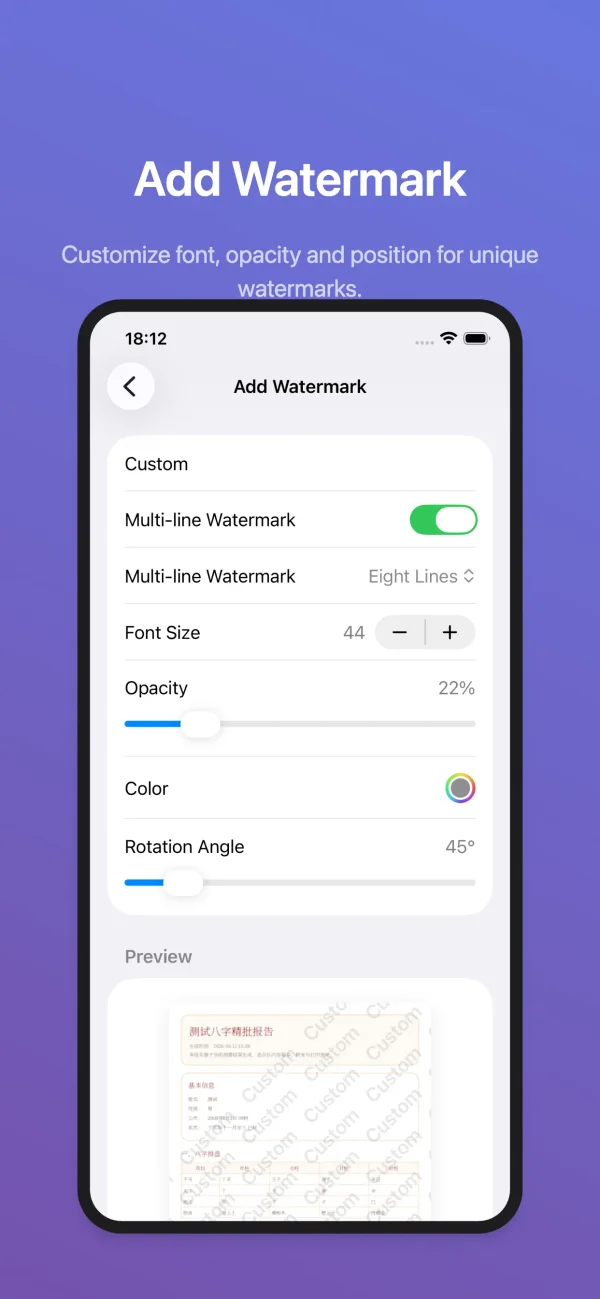
Info
Der Entwickler hat diesen Text nicht in Ihrer Sprache bereitgestellt.
PDF Tools helps you organize sensitive documents faster with on-device PDF workflows built for privacy and efficiency. Merge, edit, split, compress, sign, and convert images to PDF on your iPhone without uploading files to a server.
It is designed for real tasks such as combining contracts before sending, compressing reports for sharing, organizing study materials, or signing documents while away from a desk. The workflow stays focused, fast, and easy to understand.
If you want a PDF tool that balances privacy, daily usefulness, and a clean native iOS experience, this app gives you practical document actions together with a built-in local library for follow-up access and export.
Key features:
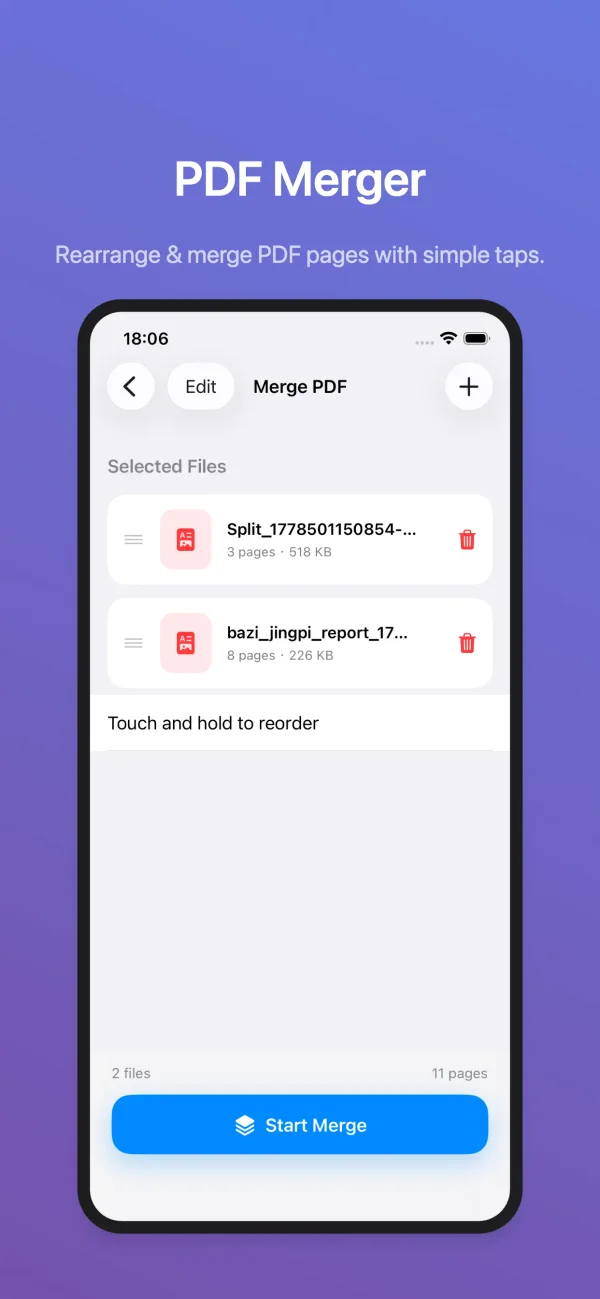
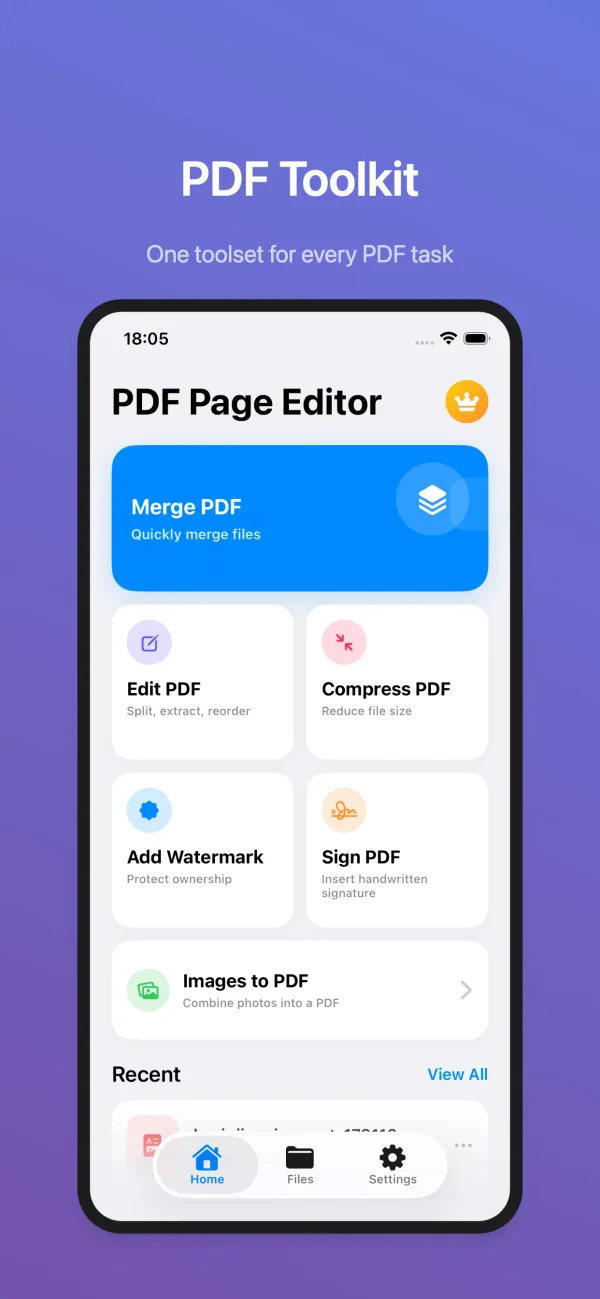
- Merge multiple PDF files in your preferred order
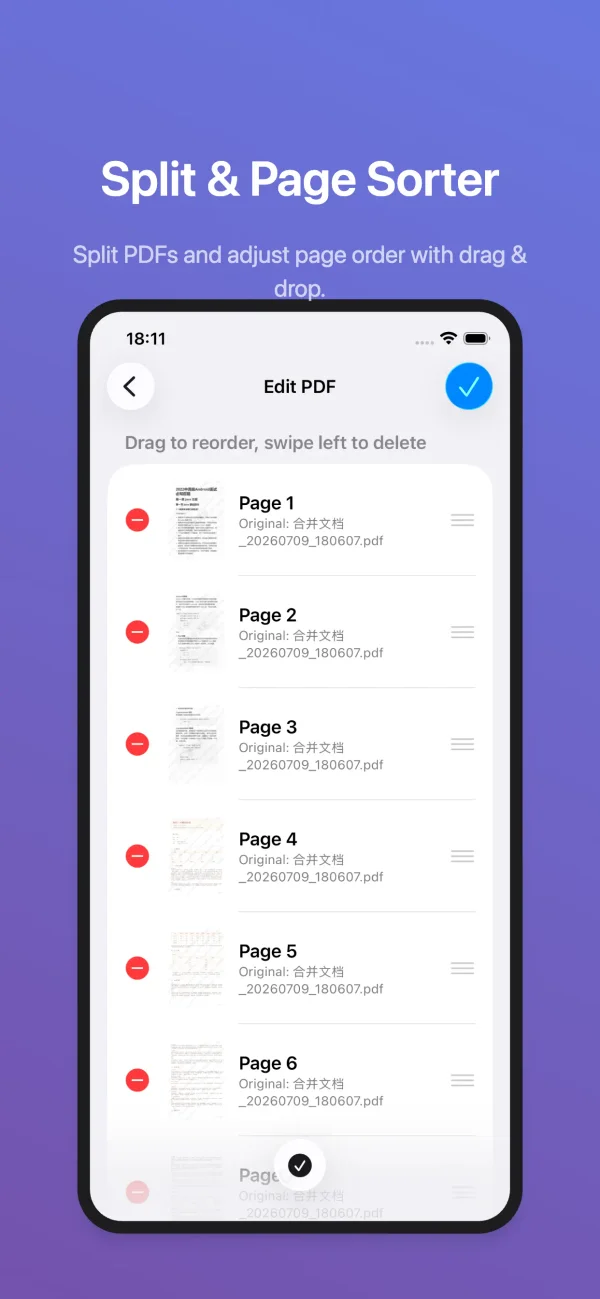
- Edit pages with reorder, delete, and split actions
- Compress PDFs for easier sharing and storage
- Add text watermarks for document ownership and archive control
- Insert handwritten signatures for common approval and signing workflows
- Convert multiple images into one PDF document
- Manage processed files locally with preview, rename, delete, and export
Best-fit use cases:
- Office work: contracts, invoices, reports, and meeting materials
- School work: lecture notes, handouts, assignments, and revision packs
- Privacy-focused users: local processing for documents that should not leave the device
Why it converts better:
- Private by design with on-device processing
- Covers a full document workflow instead of a single task
- Reduces friction with focused actions and native iPhone interaction
- Keeps processed files accessible in a local library for ongoing use
Notes:
- Premium benefits, pricing, and trial availability must match the actual StoreKit configuration
- Future metadata updates should prioritize conversion and search term performance
[Protocol Description]
End User Software Usage Terms
https://www.apple.com/legal/internet-services/itunes/dev/stdeula/
Terms of Use
https://www.sharezer.com/app/agreement/TermsofUse.html
Privacy Policy
https://www.sharezer.com/app/agreement/PrivacyPolicy.html
Neue Funktionen
Version 1.6.0 · 05.09.2026
Update APP icon
App-Datenschutz
Was 少泽 梁 im App Store zum Umgang dieser App mit Daten angibt.
-
Daten, die zum Tracking Ihrer Person verwendet werden
Können verwendet werden, um Sie über Apps und Websites anderer Unternehmen hinweg zu verfolgen.
- Nutzungsdaten
-
Nicht mit Ihnen verknüpfte Daten
Können erfasst werden, sind aber nicht mit Ihrer Identität verknüpft.
- Nutzungsdaten
Die Datenschutzpraktiken können variieren, zum Beispiel je nach den von Ihnen verwendeten Funktionen oder Ihrem Alter.
Informationen
- Anbieter
- 少泽 梁
- Kategorie
- Produktivität
- Version
- 1.6.0
- Aktualisiert
- 05.09.2026
- Veröffentlicht
- 14.07.2026
- Größe
- 45,7 MB
- Erfordert
- iOS 16.6 oder neuer
- Altersfreigabe
- 4+
- Preis
- Kostenlos
- In-App-Käufe
- Ja
- Sprachen
- Tradit. Chinesisch, Japanisch, Vereinf. Chinesisch, Englisch, Portugiesisch, Spanisch, Koreanisch
- Copyright
- Copyright © 2026 Sharezer. All rights reserved.
Das könnte Ihnen auch gefallen
-
 PDF合并拆分助手-PDF工具Produktivität
-
 Bildkonverter: PDF JPG HEICJPG · PNG · HEIC · PDF
-
 PDF Fill & Sign ProEdit, Sign & Fill PDF Forms
-
 pdf转换器--手机文档快速转换Produktivität
-
 PDF Bearbeiten & SignierenPDF unterschreiben & ausfüllen
-
 Scanner: PDF OCR Document ScanProduktivität
-
 WorldClock - 世界时钟,世界时间转换器Produktivität
-
 Murmur: Diktiergerät & NotizenLokale, private Transkription
-
 MySendProduktivität
-
 得理律助Produktivität