PDF Tools - Split, Merge, Comp
Merge, Edit & Compress PDFs
Designed for iPhone, iPad
In-app purchases
- Age rating4+
- CategoryProductivity
- Developer少泽 梁
- LanguagesTraditional Chinese+ 6 more
- Size45.7 MB
Links to the official App Store page
Download.org hosts no file of PDF Tools - Split, Merge, Comp. The button opens its official App Store page, published by 少泽 梁. Listing last checked on Nov 15, 2026.
Screenshots
About
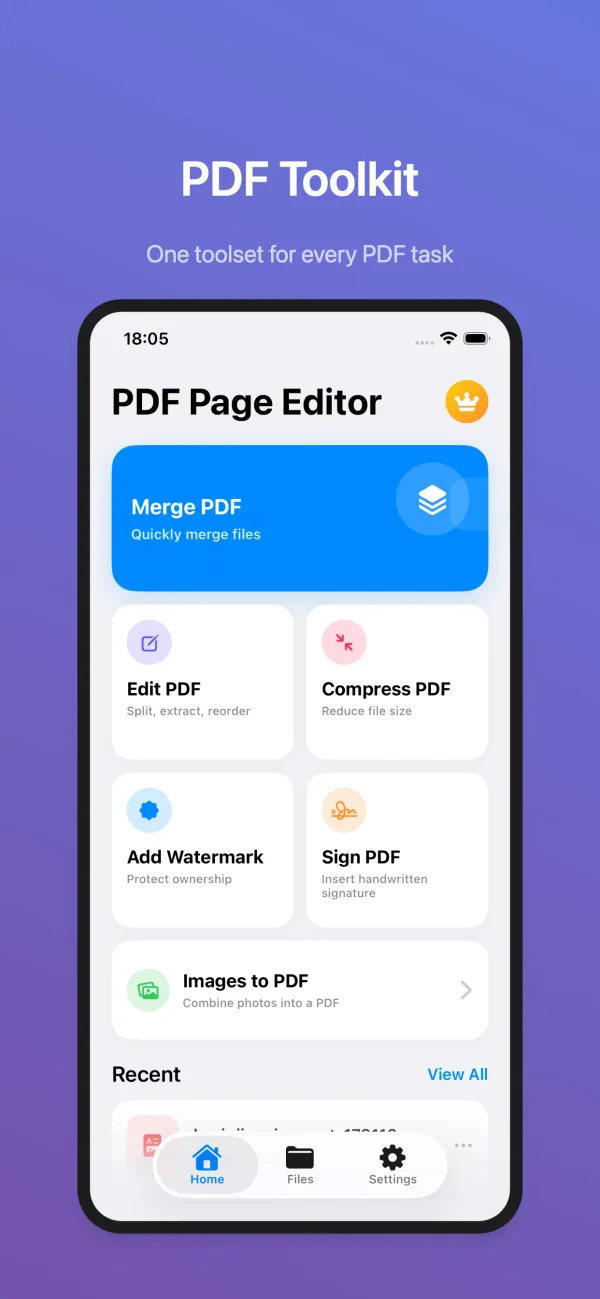
PDF Tools helps you organize sensitive documents faster with on-device PDF workflows built for privacy and efficiency. Merge, edit, split, compress, sign, and convert images to PDF on your iPhone without uploading files to a server.
It is designed for real tasks such as combining contracts before sending, compressing reports for sharing, organizing study materials, or signing documents while away from a desk. The workflow stays focused, fast, and easy to understand.
If you want a PDF tool that balances privacy, daily usefulness, and a clean native iOS experience, this app gives you practical document actions together with a built-in local library for follow-up access and export.
Key features:
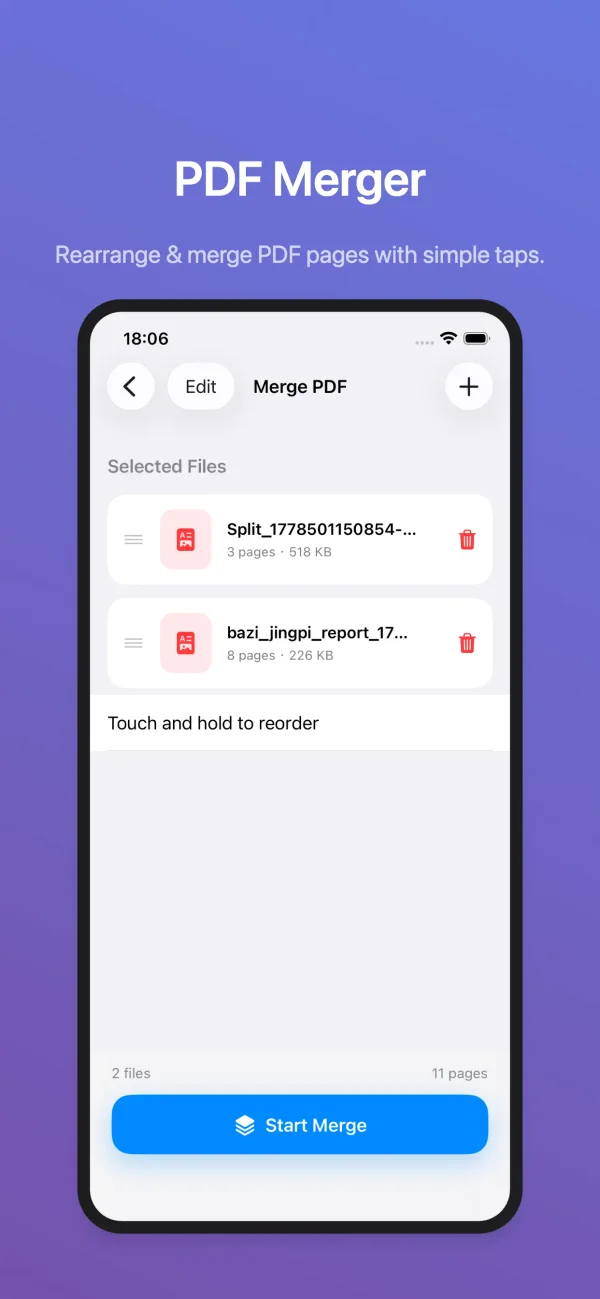
- Merge multiple PDF files in your preferred order
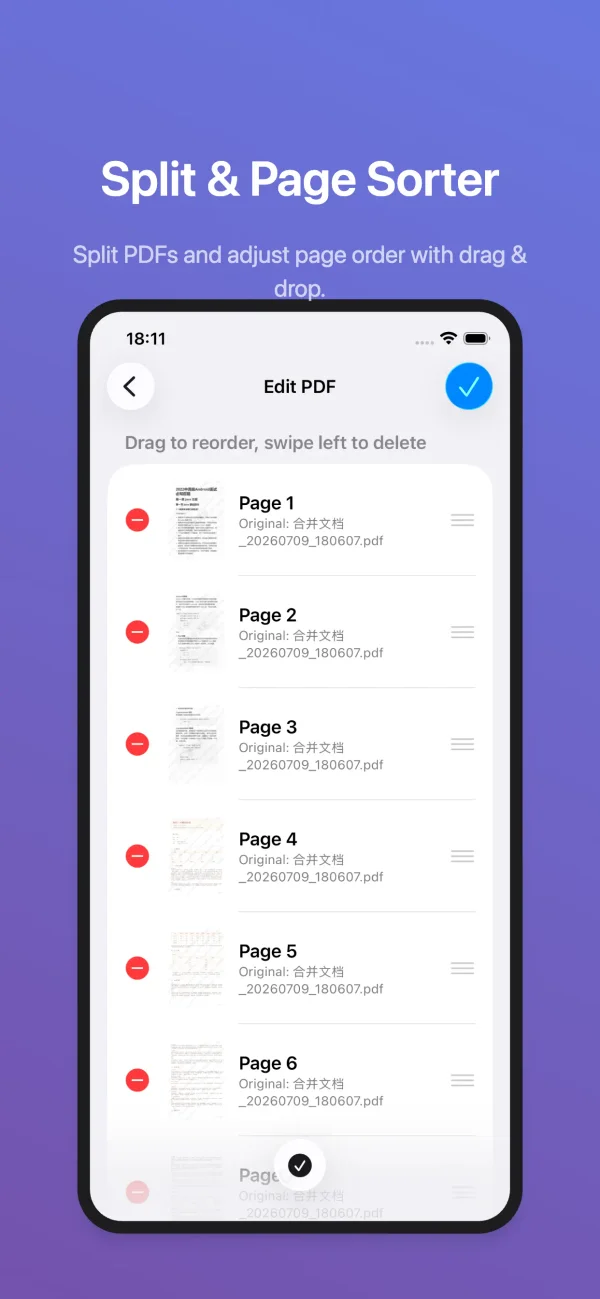
- Edit pages with reorder, delete, and split actions
- Compress PDFs for easier sharing and storage
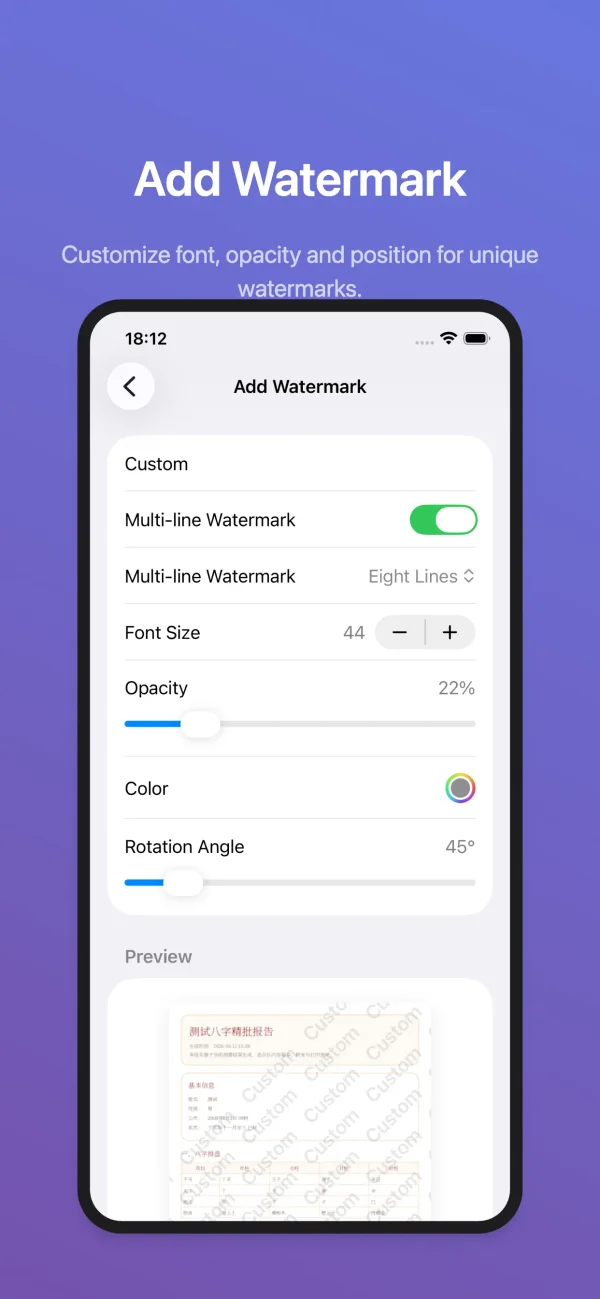
- Add text watermarks for document ownership and archive control
- Insert handwritten signatures for common approval and signing workflows
- Convert multiple images into one PDF document
- Manage processed files locally with preview, rename, delete, and export
Best-fit use cases:
- Office work: contracts, invoices, reports, and meeting materials
- School work: lecture notes, handouts, assignments, and revision packs
- Privacy-focused users: local processing for documents that should not leave the device
Why it converts better:
- Private by design with on-device processing
- Covers a full document workflow instead of a single task
- Reduces friction with focused actions and native iPhone interaction
- Keeps processed files accessible in a local library for ongoing use
Notes:
- Premium benefits, pricing, and trial availability must match the actual StoreKit configuration
- Future metadata updates should prioritize conversion and search term performance
[Protocol Description]
End User Software Usage Terms
https://www.apple.com/legal/internet-services/itunes/dev/stdeula/
Terms of Use
https://www.sharezer.com/app/agreement/TermsofUse.html
Privacy Policy
https://www.sharezer.com/app/agreement/PrivacyPolicy.html
What’s new
Version 1.6.0 · Sep 5, 2026
Update APP icon
App privacy
What 少泽 梁 declares on the App Store about how this app handles data.
-
Data used to track you
May be used to track you across apps and websites owned by other companies.
- Usage data
-
Data not linked to you
May be collected but is not linked to your identity.
- Usage data
Privacy practices may vary, for example with the features you use or your age.
Information
- Seller
- 少泽 梁
- Category
- Productivity
- Version
- 1.6.0
- Updated
- Sep 5, 2026
- Released
- Jul 14, 2026
- Size
- 45.7 MB
- Requires
- iOS 16.6 or later
- Age rating
- 4+
- In-app purchases
- Yes
- Languages
- Traditional Chinese, Japanese, Simplified Chinese, English, Portuguese, Spanish, Korean
- Copyright
- Copyright © 2026 Sharezer. All rights reserved.
You might also like
-
 PDF合并拆分助手-PDF工具Productivity
-
 Image Converter: PDF JPEG HEICConvert photo to png,jpg
-
 PDF Editor: Fill, Sign & ScanEdit, Sign & Fill PDF Forms
-
 pdf转换器--手机文档快速转换Productivity
-
 Sign PDF & PDF Editor: DocHerodigital sign pdf, eSignature
-
 Scanner: PDF OCR Document ScanPDF OCR & QR Scanner
-
 WorldClock - 世界时钟,世界时间转换器Productivity
-
 Murmur: Voice to Text RecorderOn-device, private, speaker ID
-
 MySendTransfer at Lightning Speed
-
 得理律助Productivity