
- 対象年齢4+
- カテゴリユーティリティ
- 開発元Doohyun Lee
- 言語英語ほか1言語
- サイズ1.1 MB
App Storeの公式ページにリンクしています
Download.orgはPocketTrackpad: Mac Remoteのファイルを一切ホストしていません。ボタンを押すと、Doohyun Leeが公開しているApp Storeのアプリページが開きます。ページの最終確認:2026/11/16。
スクリーンショット
概要
開発元はこのテキストをお使いの言語で提供していません。
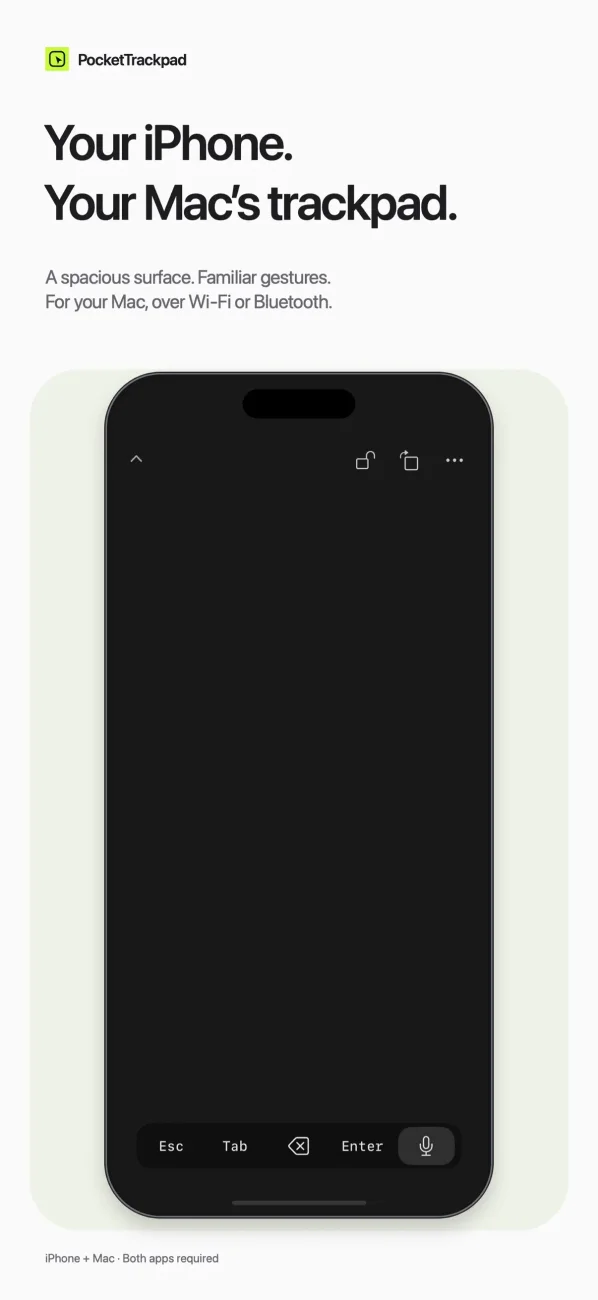
PocketTrackpad turns your iPhone into a trackpad and a compact controller for your Mac.
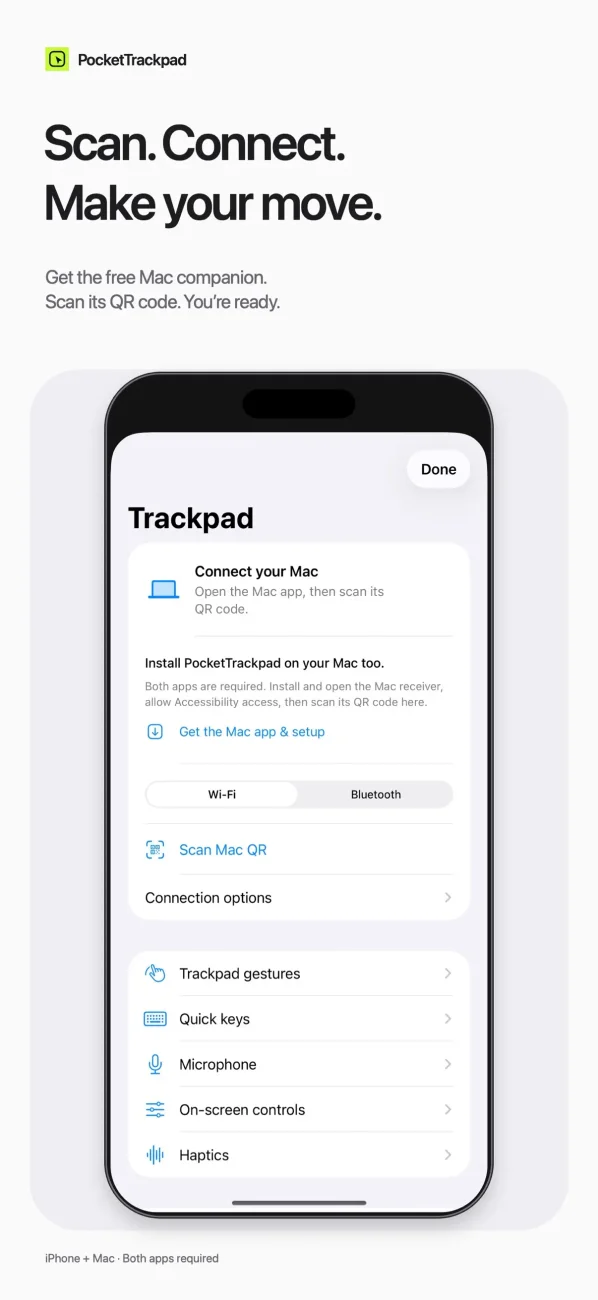
Install the separate free Mac receiver, scan its QR once, and connect over Wi-Fi on the same local network or Bluetooth nearby.
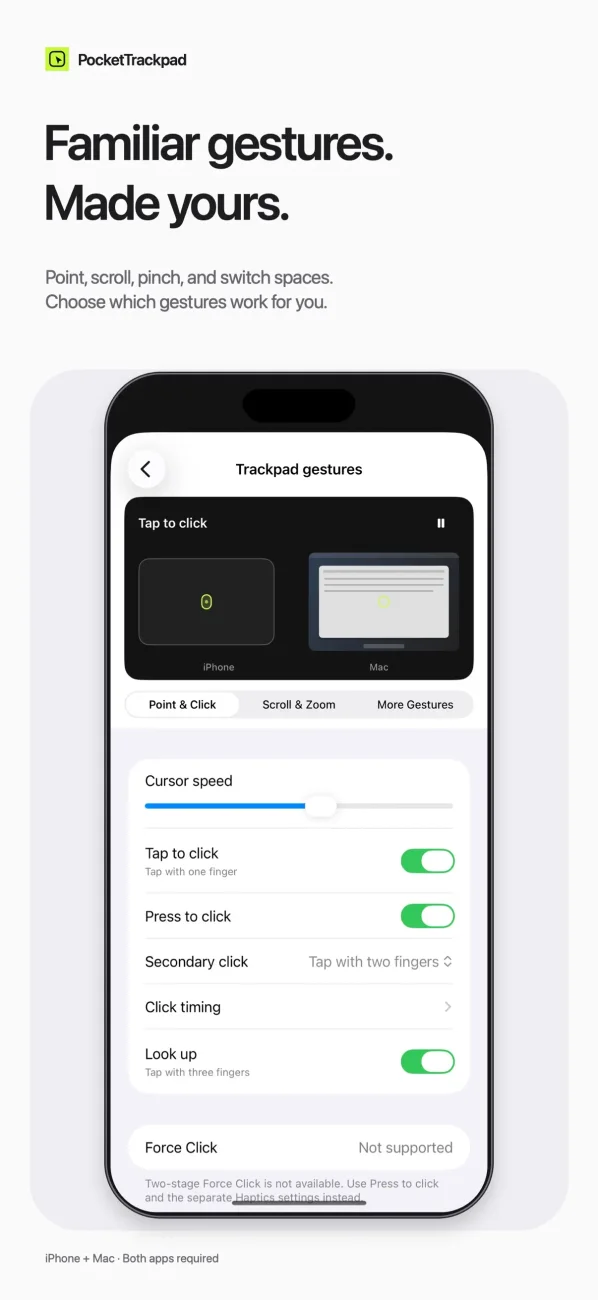
Familiar gestures
• Pointer movement, tap to click, double-click, and two-finger right-click
• Momentum scrolling, page navigation, and pinch zoom in supporting Mac apps
• Double-tap and hold the second tap to drag; lift to release
• Mission Control, App Exposé, desktop switching, Notification Center, and Show Desktop
• Individual gesture settings with animated guides
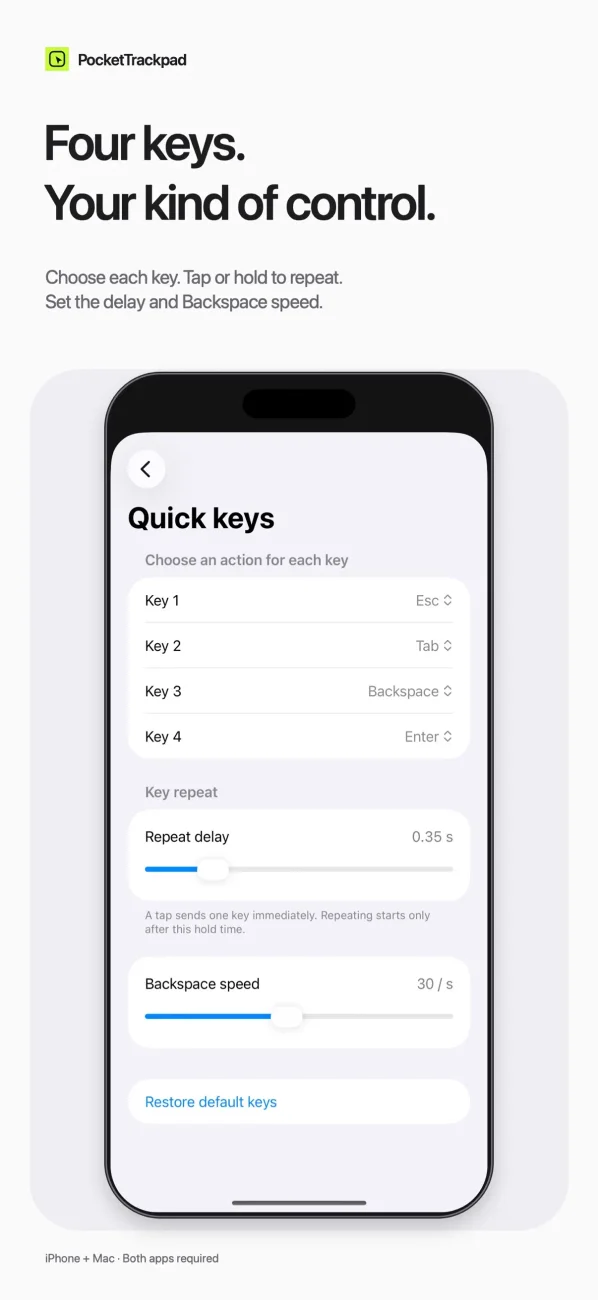
Four keys, your choice
Start with Esc, Tab, Backspace, and Enter. Assign keyboard keys, Mission Control, Scroll up, or Scroll down to each position. Hold Backspace to repeat deletion, or hold a scroll button for continuous scrolling. Fold and expand controls yourself with the small arrow; your choice is saved. Adjust pointer speed, double-tap timing, press delay, haptics, and orientation.
Your iPhone microphone, on your Mac
The optional microphone streams audio directly to a virtual input on your paired Mac over your selected Wi-Fi or Bluetooth connection. Mac Settings stores separate connections for compatible ChatGPT/Codex and Claude desktop apps. Focus the receiving app's input, then tap the phone microphone to start; tap again to finish. The trackpad remains available, and PocketTrackpad never sends your message automatically.
Microphone use requires one-time virtual microphone installation with Mac administrator approval, both apps version 1.4.24 or later for Bluetooth, macOS 14.2 or later, and a compatible receiving app. Setup reads the existing dictation shortcut and guides you to assign one in the receiving app if needed. Other apps' preference files are never modified. Automatic detection depends on the receiving app version and exposed settings. Recognition, account access, language, and retention follow the receiving app's policies. PocketTrackpad saves no audio or transcripts.
The Mac receiver requires macOS 13 or later and Accessibility permission. Download it free from the support website. Closing its window keeps the connection running; Quit or Command-Q exits completely. Gesture behavior depends on the receiving app and macOS settings.
No PocketTrackpad account, ads, or subscription. Input travels directly between your devices without a developer-operated input relay.
新機能
バージョン 1.4.27 · 2026/11/8
• Added Scroll key speed in Quick keys. Adjust held Scroll up and Scroll down buttons from 0.25× to 4×.
• The setting is saved independently of keyboard repeat speed and does not change two-finger scrolling.
• Default 1× preserves the previous speed. Continue using the current Mac 1.4.26 receiver; no Mac update is needed.
アプリのプライバシー
このアプリのデータの取り扱いについて、Doohyun LeeがApp Storeで申告している内容です。
-
データの収集なし
開発元はこのアプリからデータを収集しません。
プライバシーの取り扱いは、ご利用の機能やお客様の年齢などに応じて異なる場合があります。
情報
- 販売元
- Doohyun Lee
- カテゴリ
- ユーティリティ
- バージョン
- 1.4.27
- 更新日
- 2026/11/8
- リリース
- 2026/11/1
- サイズ
- 1.1 MB
- 必要条件
- iOS 17.0以降
- 対象年齢
- 4+
- 価格
- 無料
- 言語
- 英語, 韓国語
- 著作権
- © 2026 Doohyun Lee
こちらもおすすめ
-
 PC Remote & Mouse: NotchPixelユーティリティ
-
 Remote Mouse for Mac케이블 없는 무선 트랙패드 · 마우스
-
 Entangle - Remote trackpadユーティリティ
-
 Headroom: リモートデスクトップAI エージェントを、ソファから見守る
-
 cube loginユーティリティ
-
 Record Maker3Dモックアップとデモ動画を作成
-
 aircuve mobileユーティリティ
-
 KAIST IdCardユーティリティ
-
 Astropad Workbenchユーティリティ
-
 BT Remote: Keyboard & Trackpadユーティリティ