
- Age rating4+
- CategoryUtilities
- DeveloperDoohyun Lee
- LanguagesEnglish+ 1 more
- Size1.1 MB
Links to the official App Store page
Download.org hosts no file of PocketTrackpad: Mac Remote. The button opens its official App Store page, published by Doohyun Lee. Listing last checked on Nov 16, 2026.
Screenshots
About
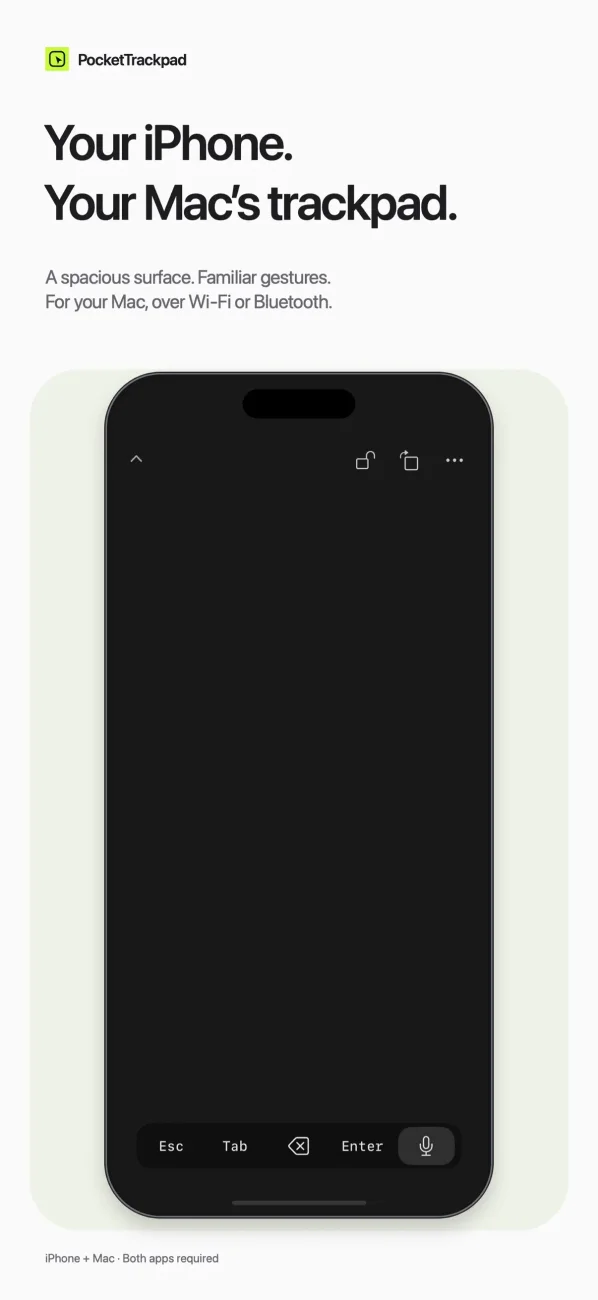
PocketTrackpad turns your iPhone into a trackpad and a compact controller for your Mac.
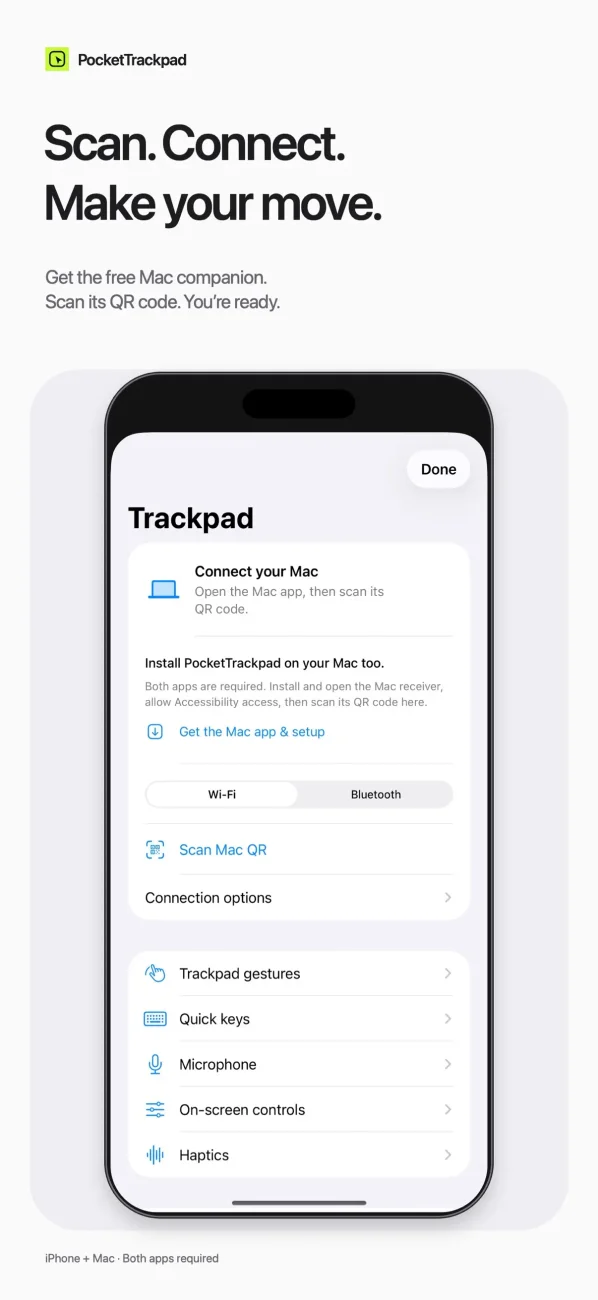
Install the separate free Mac receiver, scan its QR once, and connect over Wi-Fi on the same local network or Bluetooth nearby.
Familiar gestures
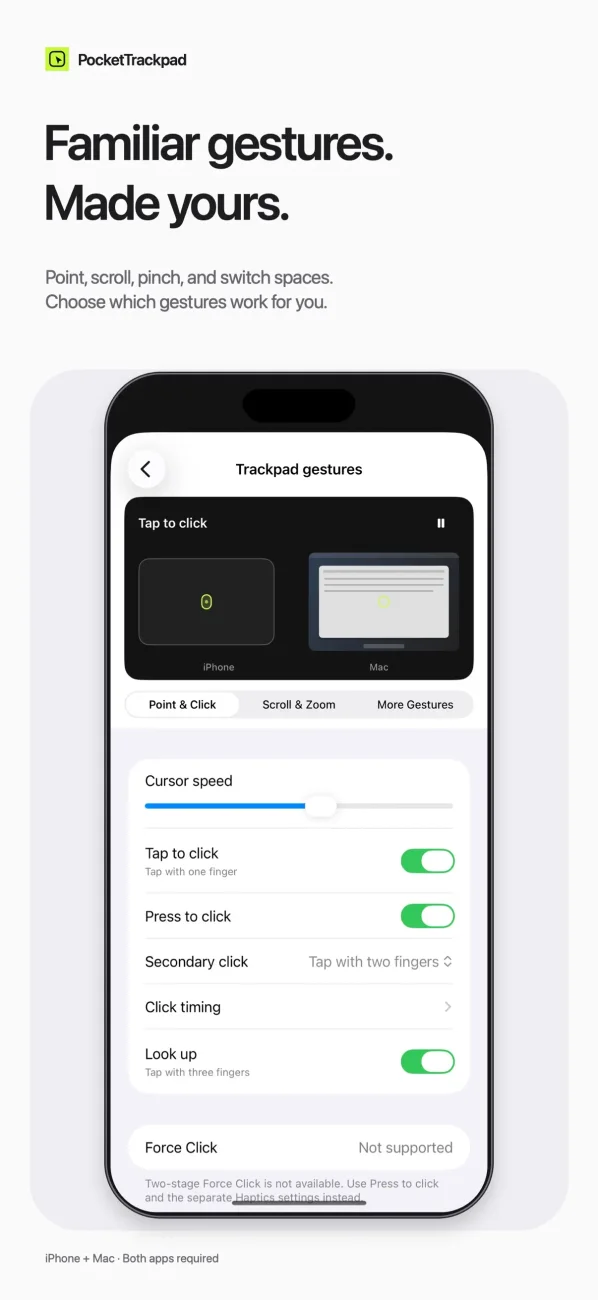
• Pointer movement, tap to click, double-click, and two-finger right-click
• Momentum scrolling, page navigation, and pinch zoom in supporting Mac apps
• Double-tap and hold the second tap to drag; lift to release
• Mission Control, App Exposé, desktop switching, Notification Center, and Show Desktop
• Individual gesture settings with animated guides
Four keys, your choice
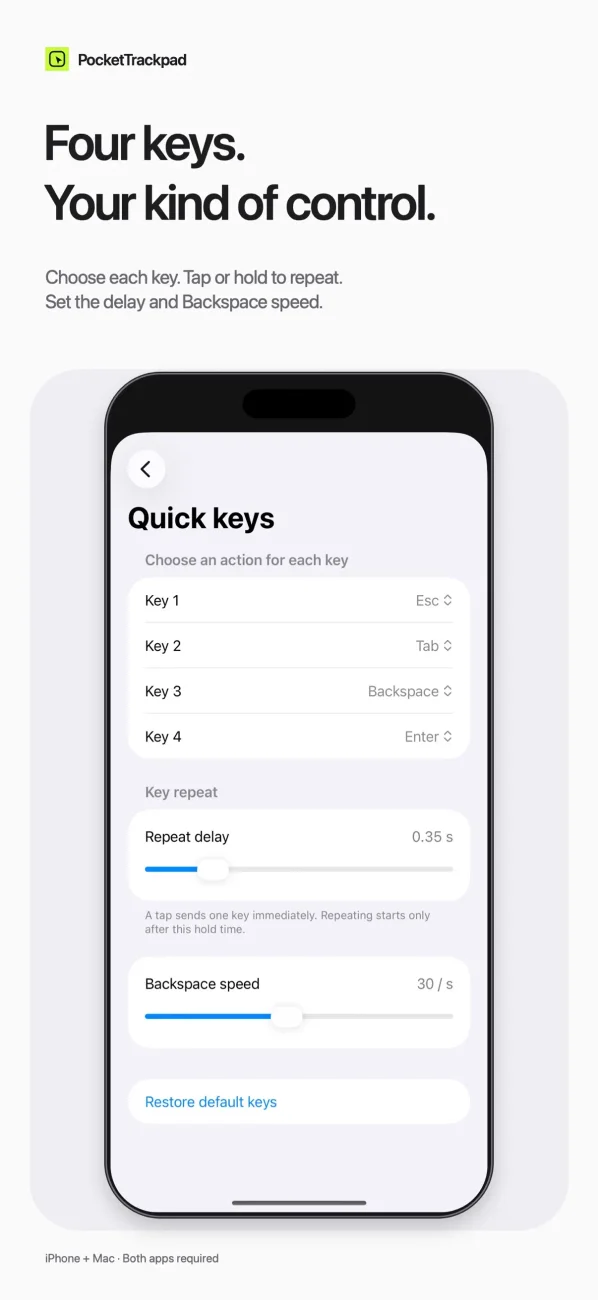
Start with Esc, Tab, Backspace, and Enter. Assign keyboard keys, Mission Control, Scroll up, or Scroll down to each position. Hold Backspace to repeat deletion, or hold a scroll button for continuous scrolling. Fold and expand controls yourself with the small arrow; your choice is saved. Adjust pointer speed, double-tap timing, press delay, haptics, and orientation.
Your iPhone microphone, on your Mac
The optional microphone streams audio directly to a virtual input on your paired Mac over your selected Wi-Fi or Bluetooth connection. Mac Settings stores separate connections for compatible ChatGPT/Codex and Claude desktop apps. Focus the receiving app's input, then tap the phone microphone to start; tap again to finish. The trackpad remains available, and PocketTrackpad never sends your message automatically.
Microphone use requires one-time virtual microphone installation with Mac administrator approval, both apps version 1.4.24 or later for Bluetooth, macOS 14.2 or later, and a compatible receiving app. Setup reads the existing dictation shortcut and guides you to assign one in the receiving app if needed. Other apps' preference files are never modified. Automatic detection depends on the receiving app version and exposed settings. Recognition, account access, language, and retention follow the receiving app's policies. PocketTrackpad saves no audio or transcripts.
The Mac receiver requires macOS 13 or later and Accessibility permission. Download it free from the support website. Closing its window keeps the connection running; Quit or Command-Q exits completely. Gesture behavior depends on the receiving app and macOS settings.
No PocketTrackpad account, ads, or subscription. Input travels directly between your devices without a developer-operated input relay.
What’s new
Version 1.4.27 · Nov 8, 2026
• Added Scroll key speed in Quick keys. Adjust held Scroll up and Scroll down buttons from 0.25× to 4×.
• The setting is saved independently of keyboard repeat speed and does not change two-finger scrolling.
• Default 1× preserves the previous speed. Continue using the current Mac 1.4.26 receiver; no Mac update is needed.
App privacy
What Doohyun Lee declares on the App Store about how this app handles data.
-
Data not collected
The developer does not collect any data from this app.
Privacy practices may vary, for example with the features you use or your age.
Information
- Seller
- Doohyun Lee
- Category
- Utilities
- Version
- 1.4.27
- Updated
- Nov 8, 2026
- Released
- Nov 1, 2026
- Size
- 1.1 MB
- Requires
- iOS 17.0 or later
- Age rating
- 4+
- Price
- Free
- Languages
- English, Korean
- Copyright
- © 2026 Doohyun Lee
You might also like
-
 PC Remote & Mouse: NotchPixelPhone mouse, keyboard & remote
-
 Remote Mouse for MacWireless trackpad for your Mac
-
 Entangle - Remote trackpadUtilities
-
 Headroom: Remote DesktopYour AI agent, from the sofa
-
 cube loginUtilities
-
 Record Maker3D Mockups & Demo Videos
-
 aircuve mobileUtilities
-
 KAIST IdCardUtilities
-
 Astropad WorkbenchMac remote desktop & terminal
-
 BT Remote: Keyboard & TrackpadBluetooth Keyboard & Trackpad