RemoteService Connect
Remote diagnosis by workshop
iPhone, iPad, Mac, iPod touch向けに設計
無料
- 対象年齢4+
- カテゴリユーティリティ
- 開発元NRW-CarCoding
- 言語英語
- サイズ23.7 MB
App Storeの公式ページにリンクしています
Download.orgはRemoteService Connectのファイルを一切ホストしていません。ボタンを押すと、NRW-CarCodingが公開しているApp Storeのアプリページが開きます。ページの最終確認:2026/11/25。
スクリーンショット

概要
開発元はこのテキストをお使いの言語で提供していません。
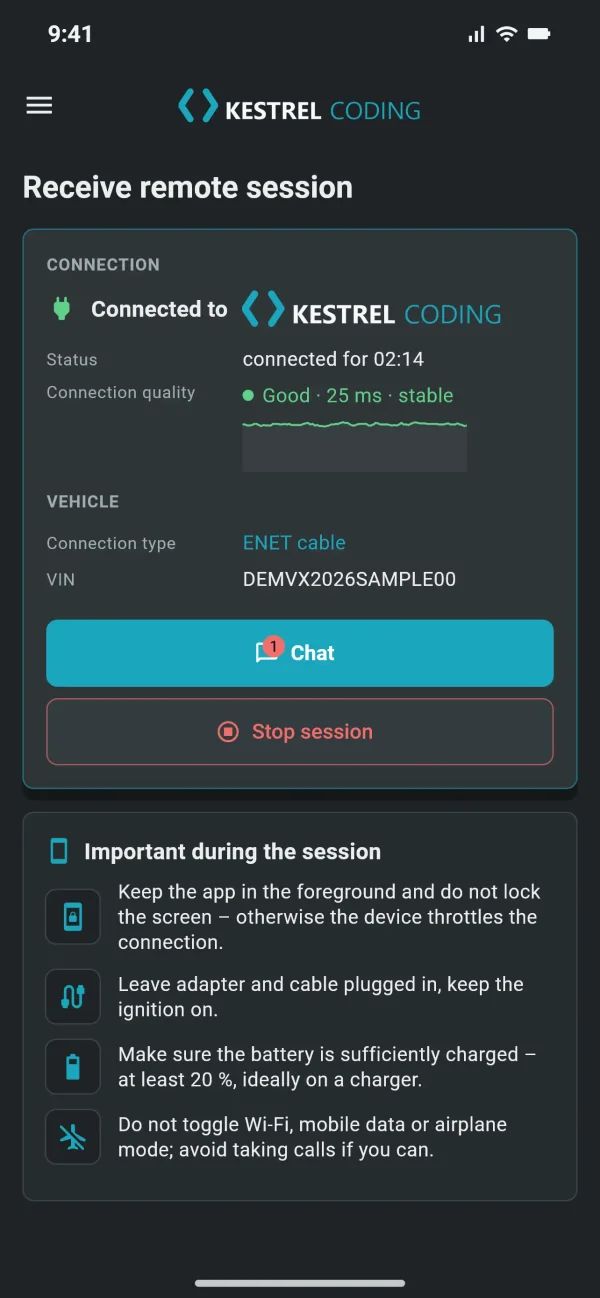
RemoteService Connect connects your vehicle to your workshop for the duration of an agreed remote session.
HOW IT WORKS
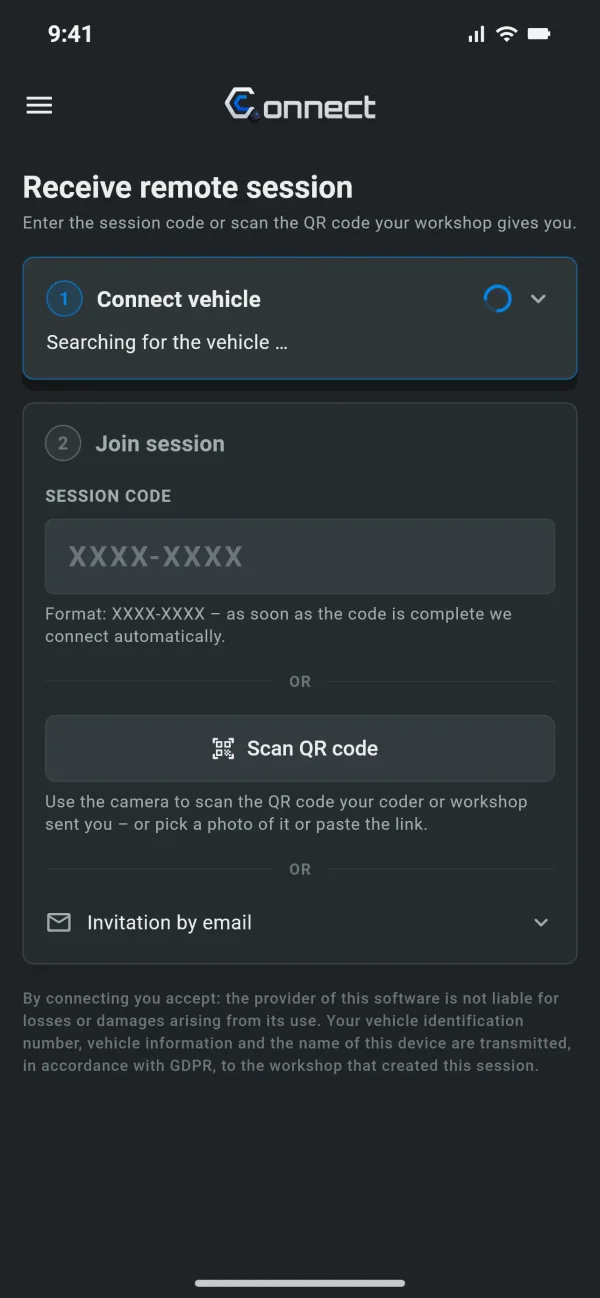
• Your workshop gives you a session code – or a link or QR code.
• Connect your iPhone or iPad to the vehicle with the cable, adapter or interface your workshop specifies:
– Ethernet diagnostic cable on a USB-C Ethernet adapter
– ICOM diagnostic interface, connected directly to the iPhone or iPad via a USB-C Ethernet adapter or in the same network
– Wi-Fi diagnostic adapter
– compatible OBD adapter via Wi-Fi or Bluetooth
• Over the Ethernet diagnostic cable, vehicles of many manufacturers with DoIP are supported as well – you simply choose the brand.
• The app recognizes on its own what is connected.
• Enter the code. While the session runs, your workshop can diagnose and code your vehicle as if it were on site.
WHAT YOU SEE
• Automatic detection of the cable, adapter or interface – and a step-by-step guide if something is still missing
• A notice while your iPhone or iPad sets up the connection, and a notice if the connection to the vehicle is interrupted – the app reconnects on its own, for a Wi-Fi adapter after you confirm
• Connection quality and your vehicle's battery voltage
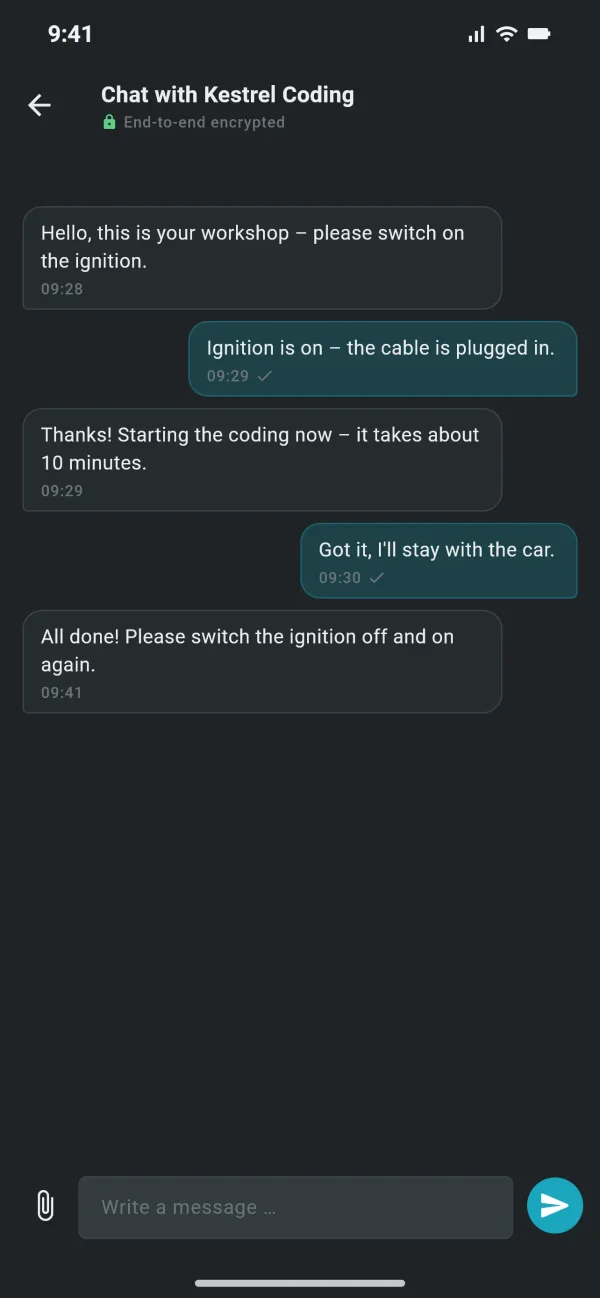
• A chat with your workshop – text, photos and videos
• On iPhone, the running session on the Lock Screen
• One tap ends the session at any time.
WHAT THE APP DOES NOT DO
• It never works on your vehicle on its own and only talks to it during a session you started.
• Nothing happens without a valid code from your workshop.
• No account, no ads, no tracking.
SECURITY
• Encrypted connections. The chat and – by default – the diagnostic connection are end-to-end encrypted between your device and your workshop.
• Your workshop can additionally require end-to-end encryption and servers in the EU.
YOU NEED
• A session code from your workshop
• The cable, adapter or interface your workshop specifies – for a cable or interface connected directly to the device, a USB-C Ethernet adapter
• Keep the app open during the session – iOS pauses apps in the background.
• Follow your workshop's instructions, e.g. switch on the ignition or connect a battery charger.
The app is free and has no in-app purchases. Sessions are provided by your workshop.
新機能
バージョン 1.1.11 · 2026/11/24
• Warning sounds: the switches in the settings now take effect. The app plays a sound when the connection drops, when the vehicle voltage falls below 12 V and when your device's battery is almost empty.
• The connection assistant only shows "Vehicle connected" while the vehicle is actually reachable.
• If the vehicle is unreachable several times in a row, the app searches for it again on its own.
• Bug fixes and improvements.
アプリのプライバシー
このアプリのデータの取り扱いについて、NRW-CarCodingがApp Storeで申告している内容です。
-
ユーザーに関連付けられたデータ
収集され、ユーザーの識別情報に関連付けられる場合があります。
- 位置情報
- 連絡先情報
- ユーザーコンテンツ
- ID
- 使用状況データ
- 診断
- その他のデータ
-
ユーザーに関連付けられないデータ
収集される場合がありますが、ユーザーの識別情報には関連付けられません。
- 診断
プライバシーの取り扱いは、ご利用の機能やお客様の年齢などに応じて異なる場合があります。
情報
- 販売元
- NRW-CarCoding
- カテゴリ
- ユーティリティ
- バージョン
- 1.1.11
- 更新日
- 2026/11/24
- リリース
- 2026/10/15
- サイズ
- 23.7 MB
- 必要条件
- iOS 15.0以降
- 対象年齢
- 4+
- 価格
- 無料
- 言語
- 英語
- 著作権
- © 2026 NRW-CarCoding