- 対象年齢4+
- カテゴリ写真/ビデオ
- 開発元福民 冯
- 言語英語ほか2言語
- サイズ2.2 MB
App Storeの公式ページにリンクしています
Download.orgはSnap Censorのファイルを一切ホストしていません。ボタンを押すと、福民 冯が公開しているApp Storeのアプリページが開きます。ページの最終確認:2026/11/6。
スクリーンショット
概要
開発元はこのテキストをお使いの言語で提供していません。
Snap Censor is a minimal, privacy-first screenshot censoring tool.
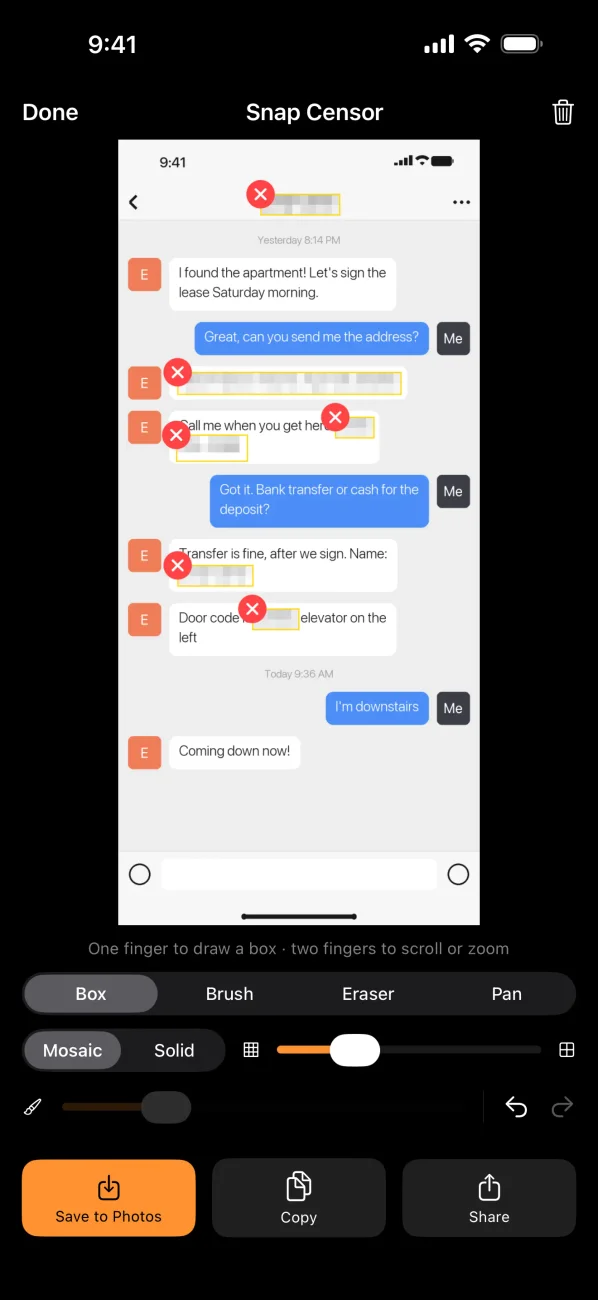
iOS Markup has no real mosaic — hiding private info means painting over it crudely. Snap Censor does it in two steps: box or brush over the area, then save.
CORE FEATURES
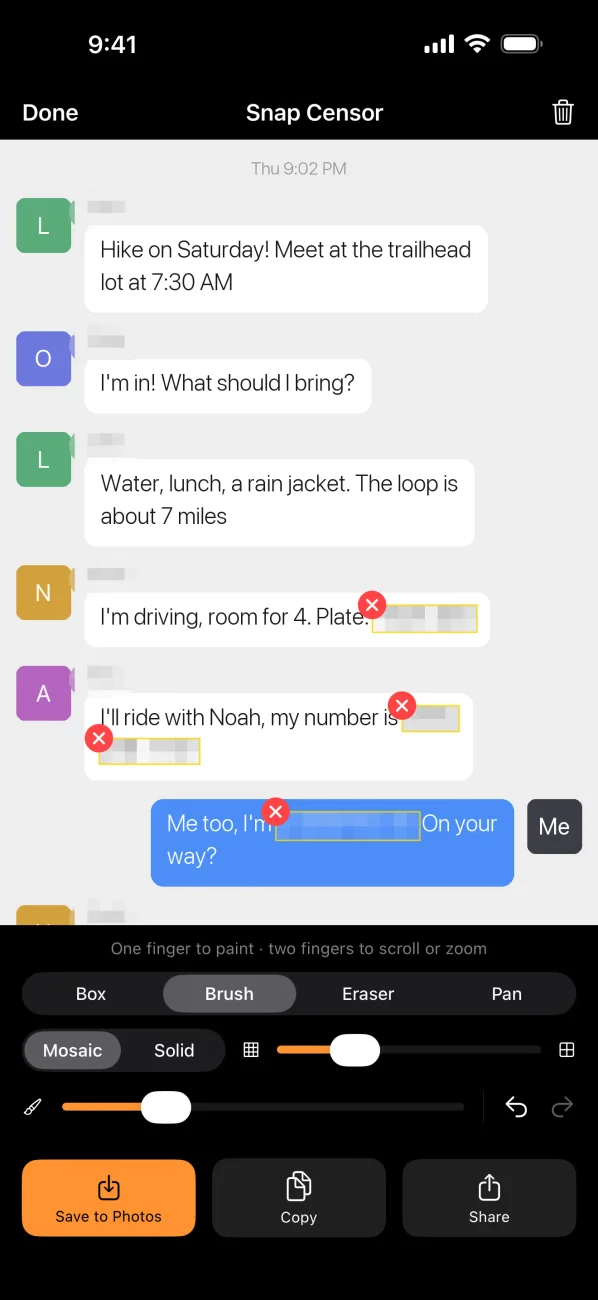
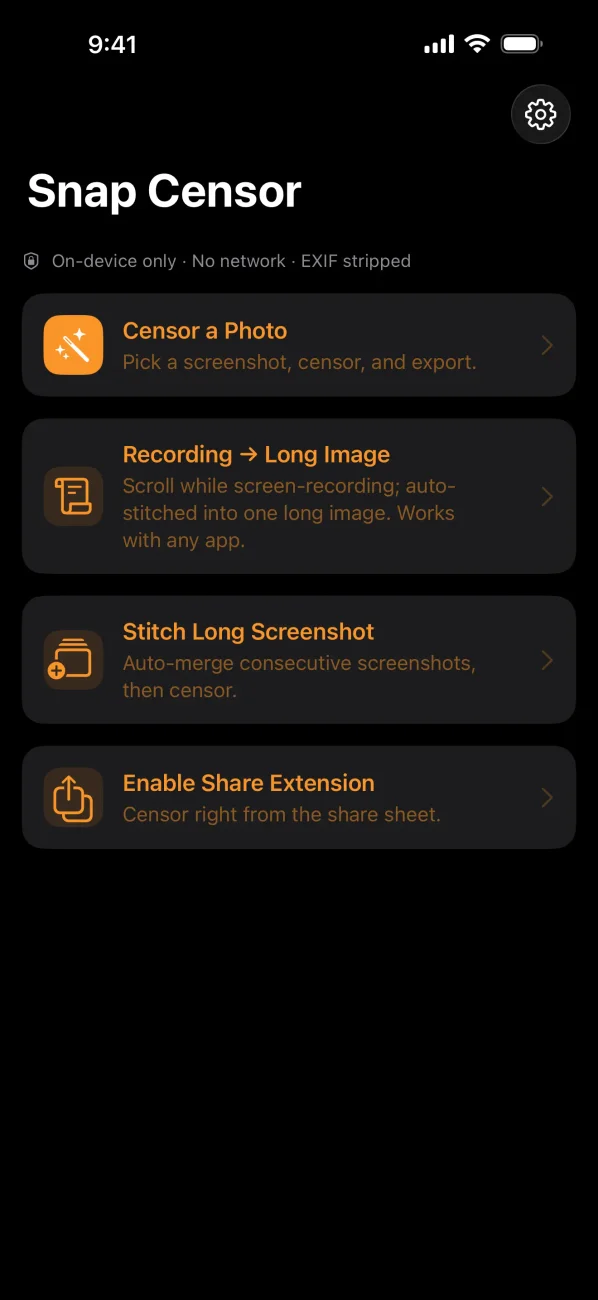
• Censor: drag a box, or use Brush to paint over anything and Eraser to wipe it back. Mosaic or solid block, adjustable strength and brush size, undo/redo. Long images scroll and zoom with two fingers while you censor.
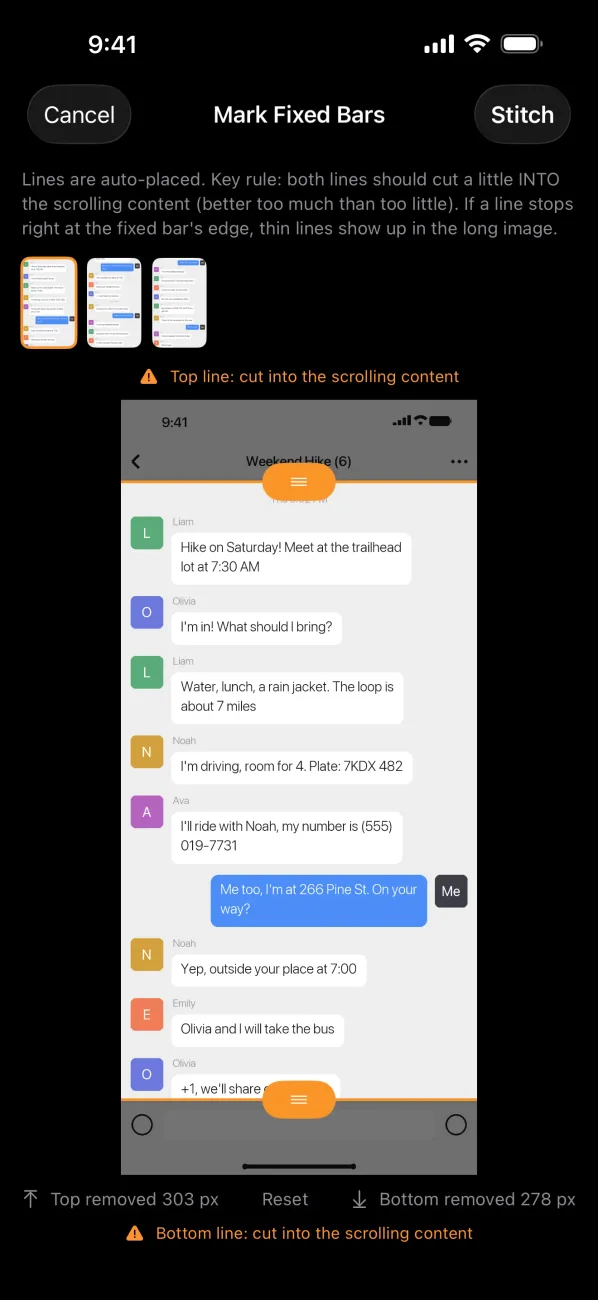
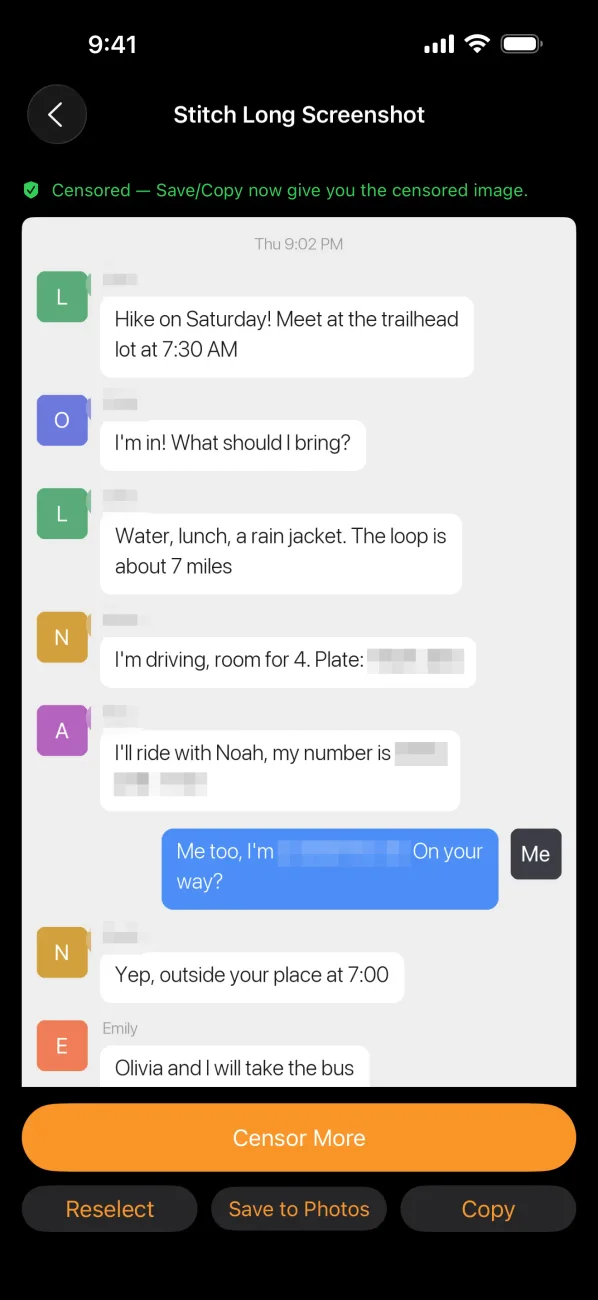
• Stitch long screenshots: multi-select screenshots, mark the fixed bars at the top and bottom, and overlaps are detected and removed into one clean long image. Choose which to include, reorder, and fine-tune any seam by hand.
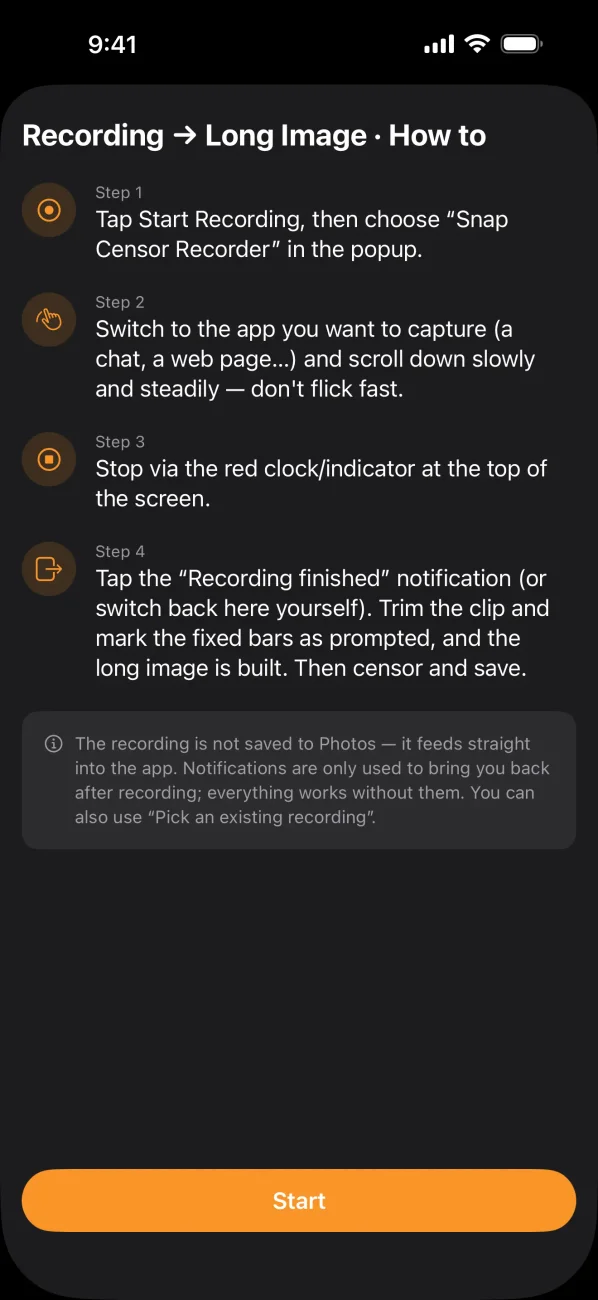
• Recording → Long Image: iOS doesn't let third-party apps auto-scroll other apps, so you scroll while screen-recording. Start recording from the app, tap the notification to come back when you stop, pick the clip, and the long image is built — works with any app.
• Share extension: censor right from the system share sheet, then Save & Close to save to Photos.
• Export: save to Photos, copy, or share — EXIF/GPS metadata is stripped automatically.
PRIVACY FIRST
• Everything is processed on your device. The app requests no network access.
• No data is collected or uploaded.
• Uses heavy pixelation or solid blocks only (not light blur that can be reversed).
• Notifications are only used to bring you back when a recording finishes. They are generated on-device; no server is involved.
Available in English, Simplified Chinese and Traditional Chinese.
新機能
バージョン 1.2 · 2026/10/31
This update:
• Long-image censoring, rebuilt: tall images fit the screen width; scroll and zoom with two fingers; box or brush with one finger — no more switching modes
• Smoother Recording → Long Image: when you stop recording, a “Recording finished” notification takes you back to the app in one tap. Processing is faster and uses far less memory, so longer recordings work
• Easier to finish: tap Done when you're through. Leaving without saving now asks first, with a one-tap "Save to Photos & Close". After censoring a stitched image, Save/Copy give you the censored version
• Mosaic strength now scales with image size, so large photos are covered just as well. Use Solid for passwords and card numbers
• Better stitching: both fixed-bar lines are placed slightly into the content to avoid thin lines; screenshots of different heights are aligned too; uncertain seams are flagged for you to check
• Share sheet: "Save & Close" saves the censored image straight to Photos
• Traditional Chinese added. English app name and permission prompts on English devices; devices set to other languages now get the English interface
• Fixes: the eraser could wipe a box's cover; the editor's top buttons were sometimes untappable; some share-sheet labels were unreadable in Light Mode; no message when an image was still in iCloud
• Other stability and performance improvements
As always: fully on-device, no network, no data collected.
Feedback: maplefeng1110@gmail.com
アプリのプライバシー
このアプリのデータの取り扱いについて、福民 冯がApp Storeで申告している内容です。
-
データの収集なし
開発元はこのアプリからデータを収集しません。
プライバシーの取り扱いは、ご利用の機能やお客様の年齢などに応じて異なる場合があります。
情報
- 販売元
- 福民 冯
- カテゴリ
- 写真/ビデオ
- バージョン
- 1.2
- 更新日
- 2026/10/31
- リリース
- 2026/10/24
- サイズ
- 2.2 MB
- 必要条件
- iOS 16.0以降
- 対象年齢
- 4+
- 価格
- 無料
- 言語
- 英語, 繁体字中国語, 簡体字中国語
- 著作権
- © 冯福民