
- 対象年齢4+
- カテゴリ仕事効率化
- 開発元Kadeem Jeffery
- 言語英語
- サイズ5.2 MB
T2Doは現在App Storeで入手できない可能性があります
前回の確認時、ストアのページにアクセスできませんでした。リンク先は引き続きApp Storeの公式ページです。
スクリーンショット

概要
開発元はこのテキストをお使いの言語で提供していません。
Turn a busy day into a clear plan with T2Do. Keep track of what needs doing, decide when to do it, and see your tasks alongside events from your device calendars.
PLAN YOUR DAY
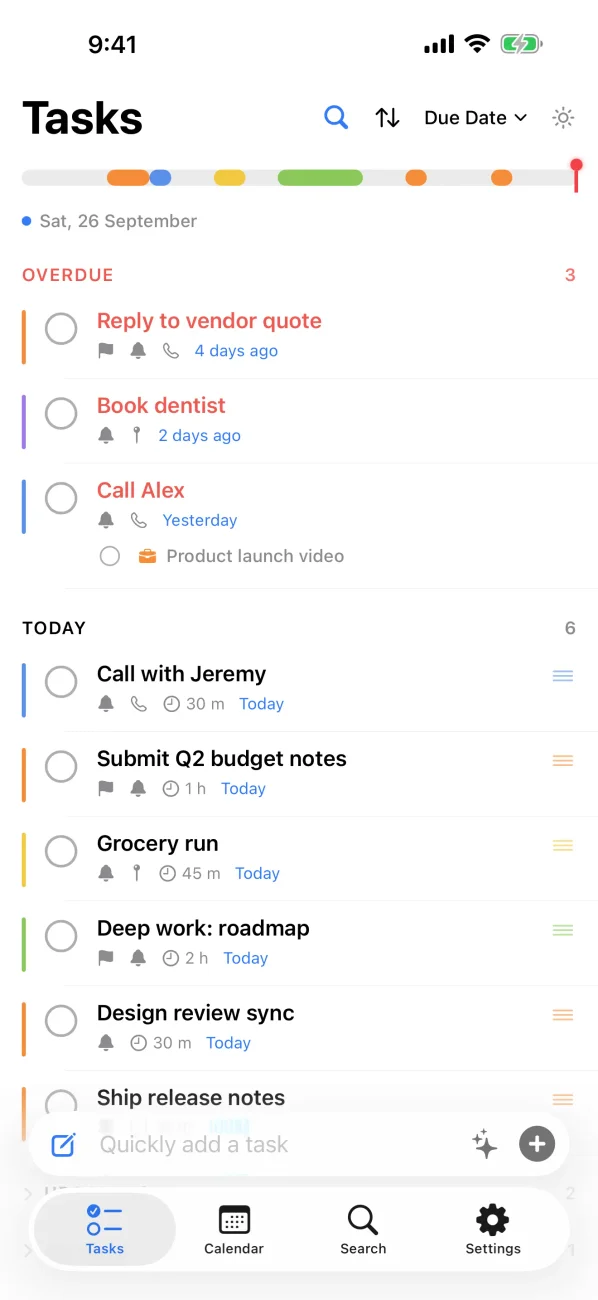
Organize tasks into overdue, today, upcoming, and undated sections. Schedule time blocks to make room for the work that matters.
SEE YOUR SCHEDULE
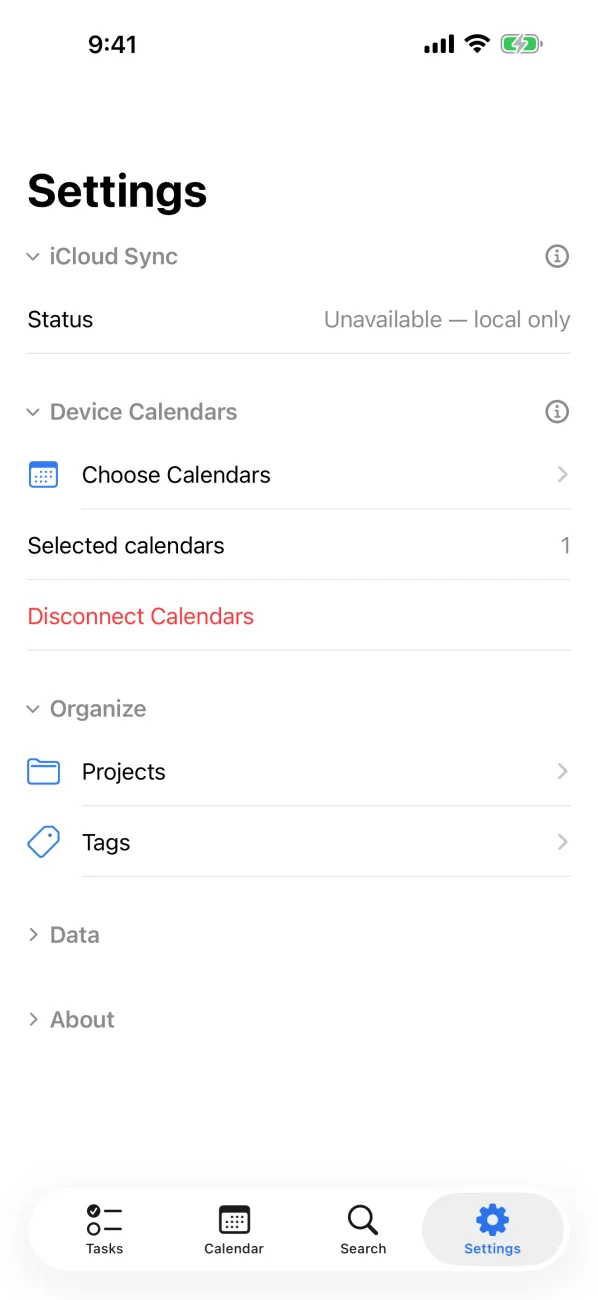
Use the Calendar tab to see planned tasks and events from the calendars you choose. Optional calendar access works with calendars already configured in Apple Calendar, including iCloud, Google, and Outlook. T2Do displays events without changing them.
KEEP THE DETAILS TOGETHER
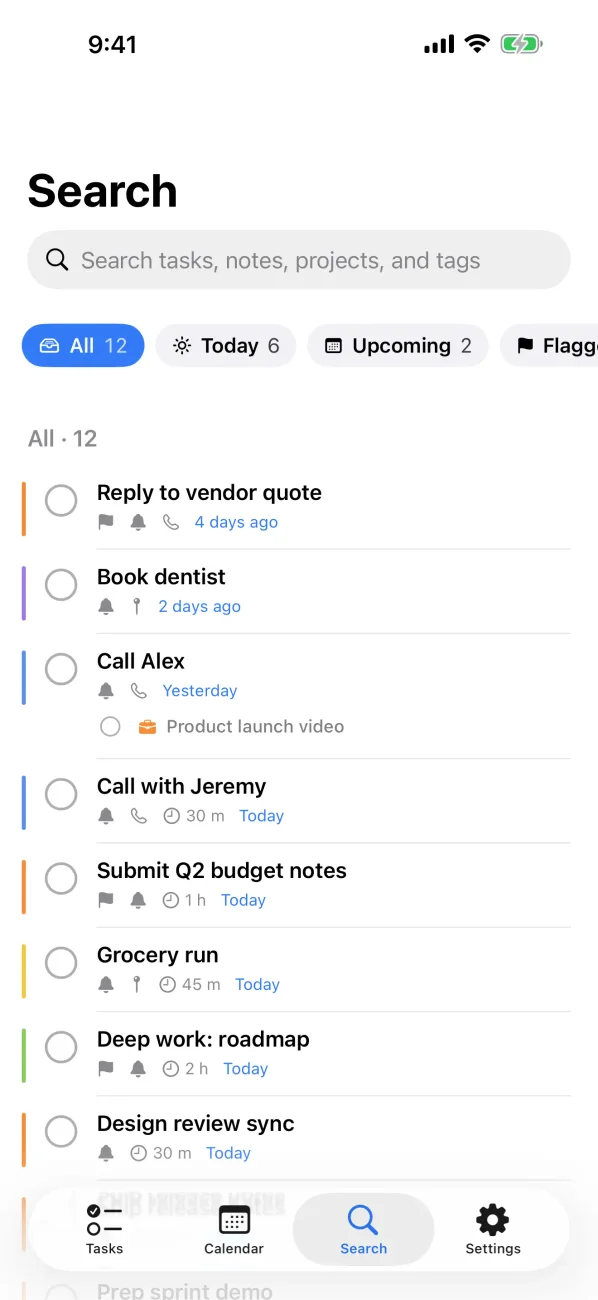
Add notes, projects, tags, flags, subtasks, locations, and phone details to your tasks. Search by title, project, or notes to find what you need.
REMEMBER WHAT'S NEXT
Set due dates and scheduled blocks, with local notifications to help you stay on track. Add Home Screen widgets for focus, today, and upcoming tasks.
SYNC WITH ICLOUD
Keep task data in sync across your devices when iCloud is available. You can also use T2Do locally without connecting calendars. No separate T2Do account is required.
新機能
バージョン 1.5 · 2026/11/25
A full Calendar view, direct event editing, and iPhone Duo support.
• Day, Week, and Month views: switch scopes in the Calendar tab, scroll 3-day or 7-column weeks, and tap any empty slot to create a task or calendar event.
• Move and resize calendar events: drag writable events on the Day and Week grids, or drag them between days in Month view, with "This Event Only" or "All Future Events" choices for repeating events.
• New Event in Month view: long-press or double-tap a day to add an all-day event next to New Task.
• Built for iPhone Duo: unfolded two-column layout and Quick Add positioned clear of the floating tab bar.
• Smarter reminders and widgets: complete a task or jump straight to it from a notification, hide widget task titles when locked, and undo accidental swipe-deletes.
• Fixes across Quick Add, time-zone due dates, monthly repeating tasks, daylight saving shifts, and iCloud sync.
アプリのプライバシー
このアプリのデータの取り扱いについて、Kadeem JefferyがApp Storeで申告している内容です。
-
データの収集なし
開発元はこのアプリからデータを収集しません。
プライバシーの取り扱いは、ご利用の機能やお客様の年齢などに応じて異なる場合があります。
情報
- 販売元
- Kadeem Jeffery
- カテゴリ
- 仕事効率化
- バージョン
- 1.5
- 更新日
- 2026/11/25
- リリース
- 2026/9/22
- サイズ
- 5.2 MB
- 必要条件
- iOS 18.0以降
- 対象年齢
- 4+
- 言語
- 英語
- 著作権
- © 2026 Kadeem Jeffery
こちらもおすすめ
-
 Clutch: スクショでリマインダーToDoリスト・タスク管理
-
 Cozydo - Calm Task & Habits仕事効率化
-
 Filex AI: File Manager仕事効率化
-
 Remainder: Timebox To Do List仕事効率化
-
 AnkiLock仕事効率化
-
 Envi MMIS仕事効率化
-
 DriveOn by Bytecurve仕事効率化
-
 タイムライン 一日予定表 時間管理 タスク: Align目標・勉強計画・習慣化・集中・ルーティン・タイムブロック
-
 2FA Authenticator • Auth App+仕事効率化
-
 Global Pet Security仕事効率化