- 対象年齢4+
- カテゴリユーティリティ
- 開発元Jaime Poseley
- 言語英語
- サイズ3.5 MB
App Storeの公式ページにリンクしています
Download.orgはTenki26のファイルを一切ホストしていません。ボタンを押すと、Jaime Poseleyが公開しているApp Storeのアプリページが開きます。ページの最終確認:2026/11/7。
スクリーンショット

概要
開発元はこのテキストをお使いの言語で提供していません。
GET THE FREE MAC COMPANION
Tenki requires TenkiMac on your computer running macOS. Download it at:
https://cposeley2.github.io/tenki-support/#download
Open the link on your computer, or tap App Support on this listing for the download and setup instructions.
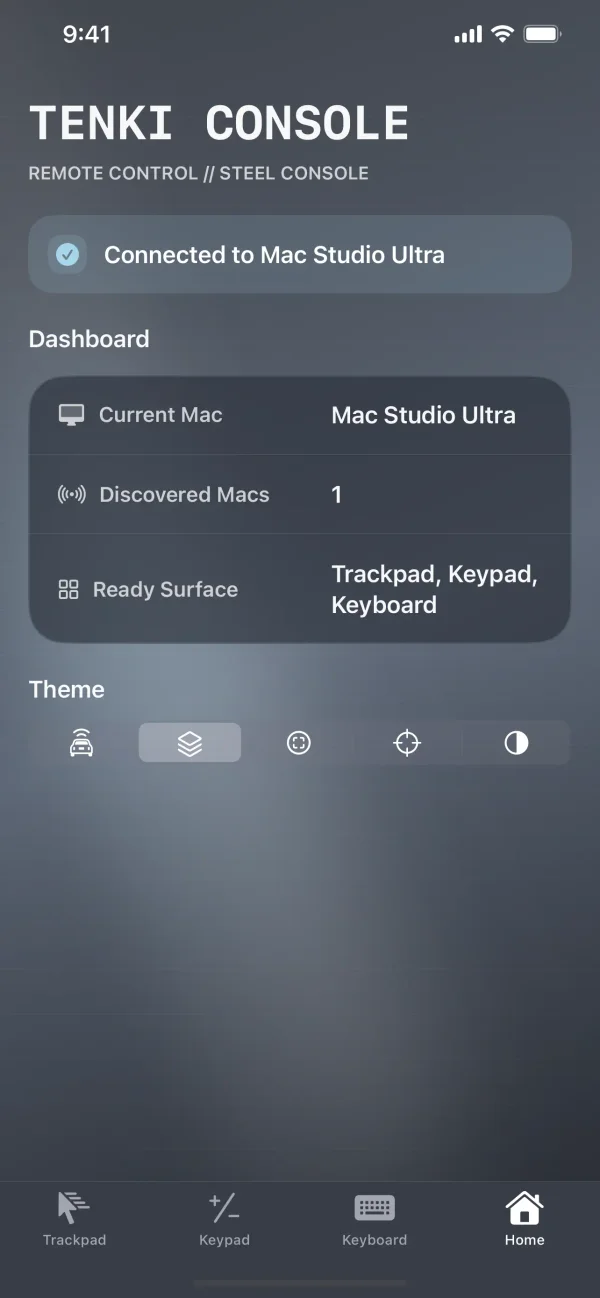
Tenki turns the iPhone or iPad beside you into a tactile wireless numpad for your computer. Choose a classic ten-key layout or switch to the spreadsheet layout for quick access to Tab, equals, clear, operators, and Enter.
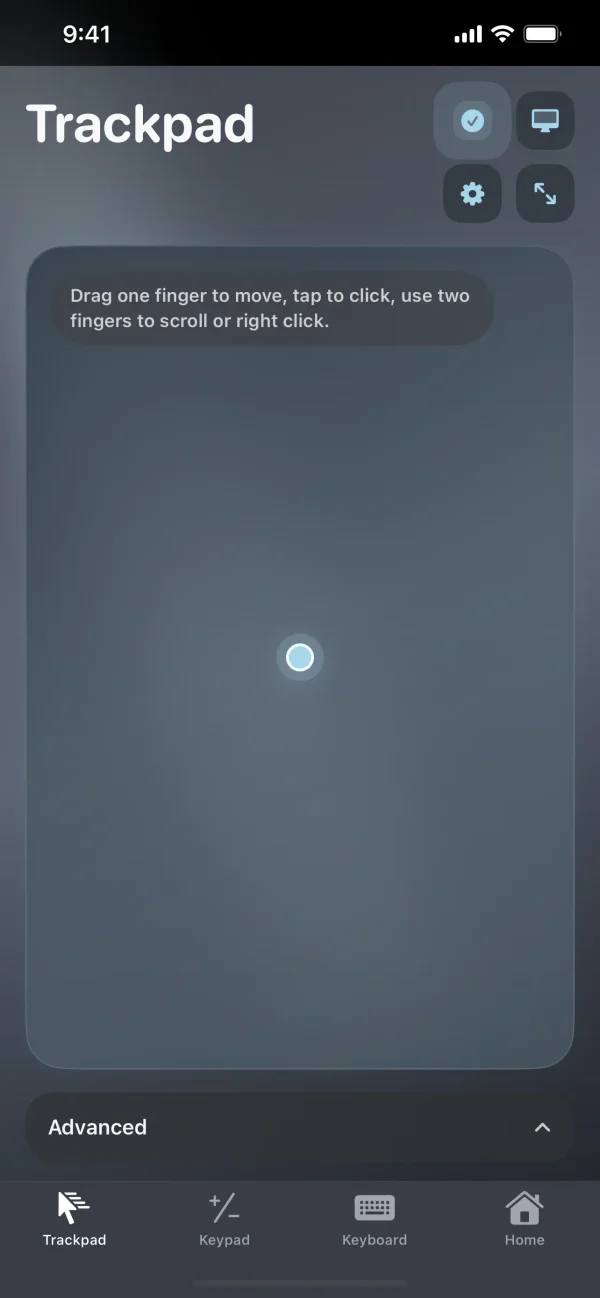
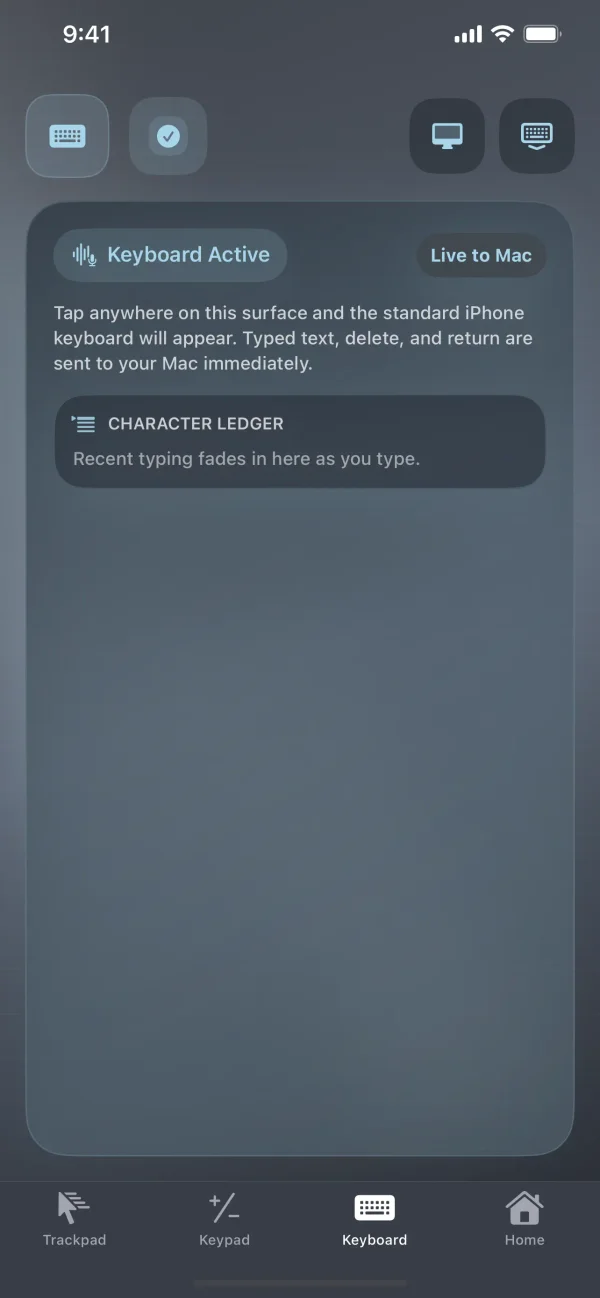
Tenki is more than a number pad. Move the computer pointer with a full trackpad, scroll with two fingers, click or right-click, and type remotely using the iOS keyboard or dictation.
BUILT FOR FAST INPUT
- Classic ten-key and spreadsheet-first layouts
- Portrait and landscape controls
- Haptic feedback for confident key presses
- Selectable modern and vintage key sounds
- Full trackpad with pointing, clicking, dragging, and scrolling
- Remote keyboard and dictation input
- Multiple visual themes with synchronized MacOS and iOS styling
LOCAL BY DESIGN
Tenki connects your devices over the local network. It requires no account and uses no ads, analytics, tracking, cloud sync, or cloud service.
HOW IT WORKS
1. Download the free TenkiMac companion at https://cposeley2.github.io/tenki-support/#download. Move it to Applications and open it on your Mac.
2. Allow Accessibility access so TenkiMac can send the input you request.
3. Keep both devices on the same Wi-Fi network. Allow Local Network access on your iPhone or iPad, then open Tenki and choose your Mac.
4. Start entering numbers, moving the pointer, or typing.
Tenki requires a computer running MacOS and an iPhone or iPad on the same local network.
新機能
バージョン 1.0.1 · 2026/10/18
Getting started with your Mac is now easier.
- A simple setup guide walks you through installing TenkiMac, enabling Accessibility, and connecting your devices.
- Find the free Mac companion from Home, Choose Mac, and connection help.
- Share the download link through Messages or AirDrop, or copy it to open on your Mac.
- A gentle reminder helps you find the Mac app when you are still disconnected after 30 seconds.
アプリのプライバシー
このアプリのデータの取り扱いについて、Jaime PoseleyがApp Storeで申告している内容です。
-
データの収集なし
開発元はこのアプリからデータを収集しません。
プライバシーの取り扱いは、ご利用の機能やお客様の年齢などに応じて異なる場合があります。
情報
- 販売元
- Jaime Poseley
- カテゴリ
- ユーティリティ
- バージョン
- 1.0.1
- 更新日
- 2026/10/18
- リリース
- 2026/10/15
- サイズ
- 3.5 MB
- 必要条件
- iOS 18.0以降
- 対象年齢
- 4+
- 価格
- 無料
- 言語
- 英語
- 著作権
- © 2026 Collin Poseley