Cap0.6.3 for macOS
Records your Mac screen, camera and mic, then edits and shares
Free
You are on Windows — this is the macOS version. See the Windows version
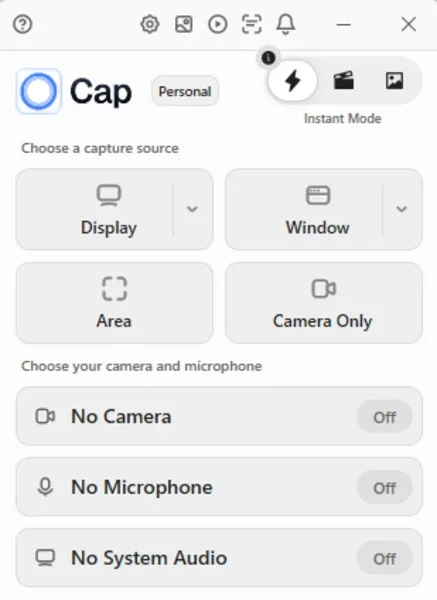
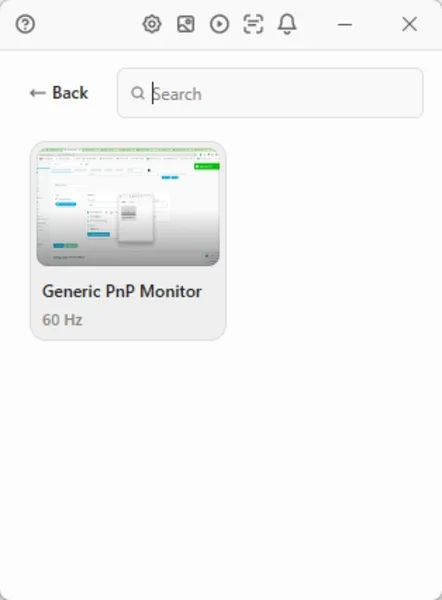
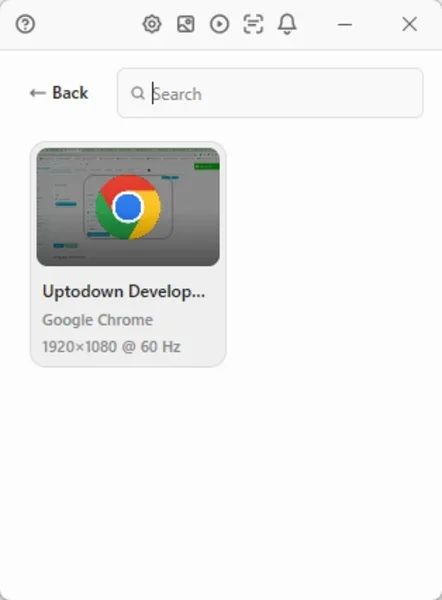
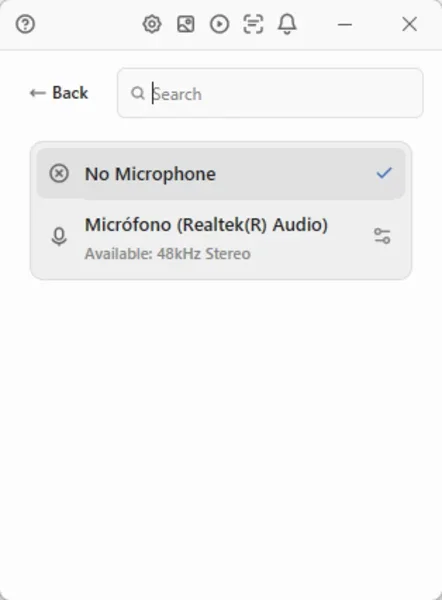
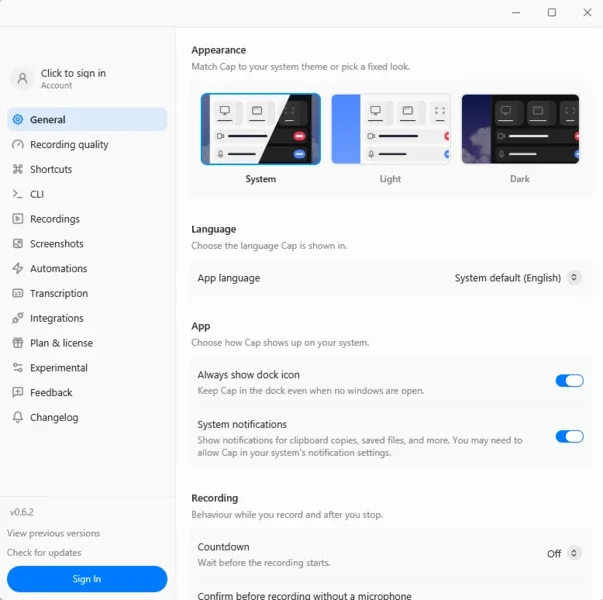
Cap records the screen on a Mac. You pick the whole desktop, a chosen window, or an area you define, and it can capture desktop activity, the camera, and the microphone. Camera-only recording works too. Camera, screen, voice, and computer audio can go into a single recording.
Editing and playback
The built-in editor trims and splits clips, reorders them, and changes playback speed. Zoom effects pull attention to part of the screen, cursor visibility can be enhanced, and the camera side can be reframed, given a background, or recomposed. Animated titles and other visual assets can be added. Subtitles are generated automatically. A playback page can carry a transcript, chapters, timestamped comments, and reactions.
Sharing and access
Recordings are shared by link and play in a browser without downloading the file. Access can be password-protected, content can be organized into shared workspaces, and viewing statistics are available. Some collaboration and recording management features require a paid subscription.
[Release notes coming soon]
Verify the file
Compare the SHA-256 of the file you downloaded with the value below. Files exactly as the publisher released them.
-
cap-0-6-3.tar.gz
0.6.3 · GZ · 107.4 MB
SHA-256
3dbd8c954fb8ca902d2b2c405fa5e89bb05c2f71770f7b639f86c1f98ff1ca5bCheck on VirusTotal Get
Files exactly as the publisher released them.
Information
- Seller
- Cap Software, Inc.
- Size
- 107.4 MB
- Category
- Desktop Tools
- Compatibility
macOS
- Languages
English
- Age rating
- 3+
- Price
- Free
- Platform
- Also available on Windows